01
Every product in every language
The company in one breath.
45 to 50 s · Planned
Every film on the General Translation motion roster, with its length and its status. Each rendered film plays here from the copy the site publishes.
A film is rendered when its final render exists, in production when its folder or research package exists, and planned otherwise. A final render without a web copy stays in the motion folder, and its row gives the path.
The brand film, the mark sting, the blog films, the Lottie film, the release board, the Slash announcement with its German, Spanish and Japanese cuts, How General Translation works and the showreel, in the order of the roster.
The company in one breath.
45 to 50 s · Planned
The post takes a docs page apart (zones, layers, the reading path, the redline pass, type, alignment, icons, the hit list).
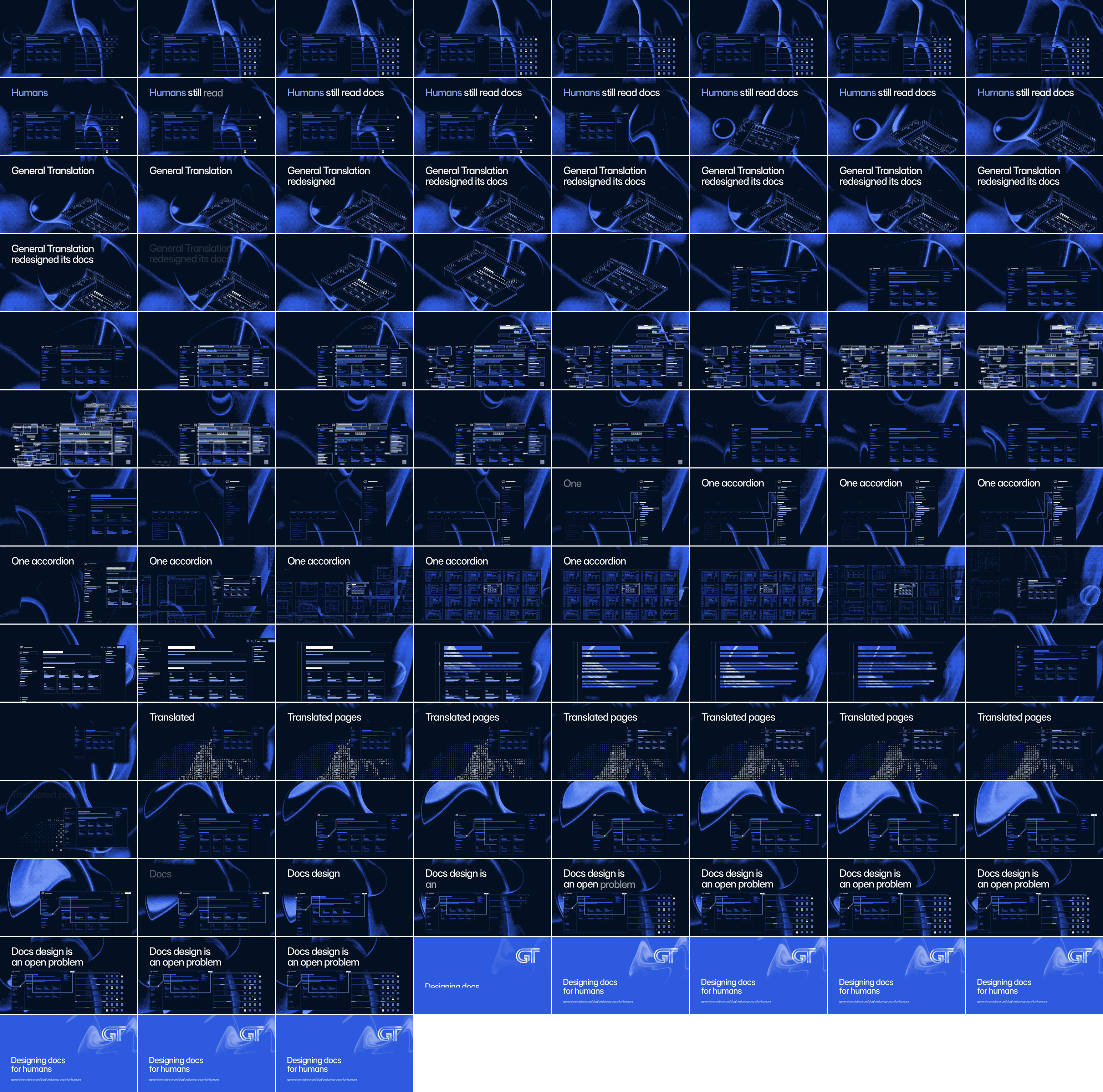
Two frames a second across the v8 cut, each from the middle of its half second, eight to a row: 111 frames. It is the cut that plays above.
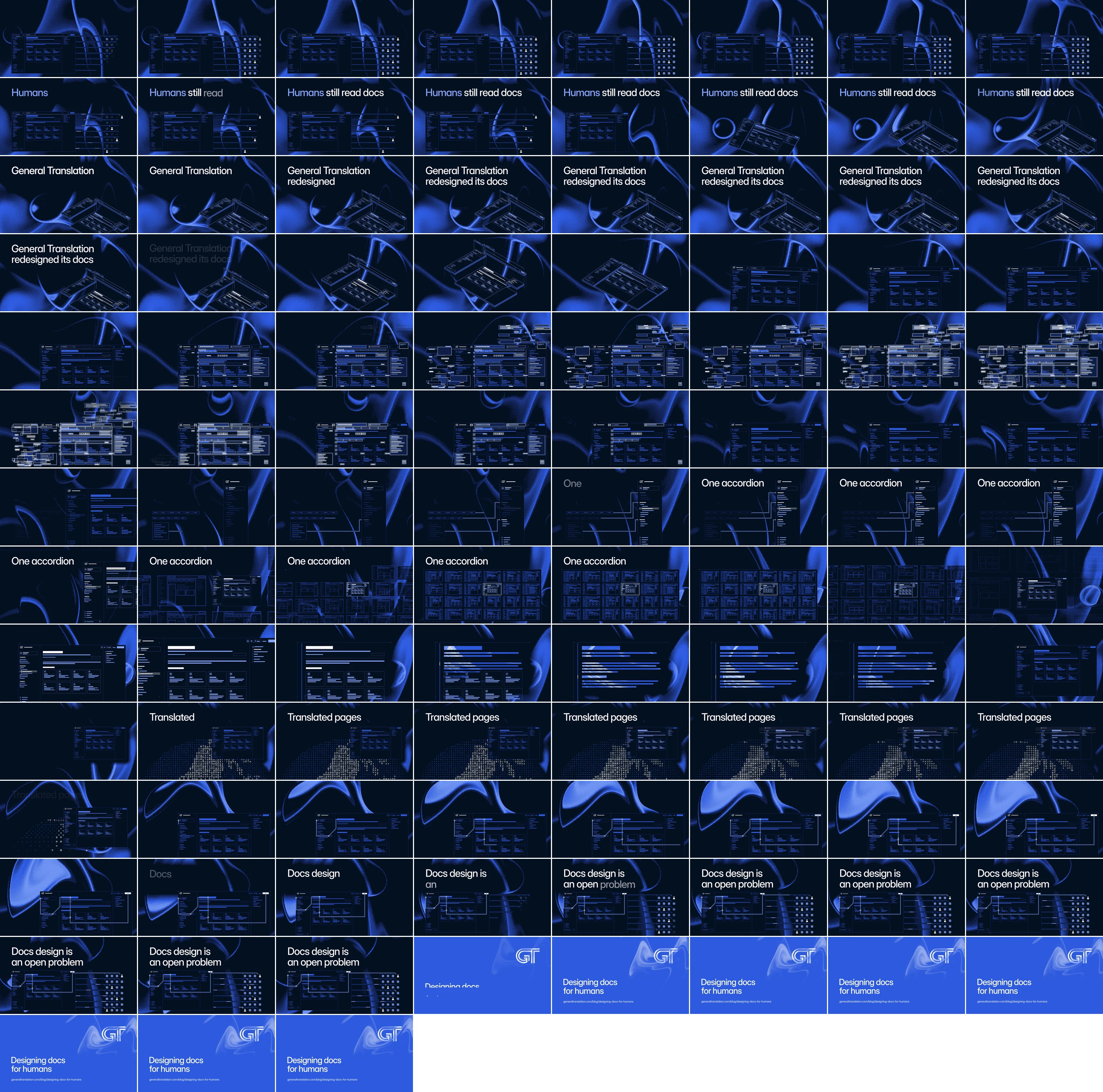
Most docs readers are now AI agents, which makes an intuitive, intentional docs interface even more important, so General Translation redesigned its docs from scratch around its writing: it deleted the clutter, made the sidebar one accordion, gave the writing open space, kept translated pages aligned and pointed each page at what its reader wants, and it still treats docs design as an open problem.
| Time | Voice | Line | On screen |
|---|---|---|---|
| 0:01.00 | Narrator | Most docs readers are now AI agents. | GT’s old docs page is wired to a column of 28 readers. Pulses run to the 24 AI agents, and 4 are people. |
| 0:04.00 | Narrator | An intuitive, intentional docs interface becomes even more important. | “Design still matters” arrives over the old page as one title. The agents leave and the four people stay, their links to the page light white on “interface,” and once the line ends the people leave and the page stays where it is. |
| 0:09.74 | Narrator | General Translation redesigned its docs from scratch so people would read its writing. | The GT mark lights white and a white line draws up out of the page’s corner and along under “General Translation,” whose words rise onto it. On “redesigned” the page turns into the isometric view where it sits and its layers rise off it one at a time, the extra pieces highest; a thumb runs the contents rail as the writing prints white. Then the stack centres and comes down flat. |
| 0:16.04 | Narrator | Interfaces keep getting more cluttered, which creates mental clutter. | With no heading, the clutter arrives in three waves: extra lines, links and buttons, a toast over the demo button, then cards spilling into the margin. |
| 0:20.66 | Narrator | The redesign started by deleting extra lines, links, and buttons. | White boxes outline every piece. A band sweeps the general junk away, then the lines, the links and the buttons each leave on their own word, and the header closes into one row. |
| 0:26.94 | Narrator | The sidebar is now one accordion, which is rare among docs sites. | The camera pushes into the sidebar. Three old navigation bars connect into it one after another, and the accordion’s rail draws under “One accordion.” Then the camera pulls back until the page is one lit page in a wall of docs sites. |
| 0:33.34 | Narrator | The writing now has more open space around it. | The camera flies into GT’s page. The furniture falls away, and the writing prints line by line with wide margins while a thumb runs down its rail. |
| 0:38.30 | Narrator | Translated pages keep the same spacing and alignment. | The camera pulls out to the whole page, and a planet of letters lights under it under “Translated pages.” On “same” every letter switches to another writing system, and three dashed guides show the alignment holds. |
| 0:42.66 | Narrator | Each page guides its reader toward the action they want. | With no heading, one reader’s path draws through the page’s five stops to the demo button, which lights white, and a pulse runs along it. |
| 0:46.72 | Narrator | Docs design is an open problem, and the team keeps working on it. | “An open problem” arrives as one title as the page shrinks back among the readers. The path runs on out of the page into one of the people, so the last frame mirrors the first. |
| 0:50.64 | No voice | End card, no voice. | The shared end card: the GT mark, the post’s title and its link. |
Times are where each line starts in the final, read from the film's own audio.
0:56 · Rendered
Two readers of one page.
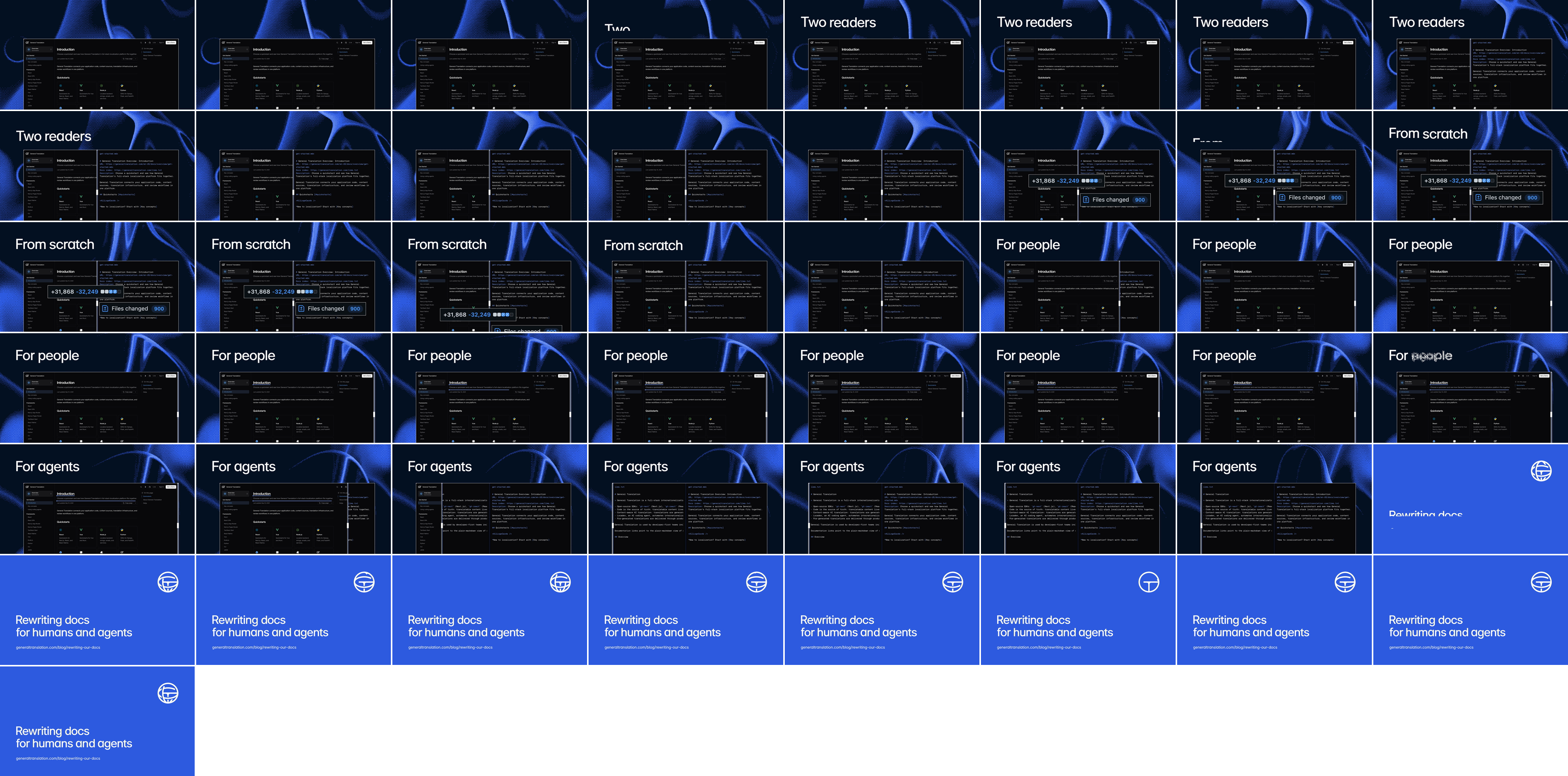
Two frames a second across the v2 cut, each from the middle of its half second, eight to a row: 47 frames. It is the cut that plays above.
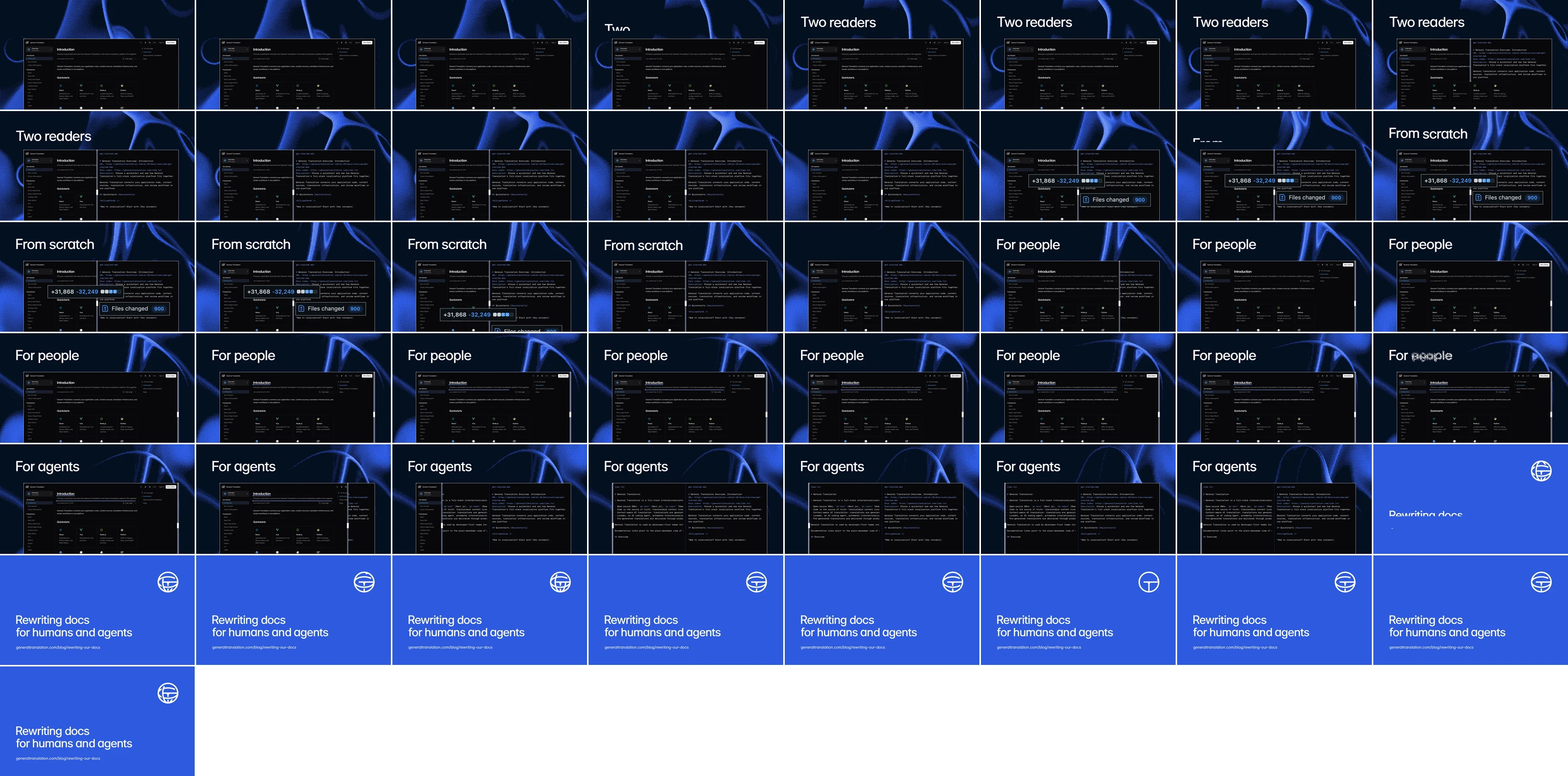
Docs now have two readers, so General Translation rebuilt its docs for both: for people each page starts with what it covers, and for agents every page is also served as raw Markdown.
| Time | Voice | Line | On screen |
|---|---|---|---|
| 0:00.90 | Narrator | Docs now have two readers: people and AI agents. | General Translation’s Introduction docs page sits on a blue dithered field. “Two readers” rises word by word, then a seam draws down the page and the content to its right turns into the page’s Markdown, the text an agent is served. |
| 0:05.16 | Narrator | General Translation rebuilt its docs from scratch for both. | Two chips from the post’s figure rise over the split page, “+31,868 -32,249” and “Files changed 900”, and “From scratch” rises. The chips slide away again. |
| 0:10.46 | Narrator | For people, each page starts with what it covers and when to use it. | “For people” rises as the seam’s handle slides to the page’s right edge, so the whole rendered page shows. A blue line draws under the page’s title, then under its summary. |
| 0:15.28 | Narrator | For agents, every page is also served as raw Markdown. | “people” breaks into small squares that settle as “agents”. The handle sweeps back across the whole page, which becomes llms.txt beside the page’s Markdown. The film cuts to the end card: “Rewriting docs for humans and agents” and generaltranslation.com/blog/rewriting-our-docs. |
Times are where each line starts in the final, read from the film's own audio.
0:24 · Rendered
A portrait of Fumadocs' creator and his credo.
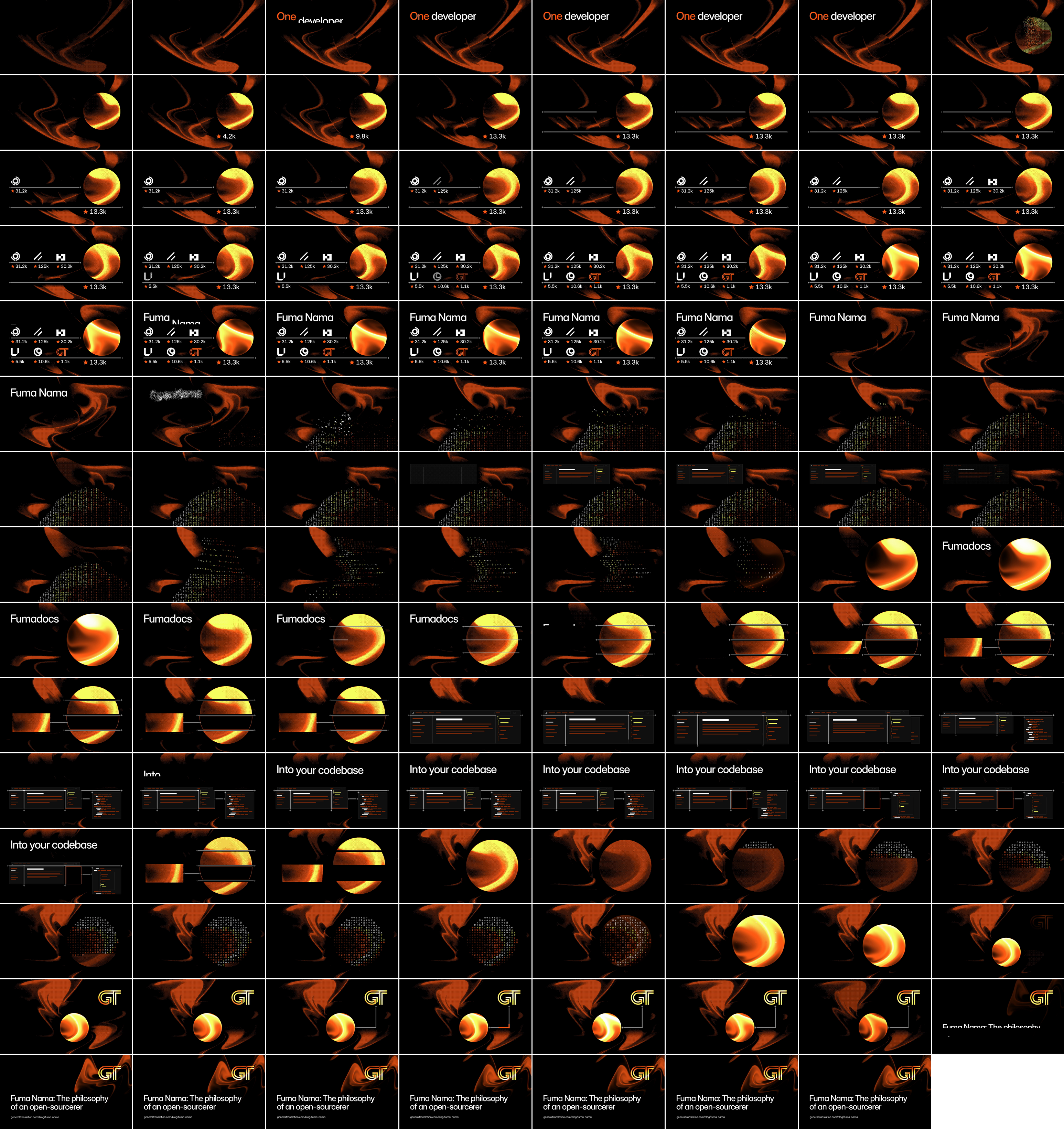
Two frames a second across the v4 cut, each from the middle of its half second, eight to a row: 119 frames. It is the cut that plays above.
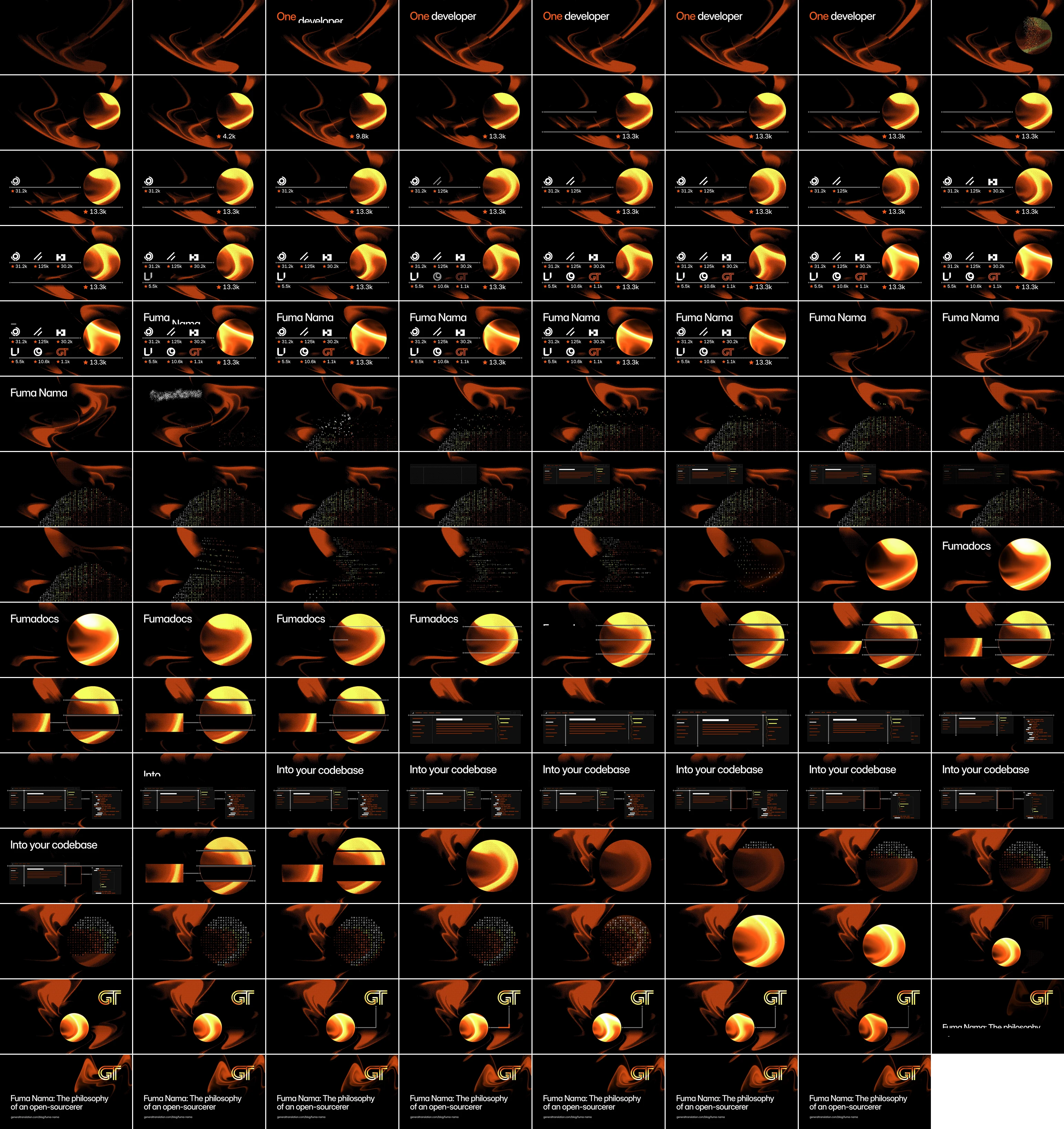
One developer, Fuma Nama, created Fumadocs, a docs framework with over 13,000 GitHub stars that Vercel Turborepo, shadcn/ui, Better Auth, Unkey and many others use, and he has built it for three years on top of his schoolwork. He learned to code by modding games and reading code, and he did not read documentation. He designed Fumadocs in four layers that developers can take apart, down to copying only the table of contents into their own code. He thinks he would build it the same shape again, and General Translation has made it its first open-source grantee.
| Time | Voice | Line | On screen |
|---|---|---|---|
| 0:01.04 | Narrator | One developer created Fumadocs, a docs framework with over 13,000 stars on GitHub. | “One developer” rises word by word over the fire smoke, with “One” in fire. The words break into cells that become the Fumadocs moon, its 13.3k star count tallies, and two shelves draw out under it. |
| 0:07.98 | Narrator | Vercel Turborepo, shadcn/ui, Better Auth, Unkey and many others use it. | Each team’s logo lights in its slot as its name is said, with its GitHub stars: Turborepo, shadcn/ui, Better Auth and Unkey, then Orama and the GT mark together. A fire pulse runs along the shelf into the moon, which turns to glass. |
| 0:16.42 | Narrator | Fuma Nama has built it for three years, on top of his schoolwork. | “Fuma Nama” rises above the shelf. Then everything else recedes, and the name stands alone over the smoke. |
| 0:21.02 | Narrator | He learned to code by modding games and reading piles of JavaScript. | The name breaks into cells that fall and become code characters. They rain down and pile into a mound, and the last ones land on “JavaScript.” |
| 0:26.34 | Narrator | He did not look at any documentation while he was learning. | A small docs page builds above the heap, its table of contents steps once, and it fades on “documentation.” The heap’s top glyphs travel into a code file of 25 lines. |
| 0:31.02 | Narrator | He designed Fumadocs in four layers that developers can take apart and reshape. | The file fades as the large Fumadocs moon glows up in its place, with “Fumadocs” beside it. The moon turns to print, seams cut it into four layers that part, and one layer slides out and squares off into a block. |
| 0:37.66 | Narrator | The CLI can copy just the table of contents into your codebase. | A match cut on the middle seam turns the moon into a full docs page. Its parts move apart, “Into your codebase” rises, and the table of contents lifts out and travels into a code panel. |
| 0:44.68 | Narrator | If he started again from scratch, he thinks Fumadocs would probably have the same shape. | A match cut back to the parted moon. Its pieces return to the circle, and the circle fills row by row with letters from 16 writing systems, the last row landing on “shape.” |
| 0:50.96 | Narrator | Fumadocs is General Translation’s first open-source grantee. | The glyph moon turns to glass, moves down and shrinks. The GT mark forms in fire smoke in the corner, and a pulse runs along a connector into the moon on “grantee.” |
| 0:54.66 | No voice | End card, no voice. | The shared end card: the GT mark, the post’s title and its link. |
Times are where each line starts in the final, read from the film's own audio.
1:00 · Rendered
The grants announcement.
14 to 18 s · Planned
For the upcoming post about translating Lottie animations.
0:19 · Rendered · motion/out/lottie-translation.mp4
The changelog as a split-flap departure board (a reference the brand names).
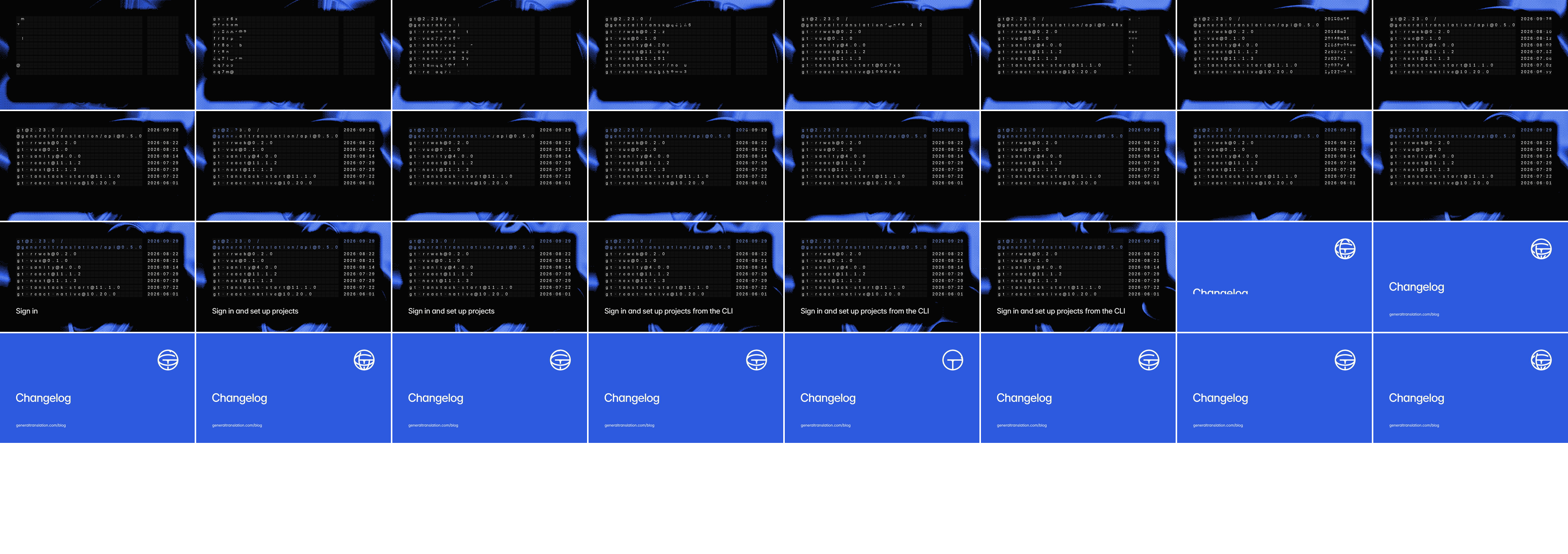
Two frames a second across the v2 cut, each from the middle of its half second, eight to a row: 30 frames. It is the cut that plays above.
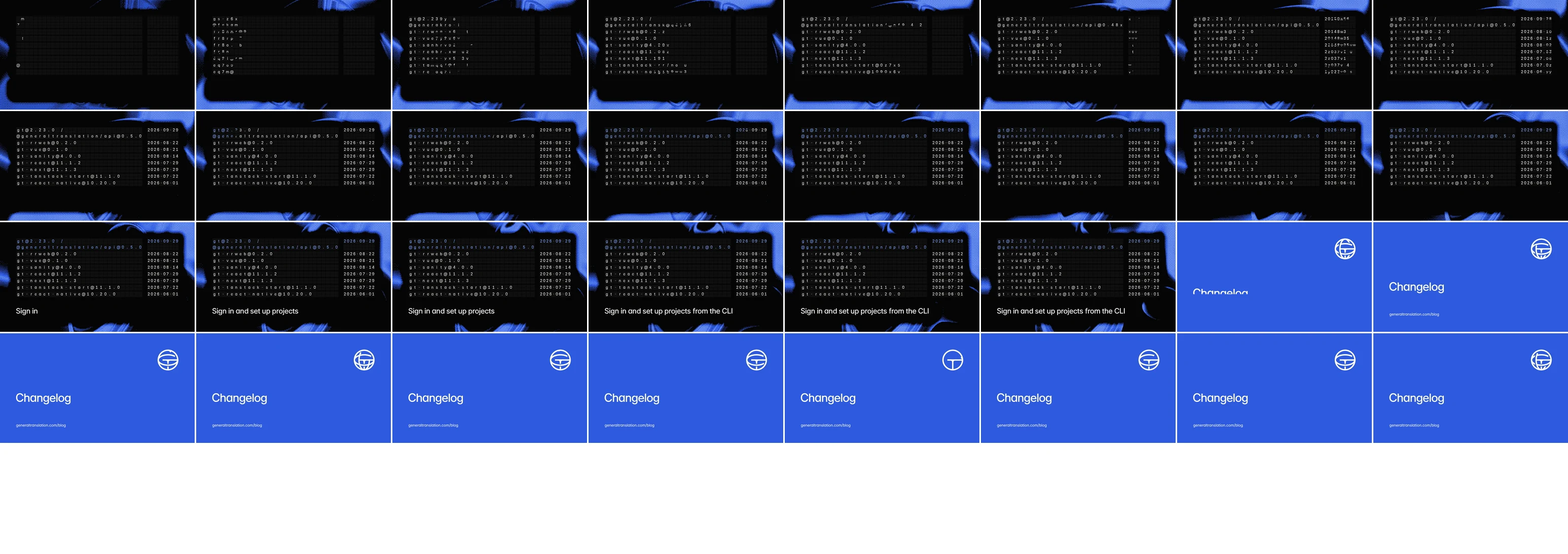
A split-flap board fills with the newest releases of General Translation's packages, and the newest, gt 2.23, lets you sign in and set up projects from the CLI.
| Time | Voice | Line | On screen |
|---|---|---|---|
| 0:00.62 | Narrator | This board lists the newest releases of General Translation’s packages. | A blank split-flap board on ink, its flaps raised ink with a hinge gap, a field of blue gem smoke printed through the 3 px Bayer screen around it. Every character flips through the drum faces before it and lands, columns resolving left to right from 0.75 to 4.0 s, until the board reads, newest first: gt@2.23.0 / @generaltranslation/api@0.5.0 2026-09-29; gt-rrweb@0.2.0 2026-08-22; gt-vue@0.1.0 2026-08-21; gt-sanity@4.0.0 2026-08-14; gt-react@11.1.2 2026-07-29; gt-next@11.1.3 2026-07-29; gt-tanstack-start@11.1.0 2026-07-22; gt-react-native@10.20.0 2026-06-01. A click for every flap that lands, under the voice. |
| 0:04.70 | Narrator | The newest, gt 2.23, lets you sign in and set up projects from the CLI. | On "The newest" the top row (gt@2.23.0 / @generaltranslation/api@0.5.0 and its date) flips once more, left to right, into the accent, #86a8ff. Under the board the devlog's headline for the release rises in three groups as they are spoken, in one line at 76 px: "Sign in and set up projects from the CLI". |
| 0:11.00 | No voice | A hard cut to the series end card, blue: "Changelog", the doubled-line GT mark in gem smoke and generaltranslation.com/blog. |
Times are where each line starts in the final, read from the film's own audio.
0:15 · Rendered
The announcement of General Translation's partnership with Slash.
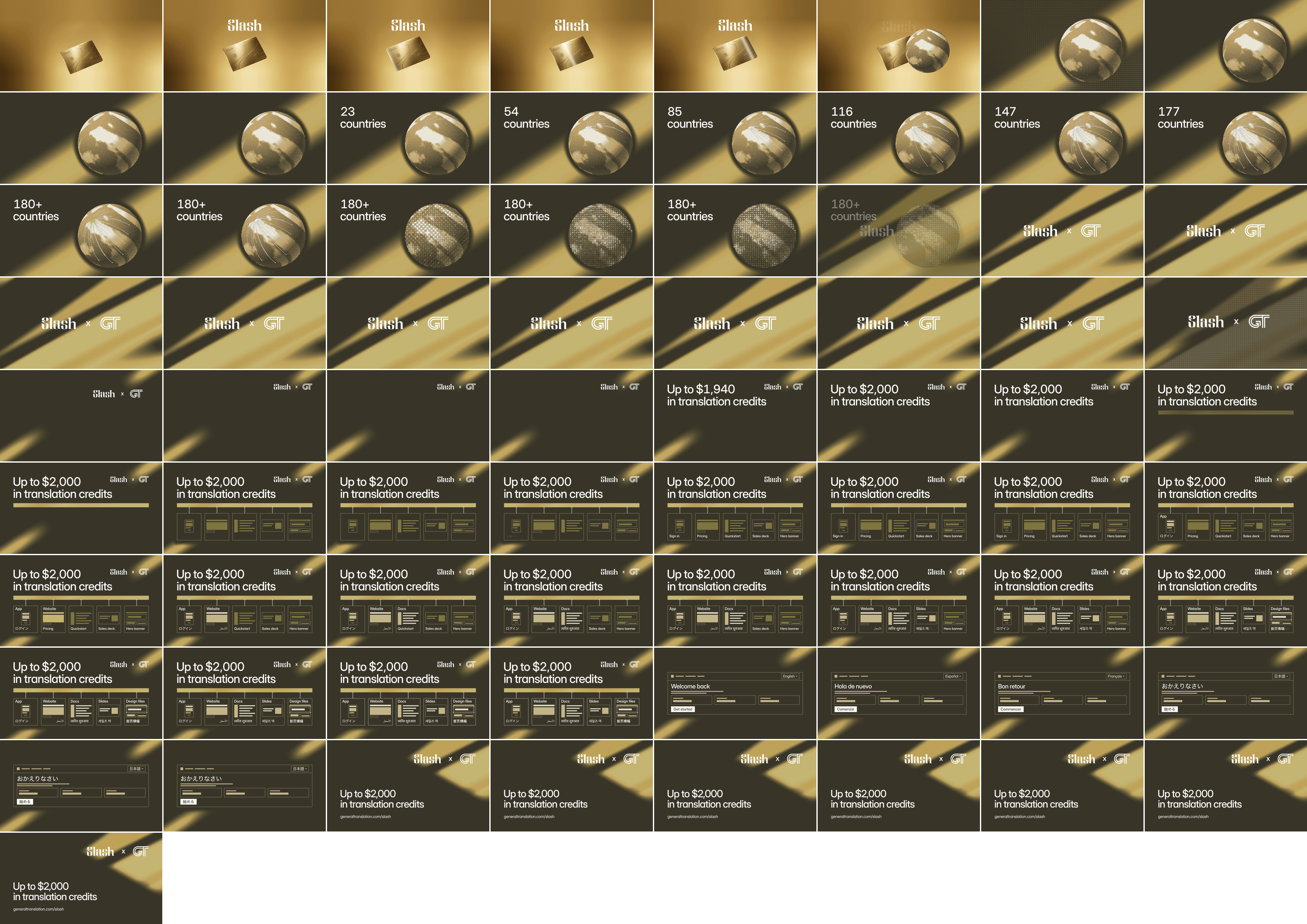
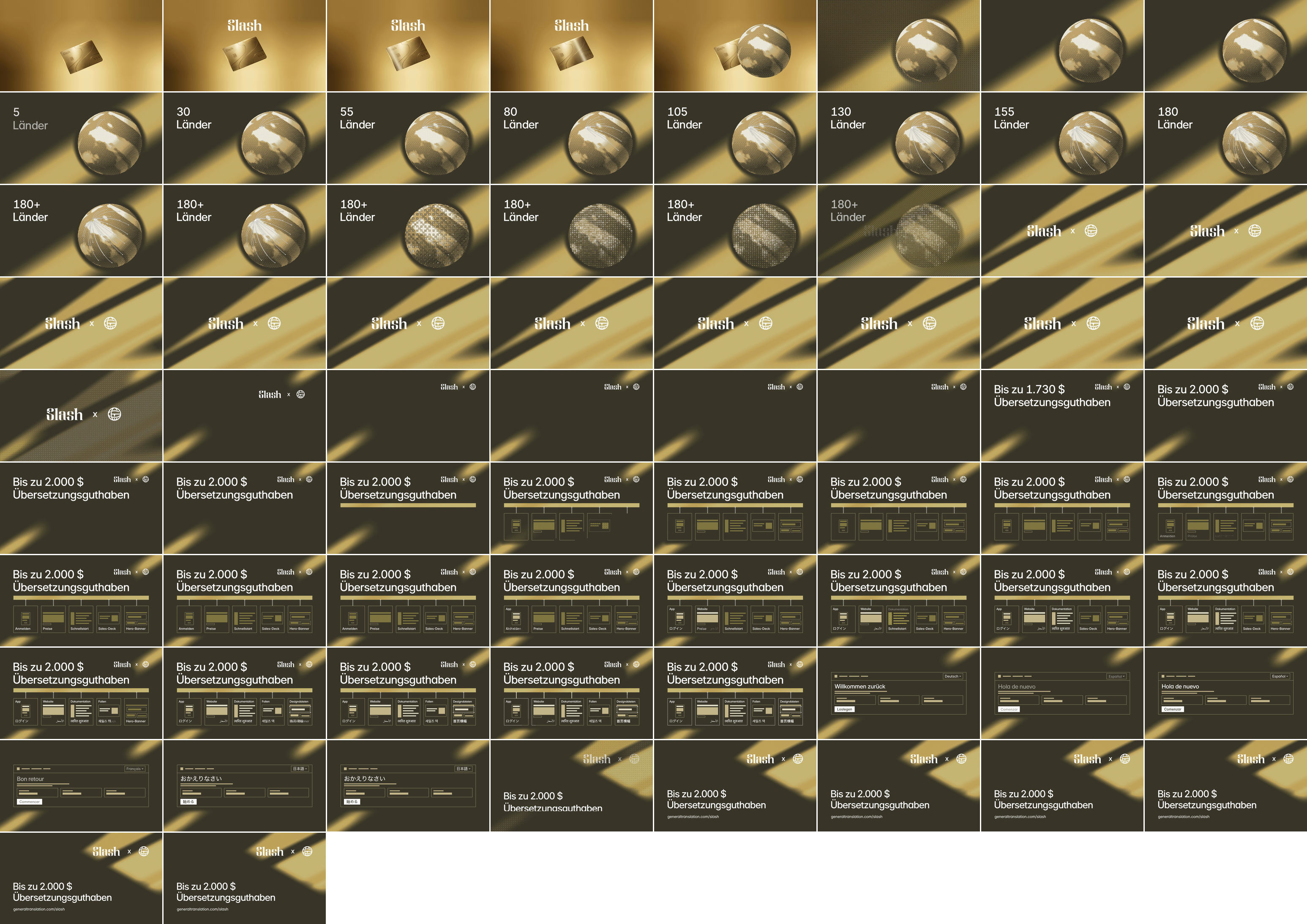
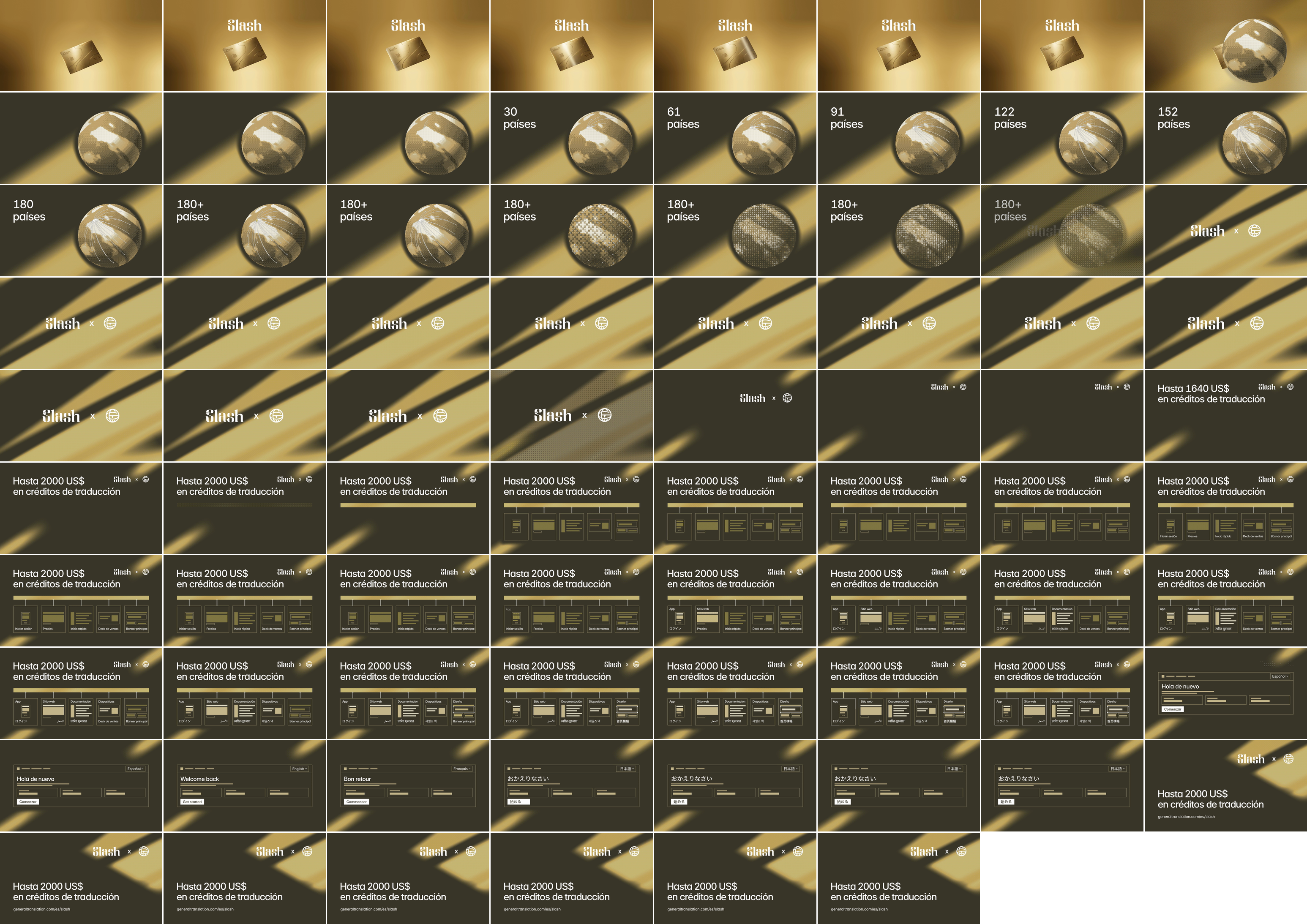
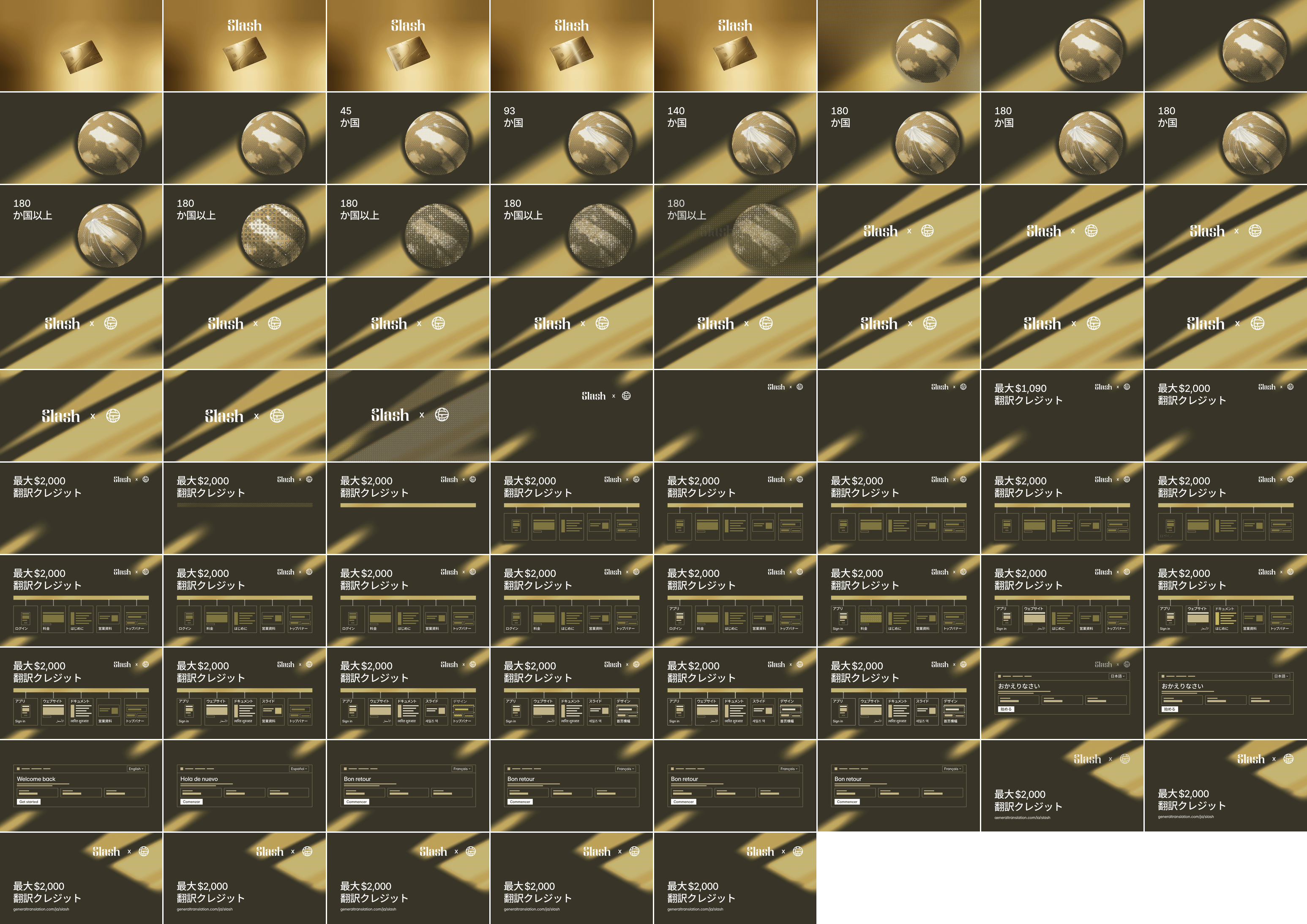
Two frames a second across the v8 cut, each from the middle of its half second, eight to a row: 73 frames. It is the cut that plays above.
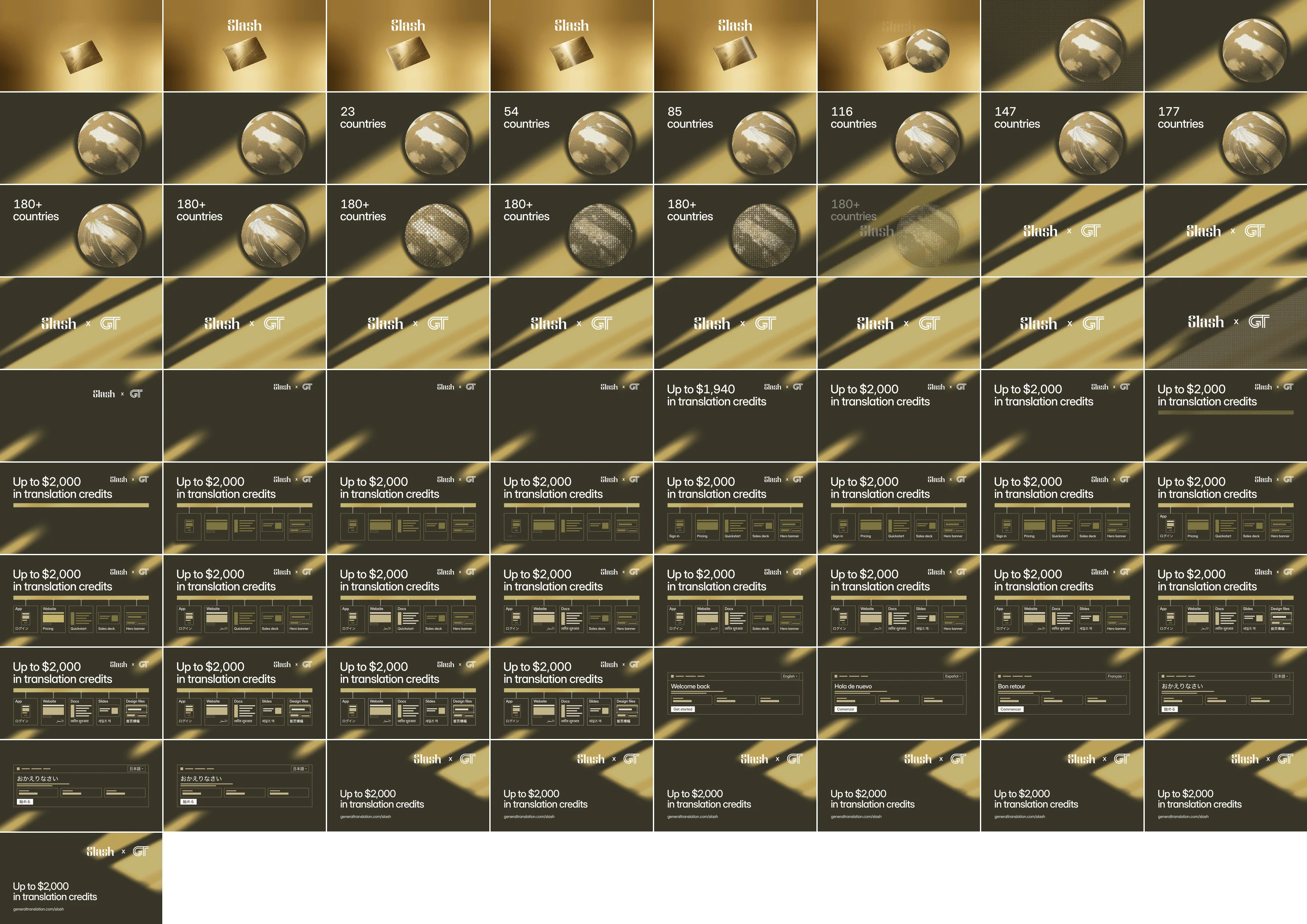
Slash is building the financial command center for businesses and supports sending and receiving global payments to 180+ countries. General Translation is partnering with Slash, and eligible Slash customers can receive up to $2,000 in translation credits for their app, website, documentation, slides and design files.
| Time | Voice | Line | On screen |
|---|---|---|---|
| 0:00.38 | Narrator | Slash is building the financial command center for businesses. They support sending and receiving global payments to over 180 countries. | Slash's gold Visa card, from Slash's own photo, floats up into place on a warm gold ground and turns slightly in perspective. On "Slash" the Slash wordmark, in white, rises into place centred above the card, and from "building" to "center" a soft highlight slides across the card's brushed metal. On "for" the wordmark fades out and the dithered globe grows from a point to its full size at the card's right, in front of the card; the card slides right and passes behind the globe, getting a little smaller as it goes, and is hidden by the globe's edge, while from "businesses" the gold photo around them dissolves through the screen into the olive light. A white cross prints on the globe's lit upper left by "They". From "sending" 24 white routes, each edged with a thin dark line so it reads on the bright land, draw out of that cross one after another, each ending in a small white cross, while "N / countries" counts up to 180 on "eighty". On "countries" the "+" is set and a gold pulse runs out along every route. The routes pull back and every square of the globe turns into a letter from one of twenty writing systems, then every letter changes once to another script. |
| 0:09.78 | Narrator | We're excited to partner with Slash to help ambitious companies reach customers in every language. | Over the globe of scripts for the first words. On "partner" the globe and the figure fade out through the screen while the gold light returns and the Slash x GT lockup prints in reading order: the Slash wordmark, a white x, the GT mark. From there to the end of the line the lockup stands alone on the drifting gold light and slowly grows at an even rate, about nine percent, until the next line begins. |
| 0:15.52 | Narrator | So if you bank with Slash, we're giving you up to two thousand dollars in translation credits to localize any product surface. | On "So" the gold light gives way to the olive offer setting through the screen, while across "So if you bank with Slash" the lockup glides and shrinks to half its size into the top right corner. The lockup stays in its corner. On "up" the figure "Up to $2,000 / in translation credits" rises at the top left and counts from $10 to $2,000 by "thousand". A bar of the gold light rises on "credits". Just before "localize" five lines drop from it, and on "localize" five outlined plates draw under them, each with a small drawing of its surface, and on "surface" each plate's own interface string prints along its foot: Sign in, Pricing, Quickstart, Sales deck, Hero banner. |
| 0:22.58 | Narrator | That covers your app, website, documentation, slides, design files, and more. | Each plate lights on its word, takes its label (App, Website, Docs, Slides, Design files) and turns its string into its language: ログイン (Japanese), الأسعار (Arabic), त्वरित शुरुआत (Hindi), 세일즈 덱 (Korean), 首页横幅 (Chinese). On "more" a gold pulse runs down the five lines from left to right, and each plate's outline redraws in white as the pulse reaches it. |
| 0:29.60 | Narrator | Your product should exist in every language. | On "product" the picture cuts to an app page with a language selector, "Welcome back", three cards and a "Get started" button, in English, and the lockup fades out of its corner through the screen. It switches to Spanish on "exist", French on "every" and Japanese on "language". |
| 0:32.75 | No voice | On the music's held chord the app page fades out through the screen as the light changes, and the end card prints: the Slash x GT lockup in the top right corner on the light, larger than it stood through the offer, then "Up to $2,000 / in translation credits" and generaltranslation.com/slash. |
Times are where each line starts in the final, read from the film's own audio.
0:36 · Rendered
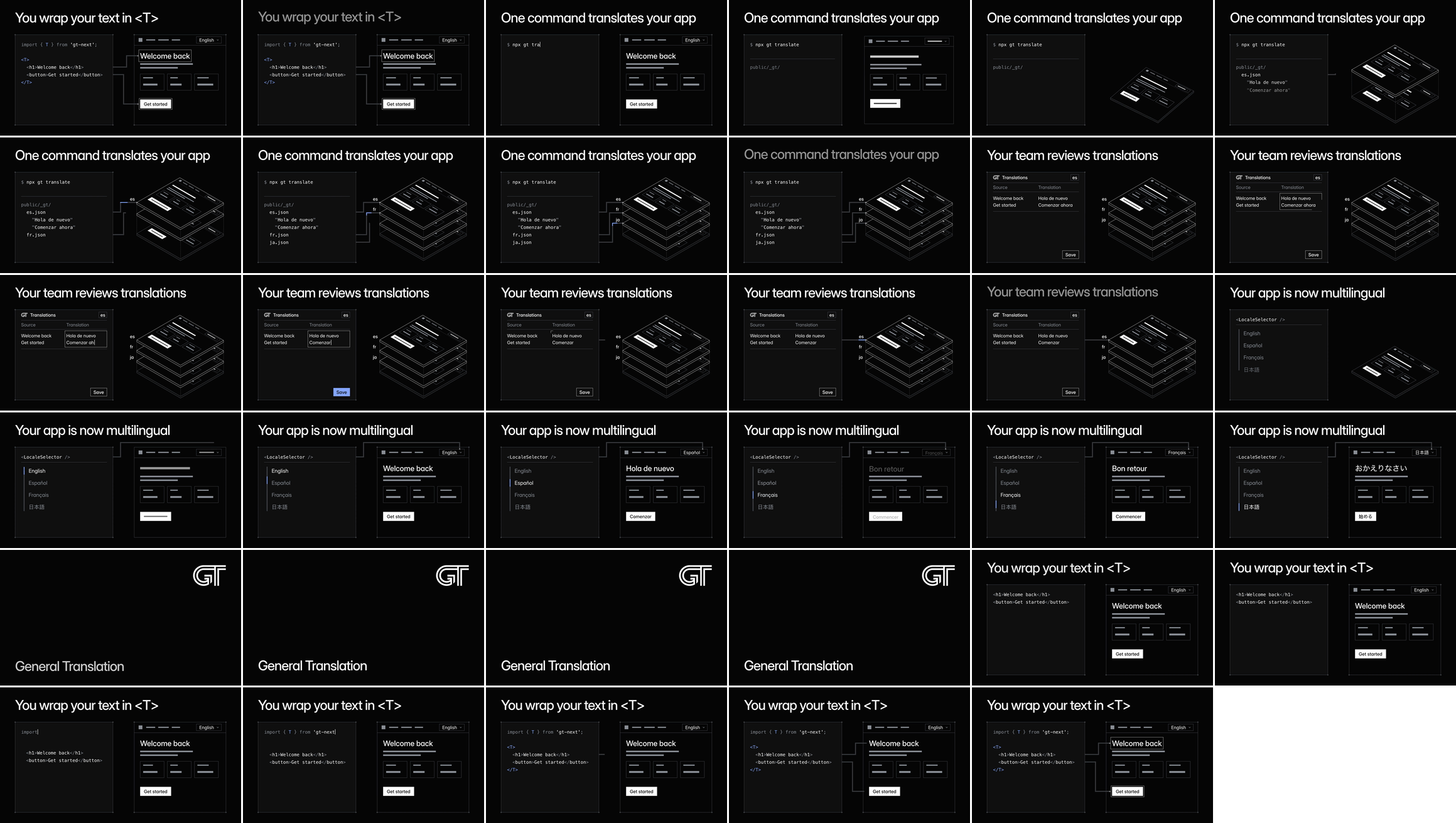
A looping product GIF of how General Translation localizes an app, made for OpenAI for Startups: the app's text is wrapped in the T component, one command (npx gt translate) writes the translation files, a reviewer edits a translation in the Dashboard, and the app switches between English, Spanish, French and Japanese.
Two frames a second across the cut, each from the middle of its half second, eight to a row: 35 frames. It is the cut that plays above.
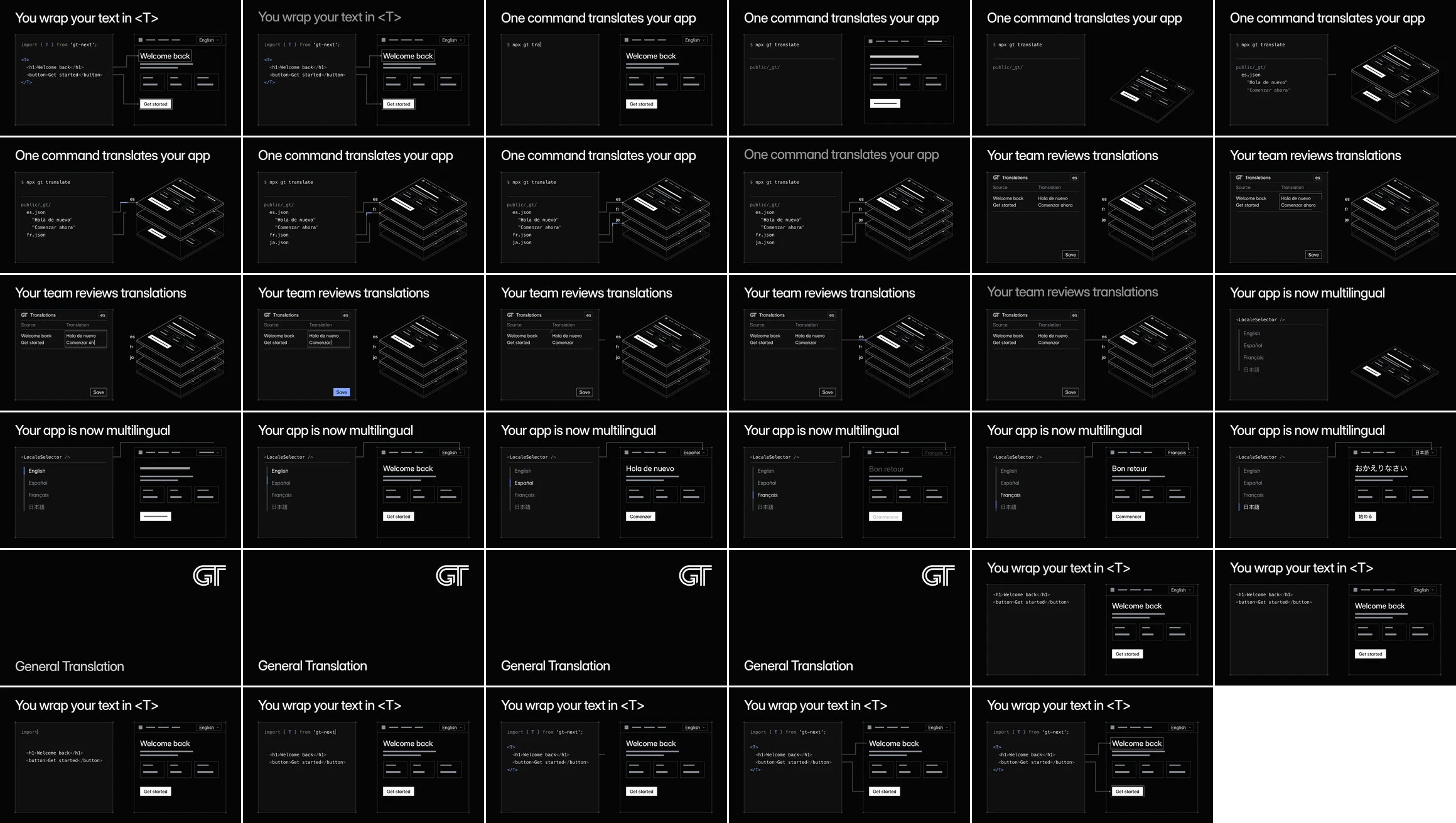
0:17 · Rendered
After every film is final, a 40 to 50 s showreel cut from them: the mark sting opens, the strongest four to six seconds of each film follow on hard cuts on the beat grid, the sting's end card closes.
40 to 50 s · assembled last · Planned
Six films about how a translation made the words a language uses. Each one has a research package with a script, a post, a vocabulary table, sources and a fact-check list.
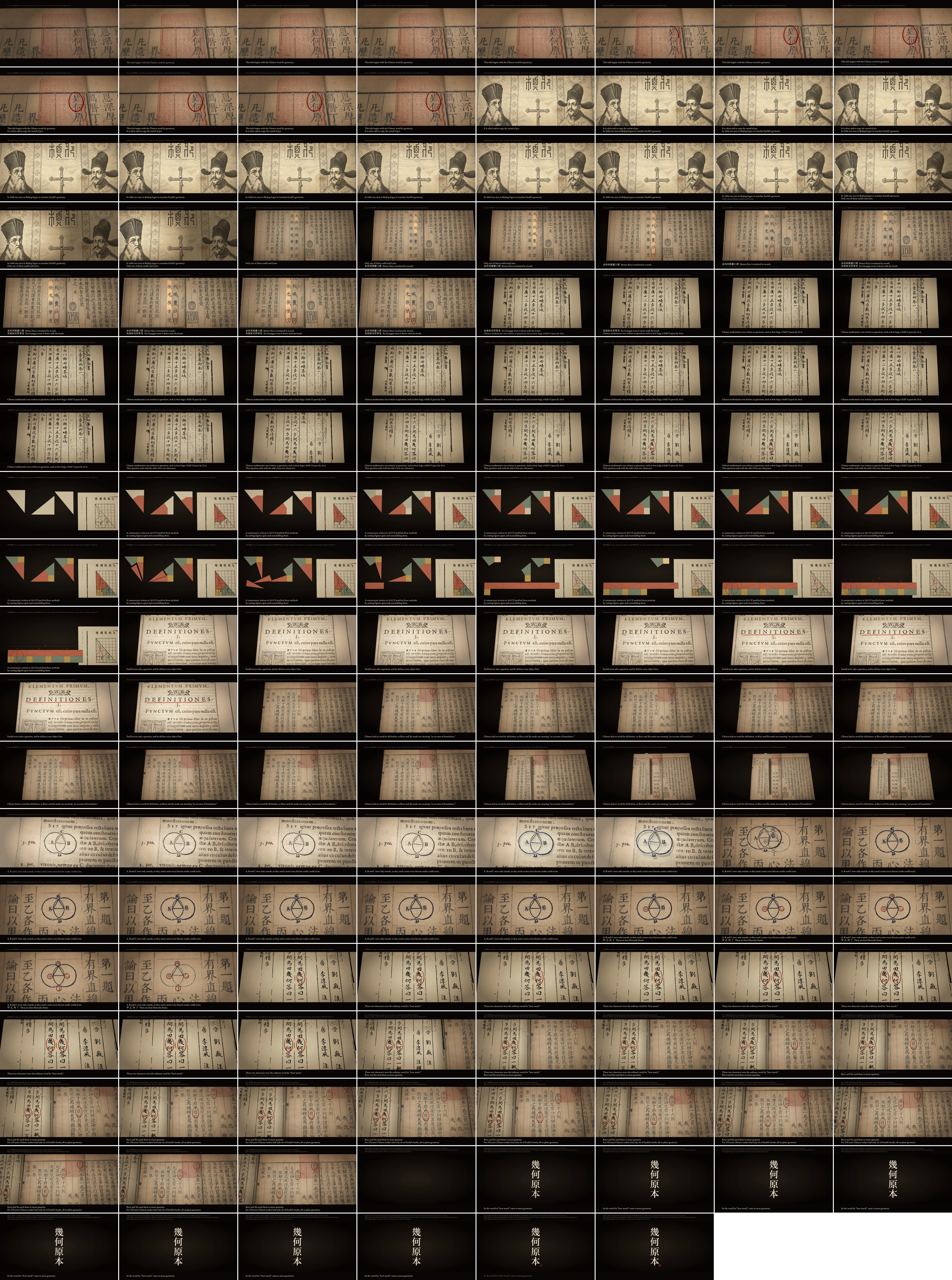
A Jesuit and a Hanlin Academy scholar sat down in Beijing to put Euclid into a language that had no word for "definition," "axiom," or "proof."
1:15 · Rendered
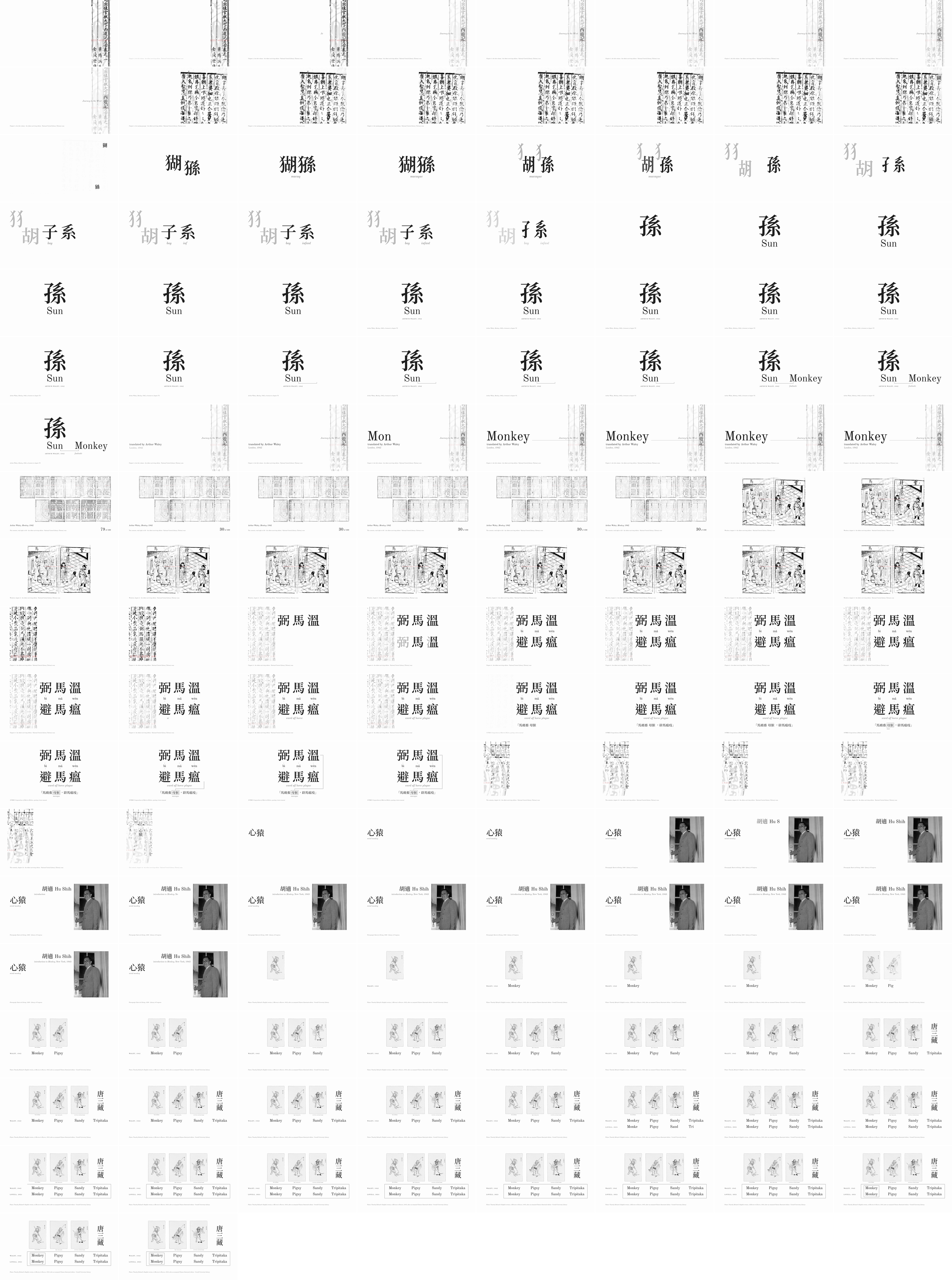
In 1942 George Allen & Unwin in London published Monkey, Arthur Waley's translation of the Ming novel 西遊記 Xiyou ji, Journey to the West.
1:13 · Rendered
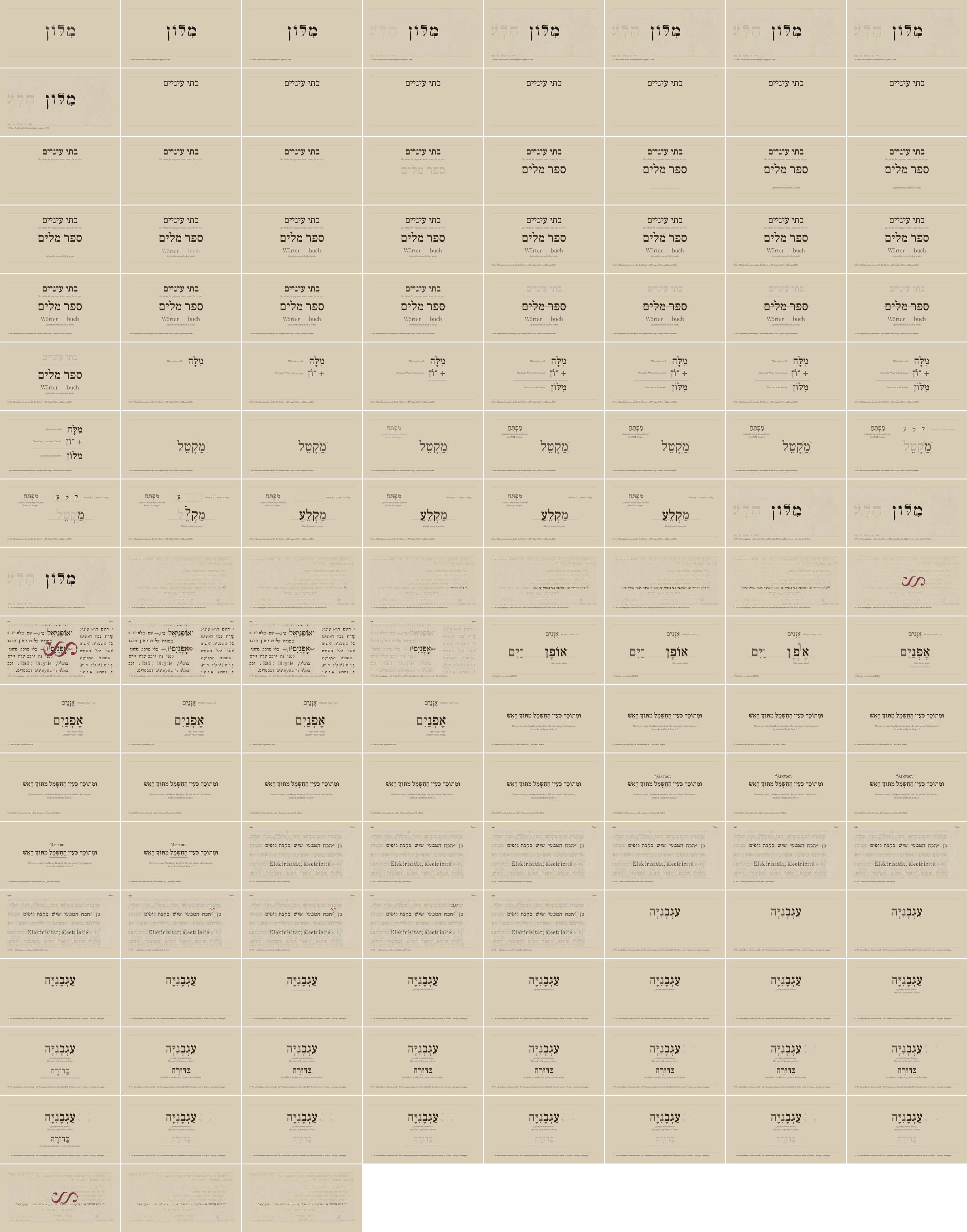
In the autumn of 1881, Eliezer Ben-Yehuda (אליעזר בן־יהודה) and his wife Devora (דבורה) landed at Jaffa.
1:10 · Rendered
Japanese and Chinese write "philosophy" with the same two characters, 哲学: tetsugaku in Japanese, zhexue in Chinese.
1:36 · Rendered
In 1526 a printer at Worms finished a small New Testament in English.
1:37 · Rendered
Ḥunayn ibn Isḥāq (حنين بن إسحق) translated the medical works of the Greek physician Galen into Syriac and Arabic in ninth-century Baghdad.
1:40 · Rendered
Short films that each answer one question about General Translation, in the order of the roster: choosing a tool, setting up i18n in each framework, translating text in code, reviewing and shipping translations, and translating docs, CMS content, slides, subtitles and animations.
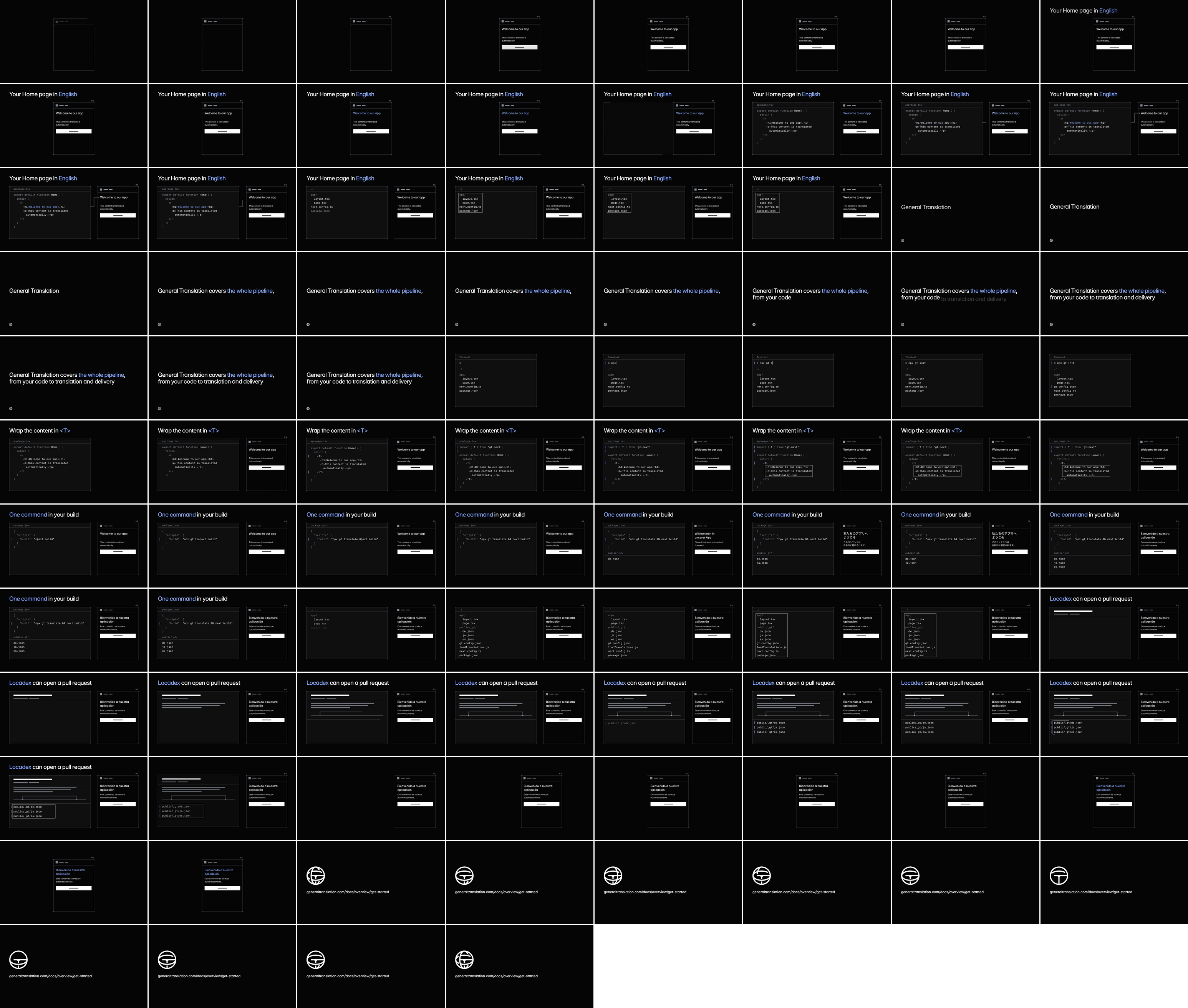
Look for one system that covers the whole pipeline, from the i18n library in your code to translation and delivery.
Two frames a second across the cut, each from the middle of its half second, eight to a row: 88 frames. It is the cut that plays above.
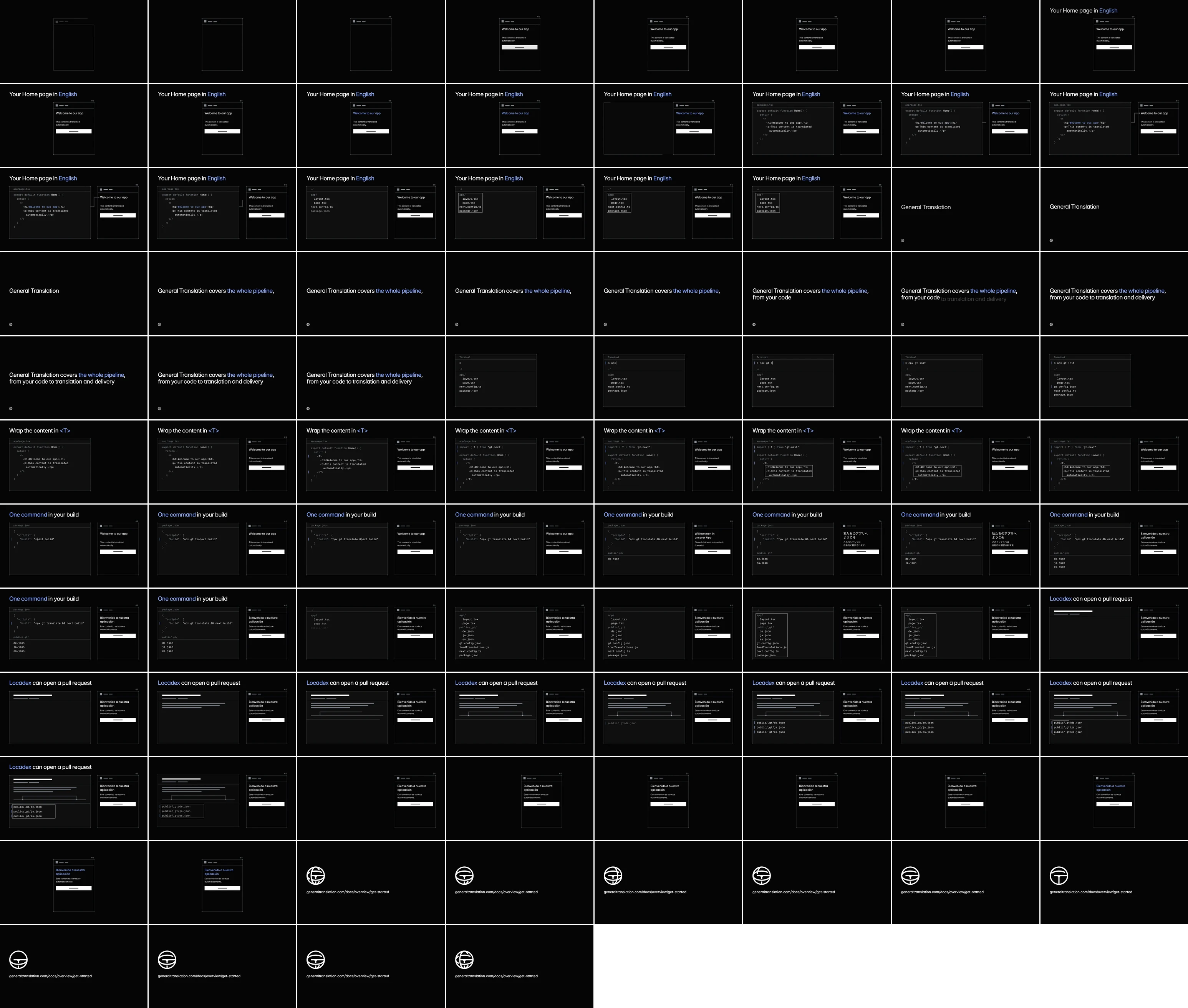
Look for one system that covers the whole pipeline, from the i18n library in your code to translation and delivery.
| Time | Voice | Line | On screen |
|---|---|---|---|
| 0:00.88 | Narrator | In Mexico City, a reader of Spanish gets your Home page in English. | An app page draws in the middle of the frame. On "Mexico" the language code es appears over its top right corner, and on "City" its blocks rise: the heading "Welcome to our app", the line "This content is translated automatically." and a white button, all in English. The heading "Your Home page in English" rises on "your", and on "English" the page's heading turns blue. |
| 0:05.98 | Narrator | Its English is in the component, and nothing in the project translates it. | On "Its" the page slides to the right. On "English" a code panel opens with app/page.tsx: a Home component whose fragment holds <h1>Welcome to our app</h1> and the paragraph. On "component" the blue moves from the page to Welcome to our app in the code, and a line joins that row to the page's heading. The line goes, and on "project" the panel cuts to the project's files, ./: app/ with layout.tsx and page.tsx, next.config.ts and package.json. On "translates" a white box draws around them. |
| 0:11.32 | Narrator | General Translation covers the whole pipeline, from your code to translation and delivery. | The answer card cuts in on "General": the answer alone rises as it is spoken, in two lines, "General Translation covers the whole pipeline," then "from your code to translation and delivery", and the General Translation mark sits small in the lower left corner. |
| 0:17.92 | Narrator | Run npx gt init and wrap the content in a T component, with no keys to write. | The code panel opens again with a terminal over the project's files. On "npx" npx gt init is typed, and on "init" gt.config.json joins the files. On "wrap" the heading "Wrap the content in <T>" rises and the panel cuts to app/page.tsx, and on "content" the app page draws again on the right, in English, with the code es. On "T" the fragment's <> and </> become <T> and </T>, and on "component" import { T } from 'gt-next'; opens at the top. A blue bar marks each changed line. On "keys" a white box draws around the three English lines. |
| 0:24.00 | Narrator | One command in your build writes the German, Japanese and Spanish translations. | The heading "One command in your build", and the code panel cuts to package.json. On "command" npx gt translate && is typed in front of next build, marked by a blue bar. On "German" public/_gt/ appears under it with de.json, and the page and its code turn to German; on "Japanese" ja.json appears and the page turns Japanese; on "Spanish" es.json appears and the page turns Spanish. |
| 0:29.32 | Narrator | Once your repository is connected, Locadex can open a pull request with new translations when you push. | The code panel cuts to the repository's files: app/, public/_gt/ with de.json, ja.json and es.json, gt.config.json, loadTranslations.js, next.config.ts and package.json. On "connected" a white box draws around them. On "Locadex" the heading "Locadex can open a pull request" rises and the panel cuts to a pull request drawn as bars: its title, then on "open" its description, and on "pull" a branch line that leaves the main line and joins it again. On "new" the changed files appear, public/_gt/de.json, public/_gt/ja.json and public/_gt/es.json, each marked by a blue bar, and on "push" a white box draws around the three changed files. |
| 0:36.86 | Narrator | In Mexico City, the Home page now opens in Spanish. | The code panel lifts away with the pull request, and on "City" the page, in Spanish with the code es, slides back to the middle of the frame. On "Spanish" its heading turns blue, in the place where the English heading turned blue at the start. |
| 0:40.79 | No voice | The end card: the General Translation logo with generaltranslation.com/docs/overview/get-started under it, held to the last frame while the music ends on a held chord. |
Times are where each line starts in the final, read from the film's own audio.
0:44 · Rendered
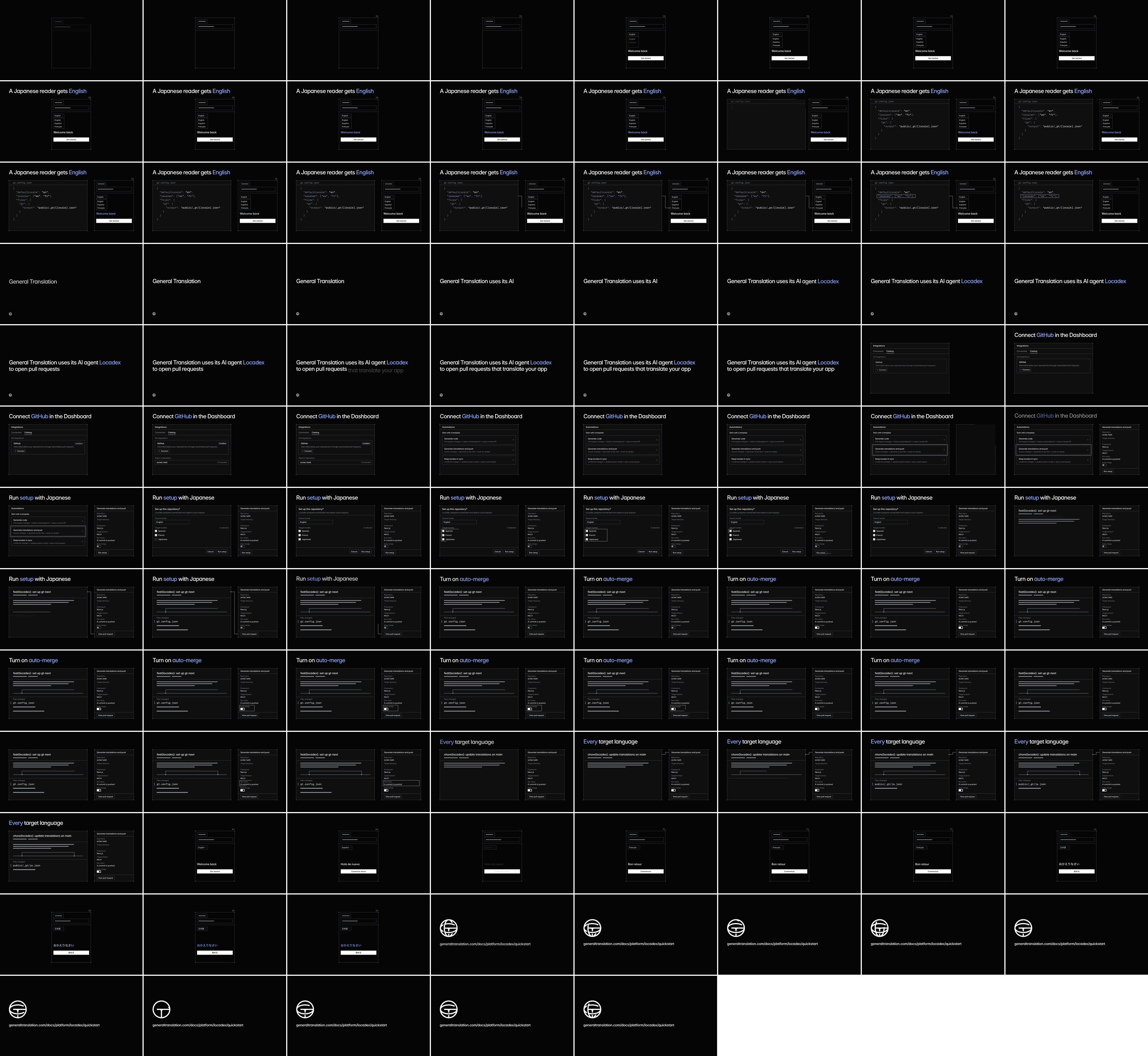
Locadex is General Translation's AI agent, which opens pull requests in a GitHub repository that set up internationalization, translate new content into every target language and keep locale files in sync.
Two frames a second across the cut, each from the middle of its half second, eight to a row: 97 frames. It is the cut that plays above.
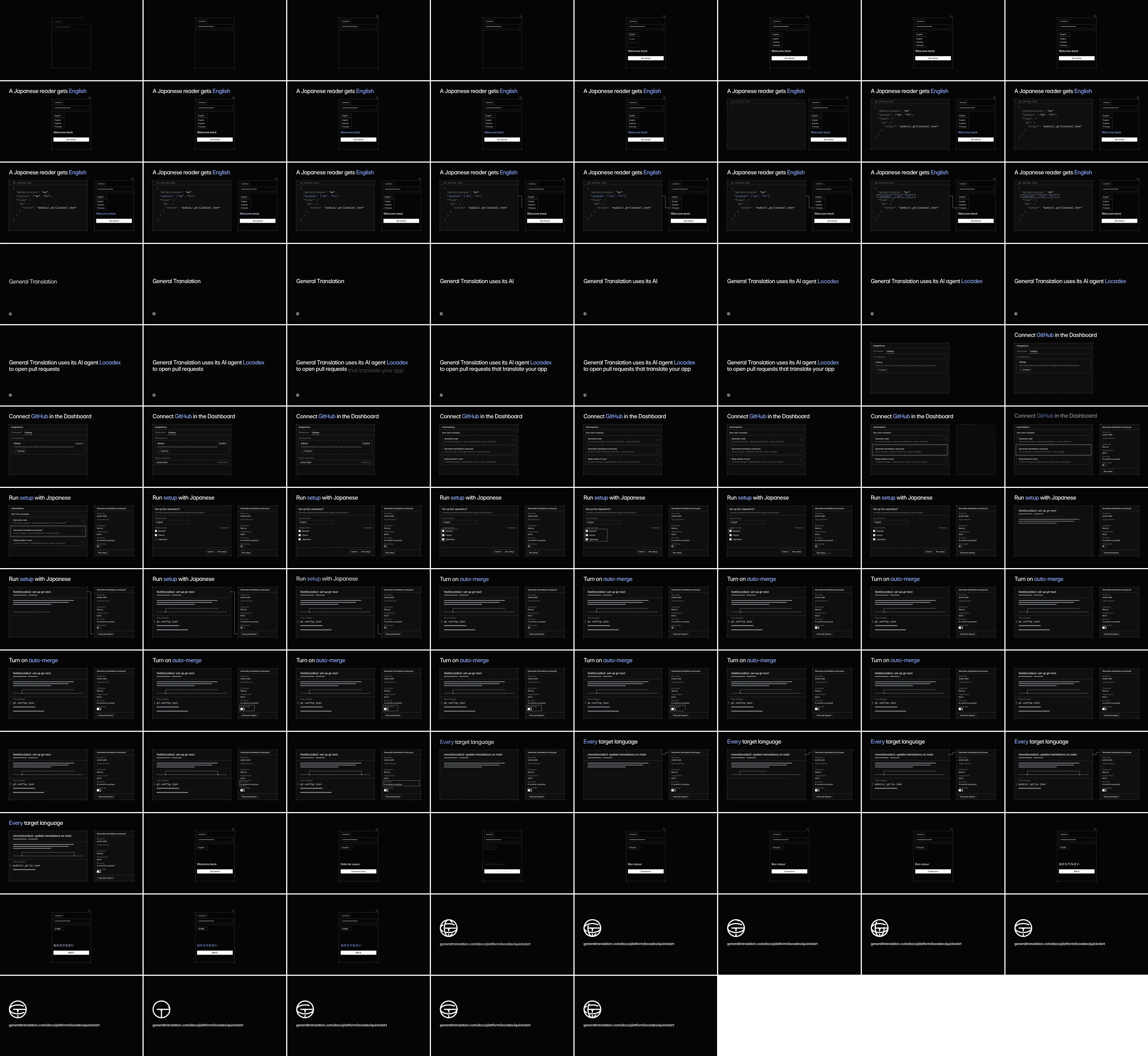
Locadex is General Translation's AI agent. Connected to a GitHub repository, it opens pull requests that set up internationalization, wrap untranslated text in the right i18n calls, translate new content into every target language, and keep locale files in sync.
| Time | Voice | Line | On screen |
|---|---|---|---|
| 0:00.88 | Narrator | In Nagoya, your app offers Spanish and French, and a Japanese reader gets English. | A browser draws in the middle of the frame, its tab and address drawn as bars. On "Nagoya" the language code ja appears over its top right corner, and on "your" the app's page rises: a language menu set to English, "Welcome back" and a white "Get started" button. On "offers" the menu opens with three languages: English, Spanish and French, each in its own name. There is no Japanese. The heading "A Japanese reader gets English" rises on "a", and on "English" "Welcome back" turns blue. |
| 0:06.18 | Narrator | The app's gt.config.json lists Spanish and French, and nothing else. | On "app's" the browser slides to the right with its menu still open. On "gt.config.json" a code panel opens with gt.config.json: "defaultLocale": "en", "locales": ["es", "fr"] and the output path public/_gt/[locale].json. On "lists" the blue moves from the page to the locales row. On "French" a line joins the row to the last language in the menu, and on "else" a white box draws around the row. |
| 0:12.32 | Narrator | General Translation uses its AI agent Locadex to open pull requests that translate your app. | The answer card cuts in on "General": the answer alone rises as it is spoken, in two lines, "General Translation uses its AI agent Locadex" then "to open pull requests that translate your app", and the General Translation mark sits small in the lower left corner. |
| 0:19.54 | Narrator | Connect GitHub in the Dashboard, and create an automation from a template. | The heading "Connect GitHub in the Dashboard". The code panel opens again on the Dashboard's Integrations page: the "Connected" and "Catalog" tabs, Catalog chosen, "All Integrations", and the GitHub card, "Internationalize your repositories through automated pull requests.", with a Connect button. On "GitHub" Connect is pressed and stays, and an "Installed" badge rises at the card's top right; on "Dashboard" "Select a repository" and acme/web, marked "Connected", appear under it. On "create" the panel cuts to "Automations" and "Start with a template", with three templates and the line each one runs: "Generate code", "Generate translations and push" and "Keep locales in sync". On "template" a white box draws around "Generate translations and push", and its automation opens on the right: the repository acme/web, the target directory, the framework Next.js, the target branch main, "Run when" set to "A commit is pushed", "Auto-merge" off, and a "Run setup" button. |
| 0:24.16 | Narrator | Run setup with Japanese as a target, and Locadex opens a pull request. | The heading "Run setup with Japanese". On "setup" the code panel cuts to the dialog "Set up this repository?", "Locadex prepares acme/web and opens a pull request.": the source locale English, and the target locales Spanish and French checked, Japanese not, with "2 selected". On "Japanese" Japanese is checked and the count reads "3 selected", and on "target" a white box draws around the three. On "and" Run setup is pressed, and the automation's Run setup button gives way to "View pull request". On "opens" the panel cuts to a pull request titled "feat(locadex): set up gt-next", and a line joins the automation's View pull request button to it; on "pull" its branch line draws, and on "request" its first changed file appears under "Files changed": gt.config.json, marked by a blue bar, over two more files drawn as bars. |
| 0:29.74 | Narrator | Turn on auto-merge, and Locadex merges its pull requests when checks pass. | The heading "Turn on auto-merge". On "auto-merge" the automation's Auto-merge switch turns on. On "merges" a white box draws around the switch, and it draws back on "checks". The setup pull request stays open in the panel. |
| 0:35.80 | Narrator | After the merge, the automation translates into every target language. | On "merge" the setup pull request's branch line closes: its branch joins the main branch again. Just before "the automation" a white box draws around the automation's "Run when" row, and it draws back before the panel cuts. The heading "Every target language" rises as the panel cuts to a second pull request, "chore(locadex): update translations on main", and a line joins the automation to it. On "every" its branch line draws, on "target" its changed file appears: public/_gt/ja.json, marked by a blue bar, over a file drawn as a bar, and on "language" its branch line closes. |
| 0:40.58 | Narrator | Along with Spanish and French, your app now opens in Japanese in Nagoya. | The browser cuts back in the middle of the frame, in English, with the code en and the menu set to English. On "Spanish", "French" and "Japanese" the whole page switches to that language, the menu and the code with it. On "Nagoya" the Japanese heading turns blue, in the place where "Welcome back" turned blue at the start. |
| 0:45.50 | No voice | The end card: the General Translation logo with generaltranslation.com/docs/platform/locadex/quickstart under it, held to the last frame while the music ends on a held chord. |
Times are where each line starts in the final, read from the film's own audio.
0:49 · Rendered
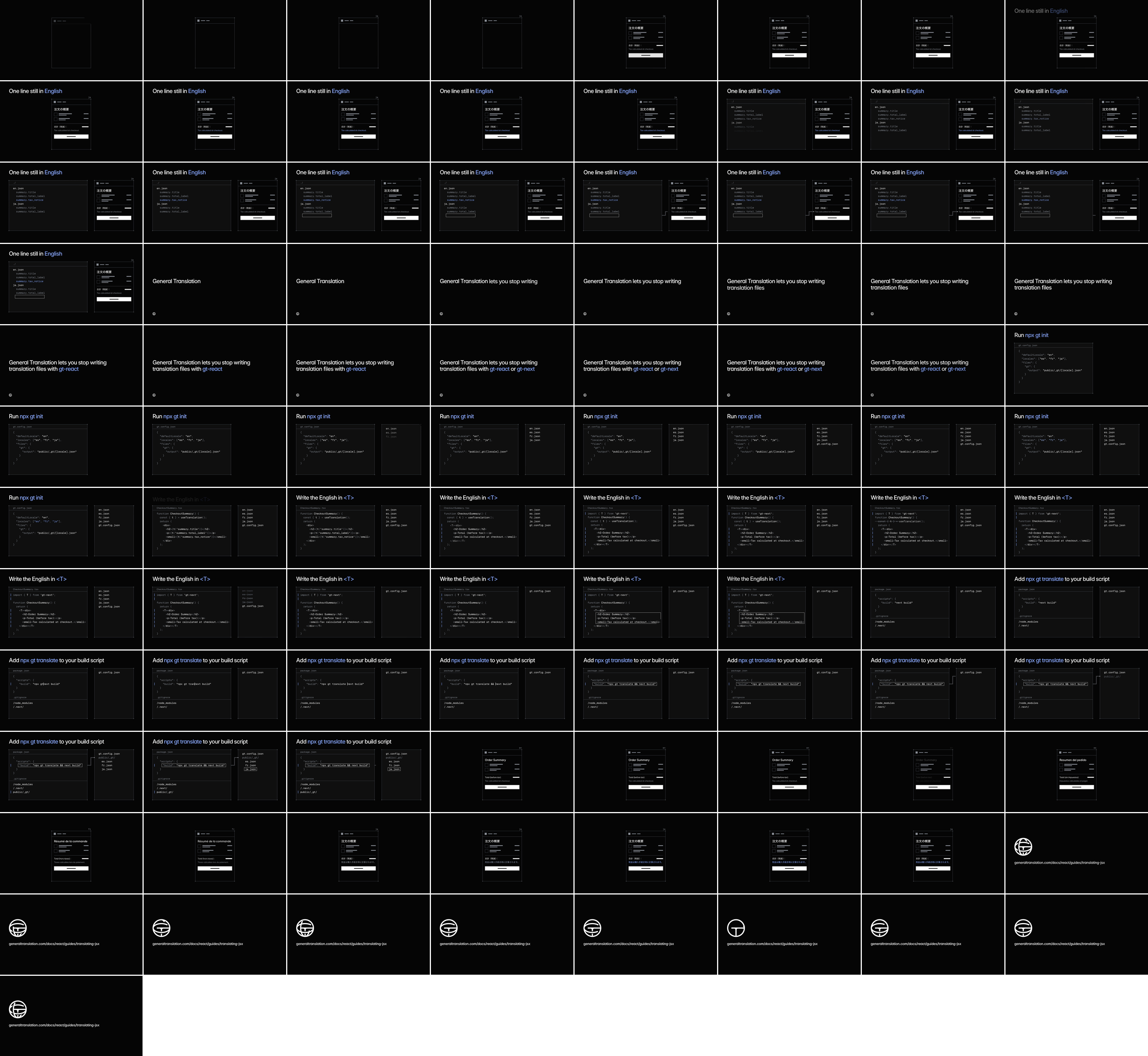
With gt-react or gt-next, text stays inline in your components inside the T component and translations are generated at build time, so there are no keys or per-locale JSON files to keep in sync.
Two frames a second across the cut, each from the middle of its half second, eight to a row: 93 frames. It is the cut that plays above.
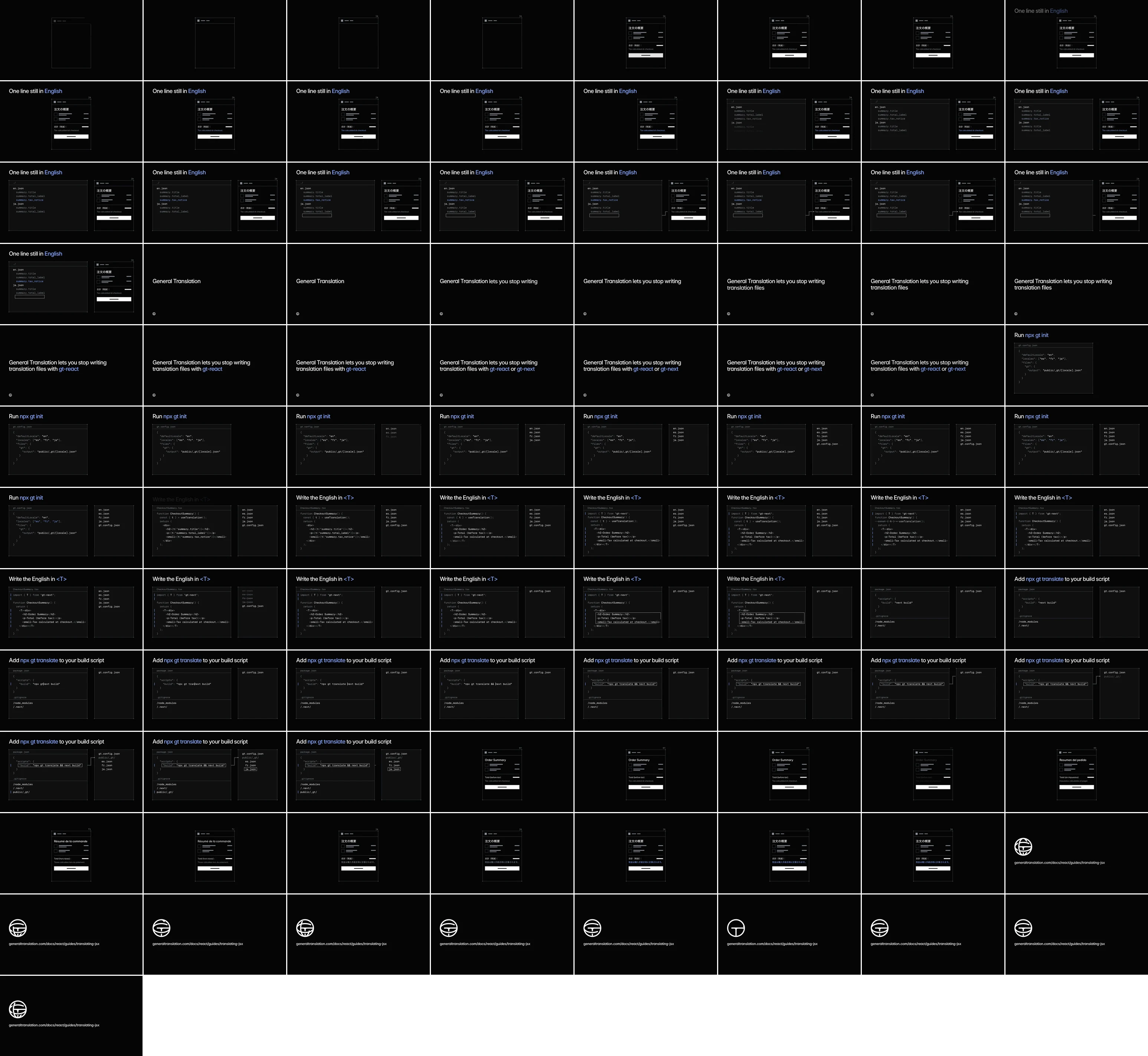
Yes. With gt-react or gt-next, content stays inline in your components inside a <T> component, and translations are generated at build time as output, so there are no keys or per-locale JSON files to write and keep in sync.
| Time | Voice | Line | On screen |
|---|---|---|---|
| 0:00.88 | Narrator | In Tokyo, your checkout page opens in Japanese with one line still in English. | A checkout page draws in the middle of the frame. On "Tokyo" the language code ja appears over its top right corner, and on "checkout" its rows rise: a heading, two item rows drawn as bars, a rule, the total, the tax note and a white button. The heading and the total are in Japanese; the tax note reads "Tax calculated at checkout." in English. The heading "One line still in English" rises on "one", and on "English" the tax note turns blue. |
| 0:05.84 | Narrator | Its key went into en.json, and nobody added it to ja.json. | On "key" the page slides to the right. On "went" a code panel opens with ./: en.json with its keys summary.title, summary.total_label and summary.tax_notice, then ja.json with summary.title, summary.total_label and an empty row. On "en.json" the blue moves from the tax note to summary.tax_notice. On "nobody" a white box draws around the empty row under ja.json, and on "ja.json" a line joins that row to the English tax note. |
| 0:12.56 | Narrator | General Translation lets you stop writing translation files with gt-react or gt-next. | The answer card cuts in on "General": the answer alone rises as it is spoken, in two lines, "General Translation lets you stop writing" then "translation files with gt-react or gt-next", and the General Translation mark sits small in the lower left corner. |
| 0:19.68 | Narrator | Run npx gt init to set up gt-next and choose your languages. | The heading "Run npx gt init". The code panel opens again with gt.config.json: "defaultLocale": "en", "locales": ["es", "fr", "ja"] and the output path public/_gt/[locale].json. On "init" a file panel opens on the right with en.json, es.json, fr.json and ja.json; on "gt-next" gt.config.json joins them, and on "languages" "es", "fr" and "ja" turn blue. |
| 0:24.92 | Narrator | Write the English inside a T component, and nobody has to update ja.json by hand. | The heading "Write the English in <T>". The code panel cuts to CheckoutSummary.tsx, which reads its three strings with t('summary.title'), t('summary.total_label') and t('summary.tax_notice'). On "English" they become <h2>Order Summary</h2>, <p>Total (before tax):</p> and <small>Tax calculated at checkout.</small>; on "inside" <div> becomes <T><div> and </div> becomes </div></T>; on "T" import { T } from 'gt-next'; opens at the top. On "nobody" const { t } = useTranslation(); is struck out, and on "ja.json" the four JSON files in the file panel are struck out and close, which leaves gt.config.json. On "hand" a white box draws around the three English lines. A blue bar marks each changed line. |
| 0:31.24 | Narrator | Then add npx gt translate to your build script, and every build writes the Japanese. | The heading "Add npx gt translate to your build script". The code panel cuts to package.json over .gitignore. On "npx" npx gt translate && is typed in front of next build. On "script" a white box draws around the build line, and on "every" a line joins it to the file panel. On "writes" public/_gt/ appears in the file panel with es.json, fr.json and ja.json under it, and public/_gt/ opens in .gitignore. Just after "Japanese" a white box draws around ja.json. |
| 0:37.66 | Narrator | Now the tax line appears in Spanish, French and Japanese with the rest of the page. | The checkout page cuts back in the middle of the frame, in English, with the code en. On "Spanish", "French" and "Japanese" the whole page switches to that language, the tax note with the rest, and the code changes with it. On "rest" the Japanese tax note turns blue, in the place where the English line turned blue at the start. |
| 0:43.47 | No voice | The end card: the General Translation logo with generaltranslation.com/docs/react/guides/translating-jsx under it, held to the last frame while the music ends on a held chord. |
Times are where each line starts in the final, read from the film's own audio.
0:46 · Rendered
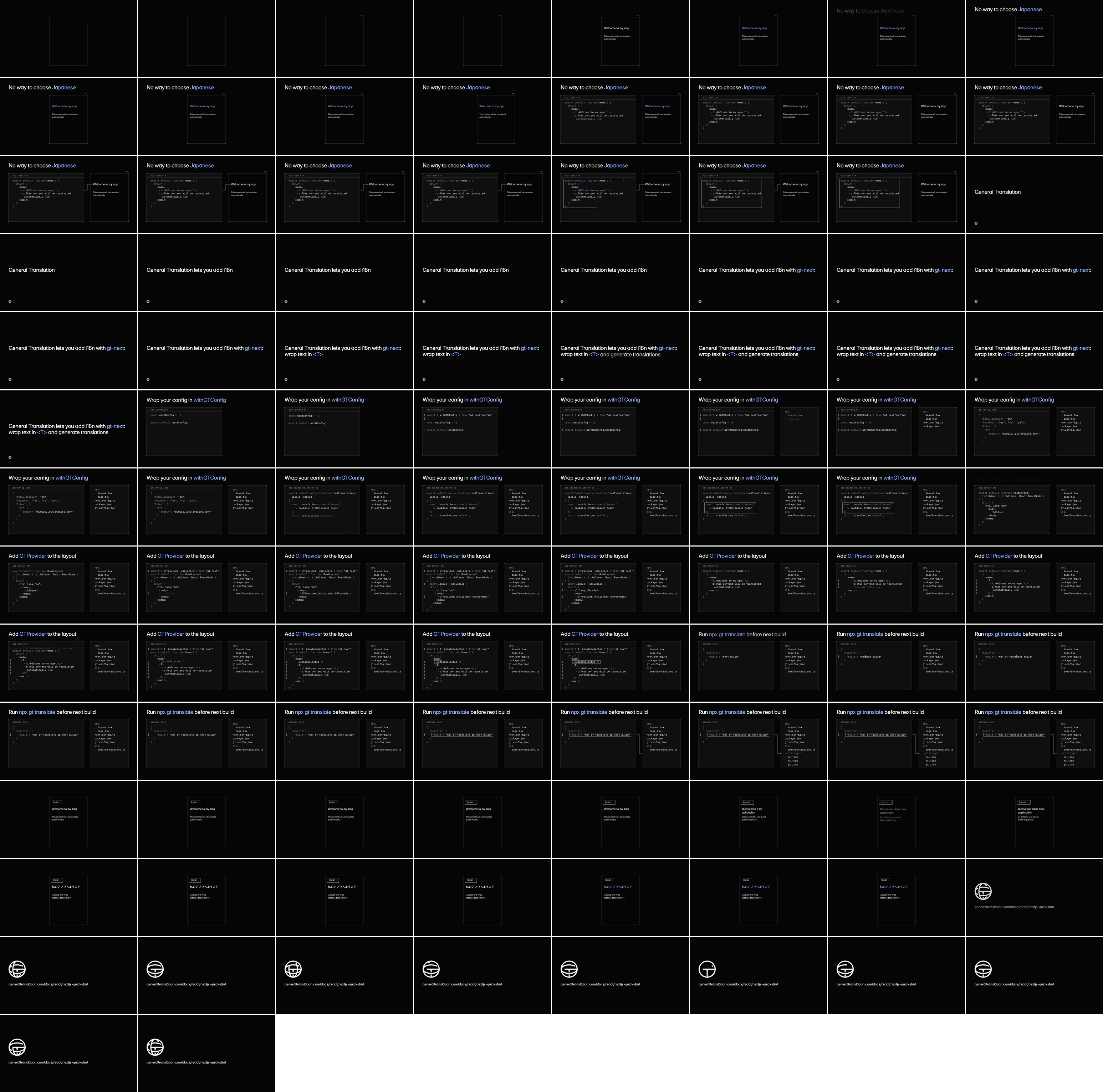
Install gt-next and the gt CLI, wrap your Next.js config with withGTConfig, add the GTProvider, wrap your content in the T component and run npx gt translate before next build.
Two frames a second across the cut, each from the middle of its half second, eight to a row: 102 frames. It is the cut that plays above.
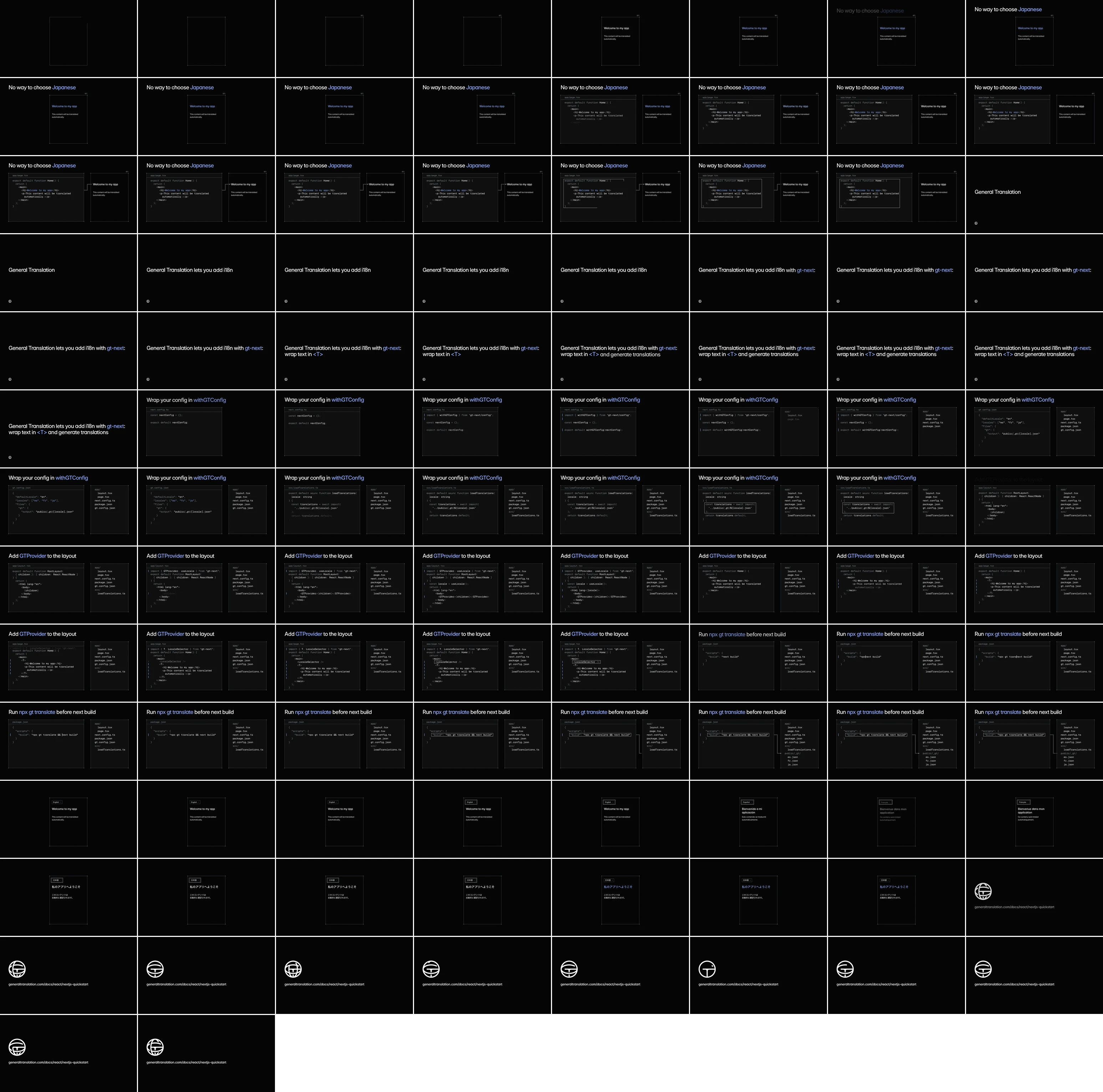
Install gt-next and the gt CLI, wrap your Next.js config with withGTConfig, list your languages in gt.config.json, add a loadTranslations file and the GTProvider, wrap your content in the T component, and run npx gt translate before next build.
| Time | Voice | Line | On screen |
|---|---|---|---|
| 0:00.88 | Narrator | In Osaka, your page is in English, with no way to choose Japanese. | An app page draws in the middle of the frame. On "Osaka" the language code en appears over its top right corner: the language the reader's browser asks for. On "page" the heading "Welcome to my app" and the line "This content will be translated automatically." rise, with nothing above the heading, and on "English" the heading turns blue. The heading "No way to choose Japanese" rises on "no". |
| 0:05.62 | Narrator | Its text is plain JSX, and the app has no i18n library. | On "Its" the page slides to the right, and on "text" a code panel opens with app/page.tsx: a Home component whose <main> holds <h1>Welcome to my app</h1> and the paragraph. On "JSX" the blue moves from the page to Welcome to my app in the code, on "and" a line joins that row to the page's heading, and on "library" a white box draws around the whole file, which has no import and no provider. |
| 0:11.66 | Narrator | General Translation lets you add i18n with gt-next: wrap text in T and generate translations. | The answer card cuts in on "General": the answer alone rises as it is spoken, in two lines, "General Translation lets you add i18n with gt-next:" then "wrap text in <T> and generate translations", and the General Translation mark sits small in the lower left corner. |
| 0:20.78 | Narrator | Wrap your config in withGTConfig, list your languages, and add a file that loads their translations. | The heading "Wrap your config in withGTConfig", and the code panel opens again with next.config.ts. On "config" import { withGTConfig } from 'gt-next/config'; opens at the top, and on "withGTConfig" the export becomes export default withGTConfig(nextConfig);, each marked by a blue bar; then a file panel opens on the right with the project's files. On "list" the code panel cuts to gt.config.json, which joins the files, and on "languages" "es", "fr" and "ja" turn blue. On "add" the panel cuts to src/loadTranslations.ts, on "file" src/ and loadTranslations.ts join the files, and on "translations" a white box draws around its import of ../public/_gt/${locale}.json. |
| 0:27.92 | Narrator | Put the GTProvider in your root layout, wrap text in T, and add a LocaleSelector for the menu. | The heading "Add GTProvider to the layout", and the code panel cuts to app/layout.tsx. import { GTProvider, useLocale } from 'gt-next'; opens at the top, {children} becomes <GTProvider>{children}</GTProvider>, const locale = useLocale(); opens, and <html lang="en"> becomes <html lang={locale}>. On "wrap" the panel cuts to app/page.tsx: its heading and paragraph move in, <T> and </T> open around them, import { T, LocaleSelector } from 'gt-next'; opens at the top, and <LocaleSelector /> opens above <T>. A blue bar marks each changed line, and on "menu" a white box draws around <LocaleSelector />. |
| 0:34.82 | Narrator | Run npx gt translate before next build to write a file for each language. | The heading "Run npx gt translate before next build", and the code panel cuts to package.json. On "npx" npx gt translate && is typed in front of next build, marked by a blue bar, and on "build" a white box draws around the line. On "write" a line joins it to the file panel, and on "file" public/_gt/ appears with es.json, fr.json and ja.json under it. |
| 0:40.34 | Narrator | In Osaka, the menu now offers Spanish, French and Japanese, and the reader picks Japanese. | The app page cuts back in the middle of the frame, in English, now with a language menu above its heading that reads "English"; the language code is gone. On "menu" a white box draws around the menu. On "Spanish", "French" and "Japanese" the menu and the page switch to that language. On the second "Japanese" the Japanese heading turns blue, in the place where the English heading turned blue at the start. |
| 0:47.62 | No voice | The end card: the General Translation logo with generaltranslation.com/docs/react/nextjs-quickstart under it, held to the last frame while the music ends on a held chord. |
Times are where each line starts in the final, read from the film's own audio.
0:51 · Rendered
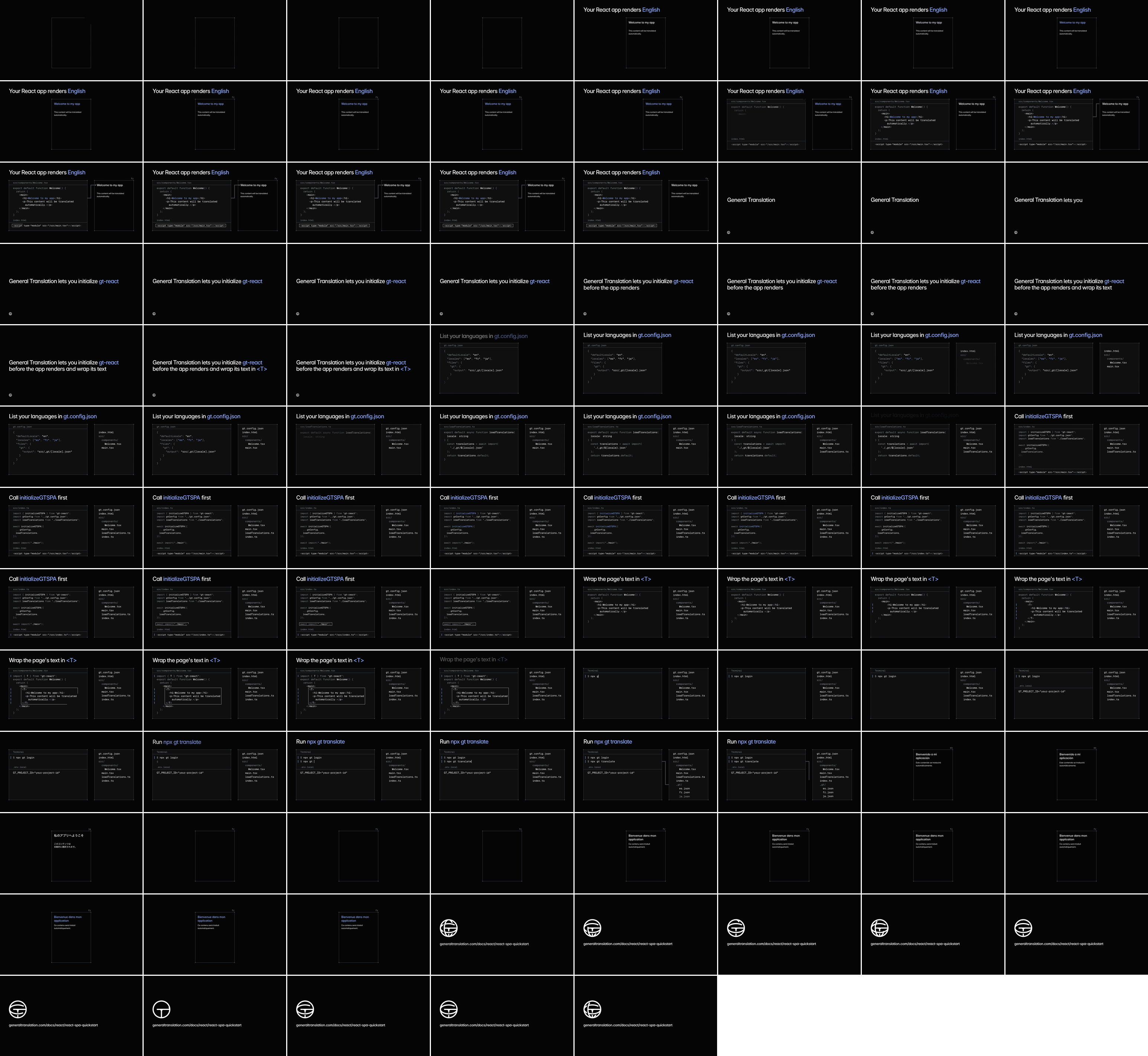
Install gt-react and the gt CLI, initialize gt-react before your app renders, wrap your text in the T component and run npx gt translate to write a translation file for each language.
Two frames a second across the cut, each from the middle of its half second, eight to a row: 97 frames. It is the cut that plays above.
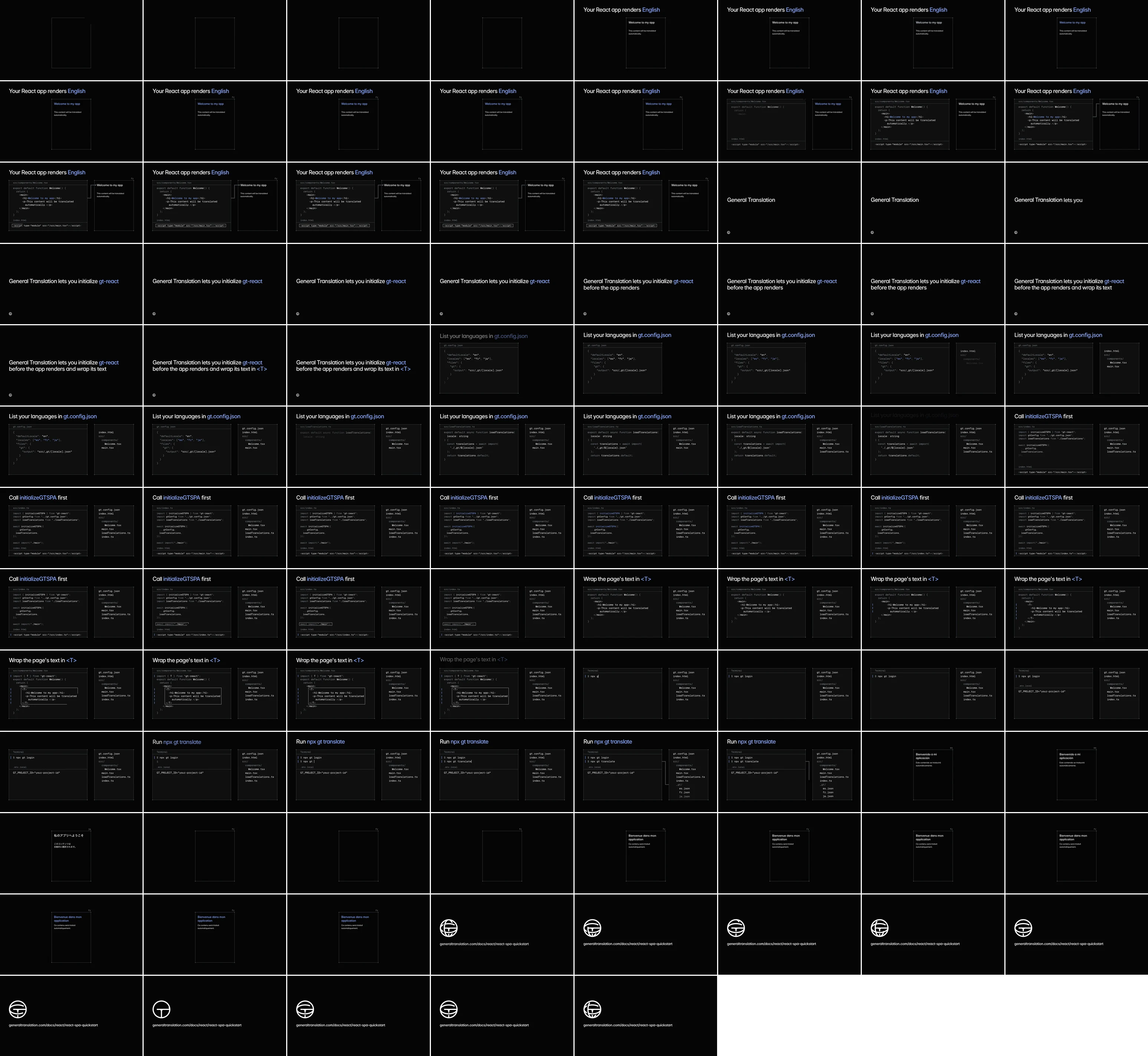
Install gt-react and the gt CLI, list your languages in gt.config.json with the output inside src, add a loadTranslations file, initialize gt-react with initializeGTSPA in a small entry file before your app renders, wrap your text in the T component, and run npx gt translate to write a translation file for each language.
| Time | Voice | Line | On screen |
|---|---|---|---|
| 0:00.88 | Narrator | In Paris, your React app renders English for a browser that asks for French. | An app page draws in the middle of the frame. On "your" the heading "Your React app renders English" rises, and the page's heading "Welcome to my app" and the line "This content will be translated automatically." rise with it. On "English" the page's heading turns blue, and on "asks" the language code fr appears over the page's top right corner: the language the reader's browser asks for. |
| 0:06.08 | Narrator | Its only text is English, and the app loads no other language. | On "Its" the page slides to the right. On "text" a code panel opens with src/components/Welcome.tsx, whose <main> holds <h1>Welcome to my app</h1> and the paragraph, and under it the one line of index.html that loads the app, <script type="module" src="/src/main.tsx"></script>. On "English" the blue moves from the page to Welcome to my app in the code, and on "and" a line joins that row to the page's heading. On "loads" a white box draws around the line of index.html. |
| 0:10.70 | Narrator | General Translation lets you initialize gt-react before the app renders and wrap its text in T. | The answer card cuts in on "General": the answer alone rises as it is spoken, in two lines, "General Translation lets you initialize gt-react" then "before the app renders and wrap its text in <T>", and the General Translation mark sits small in the lower left corner. |
| 0:17.90 | Narrator | List your languages in gt.config.json, and add a loadTranslations file. | The heading "List your languages in gt.config.json", and the code panel opens again with gt.config.json: "defaultLocale": "en", "locales": ["es", "fr", "ja"] and the output path src/_gt/[locale].json. On "languages" "es", "fr" and "ja" turn blue. On "in" a file panel opens on the right with index.html, src/, components/Welcome.tsx and main.tsx, and on "gt.config.json" the config joins them. On "add" the code panel cuts to src/loadTranslations.ts, and on "file" it joins the files under src/. |
| 0:23.60 | Narrator | An entry file calls initializeGTSPA first, then loads the rest of the app. | The heading "Call initializeGTSPA first", and the code panel cuts to the new src/index.ts, its lines rising: three imports, await initializeGTSPA({ ...gtConfig, loadTranslations }); and await import('./main');, with the line of index.html under it. On "entry" index.ts joins the files, and on "initializeGTSPA" its name turns blue. On "first" the line of index.html changes from /src/main.tsx to /src/index.ts, marked by a blue bar, and on "rest" a white box draws around await import('./main');. |
| 0:30.00 | Narrator | Wrap the page's text in T, so the CLI finds it. | The heading "Wrap the page's text in <T>", and the code panel cuts to src/components/Welcome.tsx. On "T" <T> and </T> open around the heading and the paragraph, which move in; on "so" import { T } from 'gt-react'; opens at the top. A blue bar marks each changed line, and on "CLI" a white box draws around the lines from <T> to </T>. |
| 0:34.14 | Narrator | Sign in, set your project ID, and run npx gt translate. | The code panel cuts to a terminal over .env.local. On "Sign" npx gt login is typed, and on "project" .env.local gains GT_PROJECT_ID="your-project-id". The heading "Run npx gt translate" rises on "run", and on "npx" npx gt translate is typed on a new line. On "translate" a line joins it to the file panel, and src/_gt/ appears with es.json, fr.json and ja.json under it. |
| 0:39.34 | Narrator | Spanish, Japanese or French loads before the app renders, and in Paris it opens in French. | The app page cuts back in the middle of the frame, in Spanish, with the code es. On "Japanese" it cuts to the page in Japanese, with ja. On "French" it cuts to an empty page with fr, and on "renders" its heading and paragraph rise in French. On "opens" the French heading turns blue, in the place where the English heading turned blue at the start. |
| 0:45.47 | No voice | The end card: the General Translation logo with generaltranslation.com/docs/react/react-spa-quickstart under it, held to the last frame while the music ends on a held chord. |
Times are where each line starts in the final, read from the film's own audio.
0:48 · Rendered
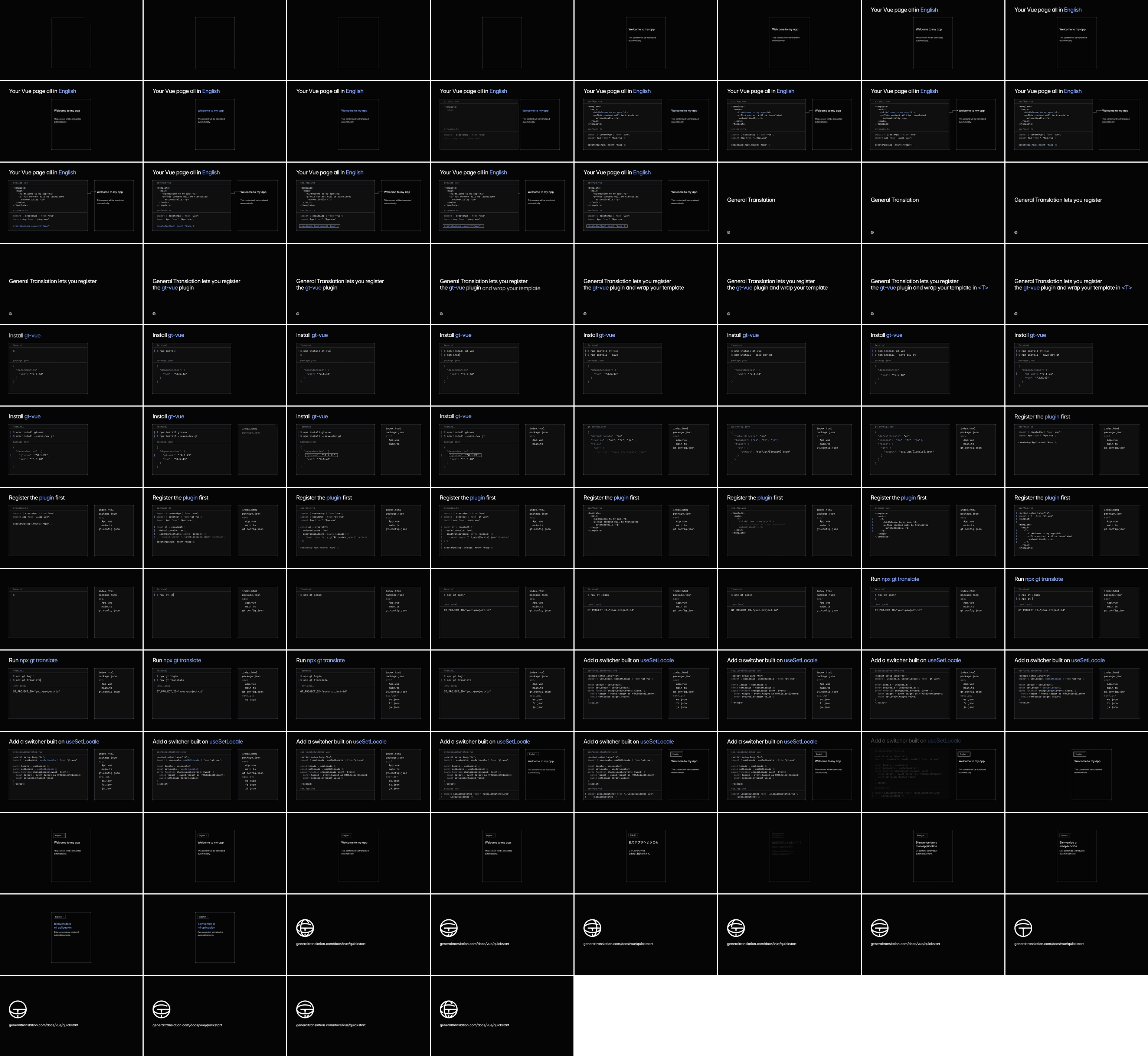
Install gt-vue, register its plugin with createGT before you mount the app, wrap your template in the T component and run npx gt translate to write a catalog for each language.
Two frames a second across the cut, each from the middle of its half second, eight to a row: 96 frames. It is the cut that plays above.
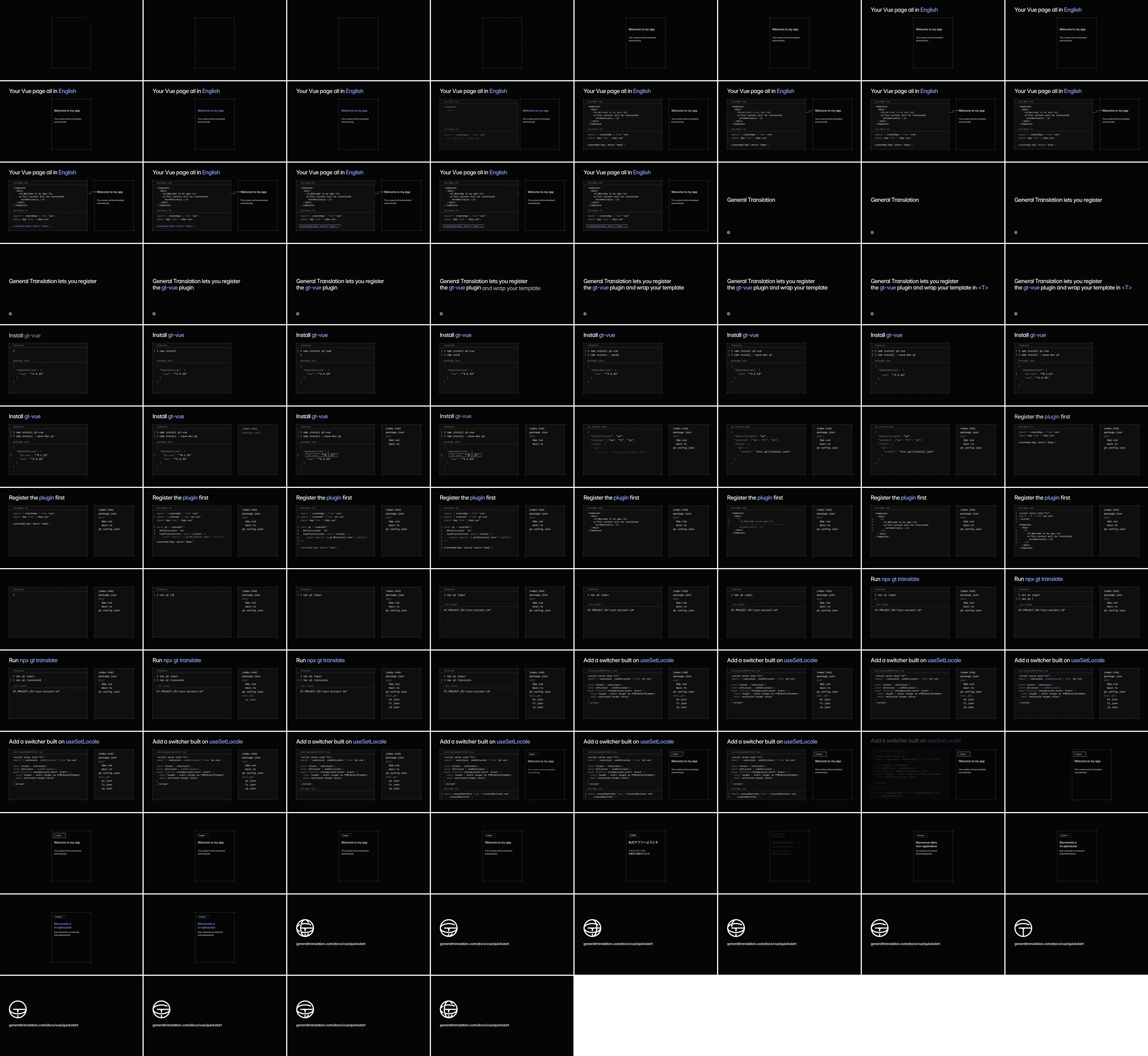
Install gt-vue, register its plugin with createGT before you mount the app, wrap your template in the T component, and run npx gt translate to write a catalog for each language.
| Time | Voice | Line | On screen |
|---|---|---|---|
| 0:00.88 | Narrator | In Bogotá, a reader of Spanish finds your Vue page all in English. | A page draws in the middle of the frame, with no menu and no language code over it. On "reader" its text rises: the heading "Welcome to my app" and the paragraph "This content will be translated automatically." in two lines. The heading "Your Vue page all in English" rises on "your", and on "English" the page's heading turns blue. |
| 0:05.38 | Narrator | The template is plain English, and no plugin runs before the app mounts. | On "The" the page slides to the right. On "template" a code panel opens with src/App.vue, a <template> whose <main> holds <h1>Welcome to my app</h1> and the paragraph, over src/main.ts, which ends createApp(App).mount('#app');. On "plain" the blue moves from the page to "Welcome to my app" in the <h1> line, and on "English" a line joins that line to the page's heading. On "plugin" the blue moves to createApp(App).mount('#app');, and on "mounts" a white box draws around it. |
| 0:10.54 | Narrator | General Translation lets you register the gt-vue plugin and wrap your template in T. | The answer card cuts in on "General": the answer alone rises as it is spoken, in two lines, "General Translation lets you register" then "the gt-vue plugin and wrap your template in <T>", and the General Translation mark sits small in the lower left corner. |
| 0:16.32 | Narrator | Install gt-vue, a 0.x release whose API may still change. | The heading "Install gt-vue". The code panel opens again with a terminal over the dependencies of package.json, which hold "vue": "^3.5.43". On "Install" npm install gt-vue is typed, and on "gt-vue" npm install --save-dev gt on the next line. On "release" "gt-vue": "^0.1.21", opens in the dependencies, marked in blue. On "may" a file panel opens on the right with the project's files: index.html, package.json, and src/ with App.vue and main.ts. On "change" a white box draws around the gt-vue line. |
| 0:22.22 | Narrator | List your languages, register the plugin before the app mounts, and wrap the template in T. | The code panel cuts to gt.config.json: "defaultLocale": "en", "locales": ["es", "fr", "ja"] and the output path src/_gt/[locale].json, and gt.config.json appears in the file panel. On "languages" "es", "fr" and "ja" turn blue. The heading "Register the plugin first" rises on "register", and the panel cuts to src/main.ts. On "plugin" import { createGT } from 'gt-vue'; opens, then const gt = createGT({ ... }) with defaultLocale: 'en' and a loadTranslations function that imports ./_gt/${locale}.json. On "mounts" createApp(App).mount('#app'); becomes createApp(App).use(gt).mount('#app');. On "wrap" the panel cuts to src/App.vue: on "template" <T> opens above the heading, the heading and the paragraph move in by one level, and </T> opens below them; on "T" a script block opens at the top with import { T } from 'gt-vue';. A blue bar marks each changed line. |
| 0:28.48 | Narrator | Sign in, set your project ID, and run npx gt translate. | The code panel cuts to a terminal, and on "Sign" npx gt login is typed. On "project" .env.local appears under the terminal with GT_PROJECT_ID="your-project-id". The heading "Run npx gt translate" rises on "run", and on "npx" npx gt translate is typed on the next line. On "translate" src/_gt/ appears in the file panel with es.json, fr.json and ja.json under it. |
| 0:34.02 | Narrator | Add a switcher built on useSetLocale, which loads a language without a reload. | The heading "Add a switcher built on useSetLocale", and the code panel cuts to src/LocaleSwitcher.vue, which reads the locale with useLocale() and changes it with useSetLocale() in changeLocale. On "useSetLocale" useSetLocale turns blue in its import and its call. On "loads" src/App.vue appears under it with the two lines it gains, import LocaleSwitcher from './LocaleSwitcher.vue'; and <LocaleSwitcher />, which open. On "language" the page draws again on the right in place of the file panel, in English, with a language menu reading "English" above its heading, and on "reload" a white box draws around the menu. |
| 0:39.26 | Narrator | In Bogotá, the page switches in place to Japanese, French and Spanish. | The code panel and its heading drop away, and on "Bogotá" the page slides back to the middle of the frame. On "page" the box around the menu goes. On "Japanese", "French" and "Spanish" the page changes in place to that language, its menu reading each language's own name. Just after "Spanish" the Spanish heading turns blue, in the place where the English heading turned blue at the start. |
| 0:44.80 | No voice | The end card: the General Translation logo with generaltranslation.com/docs/vue/quickstart under it, held to the last frame while the music ends on a held chord. |
Times are where each line starts in the final, read from the film's own audio.
0:48 · Rendered
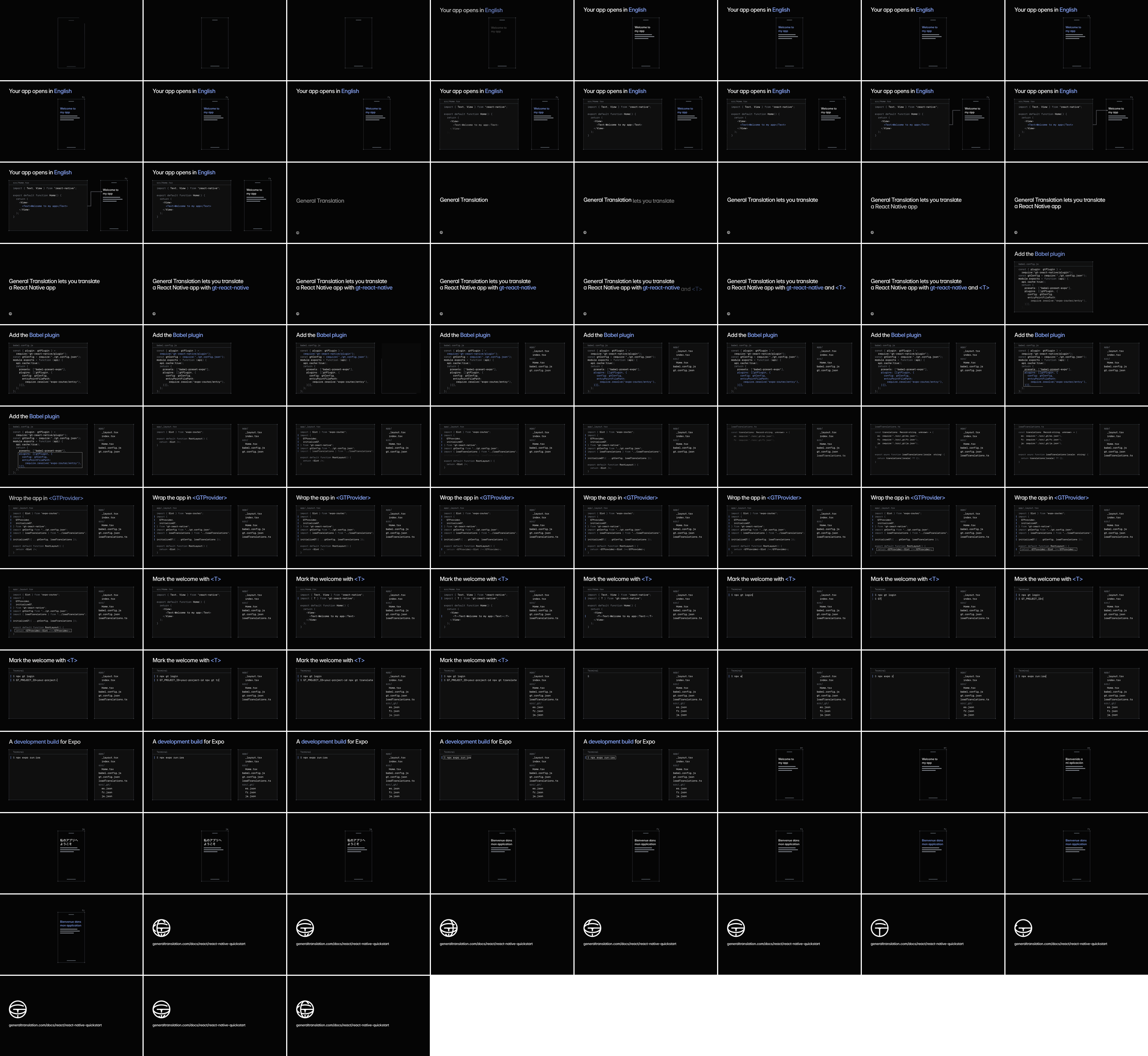
Install the experimental gt-react-native package, add its Babel plugin, wrap your app in GTProvider, mark text with the T component and run npx gt translate to write a translation file for each language.
Two frames a second across the cut, each from the middle of its half second, eight to a row: 95 frames. It is the cut that plays above.
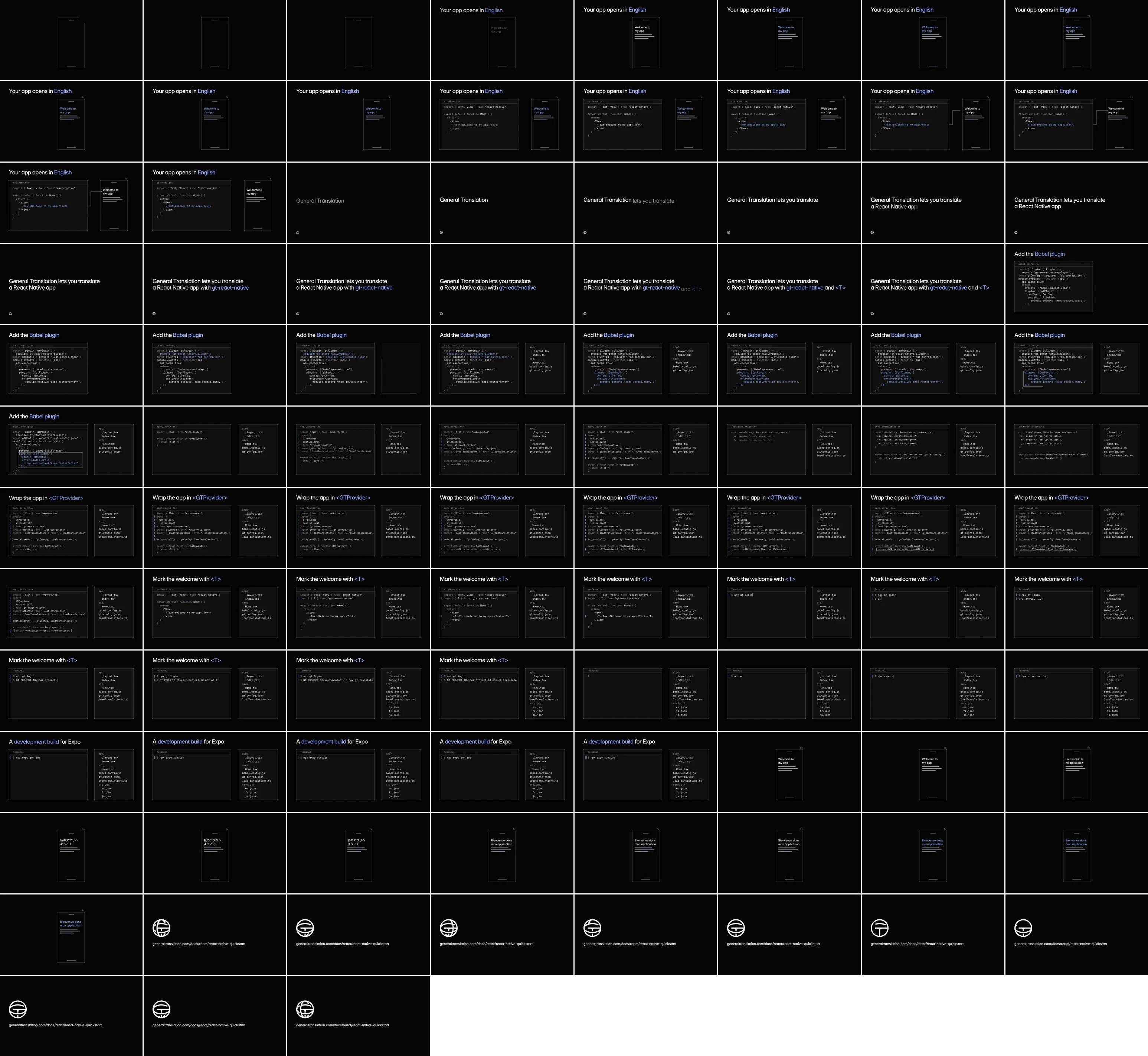
Install gt-react-native, add its Babel plugin for the Intl polyfills, call initializeGT and wrap your app in GTProvider, mark text with the T component, and run npx gt translate to write a translation file for each language. The package is experimental, and Expo Go is not supported, so Expo apps need a development build.
| Time | Voice | Line | On screen |
|---|---|---|---|
| 0:00.88 | Narrator | In Lyon, your app opens in English on a phone set to French. | A phone draws in the middle of the frame: a plain outline with a speaker slot at the top and a home bar at the bottom. On "your" the heading "Your app opens in English" rises, and the app's welcome, "Welcome to my app", rises with three bars of copy under it; on "English" the welcome turns blue. On "set" the language code fr appears over the phone's top right corner: the phone is set to French. |
| 0:05.08 | Narrator | Its welcome is a plain Text element that nothing translates. | On "Its" the phone slides to the right. On "welcome" a code panel opens with src/Home.tsx, whose Home returns <Text>Welcome to my app</Text> inside a View. On "Text" the blue moves from the welcome to that line, and on "that" a line joins it to the welcome on the phone. |
| 0:09.38 | Narrator | General Translation lets you translate a React Native app with gt-react-native and T. | The answer card cuts in on "General": the answer alone rises as it is spoken, in two lines, "General Translation lets you translate" then "a React Native app with gt-react-native and <T>", and the General Translation mark sits small in the lower left corner. |
| 0:15.80 | Narrator | Add its Babel plugin, which supplies the polyfills React Native needs. | The heading "Add the Babel plugin". The code panel opens again with a new babel.config.js: the plugin, require('gt-react-native/plugin'), and the config, require('./gt.config.json'), at the top, and in plugins the plugin with config: gtConfig and entryPointFilePath: require.resolve('expo-router/entry'). On "plugin" the two require calls turn blue. On "which" a file panel opens on the right with the project's files: app/ with _layout.tsx and index.tsx, src/ with Home.tsx, babel.config.js and gt.config.json. On "polyfills" the blue moves to the plugin's lines in plugins, and on "needs" a white box draws around them. |
| 0:20.80 | Narrator | Call initializeGT with loadTranslations, then wrap the app in GTProvider, which reads the device language. | The code panel cuts to app/_layout.tsx, a root layout that returns <Slot />. On "Call" three imports open at the top: GTProvider and initializeGT from gt-react-native, gtConfig from ../gt.config.json, and loadTranslations from ../loadTranslations. On "initializeGT" the line initializeGT({ ...gtConfig, loadTranslations }); opens. On "loadTranslations" the panel cuts to loadTranslations.ts, which requires ./src/_gt/es.json, fr.json and ja.json, and whose async loadTranslations returns the one for a locale, and the file appears in the file panel. On "then" the panel cuts back to app/_layout.tsx, and the heading "Wrap the app in <GTProvider>" rises on "wrap". On "GTProvider" the return becomes <GTProvider><Slot /></GTProvider>, and on "device" a white box draws around it. A blue bar marks each changed line. |
| 0:28.50 | Narrator | Mark the welcome with T, then sign in and run npx gt translate. | The heading "Mark the welcome with <T>", and the code panel cuts to src/Home.tsx as it stood before. On "welcome" import { T } from 'gt-react-native'; opens under the first import, and on "T" the welcome's line becomes <T><Text>Welcome to my app</Text></T>. A blue bar marks each changed line. On "sign" the panel cuts to a terminal, where npx gt login is typed, and on "run" GT_PROJECT_ID=your-project-id npx gt translate is typed on the next line. On "translate" src/_gt/ appears in the file panel with es.json, fr.json and ja.json under it. |
| 0:34.26 | Narrator | The package is experimental, and Expo apps need a development build. | The code panel cuts to a new terminal. On "package" npx expo run:ios, which makes a development build, is typed there, marked in blue. The heading "A development build for Expo" rises on "Expo", and on "build" a white box draws around the command. |
| 0:38.70 | Narrator | Phones set to Spanish or Japanese show them, and in Lyon the app opens in French. | The phone cuts back in the middle of the frame with the code en, its welcome in English. On "Spanish" it cuts to a phone set to Spanish, its welcome in Spanish under the code es; on "Japanese" to a phone set to Japanese, under ja; and on "Lyon" to the phone set to French, under fr, its welcome in French. On "French" the welcome turns blue, in the place where the English welcome turned blue at the start. |
| 0:44.26 | No voice | The end card: the General Translation logo with generaltranslation.com/docs/react/react-native-quickstart under it, held to the last frame while the music ends on a held chord. |
Times are where each line starts in the final, read from the film's own audio.
0:47 · Rendered
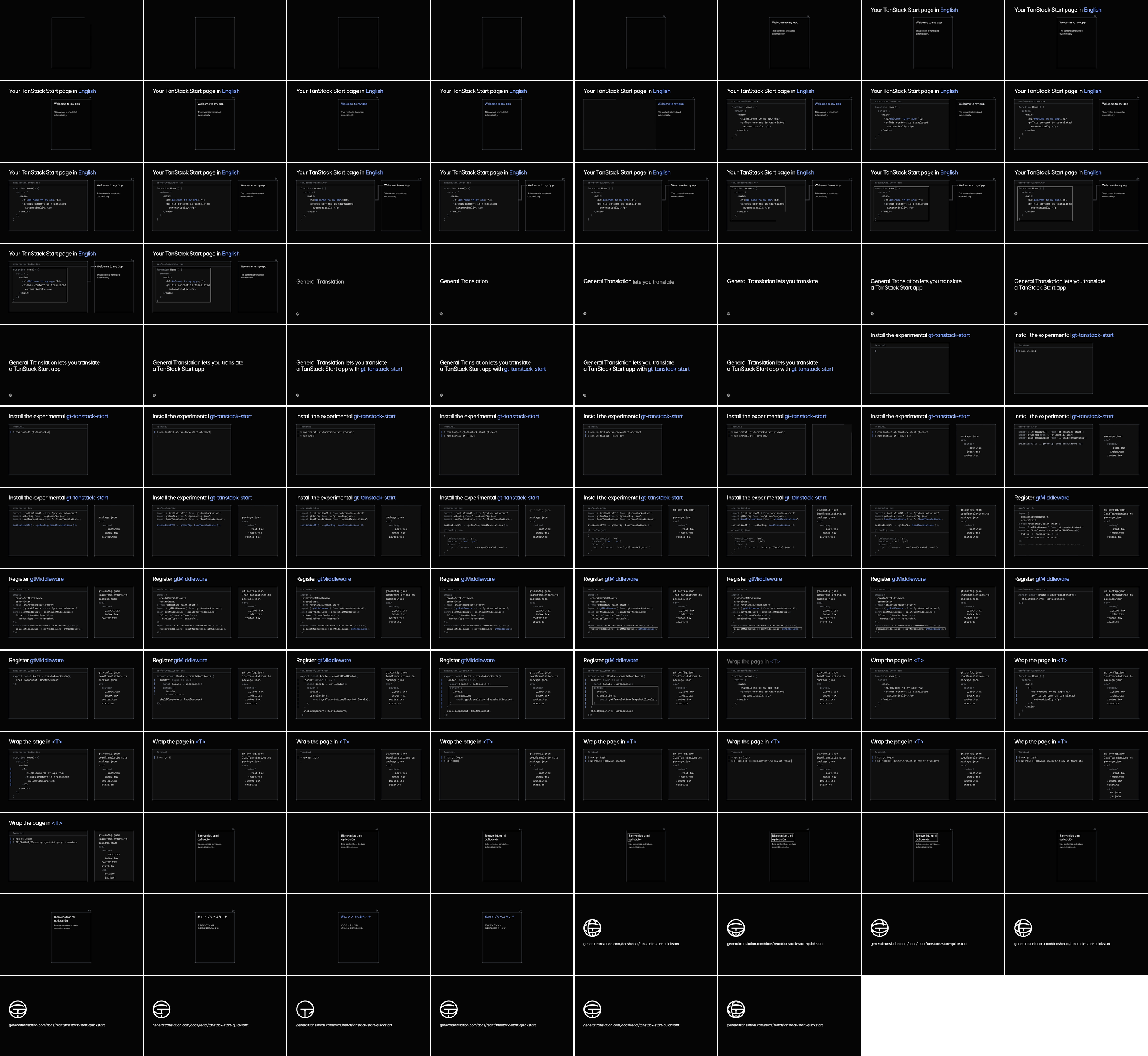
Install the experimental gt-tanstack-start package, register gtMiddleware so each request resolves its locale, pass the locale and its translations from the root route to GTProvider and run npx gt translate.
Two frames a second across the cut, each from the middle of its half second, eight to a row: 98 frames. It is the cut that plays above.
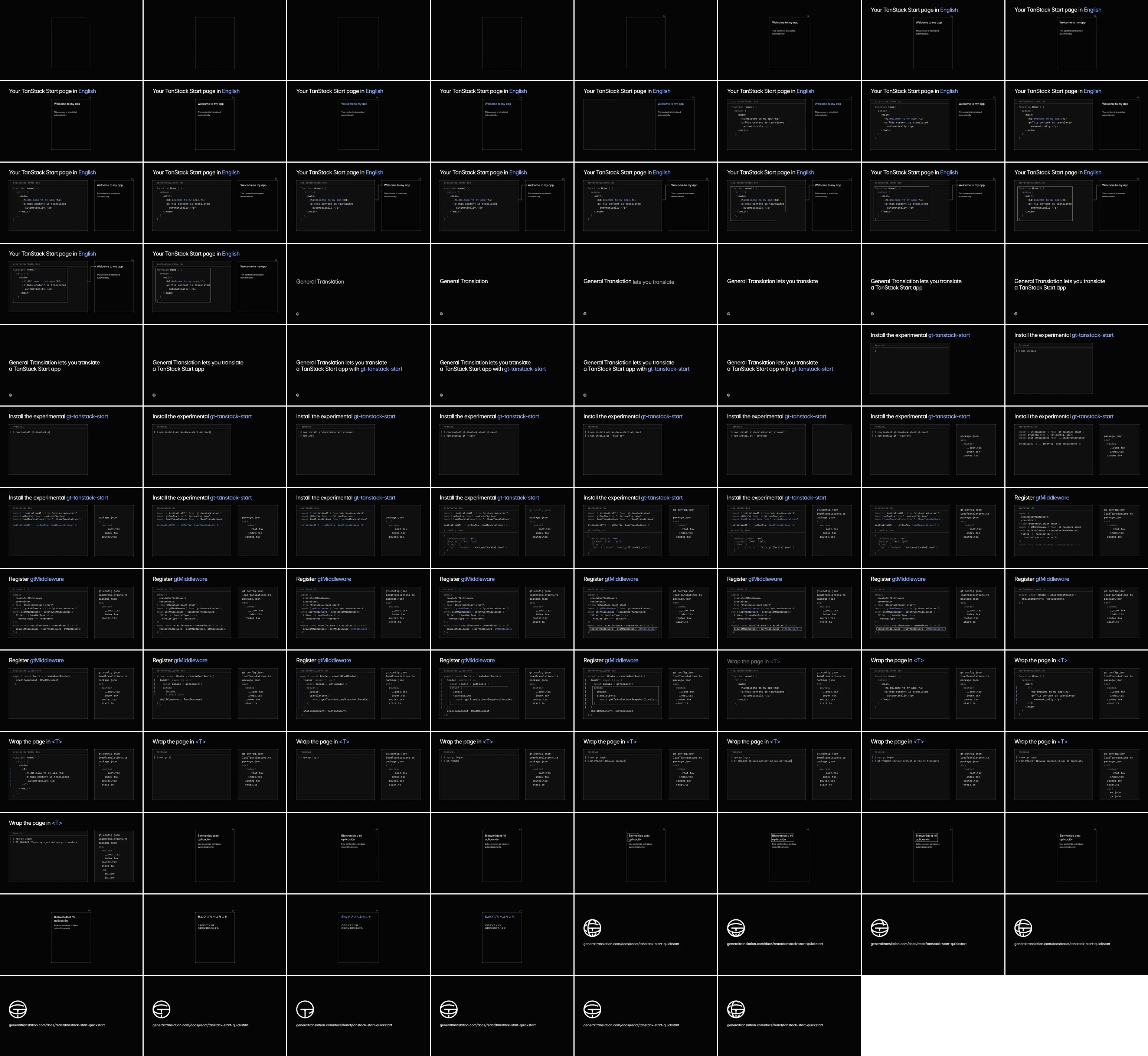
Install the experimental gt-tanstack-start package with gt-react and the gt CLI, list your languages in gt.config.json, call initializeGT in the router with them and a loadTranslations file, register gtMiddleware in src/start.ts so each request resolves its locale, pass the locale and its translations from the root route's loader to GTProvider, wrap your content in the T component, and run npx gt translate.
| Time | Voice | Line | On screen |
|---|---|---|---|
| 0:00.88 | Narrator | In Kyoto, a Japanese browser gets your TanStack Start page in English. | An app page draws in the middle of the frame. On "Japanese" the language code ja appears over its top right corner: the language the reader's browser asks for. On "browser" the heading "Welcome to my app" and the line "This content is translated automatically." rise, and the heading "Your TanStack Start page in English" rises on "your". On "English" the page's heading turns blue. |
| 0:06.00 | Narrator | The server renders this English JSX for every request, and nothing reads its language. | On "The" the page slides to the right, and on "server" a code panel opens with src/routes/index.tsx: a Home function whose <main> holds <h1>Welcome to my app</h1> and the paragraph. On "English" the blue moves from the page to Welcome to my app in the code, on "every" a line joins that row to the page's heading, and on "nothing" a white box draws around the whole function. |
| 0:13.32 | Narrator | General Translation lets you translate a TanStack Start app with gt-tanstack-start. | The answer card cuts in on "General": the answer alone rises as it is spoken, in two lines, "General Translation lets you translate" then "a TanStack Start app with gt-tanstack-start", and the General Translation mark sits small in the lower left corner. |
| 0:19.46 | Narrator | Install the experimental gt-tanstack-start package, and call initializeGT with your languages and a loader. | The heading "Install the experimental gt-tanstack-start", and the code panel opens again on a terminal. On "Install" npm install gt-tanstack-start gt-react is typed, then npm install gt --save-dev on the next line. On "package" a file panel opens on the right with the project's files. On "call" the code panel cuts to src/router.tsx, and on "initializeGT" the line initializeGT({ ...gtConfig, loadTranslations }); turns blue. On "languages" gt.config.json appears under it with the locales "es" and "ja" in blue, and joins the files. On "loader" loadTranslations turns blue, and loadTranslations.ts joins the files. |
| 0:27.54 | Narrator | Register gtMiddleware to read each request's language, and pass it from the root route to GTProvider. | The heading "Register gtMiddleware", and the code panel cuts to src/start.ts, whose createStart lists requestMiddleware: [csrfMiddleware, gtMiddleware]. On "gtMiddleware" its name turns blue and start.ts joins the files, and on "request's" a white box draws around the requestMiddleware line. On "pass" the panel cuts to the root route in src/routes/__root.tsx, and on "root" a loader opens in it that returns the request's locale from getLocale() and its translations from getTranslationsSnapshot(locale), a blue bar beside each new line. On "GTProvider" a white box draws around what the loader returns. |
| 0:34.90 | Narrator | Wrap the page in T, sign in, and run npx gt translate. | The heading "Wrap the page in <T>", and the code panel cuts to src/routes/index.tsx. On "page" <T> and </T> open around the heading and the paragraph, which move in, a blue bar beside each changed line. On "sign" the panel cuts to a terminal where npx gt login is typed, and on "run" GT_PROJECT_ID=your-project-id npx gt translate is typed on the next line. On "translate" _gt/ appears in the file panel under src/, with es.json and ja.json. |
| 0:40.46 | Narrator | Now a Spanish browser gets the page in Spanish, and the one in Kyoto gets Japanese. | The app page cuts back in the middle of the frame for a Spanish browser: the language code es, and the page in Spanish. On the second "Spanish" a white box draws around its heading, and on "Kyoto" the box goes. On "Japanese" the page cuts to the Japanese browser's: the code ja and the page in Japanese, and its heading turns blue, in the place where the English heading turned blue at the start. |
| 0:45.90 | No voice | The end card: the General Translation logo with generaltranslation.com/docs/react/tanstack-start-quickstart under it, held to the last frame while the music ends on a held chord. |
Times are where each line starts in the final, read from the film's own audio.
0:49 · Rendered
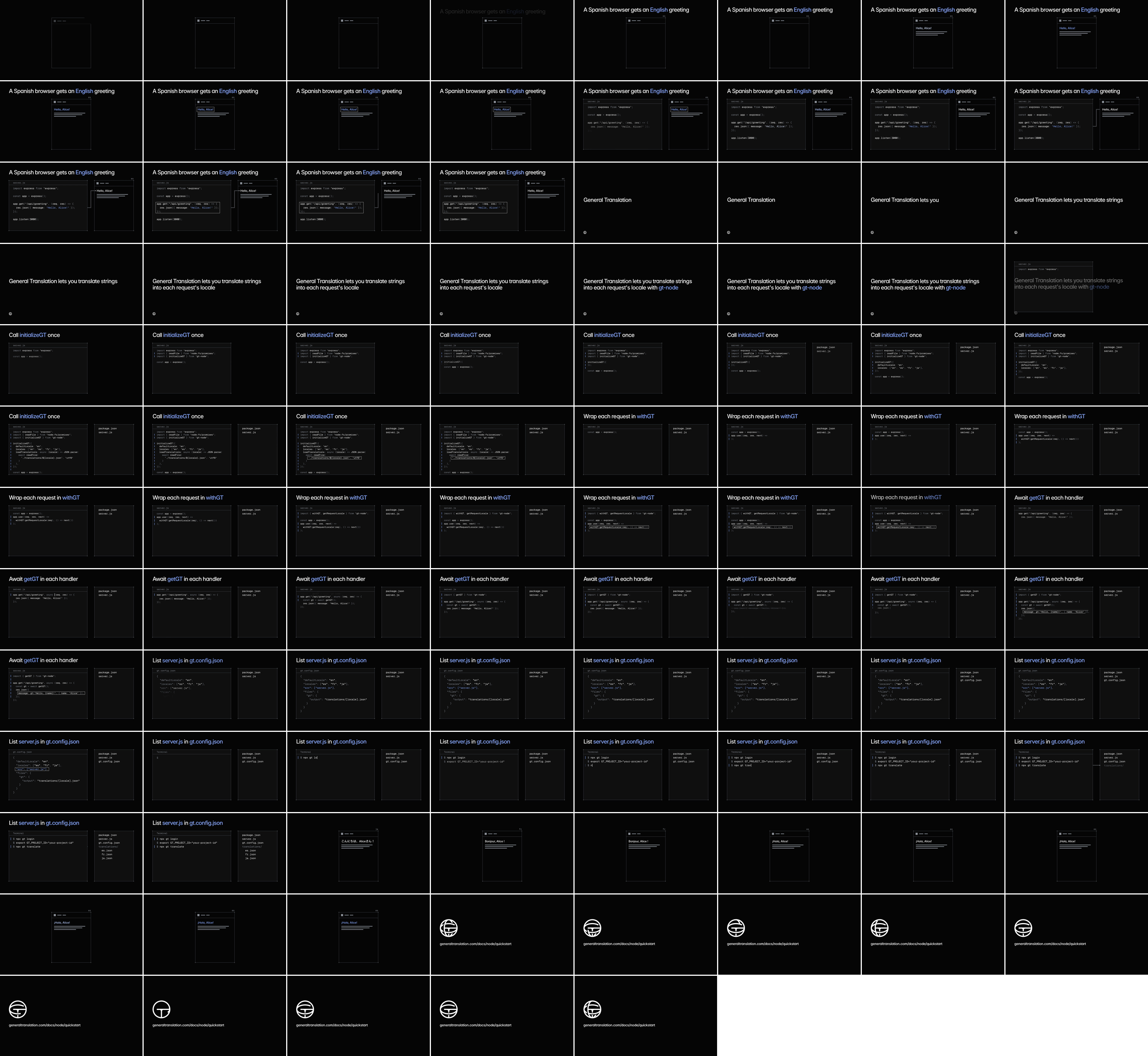
Install gt-node, call initializeGT once at startup, wrap each request in withGT, translate strings in your handlers with getGT and run npx gt translate to write a translation file for each language.
Two frames a second across the cut, each from the middle of its half second, eight to a row: 97 frames. It is the cut that plays above.
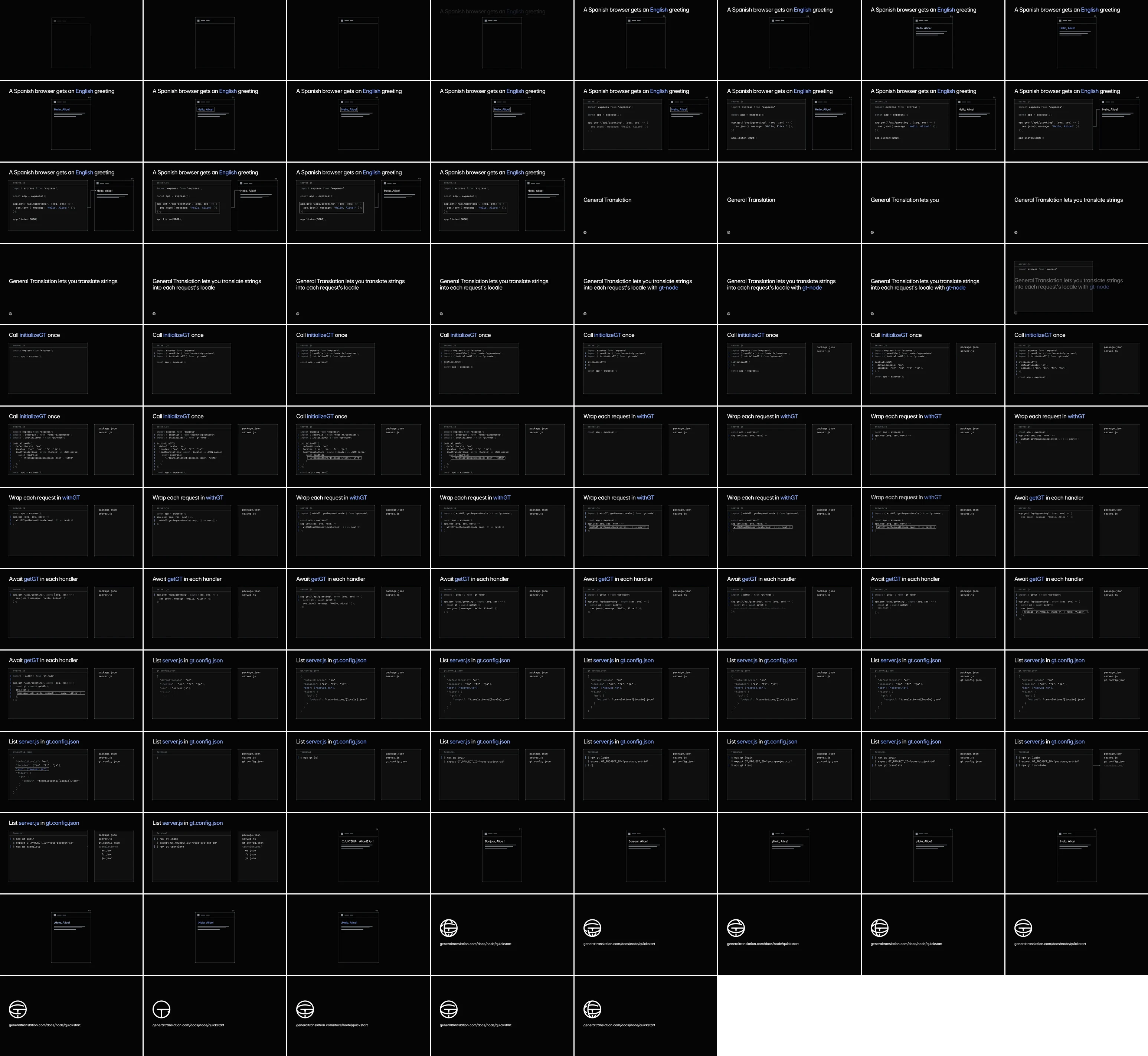
Install gt-node, call initializeGT once at startup with your locales and a translation loader, wrap each request in withGT, and translate strings in your handlers with getGT. Then list your server files in gt.config.json and run npx gt translate to write a translation file for each language.
| Time | Voice | Line | On screen |
|---|---|---|---|
| 0:00.88 | Narrator | In Seville, a Spanish browser gets an English greeting from your server. | An app page draws in the middle of the frame. On "Spanish" the language code es appears over its top right corner: the language the reader's browser asks for. The heading "A Spanish browser gets an English greeting" rises on "a", and on "gets" the page's greeting "Hello, Alice!" rises over bars of copy. On "English" the greeting turns blue, and on "server" a white box draws around it. |
| 0:05.68 | Narrator | The handler returns a fixed English string for every request. | On "The" the page slides to the right, and on "handler" a code panel opens with server.js: a plain Express server whose /api/greeting route answers res.json({ message: 'Hello, Alice!' }) and which listens on port 3000. On "fixed" the blue moves from the page to 'Hello, Alice!' in the code, on "string" a line joins that row to the page's greeting, and on "request" a white box draws around the route. |
| 0:10.14 | Narrator | General Translation lets you translate strings into each request's locale with gt-node. | The answer card cuts in on "General": the answer alone rises as it is spoken, in two lines, "General Translation lets you translate strings" then "into each request's locale with gt-node", and the General Translation mark sits small in the lower left corner. |
| 0:16.10 | Narrator | Call initializeGT once, with your languages and a loader for the translation files. | The heading "Call initializeGT once", and the code panel opens again on the top of server.js. On "initializeGT" import { readFile } from 'node:fs/promises'; and import { initializeGT } from 'gt-node'; open, and on "once" an initializeGT({ ... }) call opens. On "with" a file panel opens on the right with package.json and server.js. On "languages" defaultLocale: 'en' and locales: ['en', 'es', 'fr', 'ja'] open inside the call, on "loader" a loadTranslations function opens that reads ./translations/${locale}.json with readFile and parses it, and on "files" a white box draws around the file path. A blue bar marks each changed line. |
| 0:22.02 | Narrator | Wrap each request in withGT, using the language from its Accept-Language header. | The heading "Wrap each request in withGT", and the code panel shows server.js at const app = express();. On "each" app.use((req, res, next) => opens under it, on "withGT" withGT(getRequestLocale(req), () => next()) opens inside it, and on "using" import { withGT, getRequestLocale } from 'gt-node'; opens above. On "Accept-Language" a white box draws around the withGT line. A blue bar marks each changed line. |
| 0:27.68 | Narrator | In a handler, await getGT, and pass each string to gt. | The heading "Await getGT in each handler", and the code panel shows the route in server.js. On "handler" async is typed into it, on "await" const gt = await getGT(); opens, and on "getGT" import { getGT } from 'gt-node'; opens above. On "pass" res.json({ message: 'Hello, Alice!' }); is struck out and closes, and on "string" res.json({ message: gt('Hello, {name}!', { name: 'Alice' }) }); opens in its place, over three lines. On the last "gt" a white box draws around the gt(...) line. A blue bar marks each changed line. |
| 0:32.74 | Narrator | List server.js in gt.config.json, sign in, and run npx gt translate. | The heading "List server.js in gt.config.json", and the code panel shows a new file, gt.config.json: "defaultLocale": "en", "locales": ["es", "fr", "ja"], "src": ["server.js"] and "output": "translations/[locale].json" under files.gt. On "server.js" "src": ["server.js"] turns blue, on "gt.config.json" the file joins the file panel, and a white box draws around the "src" line. On "sign in" the panel shows a terminal where npx gt login is typed; on "and" export GT_PROJECT_ID="your-project-id" appears; on "npx" npx gt translate is typed. On "translate" a line draws from the command to the file panel, where translations/ appears with es.json, fr.json and ja.json. |
| 0:40.64 | Narrator | Now Japanese, French and Spanish browsers each get their own greeting. | The app page cuts back in the middle of the frame for a Japanese browser: the language code ja and the greeting in Japanese. On "French" it cuts to a French browser's page, with fr and the greeting in French, and on "Spanish" to the Spanish browser's, with es and the greeting in Spanish. On "greeting" the greeting turns blue, in the place where the English greeting turned blue at the start. |
| 0:45.42 | No voice | The end card: the General Translation logo with generaltranslation.com/docs/node/quickstart under it, held to the last frame while the music ends on a held chord. |
Times are where each line starts in the final, read from the film's own audio.
0:48 · Rendered
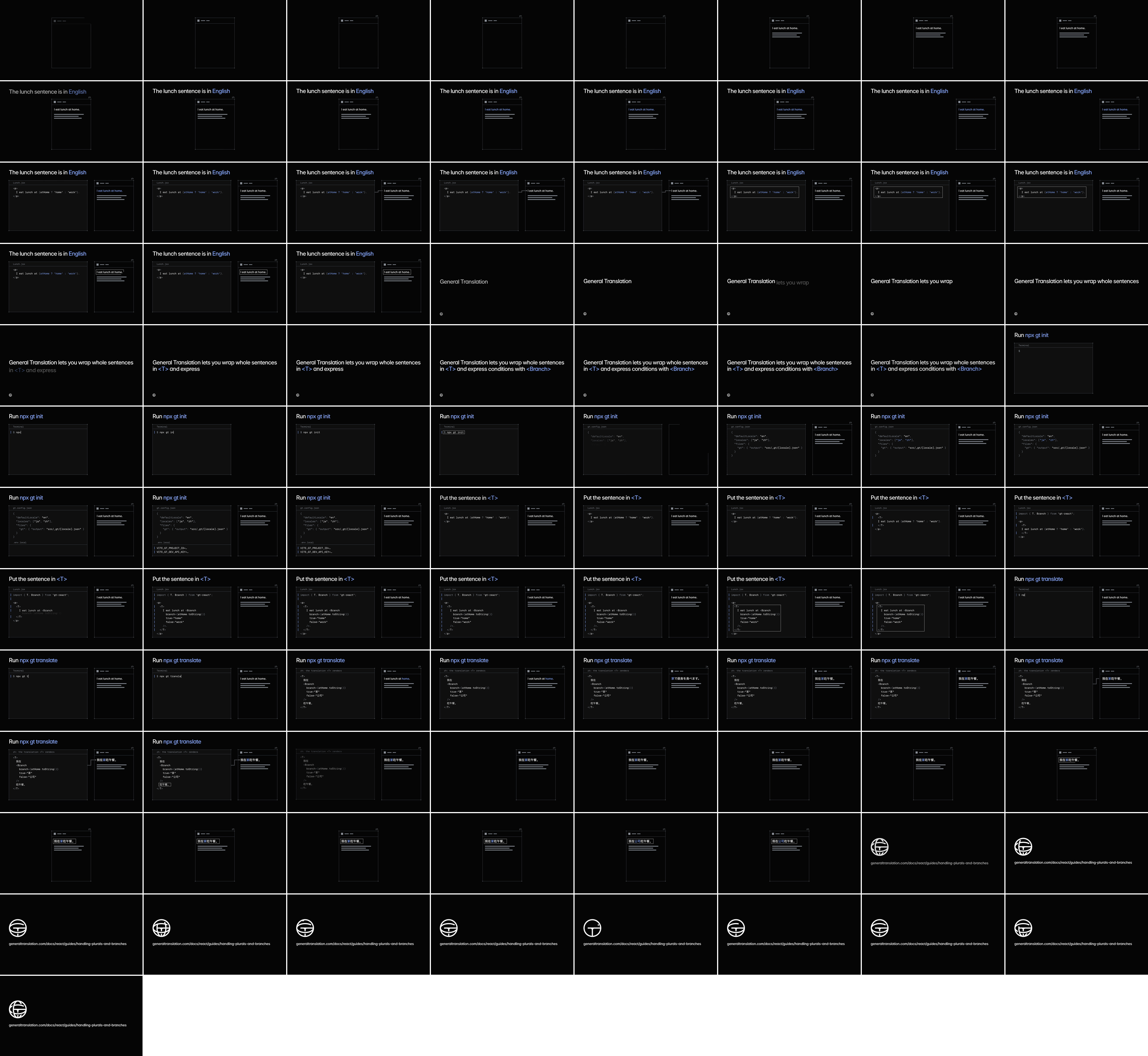
Wrap the whole sentence in the T component and express the condition with Branch, so the translator sees the full sentence and can reorder it for each language.
Two frames a second across the cut, each from the middle of its half second, eight to a row: 93 frames. It is the cut that plays above.
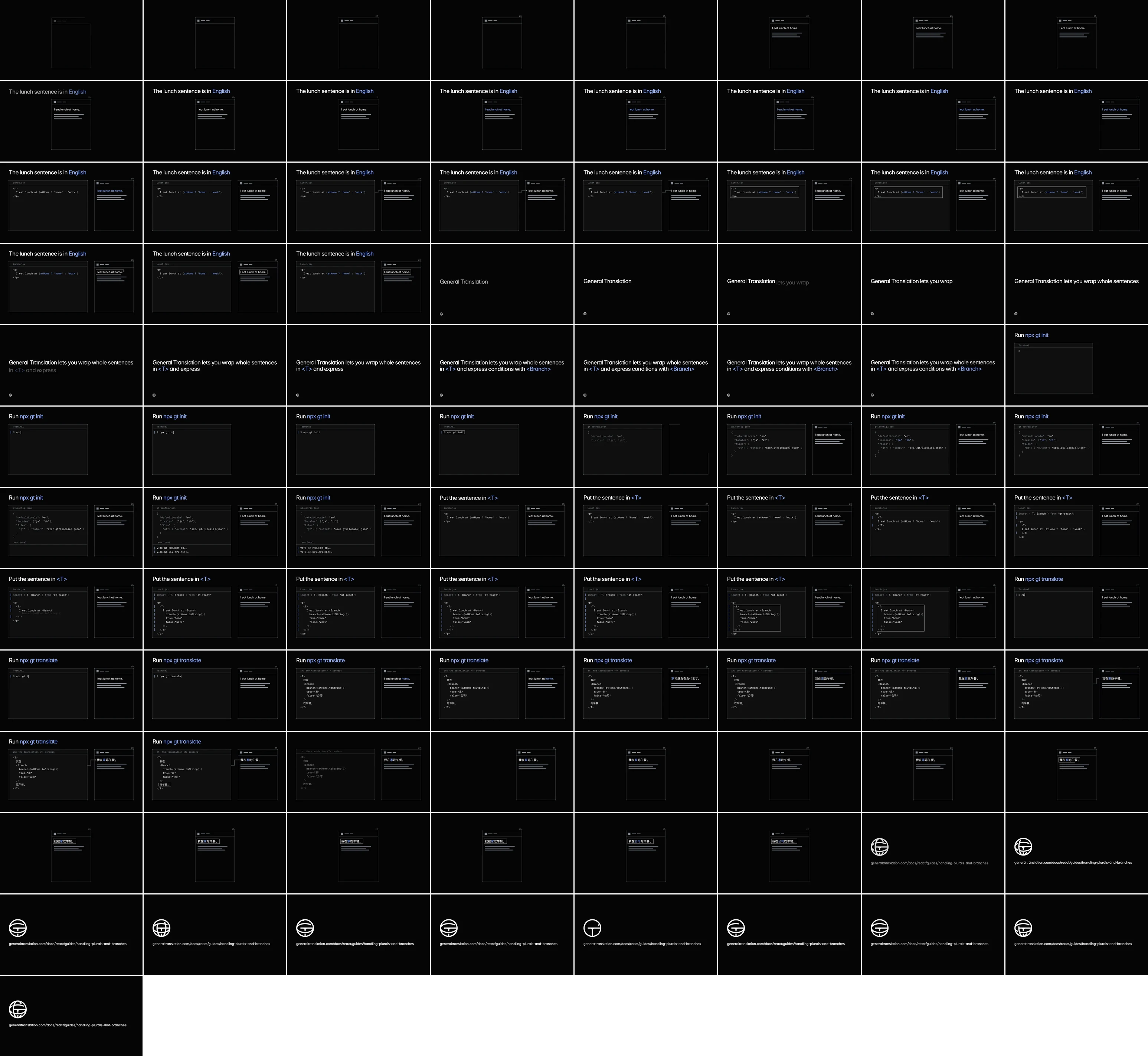
Instead of translating each side of a ternary separately, wrap the whole sentence in a <T> component and express the condition with <Branch>, so the translator sees the full context and can reorder the sentence for each language.
| Time | Voice | Line | On screen |
|---|---|---|---|
| 0:00.88 | Narrator | In Shanghai, a reader of Chinese opens your page, and the lunch sentence is in English. | A page draws in the middle of the frame. On "Shanghai" the language code zh appears over its top right corner, and on "Chinese" its sentence, "I eat lunch at home.", rises over three lines drawn as bars. The heading "The lunch sentence is in English" rises on "the", and on "English" the sentence turns blue. |
| 0:06.72 | Narrator | Home or work comes from a ternary of English words, and nothing in the app translates the sentence. | On "Home" the page slides to the right, and on "comes" a code panel opens with Lunch.jsx: <p>, I eat lunch at {atHome ? 'home' : 'work'}. and </p>. On "ternary" the blue moves from the sentence to atHome ? 'home' : 'work', and on "English" a line joins that row to the page's sentence. On "nothing" the line draws back and a white box draws around the component's three lines, and on "sentence" the box moves to the sentence on the page. |
| 0:13.84 | Narrator | General Translation lets you wrap whole sentences in T and express conditions with Branch. | The answer card cuts in on "General": the answer alone rises as it is spoken, in two lines, "General Translation lets you wrap whole sentences" then "in <T> and express conditions with <Branch>", and the General Translation mark sits small in the lower left corner. |
| 0:19.70 | Narrator | Run npx gt init, choose Japanese and Chinese, and sign in. | The heading "Run npx gt init". The code panel opens again with a terminal, and npx gt init is typed as it is spoken; on "init" a white box draws around it. On "choose" the panel cuts to gt.config.json, with "defaultLocale": "en", "locales": ["ja", "zh"] and the output path src/_gt/[locale].json, and the page draws again on the right, still in English. On "Chinese" "ja" and "zh" turn blue. On "sign" a second file, .env.local, opens under it with VITE_GT_PROJECT_ID and VITE_GT_DEV_API_KEY, the project ID and development key that signing in writes, their values left out. |
| 0:25.76 | Narrator | Put the sentence in a T component with a Branch, so the translator sees it whole. | The heading "Put the sentence in <T>". The code panel cuts to Lunch.jsx again. On "T" <T> and </T> open inside the <p>, and just after "component" import { T, Branch } from 'gt-react'; opens at the top. On "Branch" the ternary becomes <Branch, and branch={atHome.toString()}, true="home", false="work" and />. open under it, each on its own line. A blue bar marks each changed line. On "whole" a white box draws around the lines from <T> to </T>. The page stays in English. |
| 0:31.44 | Narrator | Run npx gt translate to write Japanese and Chinese with the place before the verb. | The heading "Run npx gt translate". The code panel cuts to a terminal, and npx gt translate is typed as it is spoken. On "translate" the panel cuts to the Chinese translation, labelled "zh: the translation <T> renders", where the place sits in the <Branch> before the verb, and "home" turns blue on the page. On "Japanese" the page switches to Japanese with the code ja, and on "Chinese" to Chinese with zh; in both, the place in blue comes before the verb. On "place" a line joins the <Branch row to the page's sentence, and on "verb" a white box draws around the verb's row. |
| 0:37.44 | Narrator | In Shanghai, the page now shows the Chinese sentence for home and for work. | The code panel goes, and on "Shanghai" the page slides back to the middle of the frame, in Chinese, its place in blue where the English sentence turned blue at the start. On "Chinese" a white box draws around the sentence, and on "work" the sentence changes to the Chinese sentence for work, its place still in blue before the verb. |
| 0:43.09 | No voice | The end card: the General Translation logo with generaltranslation.com/docs/react/guides/handling-plurals-and-branches under it, held to the last frame while the music ends on a held chord. |
Times are where each line starts in the final, read from the film's own audio.
0:46 · Rendered
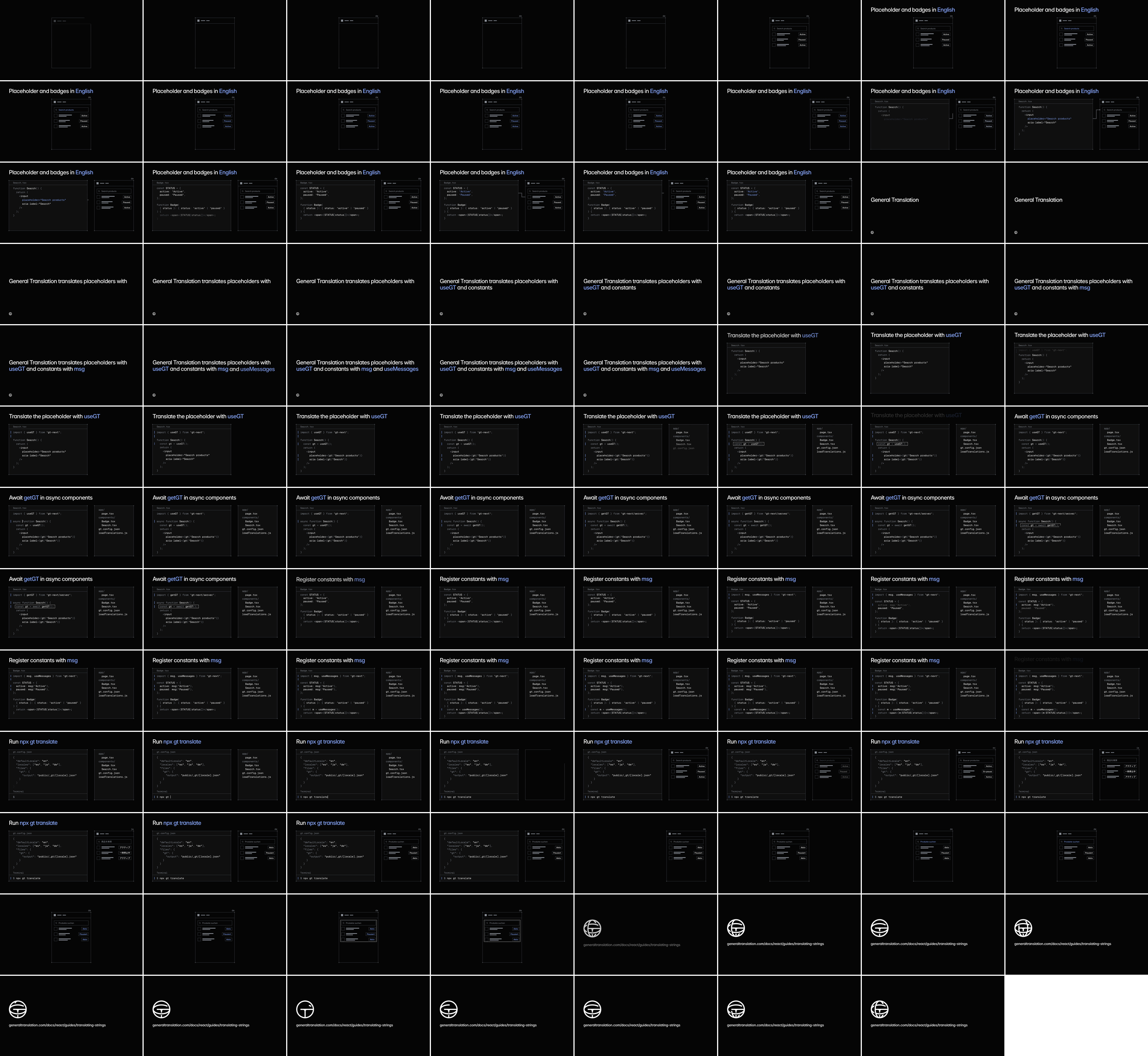
Use the useGT hook for strings such as placeholders and aria labels, getGT in async App Router components, and msg with useMessages for strings defined at module scope.
Two frames a second across the cut, each from the middle of its half second, eight to a row: 99 frames. It is the cut that plays above.
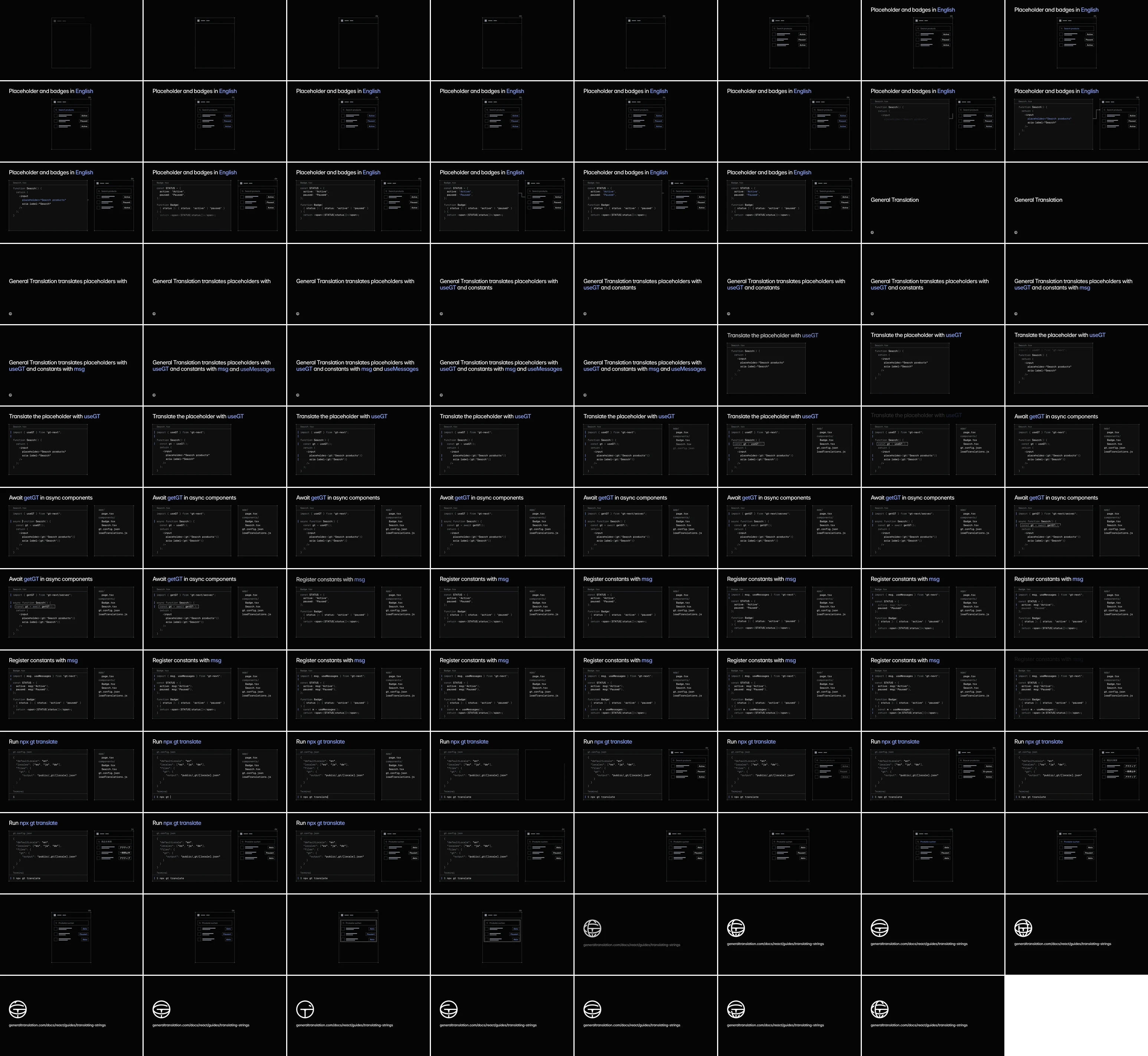
Use the useGT hook for strings such as placeholders and aria labels, getGT in async App Router components, and msg with useMessages for strings defined at module scope, outside a component.
| Time | Voice | Line | On screen |
|---|---|---|---|
| 0:00.88 | Narrator | In Vienna, your product list shows its search placeholder and badges in English. | A product list draws in the middle of the frame. On "Vienna" the language code de appears over its top right corner, and on "list" a search field reading "Search products" rises, then three rows with the badges "Active", "Paused" and "Active". The heading "Placeholder and badges in English" rises on "its". On "placeholder" "Search products" turns blue, and on "badges" the blue moves to the three badges. |
| 0:06.14 | Narrator | The placeholder is an attribute, and the badges come from a constant. | On "placeholder" the list slides to the right, and on "is" a code panel opens with Search.tsx, whose <input> has placeholder="Search products" and aria-label="Search". On "attribute" the blue moves to placeholder="Search products", and a line joins it to the search field. The line goes, and on "badges" the panel cuts to Badge.tsx: a constant STATUS with active: 'Active' and paused: 'Paused', and a Badge that returns <span>{STATUS[status]}</span>. On "constant" the blue moves to 'Active' and 'Paused', and a line joins them to the first badge. |
| 0:11.04 | Narrator | General Translation translates placeholders with useGT and constants with msg and useMessages. | The answer card cuts in on "General": the answer alone rises as it is spoken, in two lines, "General Translation translates placeholders with" then "useGT and constants with msg and useMessages", and the General Translation mark sits small in the lower left corner. |
| 0:18.78 | Narrator | Call useGT, and pass the placeholder to the function it returns. | The heading "Translate the placeholder with useGT", and the code panel opens again with Search.tsx. On "useGT" import { useGT } from 'gt-next'; opens at the top, on "pass" const gt = useGT(); opens, and on "placeholder" the placeholder becomes {gt('Search products')} and the label {gt('Search')}. A blue bar marks each changed line. On "function" a file panel opens on the right with the project's files, gt.config.json and loadTranslations.js among them, and on "returns" a white box draws around const gt = useGT();. |
| 0:23.62 | Narrator | In async components, await getGT, because they cannot use hooks. | The heading "Await getGT in async components", and the code panel cuts to Search.tsx as the last step left it. On "async" async is typed in front of function Search(), on "await" const gt = useGT(); becomes const gt = await getGT();, and on "getGT" the import becomes import { getGT } from 'gt-next/server';, each marked by a blue bar. On "cannot" a white box draws around const gt = await getGT();. |
| 0:29.32 | Narrator | For constants, msg registers each string, and useMessages resolves it where you render it. | The heading "Register constants with msg", and the code panel cuts to Badge.tsx. On "msg" import { msg, useMessages } from 'gt-next'; opens at the top; on "registers" 'Active' becomes msg('Active'), and on "each" 'Paused' becomes msg('Paused'). On "useMessages" const m = useMessages(); opens in the function, and on "render" the return becomes <span>{m(STATUS[status])}</span>. A blue bar marks each changed line. |
| 0:36.10 | Narrator | Run npx gt translate to write the Spanish, Japanese and German strings. | The heading "Run npx gt translate", and the code panel cuts to gt.config.json, with "locales": ["es", "ja", "de"], over a terminal. On "npx" npx gt translate is typed, marked by a blue bar. On "translate" the product list draws again on the right, in English, in place of the file panel. On "Spanish", "Japanese" and "German" the list and its code switch to that language. |
| 0:42.02 | Narrator | In Vienna, the placeholder and the badges now read in German. | The code panel lifts away, and on "Vienna" the list, in German with the code de, slides back to the middle of the frame. On "placeholder" the German placeholder turns blue, and on "badges" the blue moves to the German badges, in the places where the English ones turned blue at the start. On "German" a white box draws around the search field and the three rows. |
| 0:46.14 | No voice | The end card: the General Translation logo with generaltranslation.com/docs/react/guides/translating-strings under it, held to the last frame while the music ends on a held chord. |
Times are where each line starts in the final, read from the film's own audio.
0:49 · Rendered
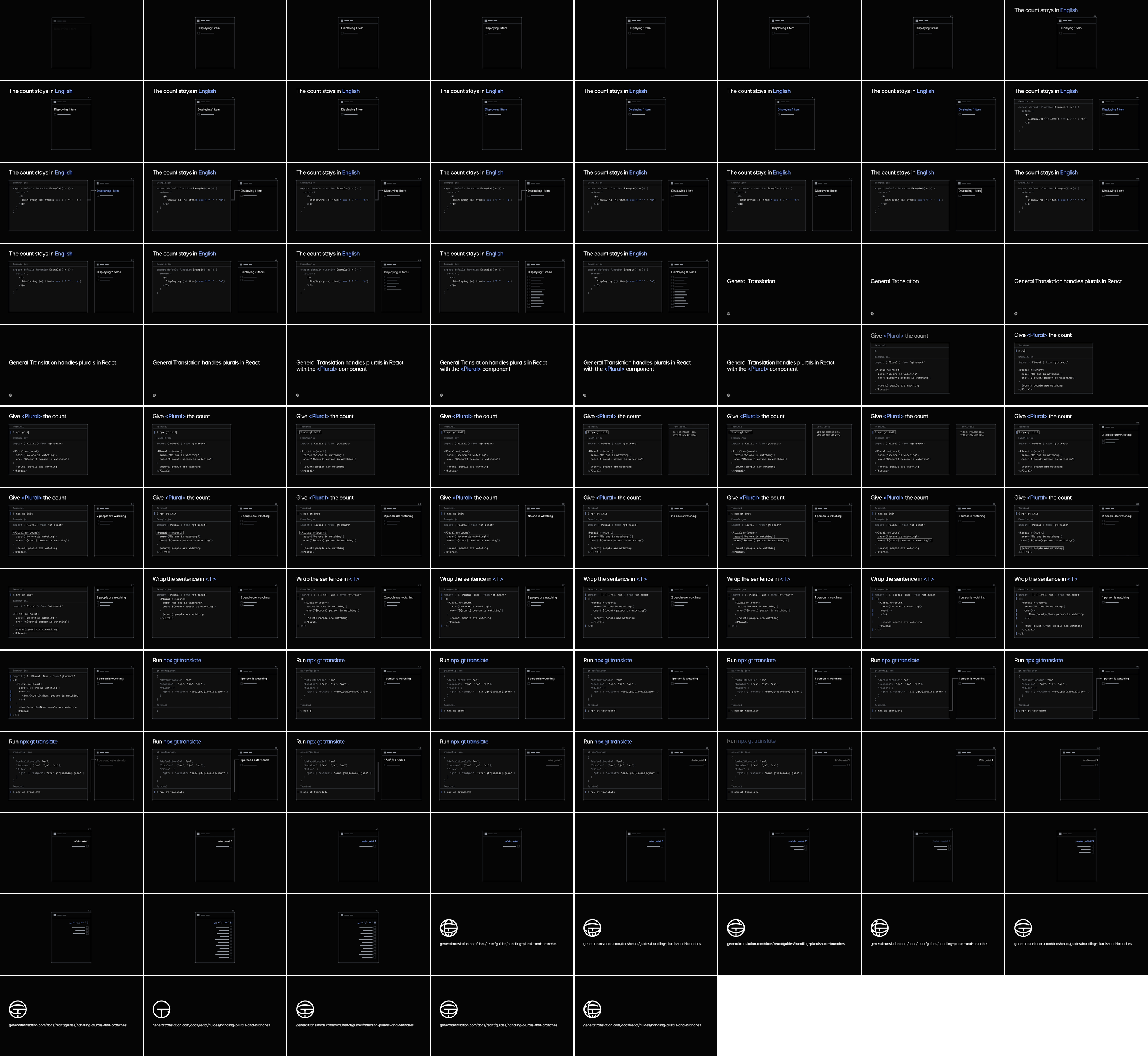
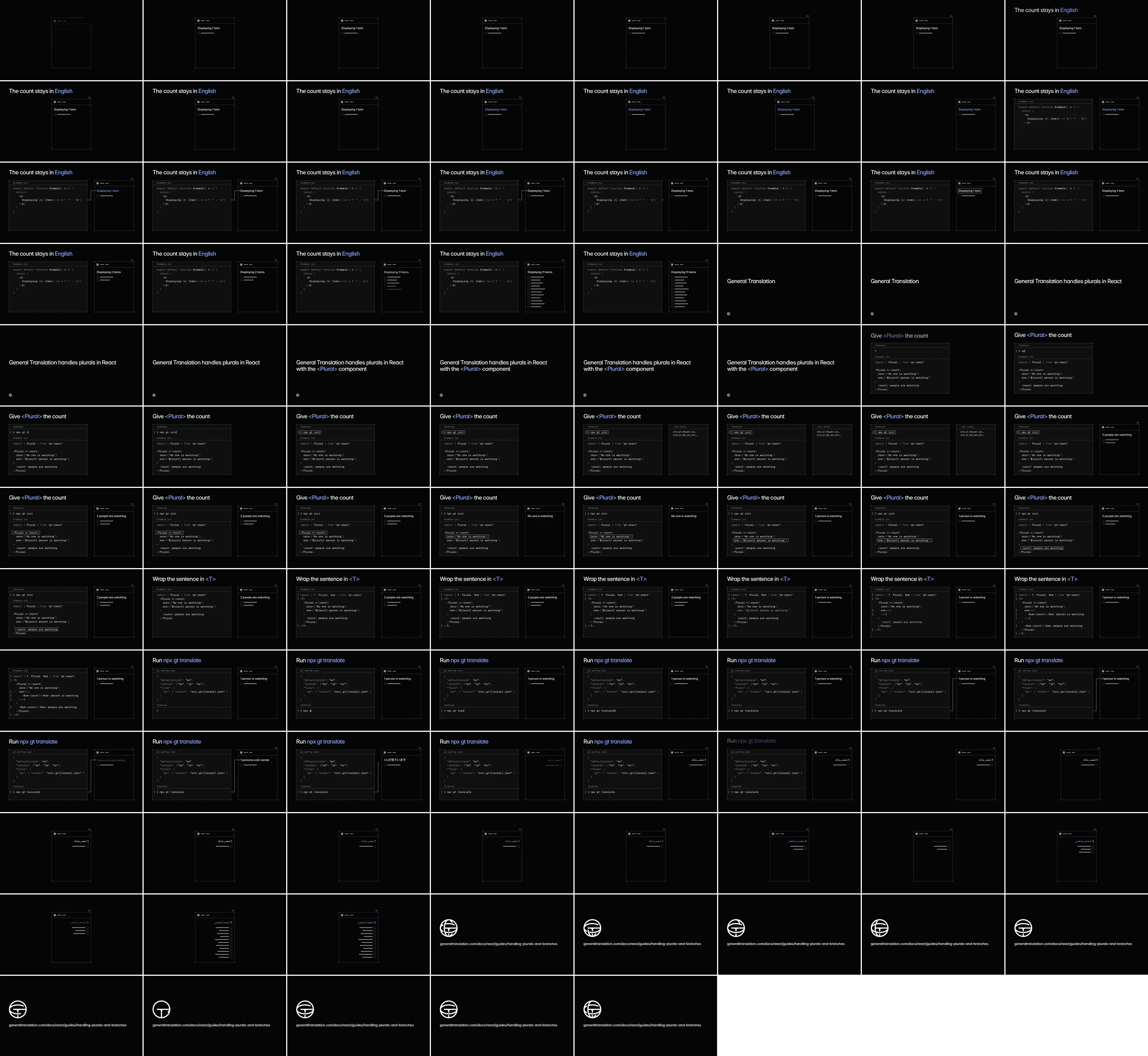
A multilingual app needs each locale's plural rules instead of checks like n === 1, and the Plural component from gt-react or gt-next applies them for every language.
Two frames a second across the cut, each from the middle of its half second, eight to a row: 97 frames. It is the cut that plays above.
Don't hard-code plural logic with checks like n === 1. A small helper is enough for English-only apps, but multilingual apps need locale-aware plural rules, which an i18n component such as <Plural> from gt-react or gt-next handles for every language.
| Time | Voice | Line | On screen |
|---|---|---|---|
| 0:00.88 | Narrator | In Cairo, a browser asks for Arabic, and your page still shows its count in English. | A page draws in the middle of the frame with the sentence "Displaying 1 item" and one row under it. On "asks" the language code ar appears over its top right corner. The heading "The count stays in English" rises on "your", and on "English" the sentence turns blue. |
| 0:06.44 | Narrator | Its plural comes from a check for n equals one, and Arabic needs different sentences for two, three and eleven. | On "plural" the page slides to the right, and on "comes" a code panel opens with the article's Example.jsx, which prints Displaying {n} item{n === 1 ? '' : 's'} in a <p>. On "check" a line joins that row to the page's sentence, and on "n" the blue moves from the sentence to n === 1 ? '' : 's'. The line goes on "Arabic". On "different" a white box draws around the sentence. On "two" the page reads "Displaying 2 items" with two rows, and on "eleven" "Displaying 11 items" with eleven rows, so the English keeps one form. |
| 0:14.52 | Narrator | General Translation handles plurals in React with the Plural component. | The answer card cuts in on "General": the answer alone rises as it is spoken, in two lines, "General Translation handles plurals in React" then "with the <Plural> component", and the General Translation mark sits small in the lower left corner. |
| 0:19.36 | Narrator | Run npx gt init, sign in, then give Plural the count and sentences for zero, for one and for more. | The heading "Give <Plural> the count". The code panel opens again with a terminal over Example.jsx, which now holds the article's <Plural>: <Plural n={count}, its zero and one props, and "{count} people are watching" as its children. On "npx" npx gt init is typed in the terminal, and on "init" a white box draws around it. On "sign" a .env.local panel opens on the right with VITE_GT_PROJECT_ID and VITE_GT_DEV_API_KEY, their values left out. On "Plural" the page draws in its place, still in English under the code ar: "2 people are watching" with two rows. The box moves to <Plural n={count} on "count", to the zero line on "zero", to the one line on "one" and to the children on "more", and the page shows each sentence in turn: "No one is watching", "1 person is watching" and "2 people are watching". |
| 0:28.48 | Narrator | Wrap it in a T component, with the count inside Num. | The heading "Wrap the sentence in <T>". The code panel cuts to Example.jsx again. On "it" <T> and </T> open around the <Plural>, and on "T" the import becomes import { T, Plural, Num } from 'gt-react'. On "count" the page reads "1 person is watching" with one row. On "inside" the one prop becomes a fragment, and on "Num" <Num>{count}</Num> takes the count's place in both sentences. A blue bar marks each changed line. |
| 0:32.58 | Narrator | Run npx gt translate, and it writes the sentences that Spanish, Japanese and Arabic need. | The heading "Run npx gt translate". The code panel cuts to gt.config.json, whose locales are "es", "ja" and "ar", over a terminal. On "npx" npx gt translate is typed, and on "writes" a line joins it to the page's sentence. On "Spanish" the page switches to Spanish with the code es, and on "Japanese" to Japanese with ja. The line goes just before "Arabic", and on "Arabic" the page switches to Arabic with ar, set right to left with its row on the right. |
| 0:39.14 | Narrator | In Cairo, Plural now picks the Arabic sentence for two, for three and for eleven. | The code panel goes, and on "Cairo" the page slides back to the middle of the frame. On "picks" its Arabic sentence turns blue, in the place where the English sentence turned blue at the start. On "two", "three" and "eleven" the sentence changes to the Arabic form for that count, and the list grows to two, three and eleven rows, set from the right. |
| 0:45.42 | No voice | The end card: the General Translation logo with generaltranslation.com/docs/react/guides/handling-plurals-and-branches under it, held to the last frame while the music ends on a held chord. |
Times are where each line starts in the final, read from the film's own audio.
0:48 · Rendered
Wrap each value in the component for its type, Num, Currency, DateTime or RelativeTime, which formats it for the active locale with JavaScript's Intl API.
Two frames a second across the cut, each from the middle of its half second, eight to a row: 90 frames. It is the cut that plays above.
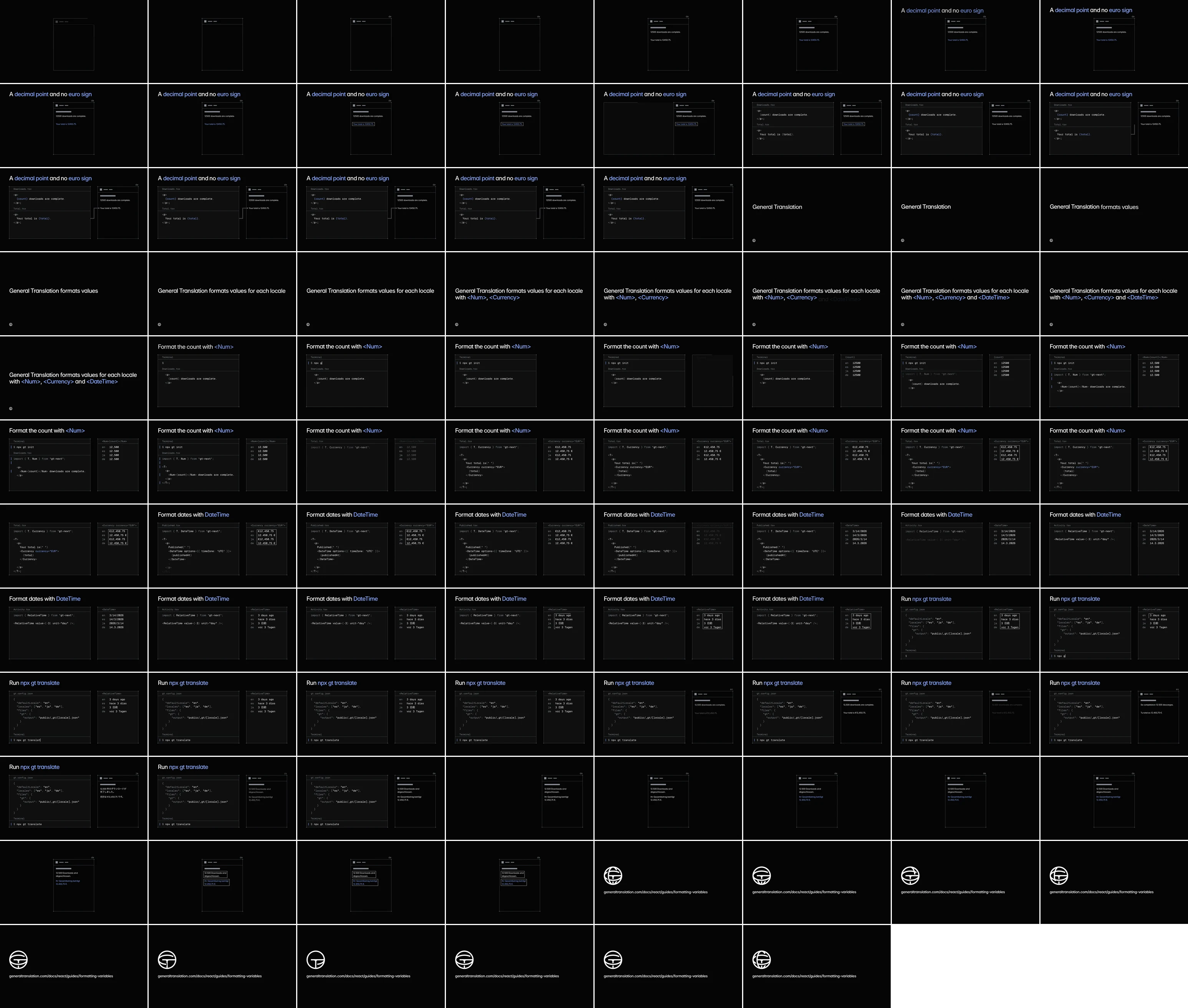
Wrap each value in the component for its type: Num for numbers, Currency for money, DateTime for dates and RelativeTime for relative time. Each formats the value for the active locale with JavaScript's Intl API, locally, without sending it to a translation service.
| Time | Voice | Line | On screen |
|---|---|---|---|
| 0:00.88 | Narrator | In Munich, your page writes its total with a decimal point and no euro sign. | A page draws in the middle of the frame. On "Munich" the language code de appears over its top right corner, and on "page" its two sentences rise: "12500 downloads are complete." and "Your total is 12450.75.", with the values as the code holds them. On "total" the total sentence turns blue, the heading "A decimal point and no euro sign" rises on "a", and on "sign" a white box draws around the total. |
| 0:06.00 | Narrator | The code prints each value as it is, unformatted for any locale. | On "The" the page slides to the right, and on "code" a code panel opens with Downloads.tsx, a paragraph that renders {count} downloads are complete., over Total.tsx, which renders Your total is {total}.. On "value" the page's blue and its box go, and {count} and {total} turn blue. On "is" a line joins the {total} row to the page's total. |
| 0:10.76 | Narrator | General Translation formats values for each locale with Num, Currency and DateTime. | The answer card cuts in on "General": the answer alone rises as it is spoken, in two lines, "General Translation formats values for each locale" then "with <Num>, <Currency> and <DateTime>", and the General Translation mark sits small in the lower left corner. |
| 0:16.80 | Narrator | After npx gt init, Num groups the count's digits, and Currency formats the total without converting it. | The heading "Format the count with <Num>". The code panel opens again with a terminal over Downloads.tsx, and npx gt init is typed as it is spoken. On "init" a panel opens on the right, labelled {count}, that lists what the paragraph shows in each language: en, es, ja and de, each 12500. On "Num" import { T, Num } from 'gt-next'; opens at the top; on "groups" {count} becomes <Num>{count}</Num>, and the panel's label becomes <Num>{count}</Num> and its values 12,500 for en, 12.500 for es, 12,500 for ja and 12.500 for de; on "digits" <T> and </T> open around the paragraph. A blue bar marks each changed line. On "Currency" the code panel cuts to Total.tsx, where <Currency currency="EUR"> wraps {total}, and the panel beside it changes to <Currency currency="EUR">, with the amount in each language's format. On "total" currency="EUR" turns blue, and on "converting" a white box draws around the four amounts, the same 12,450.75 euros in every row. |
| 0:24.54 | Narrator | The DateTime component formats dates, and the RelativeTime component writes phrases such as three days ago. | The heading "Format dates with DateTime". The code panel shows Published.tsx: inside <T>, "Published" followed by <DateTime options={{ timeZone: 'UTC' }}>{publishedAt}</DateTime>. On "dates" the panel beside it changes to <DateTime>: 3/14/2026 for en, 14/3/2026 for es, 2026/3/14 for ja and 14.3.2026 for de. On "Relative" the code panel changes to Activity.tsx, <RelativeTime value={-3} unit="day" />, and on "writes" the panel beside it changes to <RelativeTime>, with the phrase for three days ago in each of the four languages. On "three" a white box draws around the four phrases. |
| 0:31.24 | Narrator | Run npx gt translate, and the words are translated into Spanish, Japanese and German. | The heading "Run npx gt translate". The code panel shows gt.config.json, with "defaultLocale": "en", "locales": ["es", "ja", "de"] and the output path public/_gt/[locale].json, over a terminal where npx gt translate is typed. On "words" the page draws again on the right in place of the panel, in English with the code en and its values formatted: "12,500 downloads are complete." and "Your total is €12,450.75.". It switches to Spanish on "Spanish", to Japanese on "Japanese" and to German on "German", its sentences translated and its values formatted for each language. |
| 0:37.54 | Narrator | In Munich, the total and the count now follow German conventions. | The code panel goes, and on "Munich" the page slides back to the middle of the frame, in German. On "total" the German total turns blue, in the place where the unformatted total turned blue at the start, and it stays blue to the end. On "conventions" white boxes draw around the two sentences. |
| 0:41.88 | No voice | The end card: the General Translation logo with generaltranslation.com/docs/react/guides/formatting-variables under it, held to the last frame while the music ends on a held chord. |
Times are where each line starts in the final, read from the film's own audio.
0:45 · Rendered
Give every language its own URL, set the html lang attribute, point each canonical URL at its own page, add hreflang alternates, translate titles and descriptions, and list every language version in your sitemap.
Two frames a second across the cut, each from the middle of its half second, eight to a row: 100 frames. It is the cut that plays above.
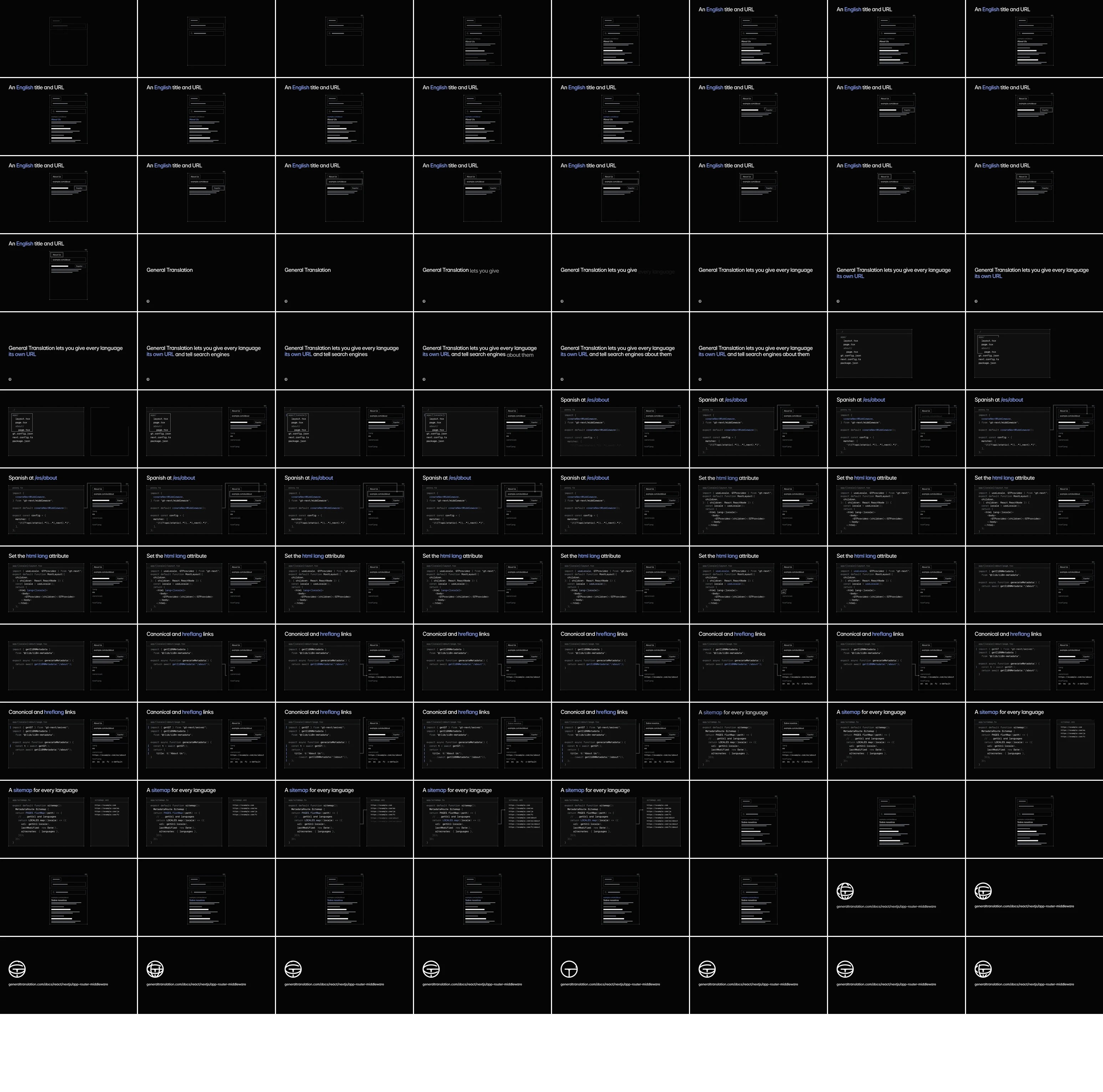
Give every language its own URL, set the html lang attribute, point each page's canonical URL at itself, add hreflang alternates for every language, translate titles and descriptions, and list every language version in your sitemap.
| Time | Voice | Line | On screen |
|---|---|---|---|
| 0:00.88 | Narrator | In Madrid, the search result for your About page shows the English title and URL. | A browser draws in the middle of the frame on a search page: a search field with a magnifying glass, with the tab and the address drawn as bars. On "Madrid" the language code es appears over its top right corner, and on "the" three results rise. The first reads "example.com/about" over "About Us"; the other two are drawn as bars. The heading "An English title and URL" rises on "your". On "English" the title "About Us" turns blue, and on "URL" the blue moves to "example.com/about". |
| 0:06.10 | Narrator | Your app shows Spanish with gt-next, but that version has no URL or title of its own. | On "app" the browser cuts to the About page: the tab reads "About Us", the address reads "example.com/about", the page's copy is drawn as bars, and a language menu in its top right is set to Spanish. On "Spanish" a white box draws around the language menu; it moves to the address on "version" and to the tab on "title". |
| 0:12.58 | Narrator | General Translation lets you give every language its own URL and tell search engines about them. | The answer card cuts in on "General": the answer alone rises as it is spoken, in two lines, "General Translation lets you give every language" then "its own URL and tell search engines about them", and the General Translation mark sits small in the lower left corner. |
| 0:19.30 | Narrator | Move your pages into app/[locale], and the middleware serves Spanish at /es/about. | A code panel opens with the project's files, ./: app/ with layout.tsx, page.tsx and about/page.tsx, then gt.config.json, next.config.ts and package.json. On "pages" a white box draws around app/ and its four rows, and on "into" the browser draws again on the right, on the About page, with three rows under it: lang, which reads es, then canonical and hreflang, still empty. On "app/[locale]" app/ becomes app/[locale]/. On "the" the heading "Spanish at /es/about" rises and the code panel cuts to proxy.ts, and on "middleware" createNextMiddleware turns blue. On "serves" a line runs from export default createNextMiddleware(); along the top to the address bar, and the address becomes "example.com/es/about"; on "/es/about" a white box draws around it. |
| 0:26.78 | Narrator | The root layout sets the html lang attribute with useLocale. | The heading "Set the html lang attribute", and the code panel cuts to app/[locale]/layout.tsx. On "html" lang={locale} turns blue, and on "attribute" a line joins <html lang={locale}> to the browser's lang row. On "useLocale" the blue moves to useLocale in the import and the call, the line goes, and a white box draws around the row's value, es. |
| 0:31.82 | Narrator | A helper adds canonical and hreflang links, and getGT translates the title. | The code panel cuts to app/[locale]/about/page.tsx, whose generateMetadata returns await getI18NMetadata('/about'). On "helper" the helper call turns blue. On "canonical" the heading "Canonical and hreflang links" rises, and a line joins the helper call to the browser's canonical row, which fills with "https://example.com/es/about". On "links" the hreflang row fills with en es ja fr x-default, and on "and" the line goes. On "getGT" import { getGT } from 'gt-next/server'; and const t = await getGT(); open, on "translates" the return becomes an object with title: t('About Us'),, and on "the" the helper's result is spread into it. On "title" a line runs along the top to the tab, which changes to the Spanish title. A blue bar marks each changed line. |
| 0:38.82 | Narrator | A sitemap lists every page in every language. | The heading "A sitemap for every language", and the code panel cuts to app/sitemap.ts. On "sitemap" the browser drops away. On "lists" a sitemap.xml panel opens on the right with https://example.com and its /es, /ja and /fr versions. On "page" PAGES.flatMap turns blue, and on the second "every" a line joins url: getUrl(locale), to those four rows. On "language" the blue moves to LOCALES.map, and https://example.com/about and its /es, /ja and /fr versions rise under them. |
| 0:42.48 | Narrator | In Madrid, the result can now show the Spanish title and URL. | The browser cuts back in the middle of the frame on the search page, with the code es. On "Madrid" the three results rise, and the first now reads "example.com/es/about" over the Spanish title. On "Spanish" the title turns blue, in the place where "About Us" turned blue at the start, and on "URL" the blue moves to "example.com/es/about". |
| 0:47.02 | No voice | The end card: the General Translation logo with generaltranslation.com/docs/react/nextjs/app-router-middleware under it, held to the last frame while the music ends on a held chord. |
Times are where each line starts in the final, read from the film's own audio.
0:50 · Rendered
Copy the start prompt with the Setup for Agents button on generaltranslation.com and paste it into your coding agent, which reads the docs, signs in, sets up the project and translates a first page.
Two frames a second across the cut, each from the middle of its half second, eight to a row: 93 frames. It is the cut that plays above.
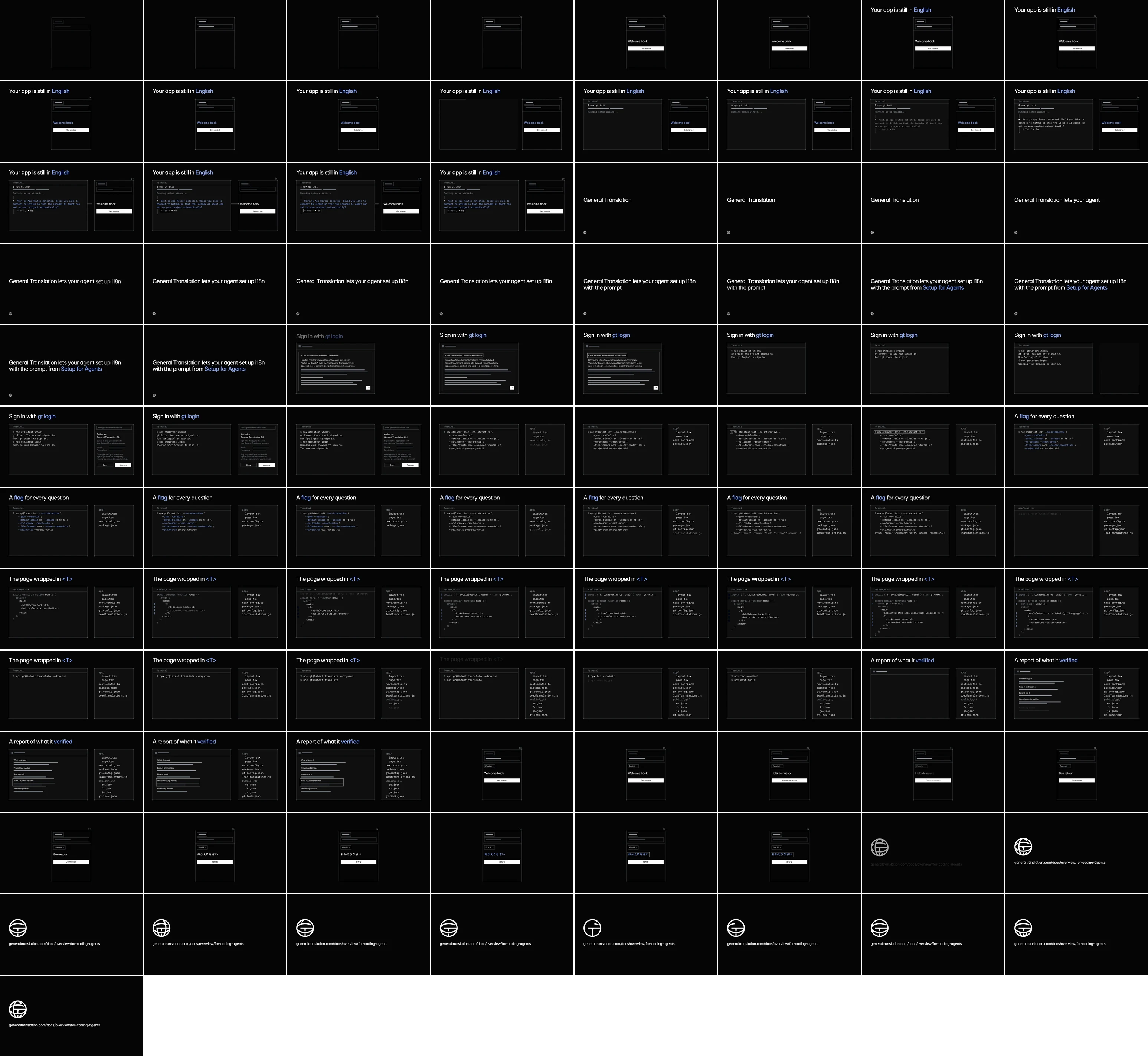
Yes. Copy the start prompt with the Setup for Agents button on generaltranslation.com and paste it into your coding agent. The prompt has the agent read the docs, sign in with gt login, set up the project with flags, translate a first page, and verify the result.
| Time | Voice | Line | On screen |
|---|---|---|---|
| 0:00.88 | Narrator | In Sapporo, a Japanese reader finds your app is still in English. | A browser draws in the middle of the frame, its tab and address drawn as bars. On "Sapporo" the language code ja appears over its top right corner, and on "Japanese" the app's page rises: "Welcome back" and a white "Get started" button, both in English. The heading "Your app is still in English" rises on "your", and on "English" "Welcome back" turns blue. |
| 0:05.08 | Narrator | Your agent ran gt init without flags, and it waits for an answer. | On "agent" the browser slides to the right. On "ran" a code panel opens on the agent's terminal: $ npx gt init, the command's banner drawn as bars, and "Running setup wizard...". On "flags" its first question rises: "Next.js App Router detected. Would you like to connect to GitHub so that the Locadex AI Agent can set up your project automatically?", with Yes and No under it and No selected. On "and" the blue moves from the page to the question, on "waits" a line joins the question to "Welcome back", and on "answer" a white box draws around Yes and No. |
| 0:10.10 | Narrator | General Translation lets your agent set up i18n with the prompt from Setup for Agents. | The answer card cuts in on "General": the answer alone rises as it is spoken, in two lines, "General Translation lets your agent set up i18n" then "with the prompt from Setup for Agents", and the General Translation mark sits small in the lower left corner. |
| 0:17.40 | Narrator | The prompt has your agent run gt login, which you approve. | The heading "Sign in with gt login". The code panel opens again on the agent's window, whose message box holds the pasted prompt: "# Get started with General Translation", then "I landed on https://generaltranslation.com and clicked "Setup for Agents". Help me add General Translation to my app, website, or content, and get a real translation working.", the rest drawn as bars. A white box draws around the prompt's title on "prompt". On "run" the panel cuts to the agent's terminal: $ npx gt@latest whoami and its error on two rows, "gt Error: You are not signed in." and "Run gt login to sign in.". On "login" $ npx gt@latest login and "Opening your browser to sign in." appear, and a browser opens on the right at dash.generaltranslation.com: "Authorize General Translation CLI", "Sign in to this application with your General Translation account.", Identity and Permissions drawn as bars, "Only approve if you started this sign-in yourself, for example by running a command in your terminal.", and the buttons Deny and Approve. On "approve" Approve is pressed, and at the end of the line "You are now signed in." appears in the terminal. |
| 0:21.58 | Narrator | It runs gt init with a flag for every question, so the command asks nothing. | The code panel cuts to the terminal with npx gt@latest init and its flags over six rows: --no-interactive, --json, --defaults, --default-locale en, --locales es fr ja, --no-locadex, --react-setup, --file-formats none, --no-dev-credentials and --project-id your-project-id, and the project's files appear on the right: app/ with layout.tsx and page.tsx, next.config.ts and package.json. A white box draws around the command's first row on "init". The heading "A flag for every question" rises, and on "flag" every flag turns blue. On "command" gt.config.json joins the files, on "asks" loadTranslations.js, and on "nothing" the command's result appears: {"type":"result","command":"init","outcome":"success",…}. |
| 0:27.86 | Narrator | Then it wraps your page in the T component, adds a LocaleSelector, and runs gt translate. | The code panel cuts to app/page.tsx, whose page renders <h1>Welcome back</h1> and <button>Get started</button>, and the heading "The page wrapped in <T>" rises. On "wraps" <T> and </T> open around the two lines, on "page" the two lines move in one level, and on "T" import { T, LocaleSelector, useGT } from 'gt-next'; opens at the top. On "Locale" <LocaleSelector aria-label={gt('Language')} /> opens above <T>, and on "Selector" const gt = useGT();. A blue bar marks each changed line. On "runs" the panel cuts to the terminal with npx gt@latest translate --dry-run, then npx gt@latest translate on "translate", and public/_gt/ with es.json, fr.json and ja.json, and gt-lock.json, join the files. |
| 0:34.12 | Narrator | It builds the app and reports what it actually verified. | The code panel cuts to the terminal with npx tsc --noEmit, then npx next build on "builds", and the files stay on the right. The heading "A report of what it verified" rises as the panel cuts to the agent's last message, whose parts appear in turn, each over bars: "What changed", "Project and locales", "How to run it", "What I actually verified" and "Remaining actions". On "verified" a white box draws around "What I actually verified". |
| 0:37.44 | Narrator | Your app opens in Spanish and French, and in Japanese for the reader in Sapporo. | The browser cuts back in the middle of the frame, in English, with the code en: a language menu set to English above "Welcome back" and "Get started". On "Spanish", "French" and "Japanese" the whole page switches to that language, the menu and the code with it. On "reader" the Japanese heading turns blue, in the place where "Welcome back" turned blue at the start, and on "Sapporo" a white box draws around it. |
| 0:43.18 | No voice | The end card: the General Translation logo with generaltranslation.com/docs/overview/for-coding-agents under it, held to the last frame while the music ends on a held chord. |
Times are where each line starts in the final, read from the film's own audio.
0:46 · Rendered
Open the Translations page in the General Translation Dashboard, choose the locales to compare and click a translation to edit it, and Locadex can open a pull request that brings the edits into your repository.
Two frames a second across the cut, each from the middle of its half second, eight to a row: 90 frames. It is the cut that plays above.
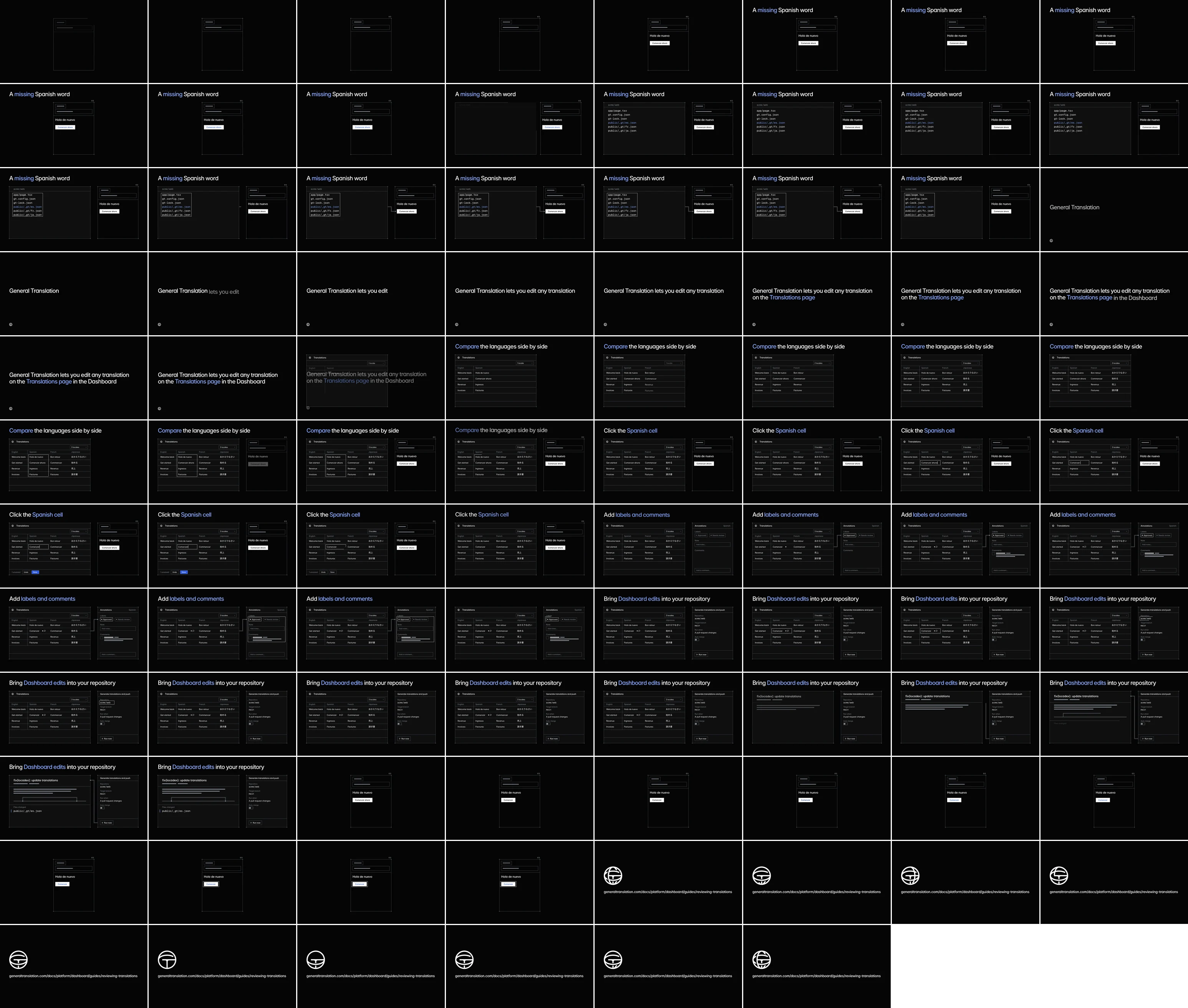
Open the Translations page in the General Translation Dashboard, choose Files or Components and the locales to compare, and click a translation to edit it. Edits are drafts until you click Save. Annotations track the review, and Locadex can open a pull request that brings the edits into your repository.
| Time | Voice | Line | On screen |
|---|---|---|---|
| 0:00.88 | Narrator | In Lima, your reviewer wants a word removed from the Spanish start button. | A browser draws in the middle of the frame, its tab and address drawn as bars. On "Lima" the language code es appears over its top right corner, and on "reviewer" the app's Spanish page rises: its heading, then a white start button with a Spanish label of two words. The heading "A missing Spanish word" rises on "a", and on "button" the button's label turns blue. |
| 0:05.14 | Narrator | The label lives in es.json in your repository, and your reviewer does not edit code. | On "label" the browser slides to the right. On "lives" a code panel opens with the files of the repository acme/web: app/page.tsx, gt.config.json, gt-lock.json, public/_gt/es.json, public/_gt/fr.json and public/_gt/ja.json. On "es.json" the blue moves from the button to public/_gt/es.json. On "repository" a white box draws around the files, and on "and" a line joins public/_gt/es.json to the button on the page. |
| 0:11.84 | Narrator | General Translation lets you edit any translation on the Translations page in the Dashboard. | The answer card cuts in on "General": the answer alone rises as it is spoken, in two lines, "General Translation lets you edit any translation" then "on the Translations page in the Dashboard", and the General Translation mark sits small in the lower left corner. |
| 0:17.60 | Narrator | Compare French and Japanese with the Spanish side by side. | The heading "Compare the languages side by side". The code panel opens again on the Dashboard's Translations page: the General Translation mark and "Translations", a locale selector that reads "1 locale", and a table with an English and a Spanish column and four rows: "Welcome back", "Get started", "Revenue" and "Invoices". The French column rises on "French", and the Japanese column on "Japanese"; the selector follows each, changing to "2 locales" and then "3 locales" as the column starts to rise. On "Spanish" a white box draws around the Spanish column, and on "side" the browser draws again on the right with the Spanish page. |
| 0:22.16 | Narrator | Click the Spanish cell, remove the word, and click Save. | The heading "Click the Spanish cell". On "cell" a white box draws around the Spanish label of "Get started" and a caret stands at its end. On "remove" its second word is deleted a character at a time. On "word" a bar rises under the table: "1 unsaved", "Undo" and "Save", which is filled blue while the edit is a draft. On "Save" the button is pressed, and the bar, the box and the caret go. The browser on the right still shows the old label. |
| 0:26.24 | Narrator | Add labels and comments so your team can track the review. | The heading "Add labels and comments". The panel on the right changes to "Annotations" for "Spanish", with "Labels", "Note" and "Comments", and a line joins the edited cell to its labels. On "labels" the label "Approved" is chosen and a dot appears in the cell; on "comments" a comment appears in the panel and a comment mark in the cell. On "track" a white box draws around the labels and the comment. |
| 0:30.00 | Narrator | To bring Dashboard edits into your repository, run a Locadex automation, which opens a pull request. | The heading "Bring Dashboard edits into your repository". The panel on the right changes to the "Generate translations and push" automation: the repository acme/web, the target branch main, "Run when" set to "A pull request changes", "Auto-merge" off, and a "Run now" button. A white box draws around the edited cell on "Dashboard", and around acme/web on "repository". On "run" the "Run now" button is pressed. On "which" the table gives way to a pull request titled "fix(locadex): update translations", and on "opens" a line joins the button to it; on "pull" its branch line draws, and on "request" its changed file appears under "Files changed": public/_gt/es.json, marked by a blue bar. |
| 0:37.06 | Narrator | After the merge, the Spanish button in Lima is one word shorter. | The browser cuts back in the middle of the frame with the code es, the Spanish page as it was. On "merge" the start button's label changes to one word and the button grows shorter with it. On "button" the label turns blue, in the place where the old label turned blue at the start, and on "shorter" a white box draws around the button. |
| 0:41.81 | No voice | The end card: the General Translation logo with generaltranslation.com/docs/platform/dashboard/guides/reviewing-translations under it, set a little smaller so it fits one line, held to the last frame while the music ends on a held chord. |
Times are where each line starts in the final, read from the film's own audio.
0:45 · Rendered
Run npx gt translate in CI before your production build, so each build translates new and changed text and ships current translation files.
Two frames a second across the cut, each from the middle of its half second, eight to a row: 96 frames. It is the cut that plays above.
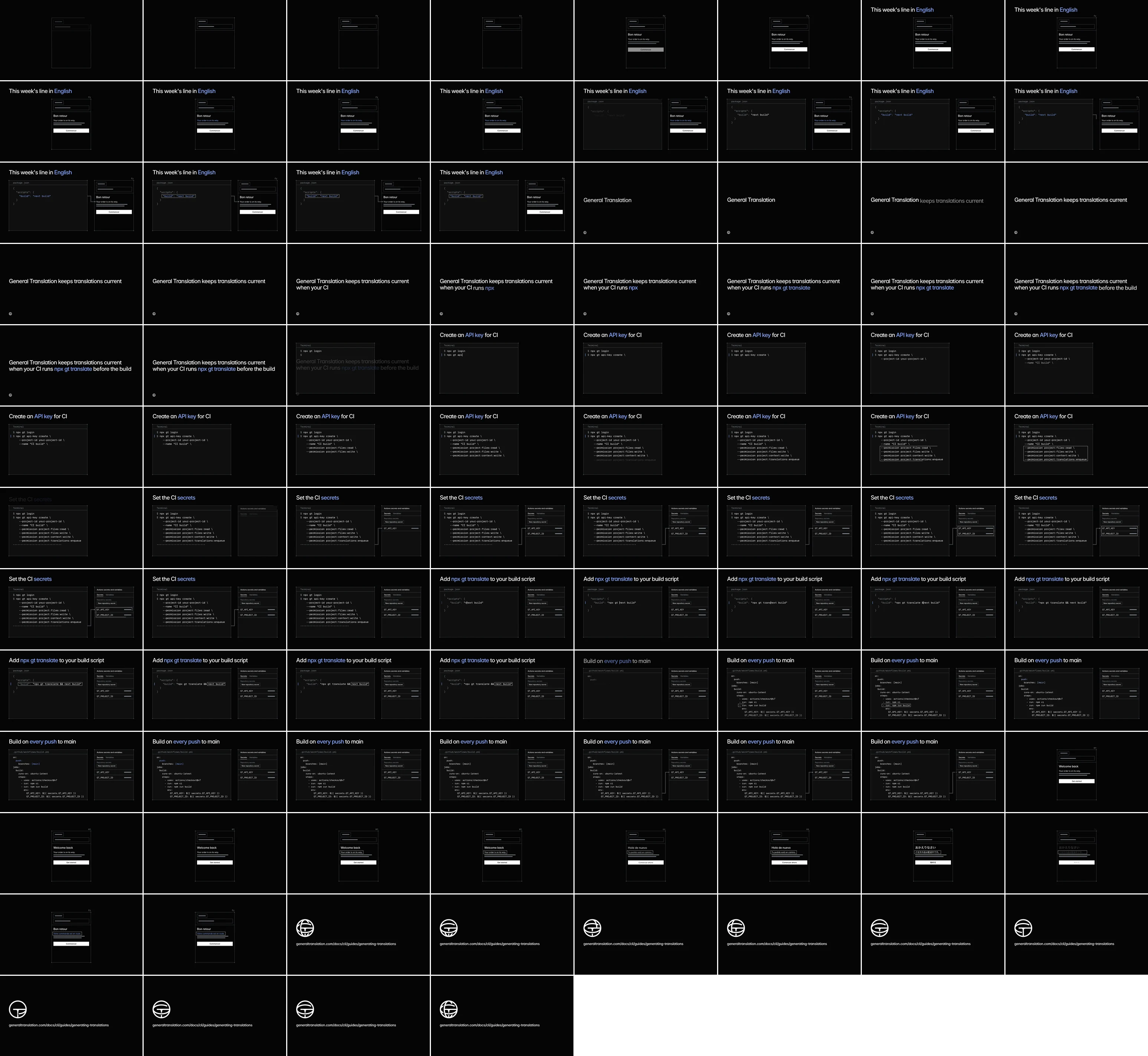
Run npx gt translate in CI before your production build, with a scoped GT_API_KEY and GT_PROJECT_ID from your CI provider's secrets. Each build translates new and changed text and ships current translation files.
| Time | Voice | Line | On screen |
|---|---|---|---|
| 0:00.88 | Narrator | In Montreal, your French page shows the line you added this week in English. | A browser draws in the middle of the frame, its tab and address drawn as bars. On "Montreal" the language code fr appears over its top right corner, and on "French" the page rises: a French heading, the line "Your order is on its way." in English, two bars of copy and a white button with a French label. The heading "This week's line in English" rises on "the", and on "English" the English line turns blue. |
| 0:05.52 | Narrator | Your build script runs next build alone, so the line was never translated. | On "build" the browser slides to the right. On "script" a code panel opens with package.json, whose build script reads "build": "next build". On the second "build" the blue moves from the English line to that row. On "so" a line joins the row to the English line on the page, and on "translated" a white box draws around the row. |
| 0:10.30 | Narrator | General Translation keeps translations current when your CI runs npx gt translate before the build. | The answer card cuts in on "General": the answer alone rises as it is spoken, in two lines, "General Translation keeps translations current" then "when your CI runs npx gt translate before the build", and the General Translation mark sits small in the lower left corner. |
| 0:17.54 | Narrator | Create an API key for CI with the file, context and translation queue permissions. | The heading "Create an API key for CI". The code panel opens again on a terminal where npx gt login has run. On "Create" npx gt api-key create is typed, marked by a blue bar, and its options rise as they are named: --project-id your-project-id on "key", --name "CI build" on "CI", --permission project:files:read and project:files:write on "file", project:context:write on "context", and project:translations:enqueue on "translation". On "permissions" a white box draws around the four permissions, and the key the command prints appears as a row of dots. |
| 0:24.48 | Narrator | Store it and your project ID as secrets in your CI provider. | The heading "Set the CI secrets". A page opens on the right: "Actions secrets and variables", with the "Secrets" tab chosen beside "Variables", "Repository secrets" and a "New repository secret" button. On "it" a line joins the printed key to the page, where GT_API_KEY appears on "and" and GT_PROJECT_ID on "project". A white box draws around both on "secrets". |
| 0:29.46 | Narrator | Add npx gt translate to your build script, before the build command. | The heading "Add npx gt translate to your build script". The code panel cuts to package.json as the cause showed it, and on "npx" npx gt translate && is typed in front of next build, marked by a blue bar. On "script" a white box draws around the build script, and on "before" around next build. |
| 0:34.36 | Narrator | Run that build on every push to main, for example with a GitHub Actions workflow. | The heading "Build on every push to main". The code panel cuts to .github/workflows/build.yml: on a push to main, a job on ubuntu-latest checks out the code, runs npm ci and runs npm run build with GT_API_KEY and GT_PROJECT_ID from the repository's secrets. A white box draws around npm run build on "build", push: and [main] turn blue on "push", and on "GitHub" a line joins the GT_API_KEY line to the secret on the page. |
| 0:39.86 | Narrator | Each build then ships current translations in Spanish, Japanese and French. | The browser cuts back in the middle of the frame, in English, with the code en: "Welcome back", "Your order is on its way.", the copy bars and "Get started". On "current" a white box draws around the order line, and it stays there as the page switches to Spanish on "Spanish", to Japanese on "Japanese" and to French on "French", the code changing with it. At the end of the line the French order line turns blue, in the place where the English one turned blue at the start. |
| 0:44.88 | No voice | The end card: the General Translation logo with generaltranslation.com/docs/cli/guides/generating-translations under it, held to the last frame while the music ends on a held chord. |
Times are where each line starts in the final, read from the film's own audio.
0:48 · Rendered
Connect the GitHub repository that holds your Mintlify docs to General Translation and choose your languages, and Locadex opens a pull request that sets up docs.json for multiple languages and adds the translated pages.
Two frames a second across the cut, each from the middle of its half second, eight to a row: 94 frames. It is the cut that plays above.
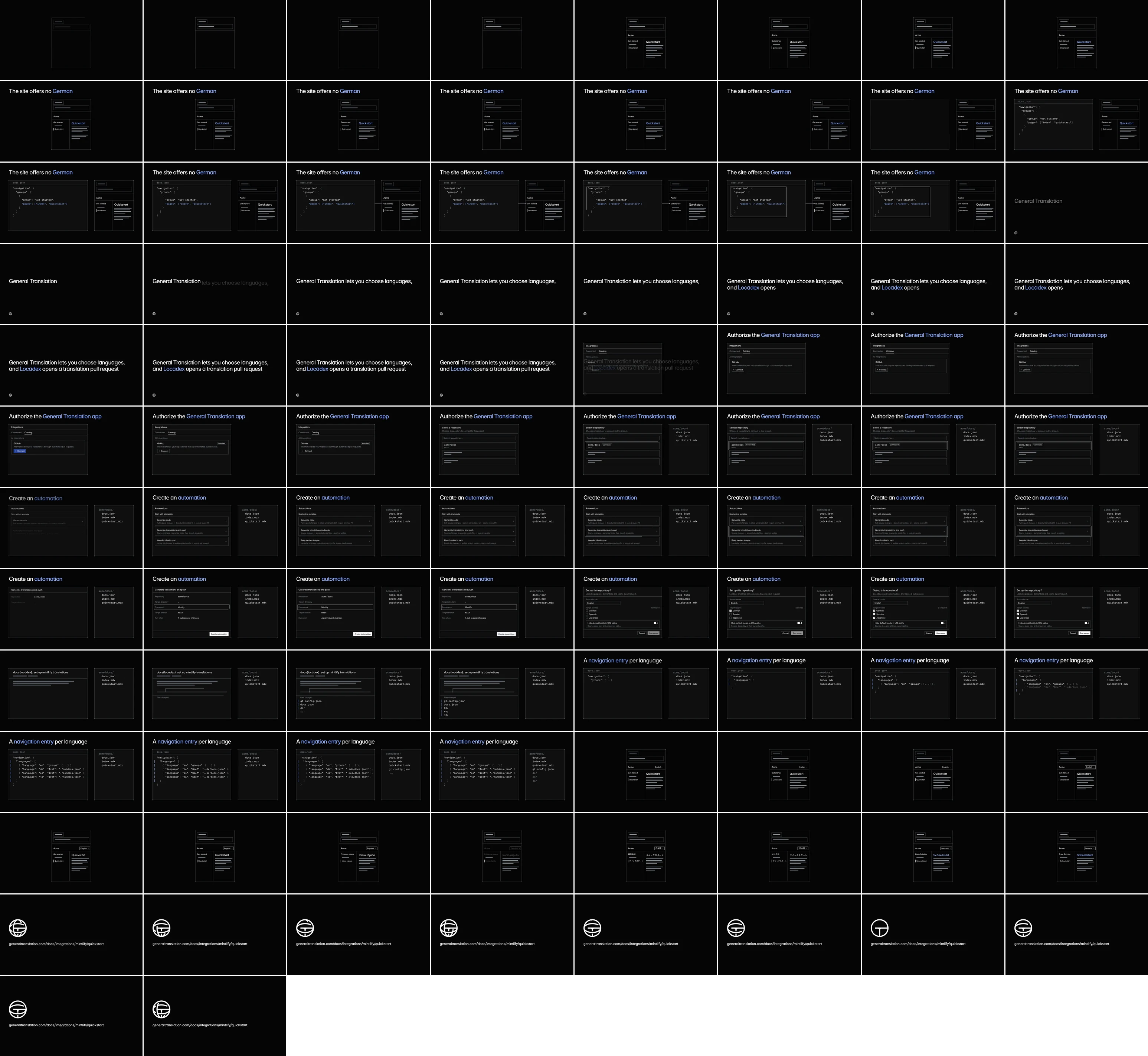
Connect the GitHub repository that holds your Mintlify docs to General Translation, choose your languages, and Locadex opens a pull request that restructures docs.json for multiple languages and adds the translated pages.
| Time | Voice | Line | On screen |
|---|---|---|---|
| 0:00.88 | Narrator | In Hamburg, your Mintlify docs open in English, and the site offers no German. | A browser draws in the middle of the frame, its tab and address drawn as bars. On "Mintlify" a docs page rises in it: the site's name, "Acme", with no language menu; a sidebar with the group "Get started", a page drawn as a bar and the page "Quickstart"; the page's title, "Quickstart", and its copy as bars. On "English" the title turns blue, and the heading "The site offers no German" rises on "the". |
| 0:06.32 | Narrator | The navigation in docs.json lists one set of English pages and no languages. | On "The" the browser slides to the right. On "docs" a panel opens with docs.json at its navigation: "groups" holds one group, "group": "Get started", with "pages": ["index", "quickstart"]. On "lists" the blue moves from the title to the "pages" line, and on "English" a line joins that line to the group "Get started" in the browser's sidebar. On "languages" a white box draws around the navigation, and the line draws back as the sentence ends. |
| 0:11.88 | Narrator | General Translation lets you choose languages, and Locadex opens a translation pull request. | The answer card cuts in on "General": the answer alone rises as it is spoken, in two lines, "General Translation lets you choose languages," then "and Locadex opens a translation pull request", and the General Translation mark sits small in the lower left corner. |
| 0:18.62 | Narrator | Authorize the General Translation app on GitHub, and choose your docs repository in the Dashboard. | The heading "Authorize the General Translation app". The panel opens again on the Dashboard's Integrations page: the "Connected" and "Catalog" tabs, Catalog chosen, "All Integrations", and the GitHub card, "Internationalize your repositories through automated pull requests.", with a Connect button. On "app" Connect is pressed, and an "Installed" badge rises at the card's top right. On "choose" the panel shows "Select a repository", "Choose a repository to connect to this project.", a search field and the repositories, acme/docs on main first. On "docs" a file panel opens on the right with the repository's files: acme/docs/ with docs.json, index.mdx and quickstart.mdx. On "repository" a white box draws around acme/docs, and it is marked "Connected". |
| 0:24.36 | Narrator | Create an automation from the Generate translations and push template for Mintlify, then run its setup with your languages. | The heading "Create an automation", and the panel cuts to "Automations" and "Start with a template", with three templates and the line each one runs: "Generate code", "Generate translations and push" and "Keep locales in sync". On "translations" a white box draws around "Generate translations and push". On "Mintlify" the panel cuts to the automation's settings, Repository acme/docs, Target directory ., Framework Mintlify, Target branch main and Run when "A pull request changes", and a white box draws around the Framework row. On "then" Create automation is pressed. On "setup" the panel cuts to the dialog "Set up this repository?", "Locadex prepares acme/docs and opens a pull request.": the source locale English; the target locales German, Spanish and Japanese, unchecked, with "0 selected"; the switch "Hide default locale in URL paths", on, with "Source docs stay at their current paths."; and Run setup, dimmed. On "languages" German, Spanish and Japanese are checked one after another, the count reading "1 selected", "2 selected" and "3 selected", and Run setup turns white with the first; as the sentence ends Run setup is pressed. |
| 0:32.00 | Narrator | Locadex's pull request adds a navigation entry per language and the translated pages. | The panel cuts to a pull request titled "docs(locadex): set up mintlify translations", with bars for its details and description. On "Locadex's" its branch line draws, and on "pull" its changed files appear under "Files changed", each marked by a blue bar: gt.config.json, docs.json, de/, es/ and ja/. The heading "A navigation entry per language" rises as the panel cuts to docs.json at its navigation, its group folded as "groups": [...]. On "navigation" that line becomes "languages": [; on "entry" { "language": "en", "groups": [...] }, opens; on "language" { "language": "de", "$ref": "./de/docs.json" }, opens, then the same for es and ja, a blue bar marking each changed line. On "pages" gt.config.json, de/, es/ and ja/ join the repository's files on the right. |
| 0:38.38 | Narrator | The merged site's menu switches the docs to Spanish, Japanese and German. | The browser cuts back in the middle of the frame on the same page, now with a language menu reading "English". On "menu" a white box draws around the menu. On "Spanish", "Japanese" and "German" the menu, the sidebar's group and page and the page's title change to that language: "Español", "Primeros pasos" and "Inicio rápido"; "日本語", "はじめに" and "クイックスタート"; "Deutsch", "Erste Schritte" and "Schnellstart". As the sentence ends the German title turns blue, in the place where the English title turned blue at the start. |
| 0:43.98 | No voice | The end card: the General Translation logo with generaltranslation.com/docs/integrations/mintlify/quickstart under it, held to the last frame while the music ends on a held chord. |
Times are where each line starts in the final, read from the film's own audio.
0:47 · Rendered
Install the gt-sanity plugin, add it to your Sanity config with your locales and document types, and click Translate on a document to import each translation as a draft.
Two frames a second across the cut, each from the middle of its half second, eight to a row: 93 frames. It is the cut that plays above.
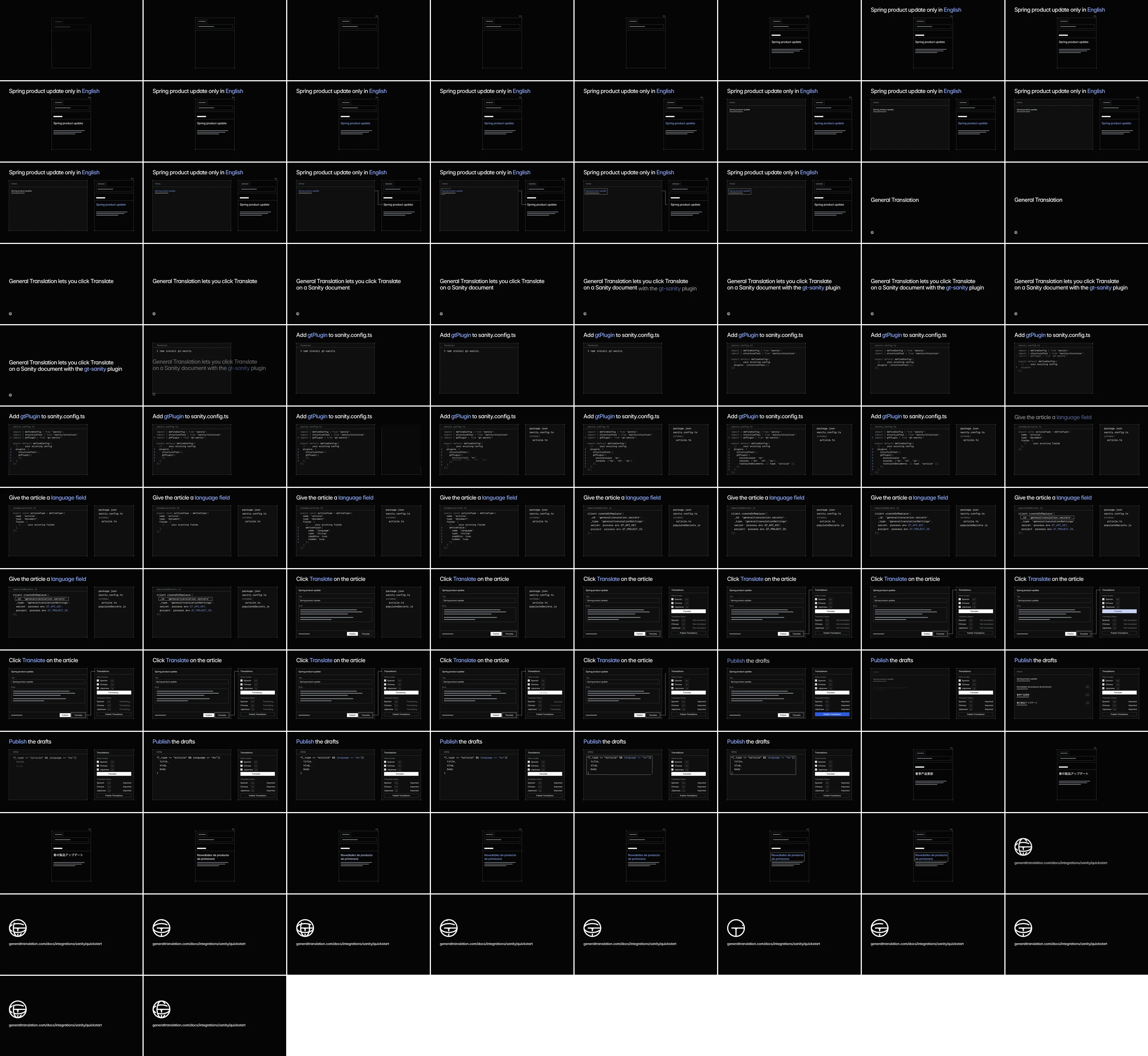
Install the gt-sanity plugin, add gtPlugin to sanity.config.ts with your locales and document types, and click Translate on a document. Each translation is imported as a draft document with a language field that you can publish and query.
| Time | Voice | Line | On screen |
|---|---|---|---|
| 0:00.90 | Narrator | In Buenos Aires, your site shows its spring product update only in English. | A browser draws in the middle of the frame, its tab and address drawn as bars. On "Buenos" the language code es appears over its top right corner: the browser asks for Spanish. On "site" the site's page rises: its name as a bar, the article's title "Spring product update" and its copy as bars. The heading "Spring product update only in English" rises on "spring", and on "English" the title turns blue. |
| 0:05.90 | Narrator | Sanity stores the article as one English document with no language field. | On "Sanity" the browser slides to the right. On "stores" a panel opens with the Studio's document list for "Article": one row, "Spring product update", with no language code beside it. On "document" the blue moves from the title to that row, and on "with" a line joins the row to the title in the browser. On "field" a white box draws around the row. |
| 0:11.18 | Narrator | General Translation lets you click Translate on a Sanity document with the gt-sanity plugin. | The answer card cuts in on "General": the answer alone rises as it is spoken, in two lines, "General Translation lets you click Translate" then "on a Sanity document with the gt-sanity plugin", and the General Translation mark sits small in the lower left corner. |
| 0:17.12 | Narrator | Add gtPlugin to sanity.config.ts with your locales and document types. | The panel opens again on a terminal where npm install gt-sanity has run. The heading "Add gtPlugin to sanity.config.ts" rises on "Add". On "to" the panel cuts to sanity.config.ts, a Studio config whose plugins list holds structureTool(). On "config" import { gtPlugin } from 'gt-sanity'; opens under the imports, and the plugins list opens out to hold structureTool() and gtPlugin({ }). On "with" a file panel opens on the right with package.json, sanity.config.ts, and schema/ with article.ts. On "locales" sourceLocale: 'en', and locales: ['es', 'zh', 'ja'], open inside gtPlugin, and on "document" translateDocuments: [{ type: 'article' }],. A blue bar marks each changed line. |
| 0:23.88 | Narrator | Give the article a language field, and store your API key in a private document. | The heading "Give the article a language field", and the panel cuts to schema/article.ts, the article type's defineType with its fields. On "language" a defineField for a field named language opens a line at a time: type: 'string', readOnly: true, hidden: true. On "your" the panel cuts to populateSecrets.js, where client.createOrReplace writes a document with _id: 'generaltranslation.secrets', secret: process.env.GT_API_KEY and project: process.env.GT_PROJECT_ID, and the file appears in the file panel. On "key" GT_API_KEY and GT_PROJECT_ID turn blue, and on "private" a white box draws around the _id line. |
| 0:29.08 | Narrator | Click Translate on the article, and the plugin imports each translation as a draft. | The heading "Click Translate on the article", and the panel cuts to the Studio's editor for "Spring product update": its Title field, its Body, and an action bar with Publish and Translate. On "Translate" a white box draws around Translate. On "article" the Translations dialog opens on the right in place of the file panel, with Spanish, Chinese and Japanese checked under "Select locales", a Translate button, and a "Translation Status" list where each language reads "Not translated", and a line draws from the editor's Translate to the dialog. On "plugin" the dialog's Translate is pressed. On "imports" the dialog's Translate and each status read "Translating…", and on "draft" each status reads "Imported" and the button "Translate" again. |
| 0:34.80 | Narrator | Publish the drafts, then query each language by its language field. | The heading "Publish the drafts" rises, and on "Publish" the dialog's Publish Translations is pressed. On "drafts" the panel cuts to the Studio's document list, where the three translations rise under "Spring product update", each with its language code, es, zh and ja. On "query" the panel cuts to a GROQ query, *[_type == "article" && language == "es"]{ title, slug, body }. On "language" language == "es" turns blue, and on "field" a white box draws around the query. |
| 0:39.14 | Narrator | Chinese, Japanese and Spanish readers now each get their own article. | The browser cuts back in the middle of the frame, showing the page a reader of Chinese gets, with the code zh and the title in Chinese. On "Japanese" it cuts to the page a reader of Japanese gets, with ja, and on "Spanish" to the page the reader of Spanish gets, with es and the title in Spanish in two lines. On "now" the title turns blue, in the place where the English title turned blue at the start, and on "article" a white box draws around it. |
| 0:43.55 | No voice | The end card: the General Translation logo with generaltranslation.com/docs/integrations/sanity/quickstart under it, held to the last frame while the music ends on a held chord. |
Times are where each line starts in the final, read from the film's own audio.
0:47 · Rendered
Connect the Storyblok space in the General Translation Dashboard, select stories and locales, and click Sync and apply to write each translation back into its story as a draft.
Two frames a second across the cut, each from the middle of its half second, eight to a row: 100 frames. It is the cut that plays above.
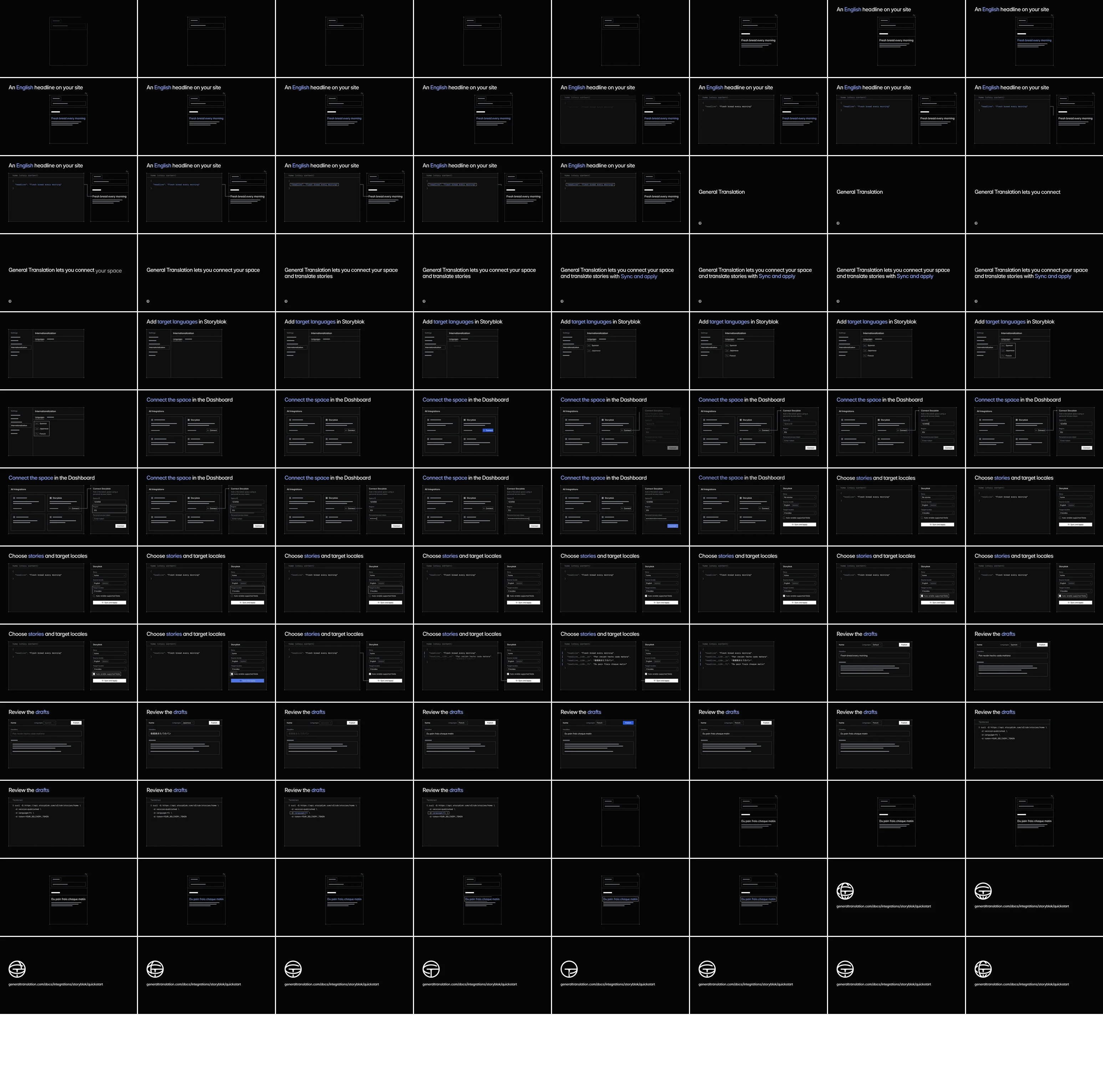
Add your languages in Storyblok, connect the space in the General Translation Dashboard with a personal access token, select stories and locales, and click Sync and apply. Translations are written back into each story as draft field-level values that you review and publish in Storyblok.
| Time | Voice | Line | On screen |
|---|---|---|---|
| 0:00.88 | Narrator | In Marseille, a French reader sees an English headline on your site. | A browser draws in the middle of the frame, its tab and address drawn as bars. On "Marseille" the language code fr appears over its top right corner: the browser asks for French. On "reader" a bakery's home page rises: the site's name as a bar, the headline "Fresh bread every morning" and its copy as bars. The heading "An English headline on your site" rises on "an", and on "headline" the headline turns blue. |
| 0:05.40 | Narrator | The story holds one English headline, and the space has no other language. | On "story" the browser slides to the right. On "holds" a panel opens with the content of the story home: "headline": "Fresh bread every morning". On "headline" the blue moves from the page to that line, and on "and" a line joins it to the headline in the browser. On "language" a white box draws around the line. |
| 0:10.54 | Narrator | General Translation lets you connect your space and translate stories with Sync and apply. | The answer card cuts in on "General": the answer alone rises as it is spoken, in two lines, "General Translation lets you connect your space" then "and translate stories with Sync and apply", and the General Translation mark sits small in the lower left corner. |
| 0:16.52 | Narrator | In Storyblok, add your target languages to the space. | The heading "Add target languages in Storyblok". The panel opens again on Storyblok's space settings, drawn plainly: a settings list with Internationalization selected, and its Languages tab. On "add", "target" and "languages" the languages appear one by one: es Spanish, ja Japanese, fr French. On "space" a white box draws around them. |
| 0:20.56 | Narrator | In the Dashboard, connect the space with its ID, its region and a personal access token. | The heading "Connect the space in the Dashboard", and the panel cuts to the Dashboard's All Integrations page, with a Storyblok card and its Connect button. On "connect" Connect is pressed, and on "space" a line draws from it to the Connect Storyblok dialog, which opens on the right: "Add a Storyblok space using a personal access token.", with Space ID, Region and Personal access token. On "ID" a space ID is typed; on "region" a white box draws around Region and its EU; on "personal" the token is typed as dots, and the line draws back. On "token" the dialog's Connect is pressed, and as the sentence ends the dialog gives way to the integration's controls: Story, Source locale, Target locales, Auto-enable supported fields and Sync and apply. |
| 0:27.24 | Narrator | Choose stories and target locales, check Auto-enable supported fields, and click Sync and apply. | The heading "Choose stories and target locales", and the panel cuts back to the content of the story home. On "stories" the Story box reads "home"; on "target" a white box draws around Target locales and its "3 locales"; on "check" Auto-enable supported fields is checked, and on "supported" a white box draws around it. On "click" Sync and apply is pressed, and on "Sync" a line draws from it to the story's headline line. On "apply" three lines open in the story under it, headline__i18n__es, headline__i18n__ja and headline__i18n__fr, with the headline in Spanish, Japanese and French, marked in blue. Then the line draws back and the controls leave. |
| 0:34.96 | Narrator | Review the Spanish, Japanese and French drafts, publish them, and fetch each language with the language parameter. | The heading "Review the drafts", and the panel cuts to Storyblok's editor for the story home, drawn plainly: a Languages menu reading Default, a Publish button, and the Headline field, "Fresh bread every morning". On "Spanish", "Japanese" and "French" the menu and the headline change to that language. On "publish" Publish is pressed. On "fetch" the panel cuts to a terminal with the delivery request, curl -G https://api.storyblok.com/v2/cdn/stories/home with -d version=published, -d language=fr and -d token=YOUR_DELIVERY_TOKEN. On the second "language" language=fr turns blue, and on "parameter" a white box draws around its line. |
| 0:42.46 | Narrator | In Marseille, the published home page now shows its headline in French. | The browser cuts back in the middle of the frame with the code fr, its page empty. On "Marseille" the home page rises with its headline in French. On "now" the headline turns blue, in the place where the English headline turned blue at the start, and on "French" a white box draws around it. |
| 0:46.88 | No voice | The end card: the General Translation logo with generaltranslation.com/docs/integrations/storyblok/quickstart under it, held to the last frame while the music ends on a held chord. |
Times are where each line starts in the final, read from the film's own audio.
0:50 · Rendered
Open General Translation's Locadex add-on, choose your languages and click Sync and apply, and Locadex makes a copy of the deck for each language with the translated text fitted to each slide.
Two frames a second across the cut, each from the middle of its half second, eight to a row: 101 frames. It is the cut that plays above.
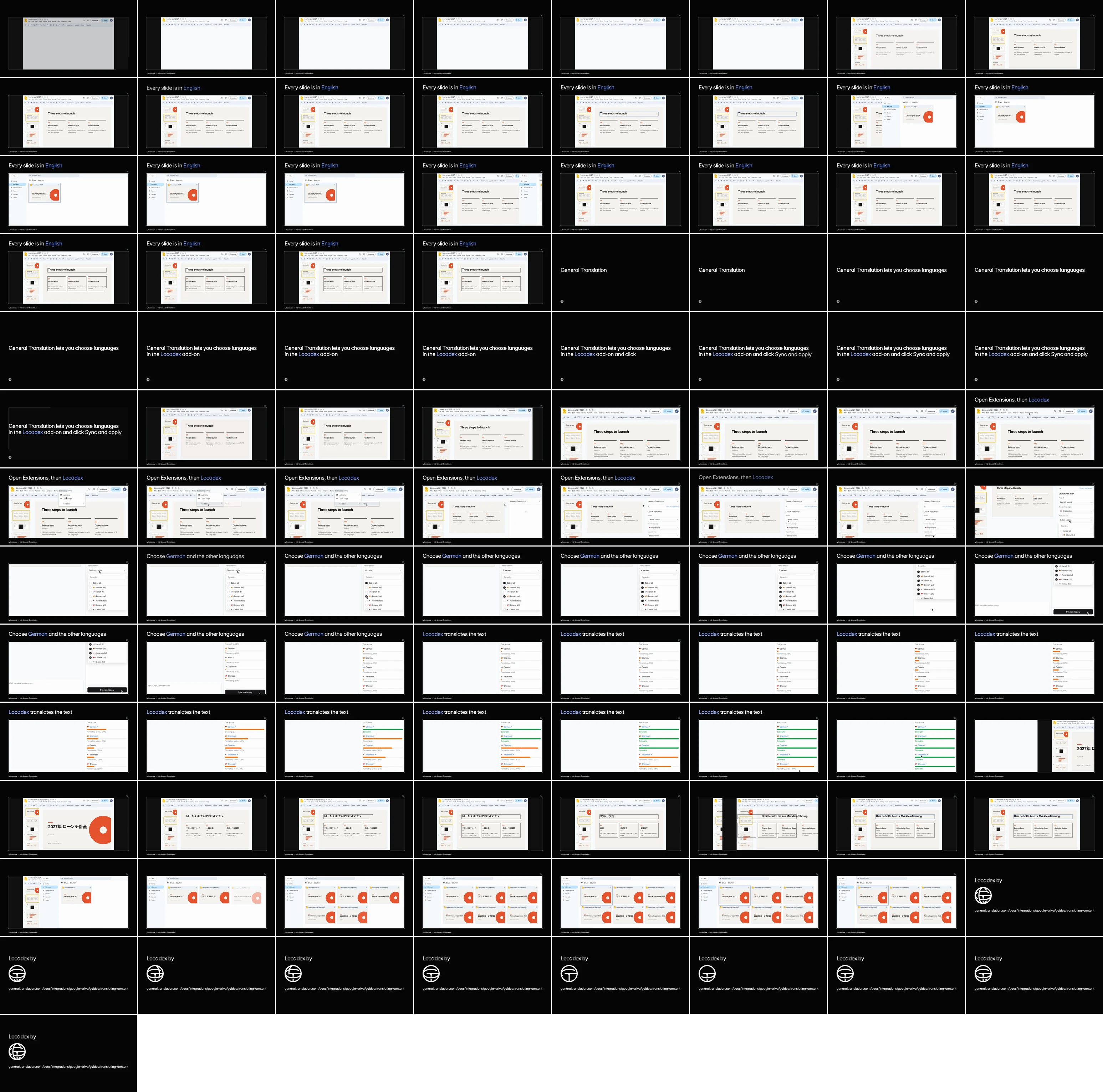
Open General Translation's Locadex add-on, choose your languages, and click Sync and apply. Locadex translates the text, formats each slide so the new text fits, and makes a copy for each language next to the original in Drive.
| Time | Voice | Line | On screen |
|---|---|---|---|
| 0:00.88 | Narrator | In Berlin, Acme's team needs the launch deck in German, and every slide is in English. | A panel opens on the Google Slides editor with a deck, "Launch plan 2027", and the line "Locadex by General Translation" under the panel. On "Berlin" the language code de appears over the panel's top right corner, and on "launch" the deck's slides rise into the editor, with slide 2, "Three steps to launch", in English. The heading "Every slide is in English" rises on "every", and on "English" a blue box draws around the slide's title. |
| 0:07.02 | Narrator | Drive holds only the English deck, and translated text rarely takes the same space as the English. | On "Drive" a Google Drive folder, My Drive > Launch, slides in over the editor with one file, "Launch plan 2027", and on "English" a blue box draws around it. On "translated" the folder slides away, and on "space" dark boxes draw around the slide's title and its three columns. |
| 0:14.20 | Narrator | General Translation lets you choose languages in the Locadex add-on and click Sync and apply. | The answer card cuts in on "General": the answer alone rises as it is spoken, in two lines, "General Translation lets you choose languages" then "in the Locadex add-on and click Sync and apply", and the General Translation mark sits small in the lower left corner. |
| 0:20.72 | Narrator | With Google Drive connected to General Translation, open Extensions, then Locadex. | The panel opens again on the editor, with the code de over its corner. On "connected" the camera moves in to the top of the window. The heading "Open Extensions, then Locadex". The cursor opens the Extensions menu (Add-ons, Apps Script, Locadex), moves to Locadex, whose submenu holds one item, Open, and clicks Open. A side panel titled General Translation slides in from the right: the Locadex add-on's own sidebar, with the file, the project, the source language (English) and "Translate into". |
| 0:27.18 | Narrator | Under Translate into, choose German and the other languages, then click Sync and apply. | The heading "Choose German and the other languages". The cursor opens "Translate into", and the camera moves in close on the sidebar. On "German" the cursor ticks German, and the trigger reads "1 locale"; on "other" it ticks Spanish, French, Japanese and Chinese, and the trigger counts up to "5 locales". On "then" the camera follows the cursor down to the Sync and apply button, and on "apply" the cursor clicks it. |
| 0:33.76 | Narrator | Locadex translates the text, then formats each slide so the new text fits. | The heading "Locadex translates the text". The sidebar's progress list appears, one bar for each language, and the camera moves up to show all of it. On "translates" each bar fills its first fifth while its caption reads "Translating… (NN%)", and on "formats" the captions read "Formatting slides… (NN%)" and the bars fill the rest. One after another, top to bottom, each language reads "Cleaning up…" and then a green "Complete!", and its name becomes a link to its copy, until the count reads "5 of 5 done". |
| 0:39.54 | Narrator | The slides keep their layout in the Japanese, Chinese and German copies. | The cursor clicks "Japanese ↗", the link to the Japanese copy, and on "The" the copy's window, "Launch plan 2027 [Japanese]", slides in on its first slide, with the code ja over the corner. On "layout" it moves to slide 2, and on "Japanese" dark boxes draw around the slide's title and its three columns, where they stood on the English slide. On "Chinese" the Chinese copy's window slides in under the boxes, with the code zh, and on "German" the German copy's, with the code de: the same boxes hold the same text boxes in each script. On "copies" the box around the title turns blue, where the English title's box was. |
| 0:43.96 | Narrator | Each copy sits next to the original in Drive. | On "Each" the Drive folder, My Drive > Launch, slides in over the copies with the source deck, "Launch plan 2027", and once it has landed, from "sits", its five copies appear one after another: Launch plan 2027 [Chinese], [French], [German], [Japanese] and [Spanish]. On "Drive" a blue box draws around the source deck. |
| 0:47.33 | No voice | The end card: "Locadex by" over the General Translation logo, and generaltranslation.com/docs/integrations/google-drive/guides/translating-content under it, held to the last frame while the music ends on a held chord. |
Times are where each line starts in the final, read from the film's own audio.
0:50 · Rendered
The General Translation CLI translates the cue text of SubRip subtitle files and keeps their cue numbers, timestamps, separators and markup.
Two frames a second across the cut, each from the middle of its half second, eight to a row: 103 frames. It is the cut that plays above.
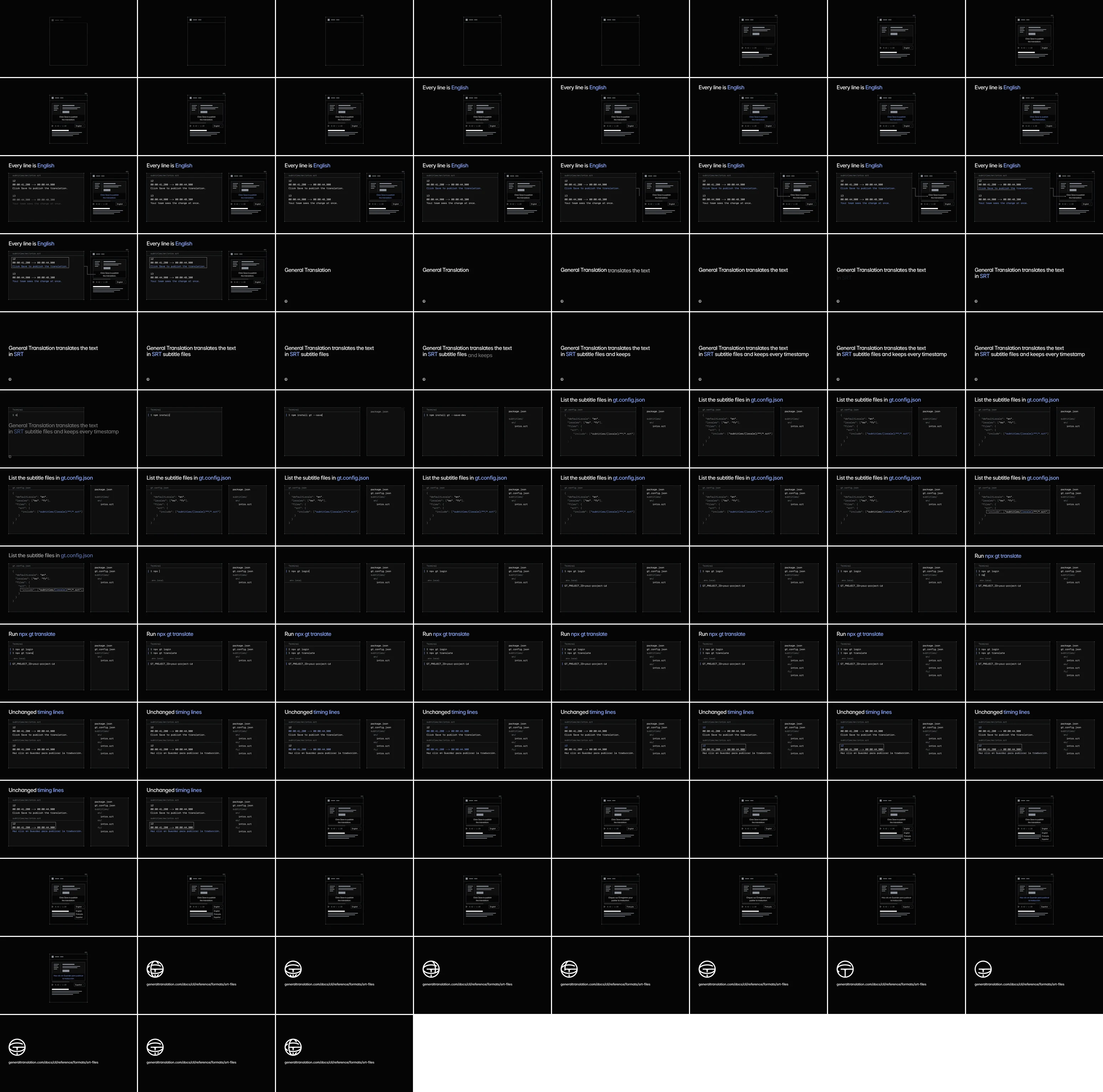
The CLI translates cue text in SubRip (.srt) subtitle files while preserving cue numbers, timestamps, separators, and markup.
| Time | Voice | Line | On screen |
|---|---|---|---|
| 0:00.88 | Narrator | In Santiago, a viewer turns on the subtitles of your product video, and every line is English. | A video page draws in the middle of the frame. On "Santiago" the language code es appears over its top right corner: the language the viewer's browser asks for. On "viewer" the page fills in: a paused video with its picture drawn in bars, the player's bar at 0:42 of 1:20, and the page's text as bars. On "turns" the subtitle menu appears at the right of the player's bar, reading "English", and on "subtitles" the subtitle line rises over the video: "Click Save to publish the translation." The heading "Every line is English" rises on "every", and on "English" the subtitle line turns blue. |
| 0:07.68 | Narrator | The video has one subtitle file, and every cue in it is English. | On "The" the page slides to the right, and on "video" a code panel opens with subtitles/en/intro.srt: cue 12, its timing line 00:00:41,200 --> 00:00:44,900 and its text "Click Save to publish the translation.", then cue 13. On "file" the blue moves from the page to cue 12's text in the file, on "and" a line joins that row to the subtitle line on the page, on "cue" cue 13's text turns blue as well, and on "English" a white box draws around cue 12. |
| 0:13.16 | Narrator | General Translation translates the text in SRT subtitle files and keeps every timestamp. | The answer card cuts in on "General": the answer alone rises as it is spoken, in two lines, "General Translation translates the text" then "in SRT subtitle files and keeps every timestamp", and the General Translation mark sits small in the lower left corner. |
| 0:20.60 | Narrator | Install gt, then list the subtitle files in gt.config.json, with one folder per locale. | The code panel opens again with a terminal, and npm install gt --save-dev is typed on "Install", marked by a blue bar; a file panel opens on the right with package.json and subtitles/en/intro.srt. The heading "List the subtitle files in gt.config.json" rises on "list", and the panel cuts to gt.config.json: the default locale en, the locales es and fr, and an srt entry that includes subtitles/[locale]/**/*.srt. On "files" the path turns blue, gt.config.json appears in the file panel as its name is said, on "folder" the blue narrows to [locale], and on "locale" a white box draws around the include line. |
| 0:28.70 | Narrator | Sign in, add your project ID, and run npx gt translate for the Spanish and French files. | The panel cuts to the terminal, and npx gt login is typed on "Sign". On "project" .env.local opens under it with GT_PROJECT_ID=your-project-id, the docs' placeholder. The heading "Run npx gt translate" rises with a new prompt, and npx gt translate is typed on "npx". On "Spanish" es/ and its intro.srt appear in the file panel under subtitles/, and on "French" fr/ and its intro.srt. |
| 0:35.96 | Narrator | Each new file keeps the timing lines and cue numbers, and only the words change. | The heading "Unchanged timing lines" rises, and the panel cuts to cue 12 of the English file over cue 12 of the Spanish file, subtitles/es/intro.srt. On "timing" both timing lines turn blue, on "cue" the blue moves to both cue numbers, on "numbers" a white box draws around the Spanish file's number and timing line, and on "words" the blue moves to the Spanish text. |
| 0:41.30 | Narrator | In Santiago, the player loads the new files, and the same cue reads in French or Spanish. | The video page cuts back in the middle of the frame, as it was, in English. On "player" the subtitle menu opens with the three languages, each in its own name, and it closes on "same". On "French" the subtitle line and the menu change to French, and on "Spanish" to Spanish. Then the Spanish line turns blue, where the English line was. |
| 0:48.34 | No voice | The end card: the General Translation logo with generaltranslation.com/docs/cli/reference/formats/srt-files under it, held to the last frame while the music ends on a held chord. |
Times are where each line starts in the final, read from the film's own audio.
0:51 · Rendered
Install gt-rrweb, record a product walkthrough once, and replay it in every locale from your published translations.
Two frames a second across the cut, each from the middle of its half second, eight to a row: 96 frames. It is the cut that plays above.
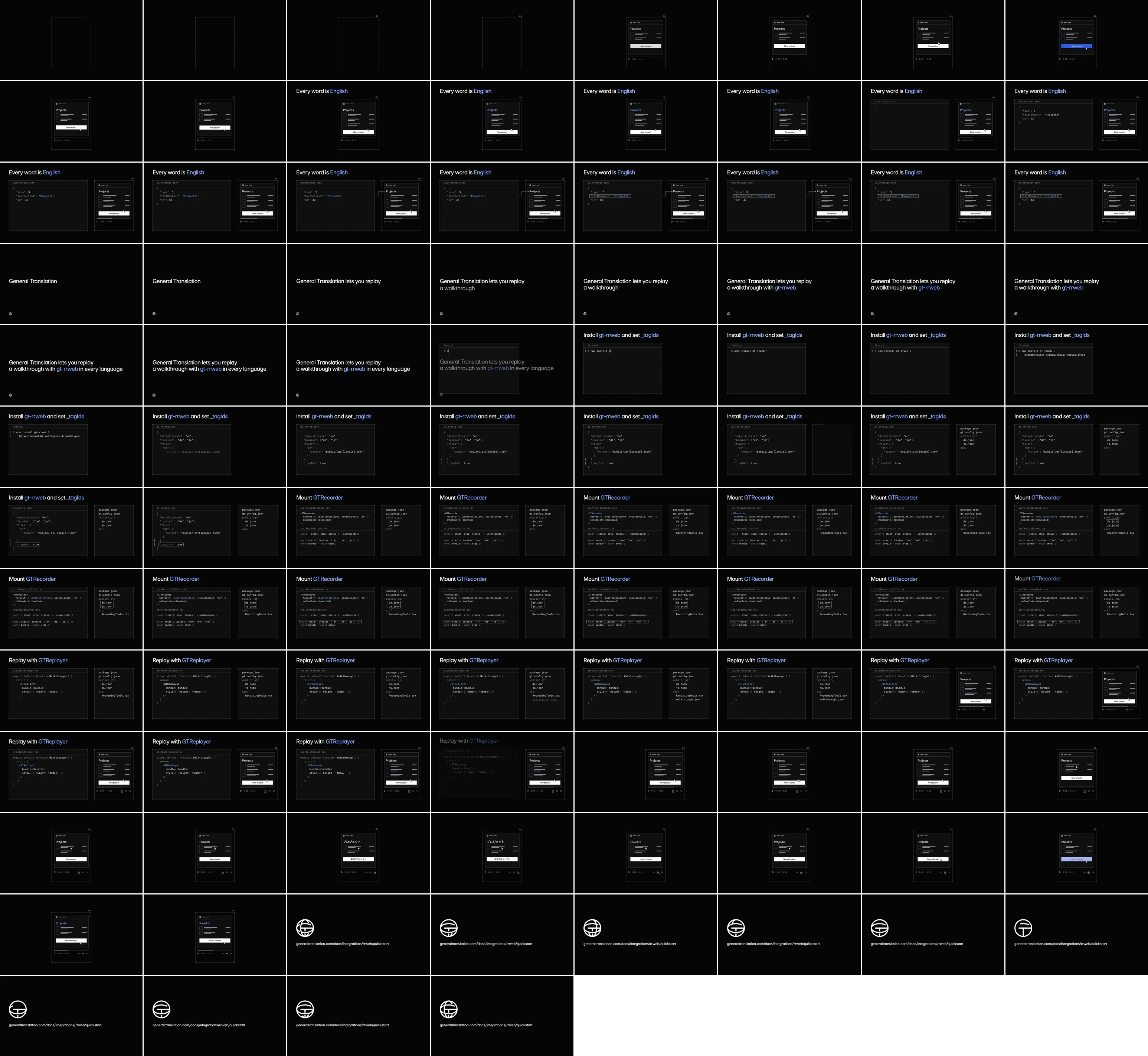
Install gt-rrweb, record a product walkthrough once, and replay it in every locale from your published translations.
| Time | Voice | Line | On screen |
|---|---|---|---|
| 0:00.88 | Narrator | In Frankfurt, a reader of German plays your product walkthrough, and every word is English. | A walkthrough player draws in the middle of the frame. On "Frankfurt" the language code de appears over its top right corner: the language the reader's browser asks for. On "reader" the player fills in: a replayed Projects page with the heading "Projects", two project rows drawn in bars and a white "New project" button, and under it the player's bar at 0:00 of 0:12. On "plays" the replay runs: the cursor moves to the button, which is clicked on "walkthrough", and on "and" a third project row opens. The heading "Every word is English" rises on "every", and on "English" the page's heading "Projects" turns blue. |
| 0:06.80 | Narrator | It was recorded once in English, and a recording replays the text it captured. | On "It" the player slides to the right, and on "recorded" a code panel opens with walkthrough.json, one recorded text node: "type": 3, "textContent": "Projects" and "id": 43. On "English" the blue moves from the page to "Projects" in the file, on "recording" a line joins that row to the replayed heading, and on "text" a white box draws around the row. |
| 0:12.00 | Narrator | General Translation lets you replay a walkthrough with gt-rrweb in every language. | The answer card cuts in on "General": the answer alone rises as it is spoken, in two lines, "General Translation lets you replay" then "a walkthrough with gt-rrweb in every language", and the General Translation mark sits small in the lower left corner. |
| 0:18.12 | Narrator | Install gt-rrweb, and turn on _tagIds so each T component carries its hash. | The heading "Install gt-rrweb and set _tagIds" rises, and the code panel opens again with a terminal: npm install gt-rrweb \ is typed on "Install" and @rrweb/record @rrweb/replay @rrweb/types opens under it, each marked by a blue bar. On "turn" the panel cuts to gt.config.json, and on "_tagIds" "_tagIds": true opens at its end, marked. A file panel opens on the right with package.json, gt.config.json, public/_gt/ with de.json and ja.json, and src/, and on "hash" a white box draws around the _tagIds line. |
| 0:25.02 | Narrator | Mount GTRecorder with your app's catalog loader, and record in English with German and Japanese listed. | The heading "Mount GTRecorder" rises, and the panel cuts to src/RecordingTools.tsx, the GTRecorder element with harvest={{ loadTranslations, sourceLocale: 'en' }}, over src/RecordButton.tsx, which calls start({ locales: ['en', 'de', 'ja'] }) and stop(). On "GTRecorder" it turns blue and RecordingTools.tsx appears in the file panel; on "catalog" the blue moves to loadTranslations and a white box draws around de.json and ja.json; on "record" a white box draws around the start line, and the blue moves along 'en', 'de' and 'ja' as the languages are named. |
| 0:32.18 | Narrator | Render GTReplayer with the saved bundle, which carries the German and Japanese text. | The heading "Replay with GTReplayer" rises, and the panel cuts to src/Walkthrough.tsx, which renders <GTReplayer bundle={bundle} style={{ height: '480px' }} />. On "GTReplayer" it turns blue, and on "saved" walkthrough.json appears in the file panel. On "carries" the player cuts in on the right, now with the language code en at the right of its bar, and de and ja appear beside it on "German" and "Japanese". |
| 0:37.78 | Narrator | In Frankfurt, the same walkthrough switches in place to Japanese, then German, with the same clicks. | The code panel drops away, and on "Frankfurt" the player slides back to the middle. On "walkthrough" the replay starts again: the third row closes, the time reads 0:00 and the cursor stands at the first row. On "Japanese" the replayed page switches to Japanese and on "German" to German, a white line moving under the active language's code. On "with" the cursor moves to the button and clicks it on "clicks", and the German heading turns blue, where "Projects" was. |
| 0:44.75 | No voice | The end card: the General Translation logo with generaltranslation.com/docs/integrations/rrweb/quickstart under it, held to the last frame while the music ends on a held chord. |
Times are where each line starts in the final, read from the film's own audio.
0:48 · Rendered
Translate dotLottie animation files with the General Translation CLI.
Two frames a second across the cut, each from the middle of its half second, eight to a row: 97 frames. It is the cut that plays above.
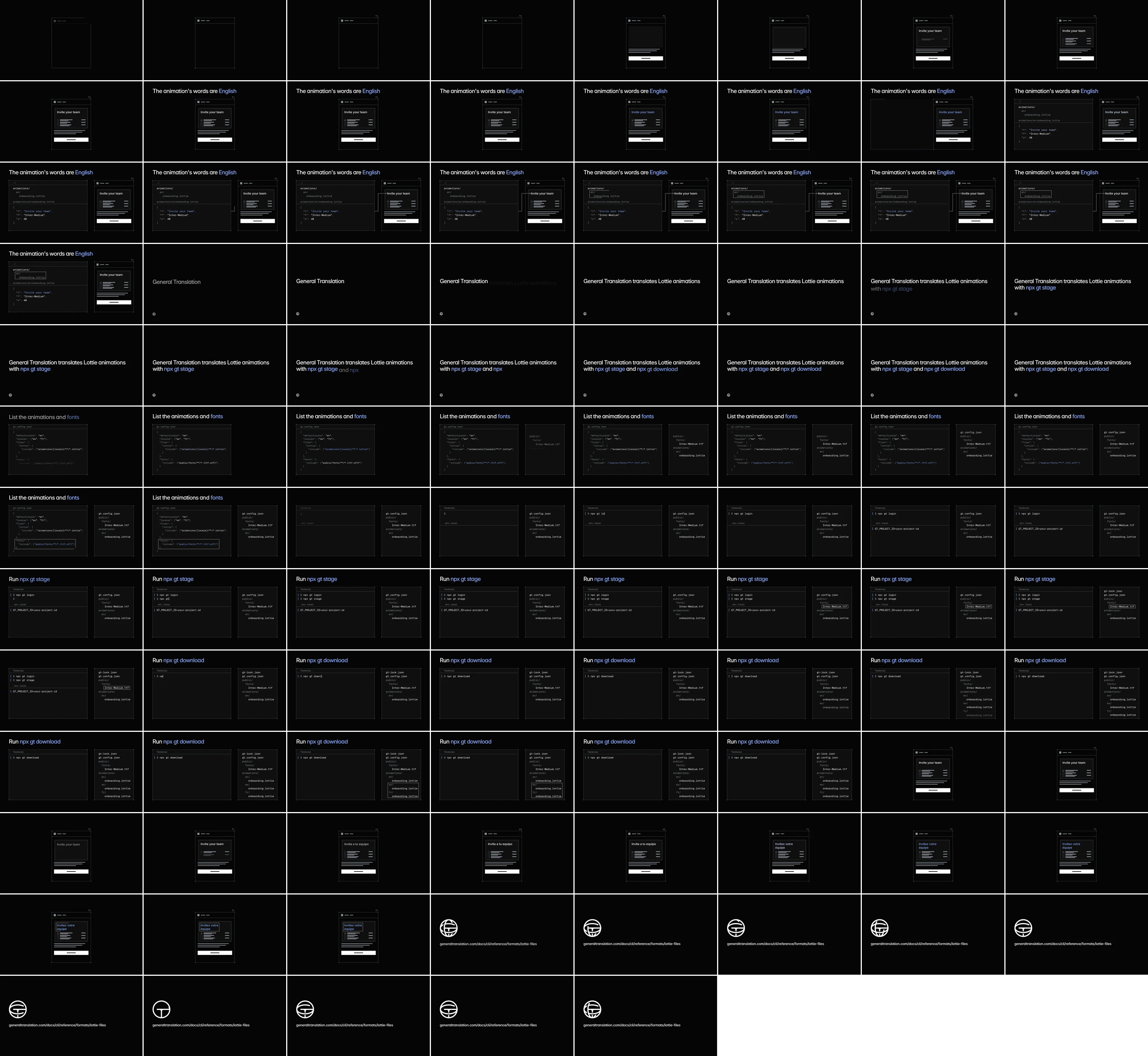
Translate dotLottie animation files with the General Translation CLI.
| Time | Voice | Line | On screen |
|---|---|---|---|
| 0:00.88 | Narrator | In Lille, a reader of French opens your onboarding page, and the animation's words are English. | A web page draws in the middle of the frame: a bar at the top, the frame of an animation, lines of copy and a button. On "Lille" the language code fr appears over its top right corner: the language the reader's browser asks for. On "reader" the page fills in, and on "opens" the animation plays: a card rises in a grey outline, the title "Invite your team" rises in white, three rows of a member list rise in turn, and a check draws in the first row. The heading "The animation's words are English" rises on "the", and on "English" the animation's title turns blue. |
| 0:07.04 | Narrator | The words are text inside its .lottie file, and only an English file exists. | On "The" the page slides to the right, and on "words" a code panel opens with the project's files, animations/, en/ and onboarding.lottie, over the text inside animations/en/onboarding.lottie: "t": "Invite your team", "f": "Inter-Medium" and "s": 40. On "text" the blue moves from the page to "Invite your team" in the file, on "its" a line joins that row to the animation's title on the page, and on "only" a white box draws around en/ and its onboarding.lottie. |
| 0:12.86 | Narrator | General Translation translates Lottie animations with npx gt stage and npx gt download. | The answer card cuts in on "General": the answer alone rises as it is spoken, in two lines, "General Translation translates Lottie animations" then "with npx gt stage and npx gt download", and the General Translation mark sits small in the lower left corner. |
| 0:20.38 | Narrator | List the animations and the fonts they use in gt.config.json. | The code panel opens again with gt.config.json: the default locale en, the locales es and fr, a lottie entry that includes animations/[locale]/**/*.lottie, and a fonts entry that includes public/fonts/**/*.{ttf,otf}. The heading "List the animations and fonts" rises on "List". On "animations" the animations path turns blue; on "and" a file panel opens on the right with public/, fonts/, Inter-Medium.ttf, animations/, en/ and onboarding.lottie; on "fonts" the blue moves to the fonts path; gt.config.json appears in the file panel as its name is said, and a white box draws around the fonts entry. |
| 0:25.46 | Narrator | After you sign in and set your project ID, run npx gt stage, which uploads the fonts first. | The panel cuts to a terminal, and npx gt login is typed on "sign". On "project" .env.local opens under it with GT_PROJECT_ID=your-project-id, the docs' placeholder. The heading "Run npx gt stage" rises with a new prompt, and npx gt stage is typed on "npx". On "uploads" a white box draws around Inter-Medium.ttf in the file panel, and on "first" gt-lock.json appears at its top. |
| 0:32.50 | Narrator | Run npx gt download until the Spanish and French files are saved, and review them before you publish. | The panel cuts to a new terminal, the heading "Run npx gt download" rises, and npx gt download is typed. On "Spanish" es/ and its onboarding.lottie appear under animations/ in the file panel, and on "French" fr/ and its onboarding.lottie. On "review" a white box draws around the four new rows, and on "publish" it draws back. |
| 0:39.00 | Narrator | In Lille, the same animation plays in Spanish and in French, at its English font size. | The page cuts back in the middle of the frame, as it was, the animation in English at its last frame. On "same" the animation plays again. On "Spanish" its title changes to the Spanish file's while the rest of the animation stays still, and the language code changes to es; on "French" the title changes to the French file's, in two lines at the same size, and the code to fr. Then the French title turns blue where the English title was, and on "size" a white box draws around it. |
| 0:45.48 | No voice | The end card: the General Translation logo with generaltranslation.com/docs/cli/reference/formats/lottie-files under it, held to the last frame while the music ends on a held chord. |
Times are where each line starts in the final, read from the film's own audio.
0:49 · Rendered