001
Components
Prototemplate keeps 172 components. The docs document 76 of them in the 10 groups of their Components section, and 96 have no docs page yet.
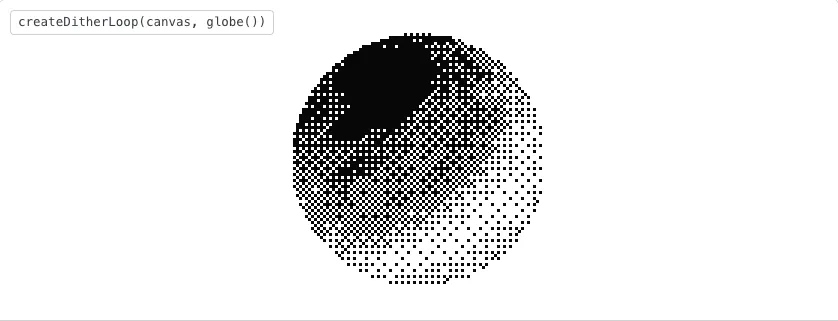
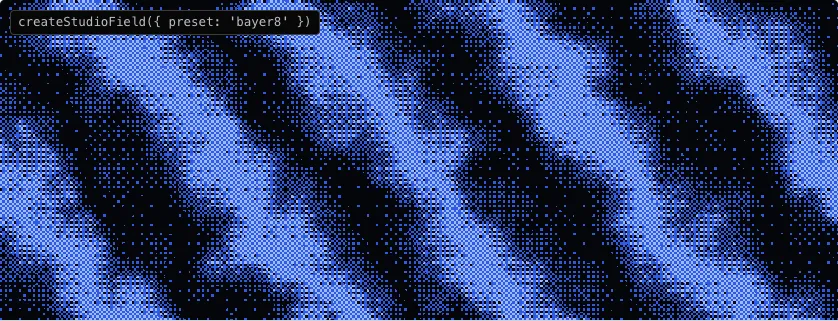
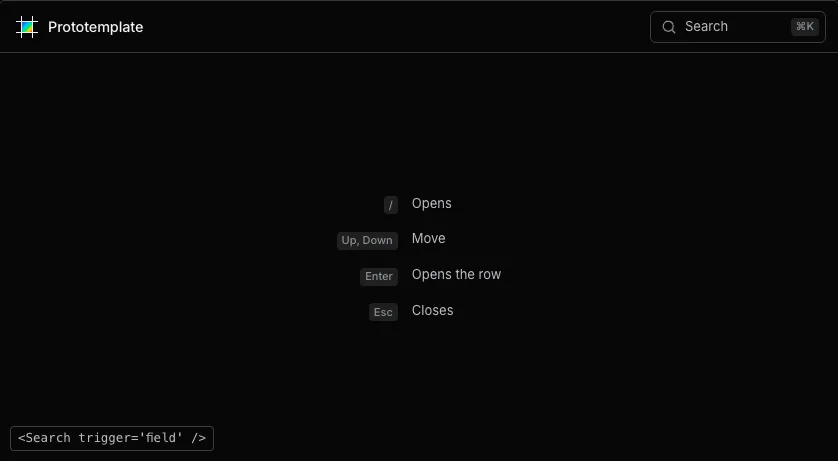
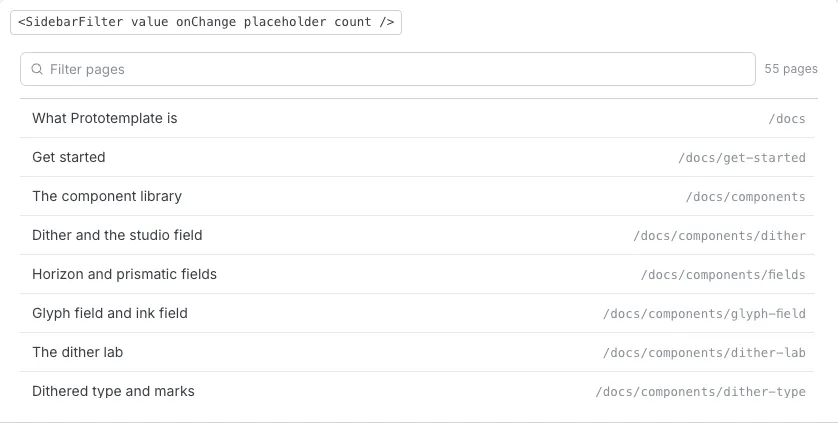
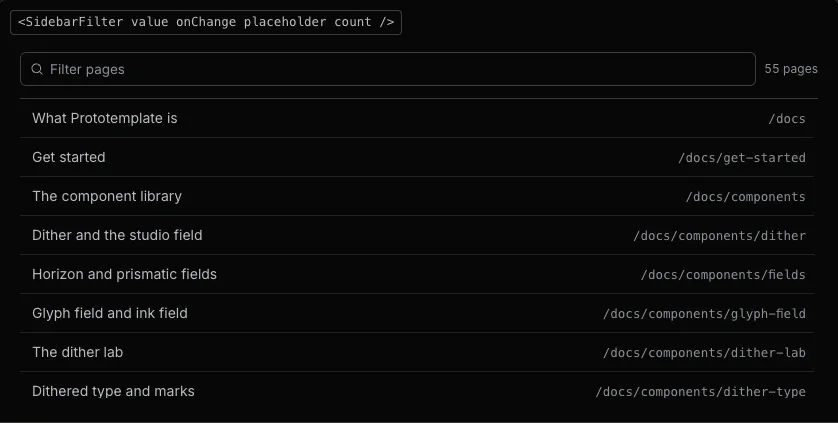
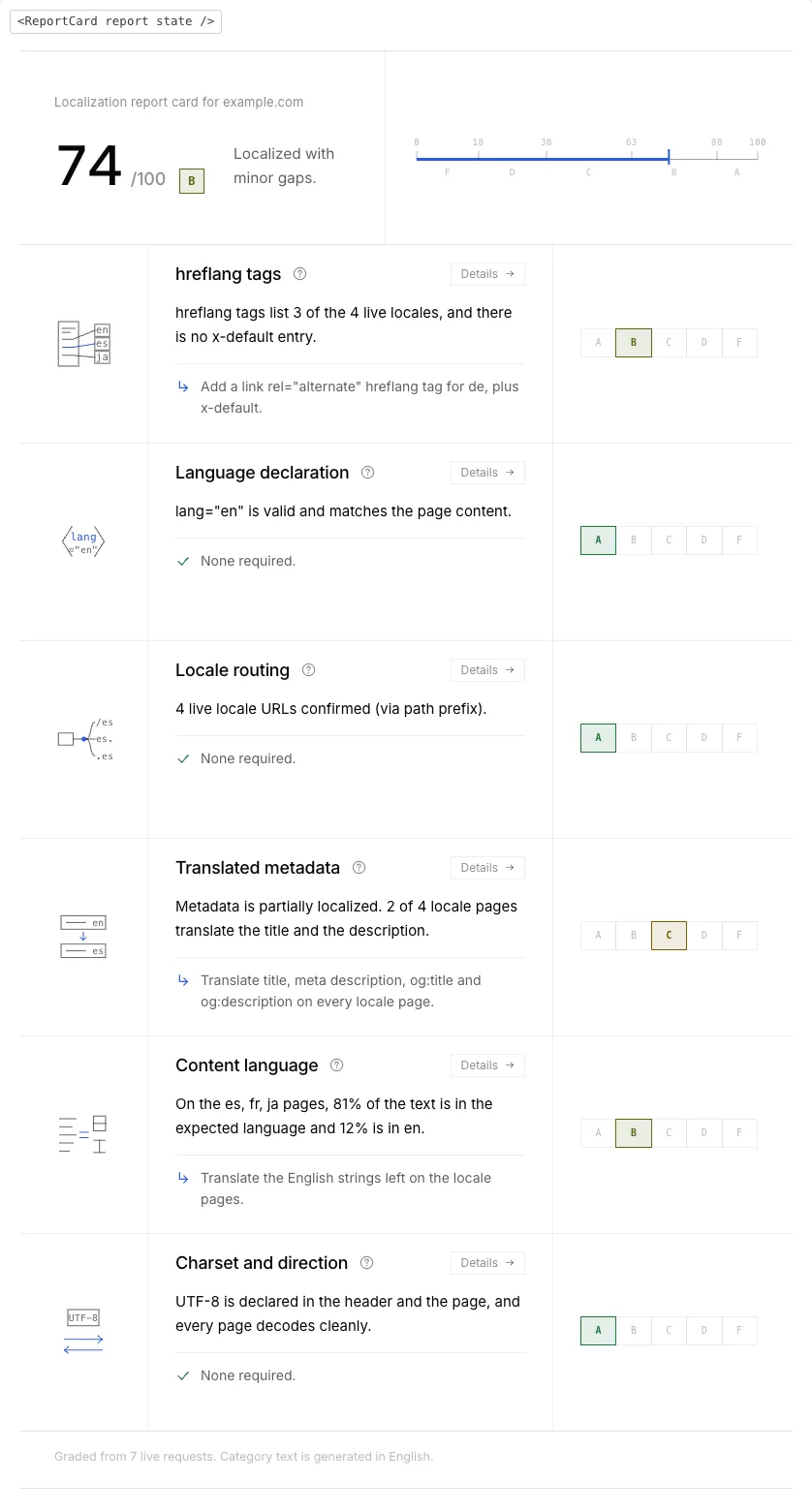
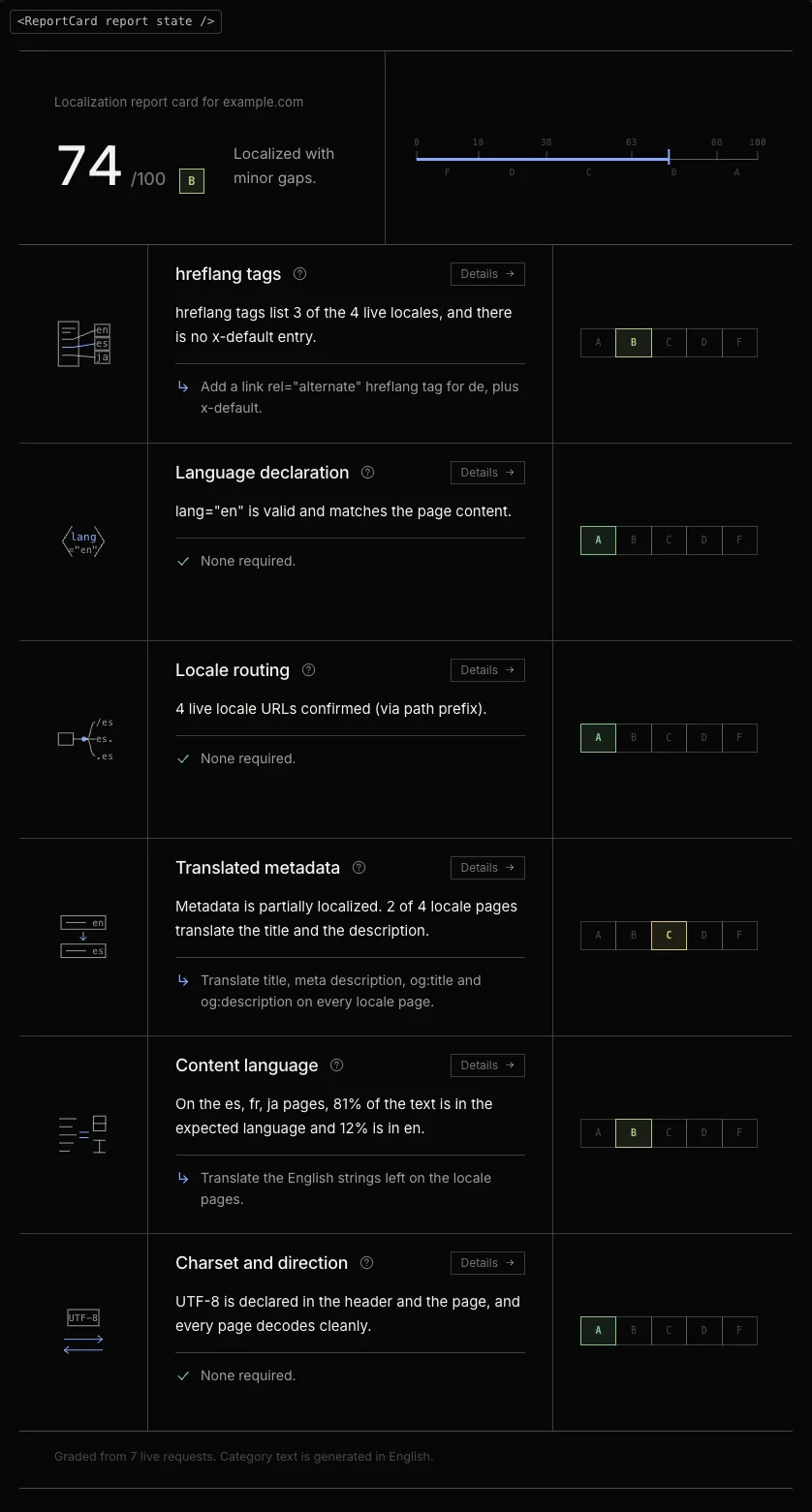
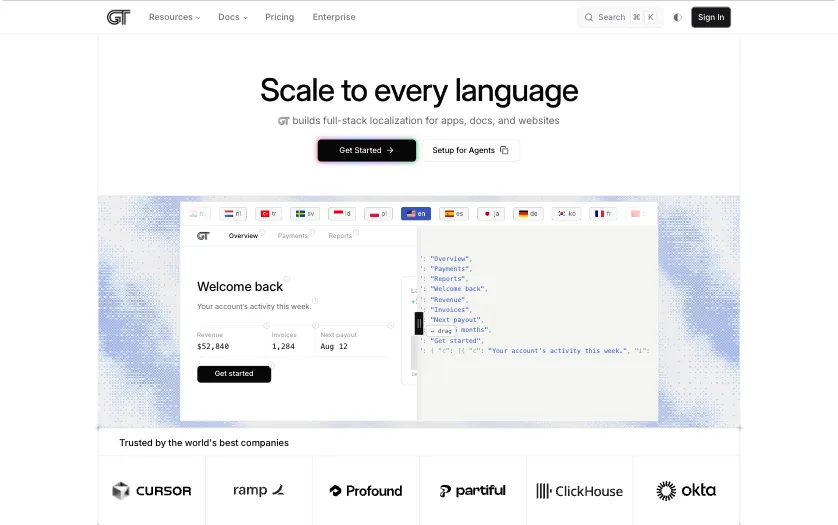
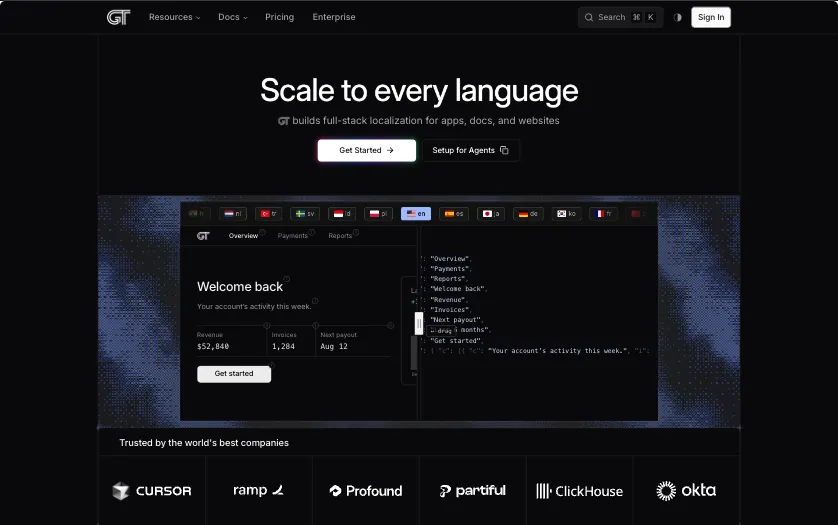
Each preview is the component’s plate on its docs page, captured in both themes. A preview links to its docs section, where the component runs live with its controls.
Section 17 components
Fields
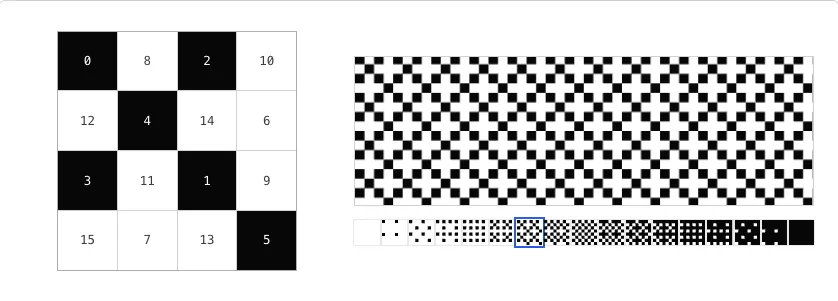
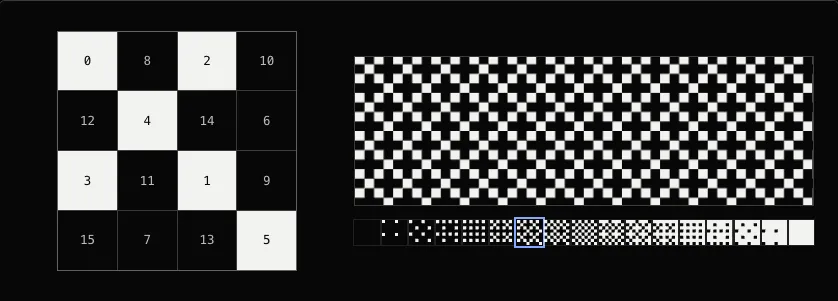
002

003
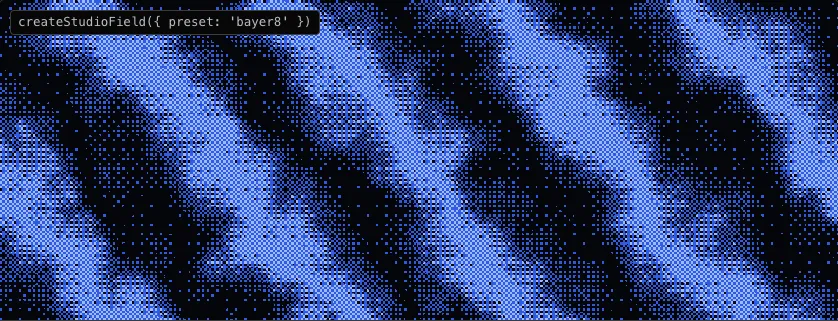
004
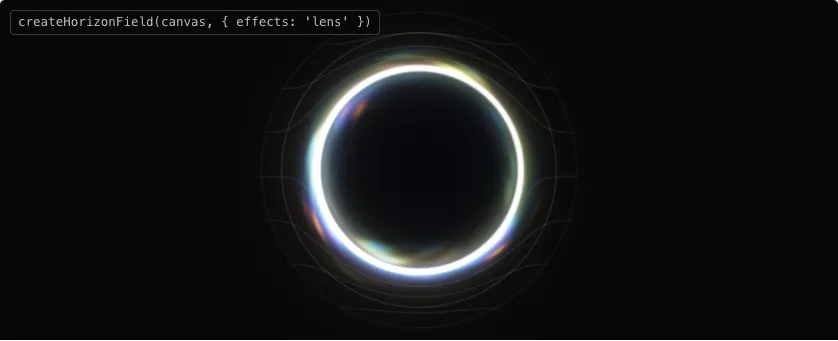
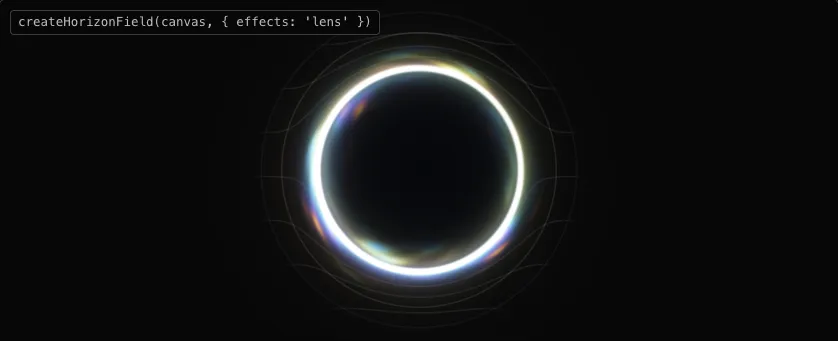
005
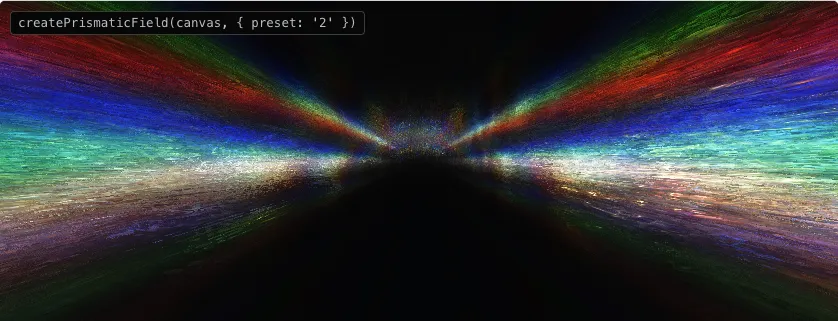
006

007
Section 29 components
Dither lab
008
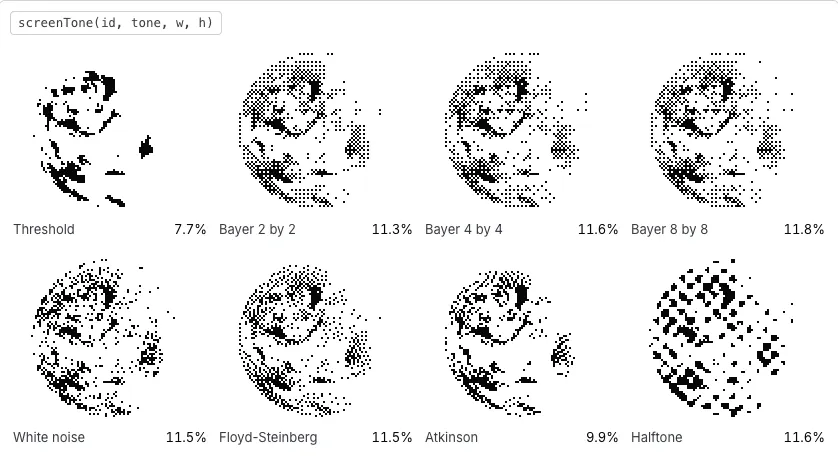
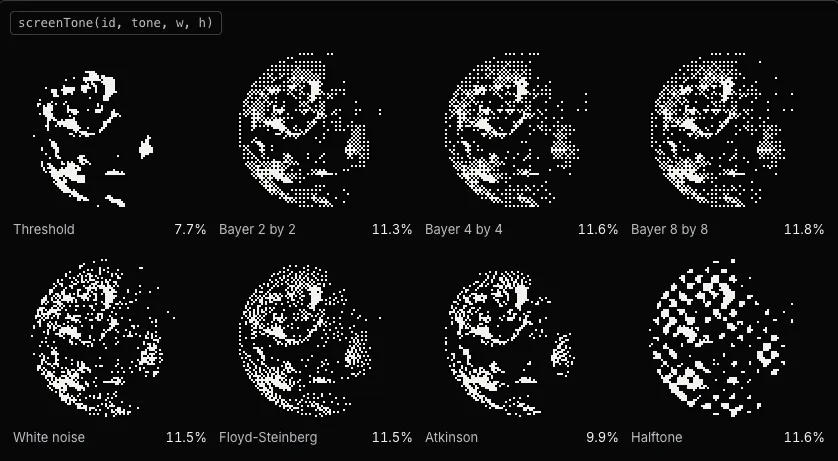
009
Error diffusion
DiffusionStepDemo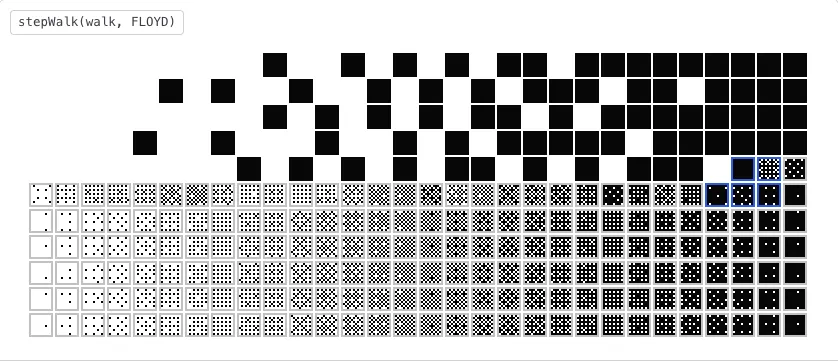
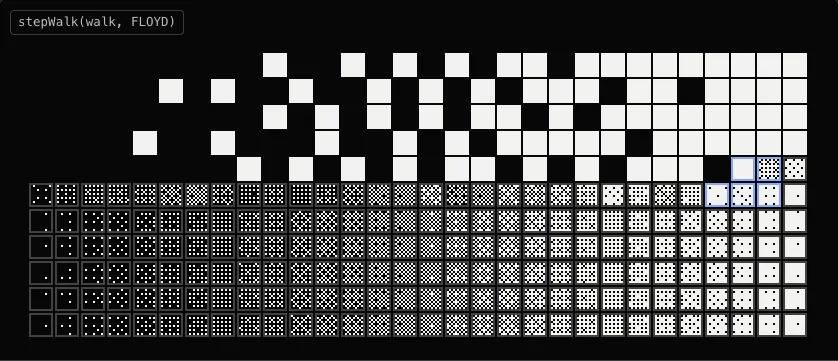
src/components/docs/demos/dither-lab/DiffusionStepDemo.tsxThe dither lab
010
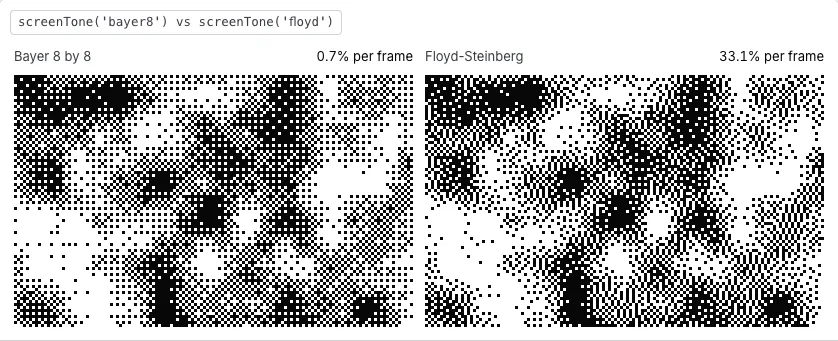
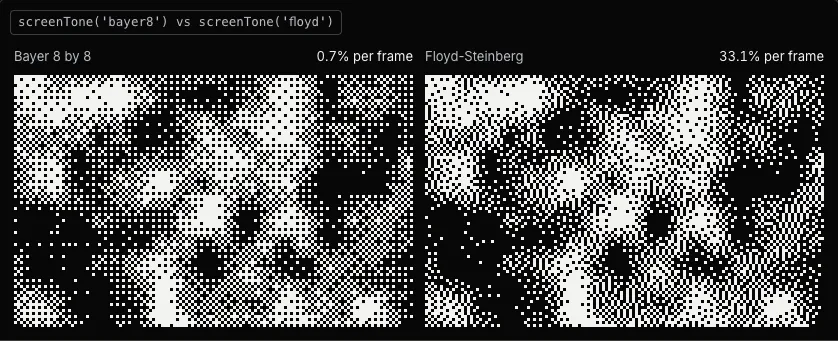
011


012
Mark through the tiers
markShape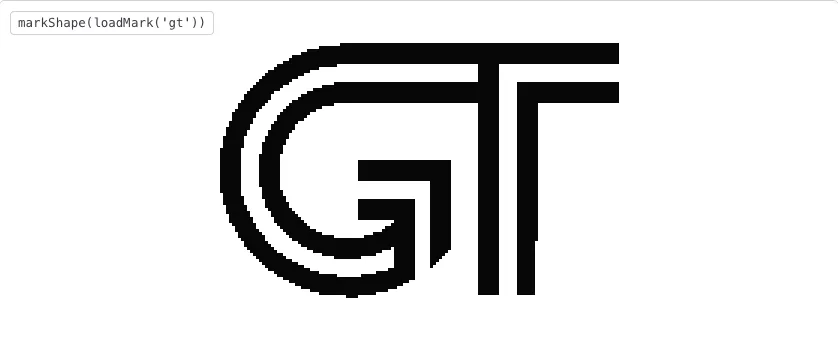

src/components/docs/demos/dither-lab/shapes.tsDithered type and marks
013
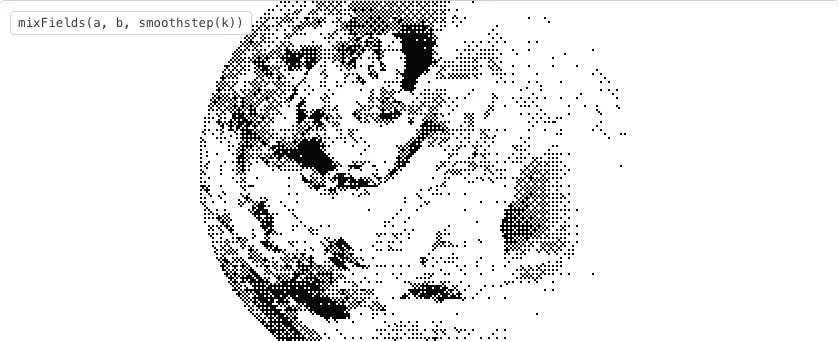
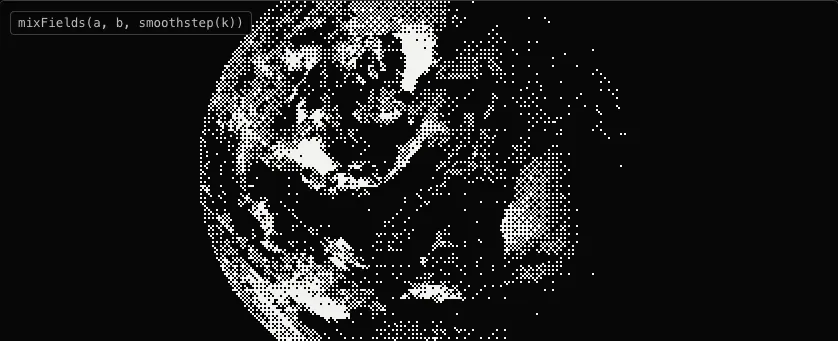
Glyph screen
GlyphScreenDemo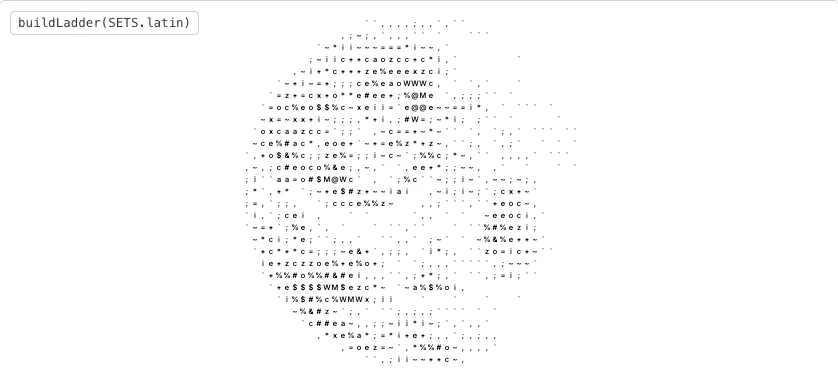

src/components/docs/demos/dither-lab/GlyphScreenDemo.tsxDithered type and marks
014
015
Screen lens
ScreenLensDemo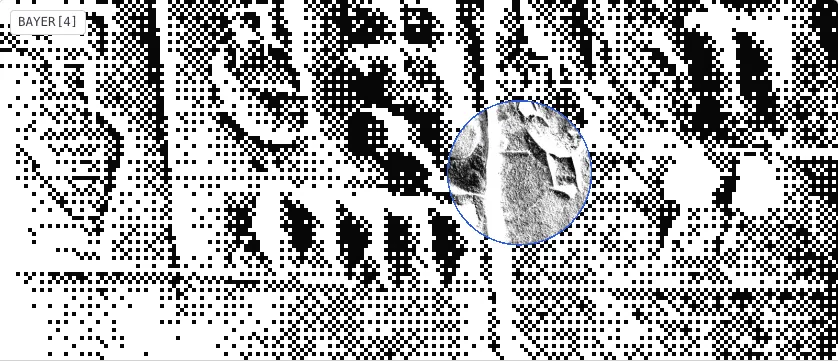
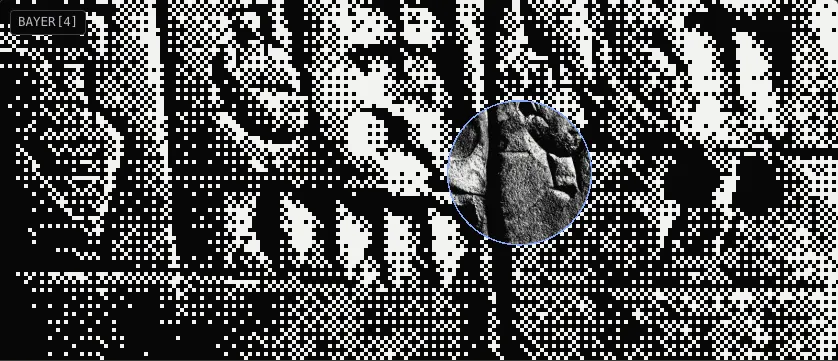
src/components/docs/demos/dither-lab/ScreenLensDemo.tsxDithered transitions and brushes
016
Dither brush
DitherBrushDemo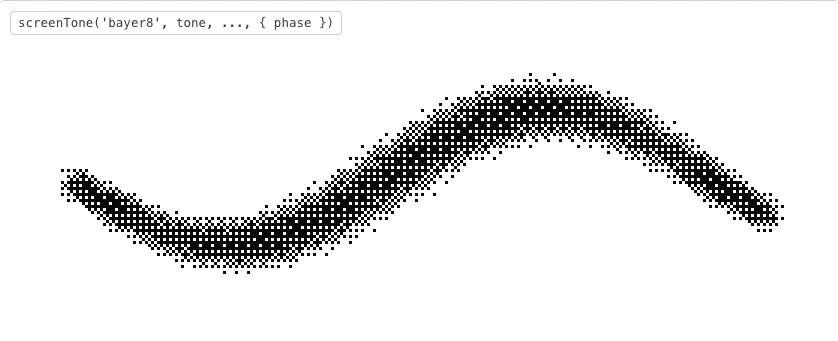
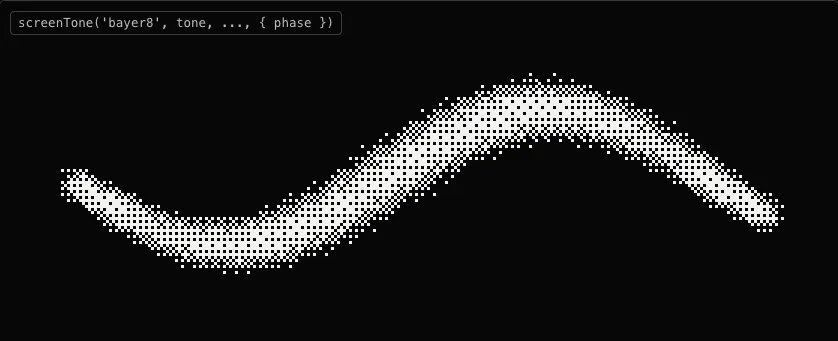
src/components/docs/demos/dither-lab/DitherBrushDemo.tsxDithered transitions and brushes
Section 311 components
Drawings
017
018
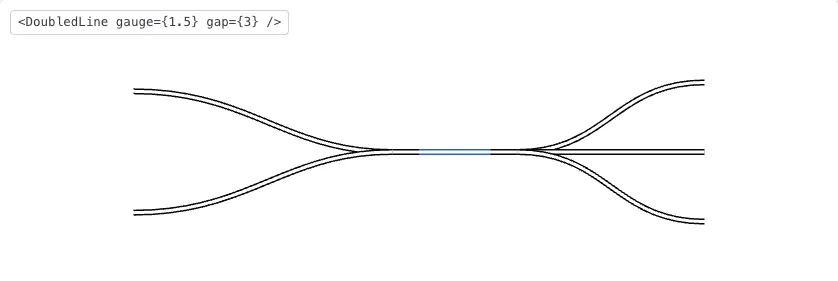
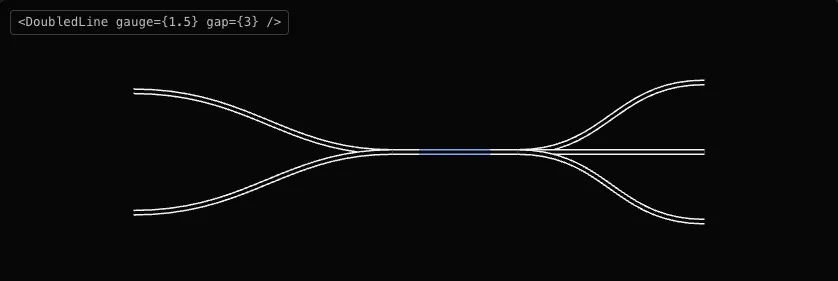
Connector
TranslationFlow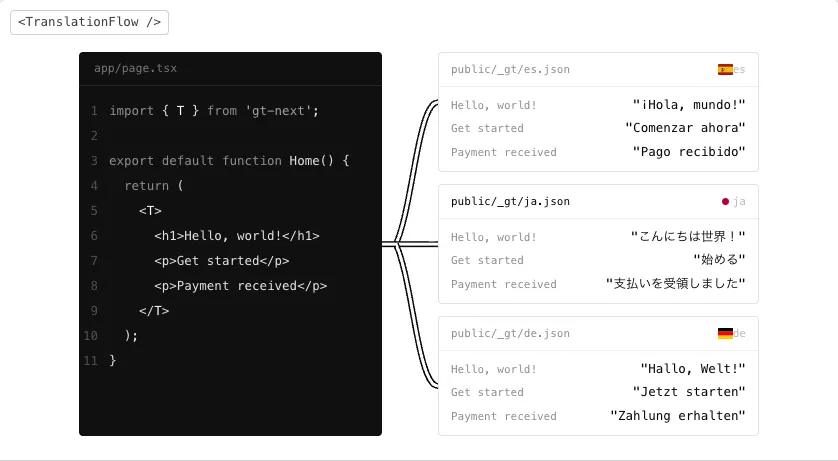
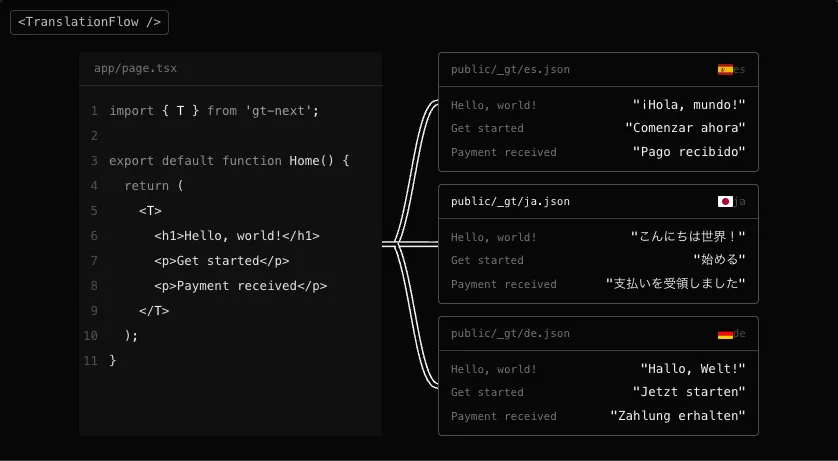
src/app/d/toolchain/diagrams/TranslationFlow.tsxDoubled lines and connectors
019
020
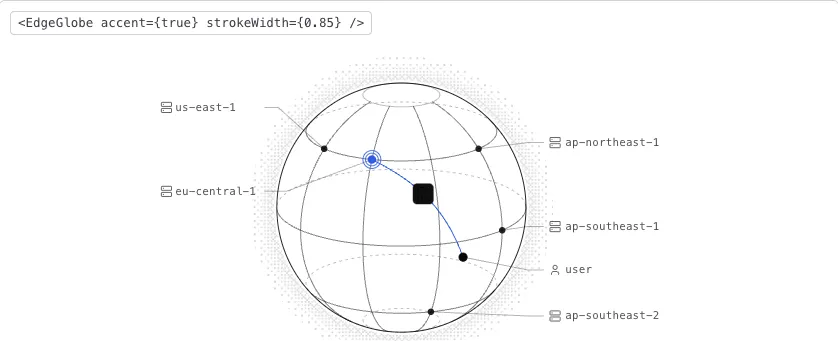
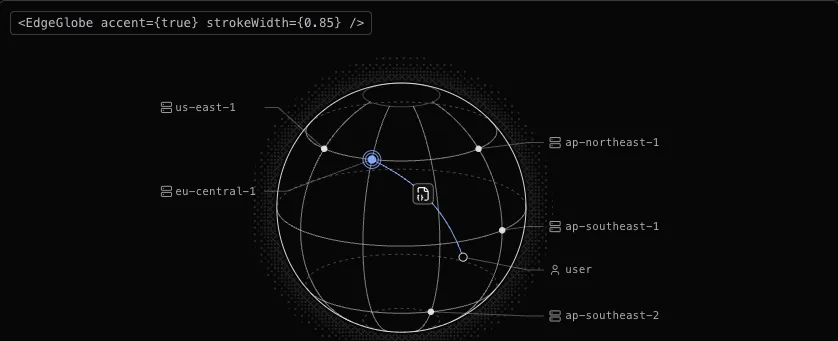
021
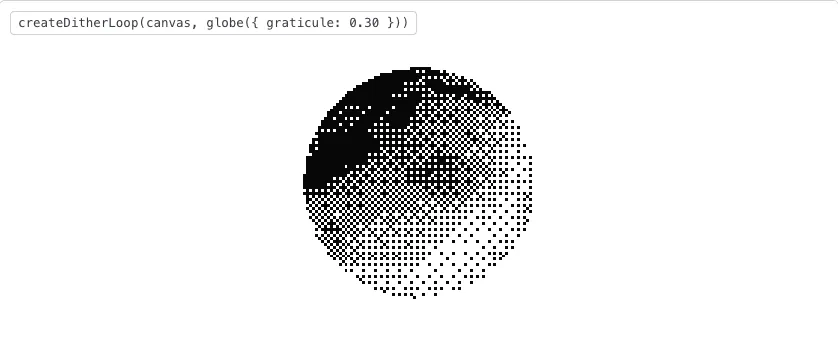

022
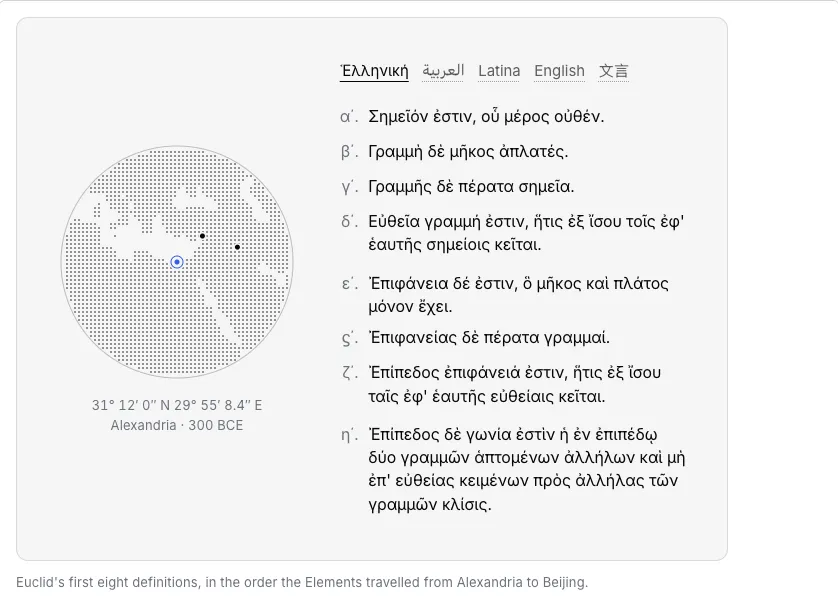
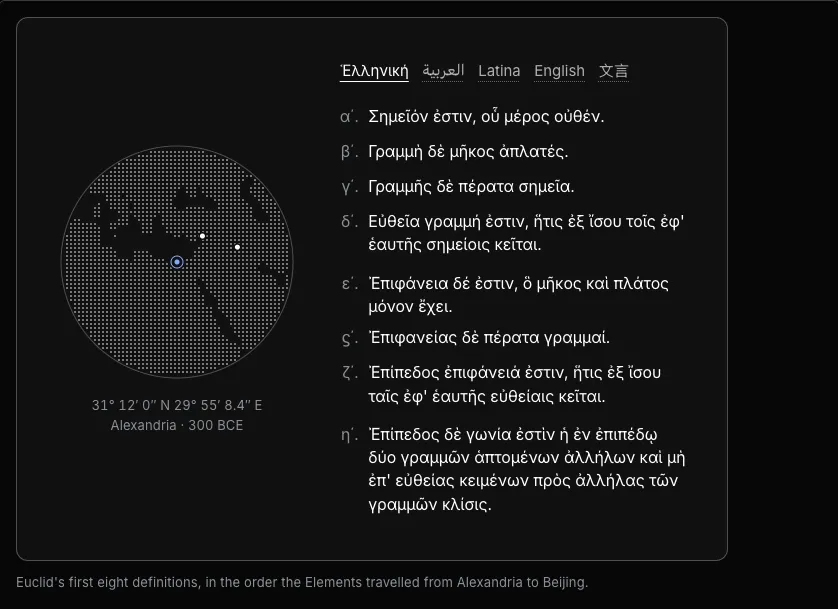
023
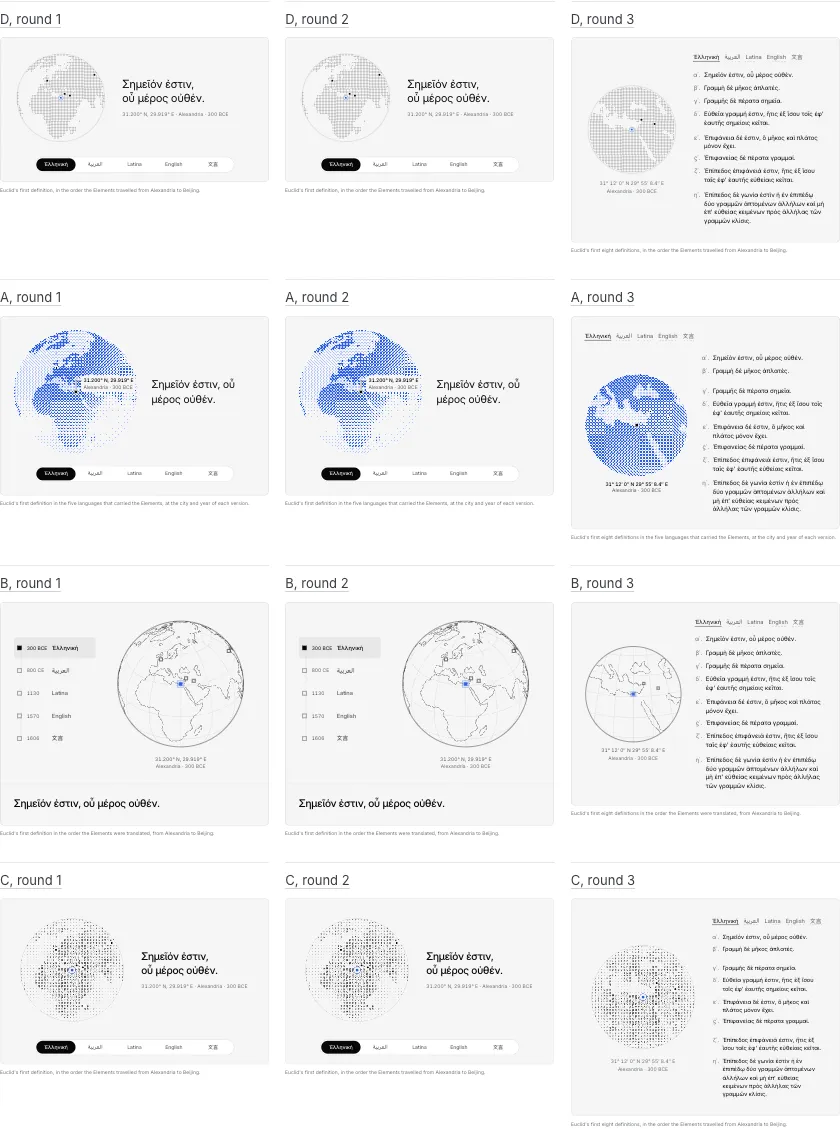
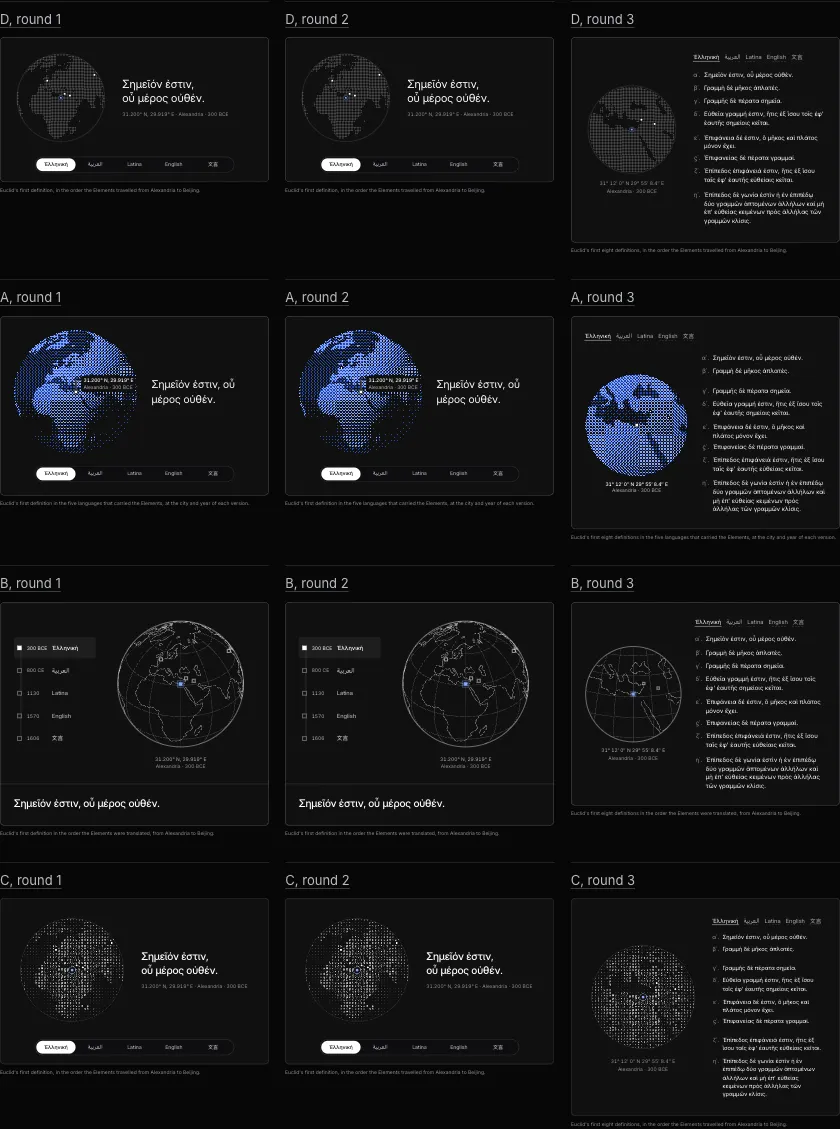
024
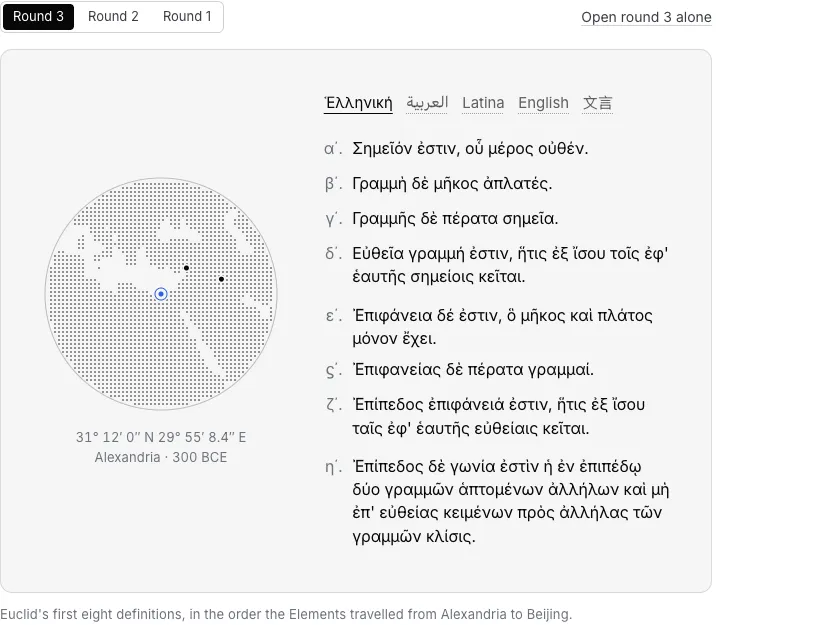
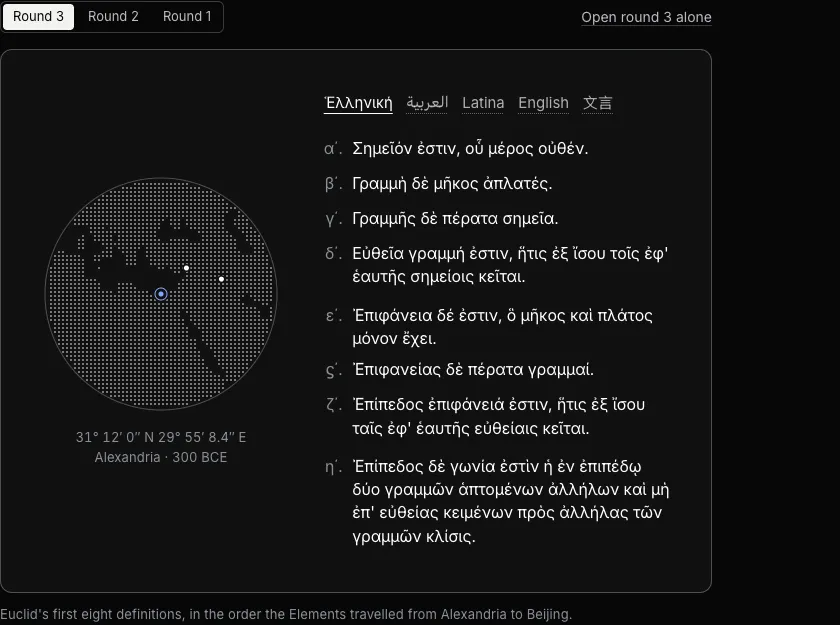
025
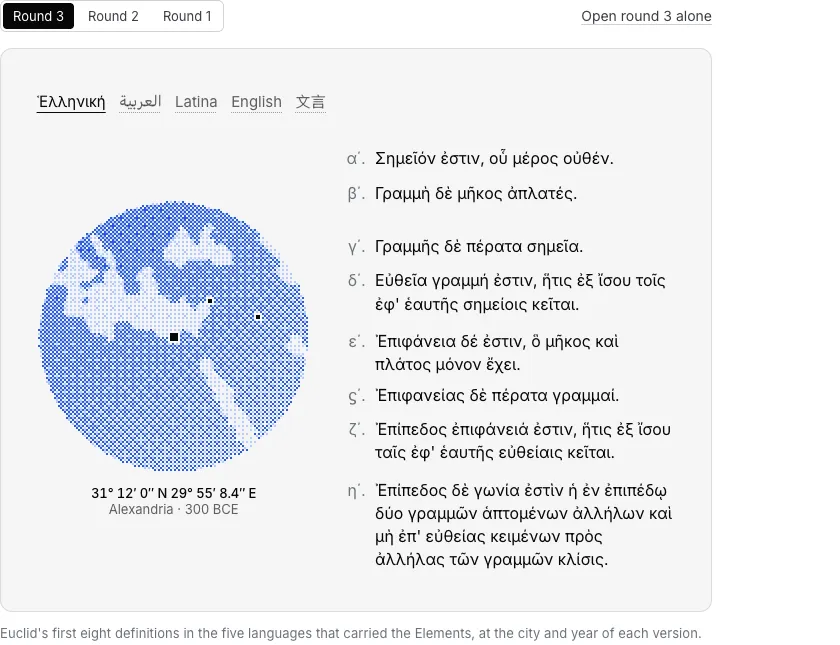
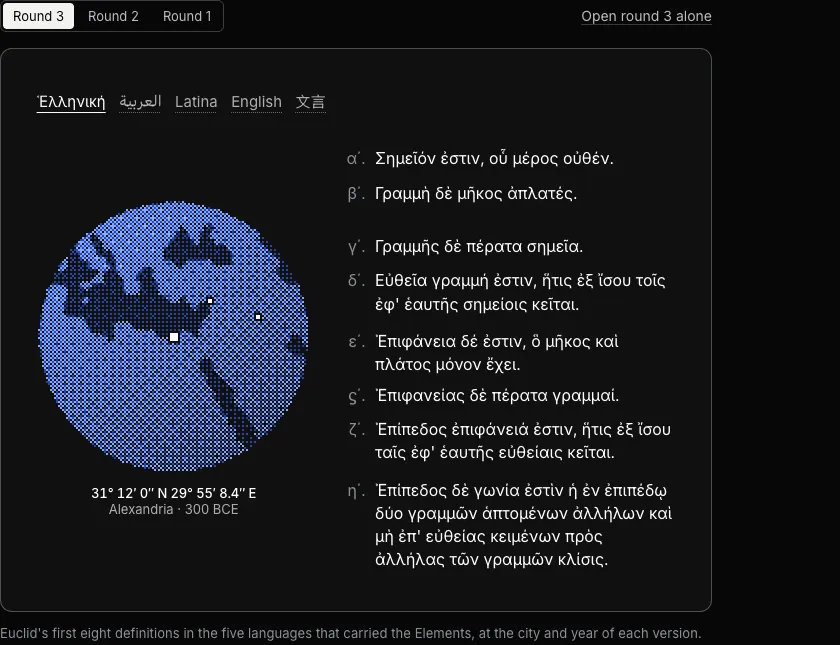
026
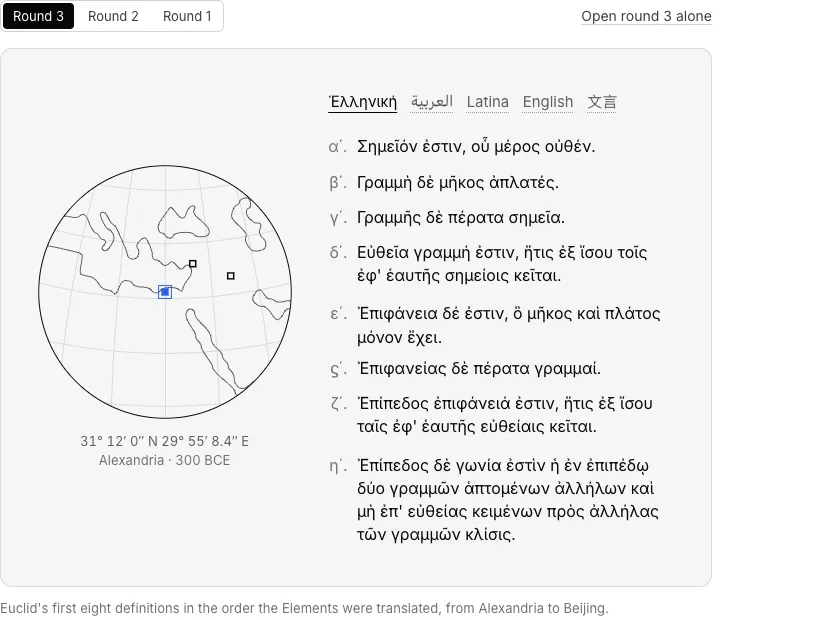
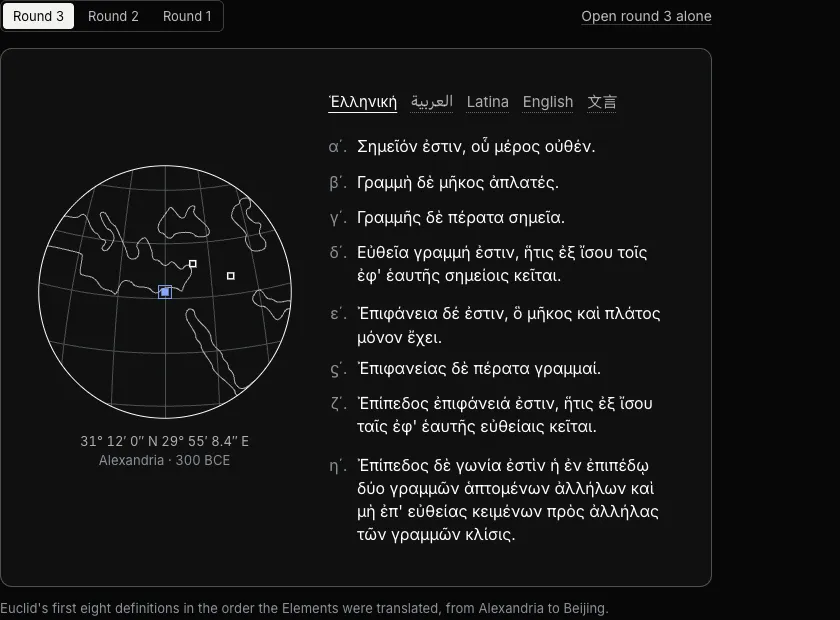
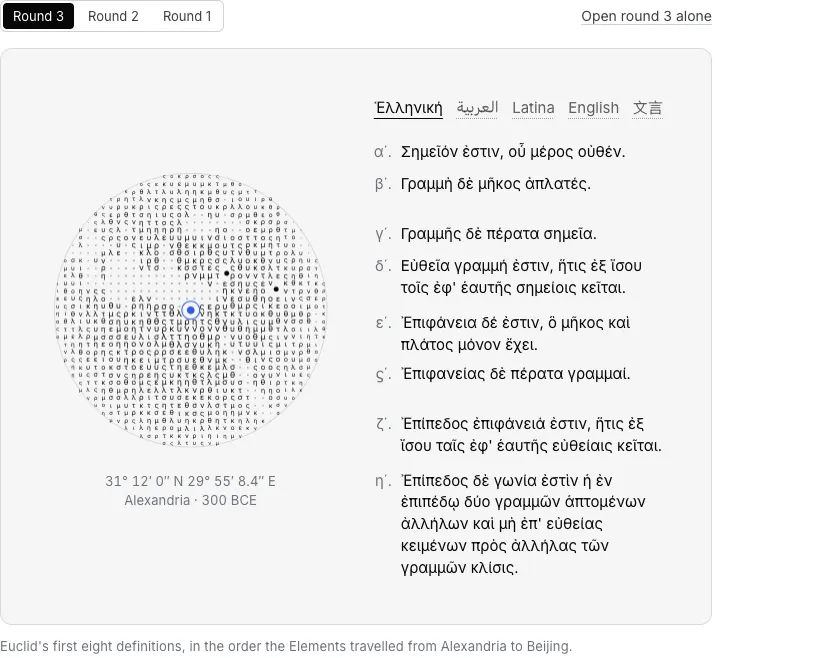
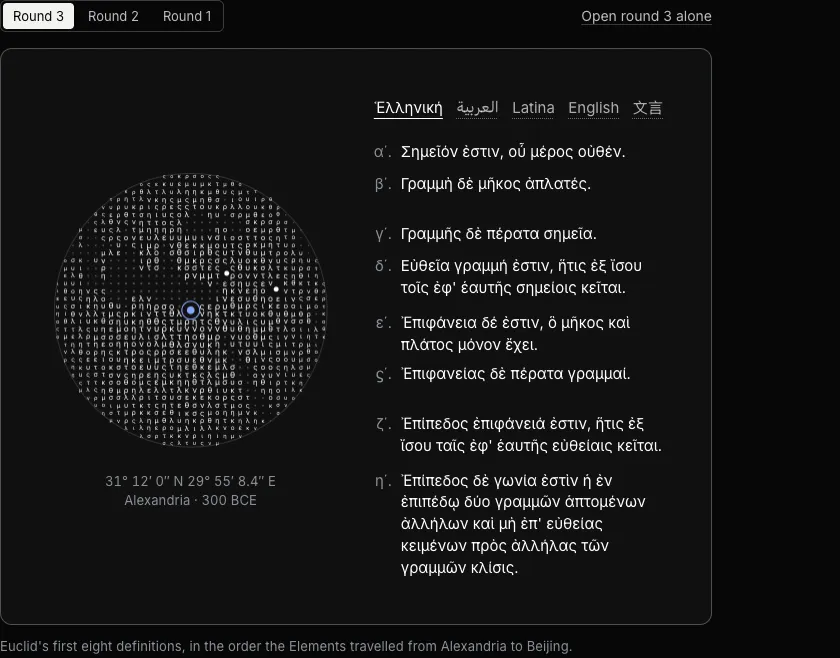
027
Section 47 components
2D and 3D
028
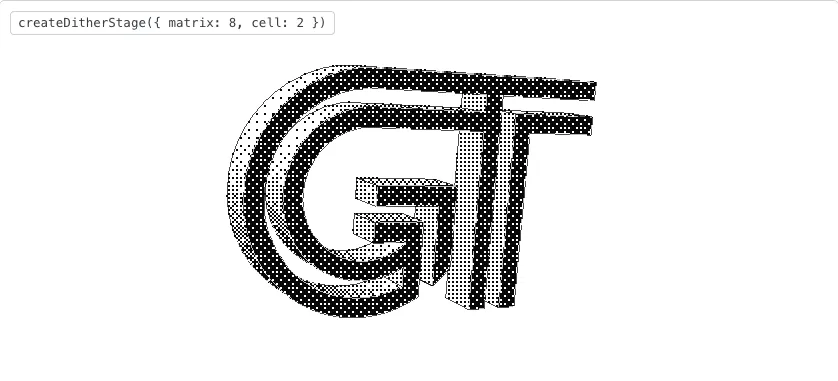
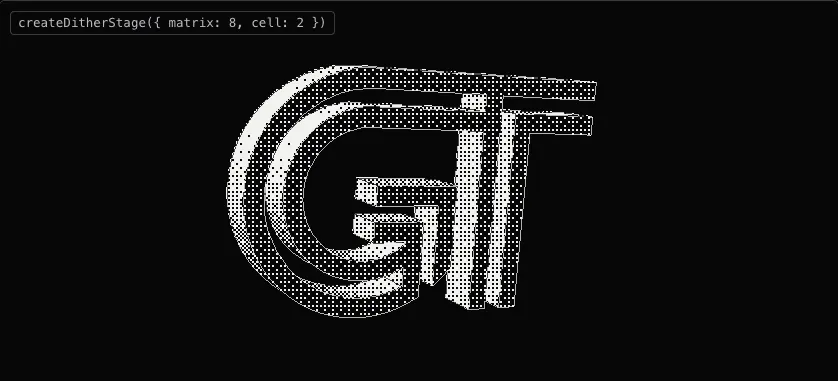
029
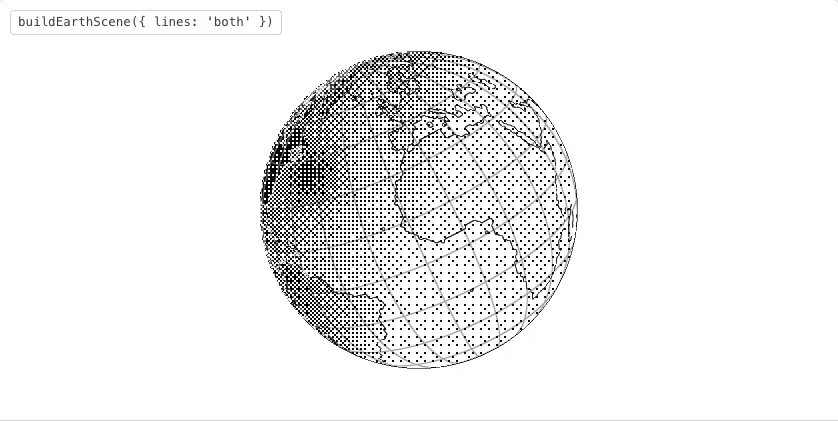

030
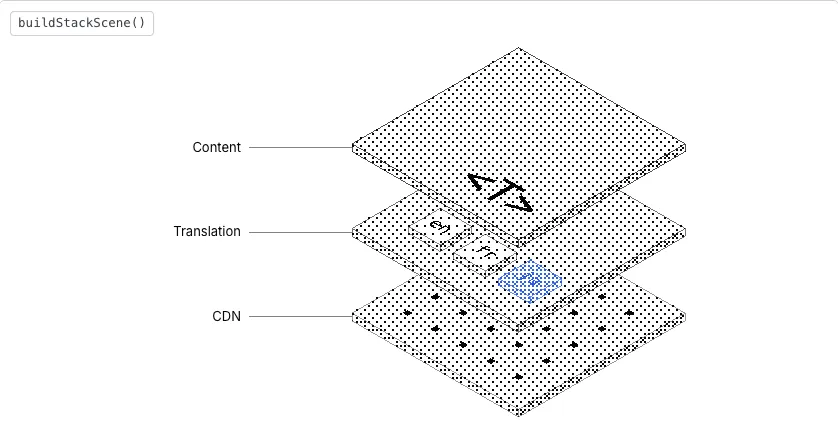
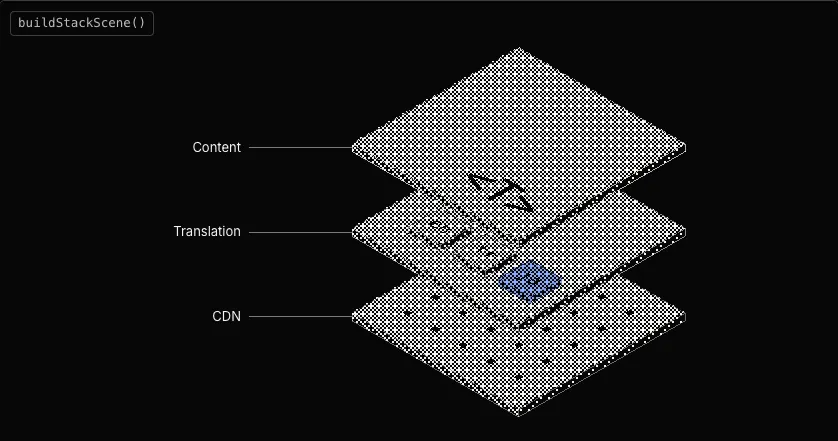
031

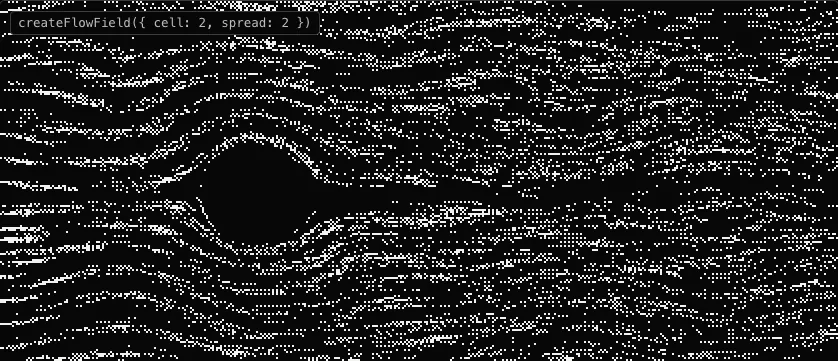
032
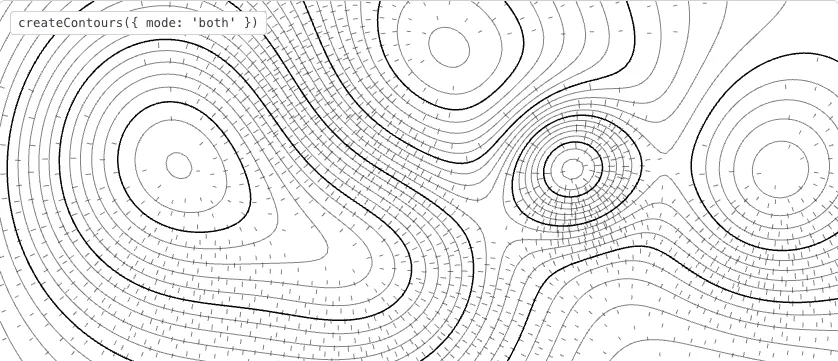
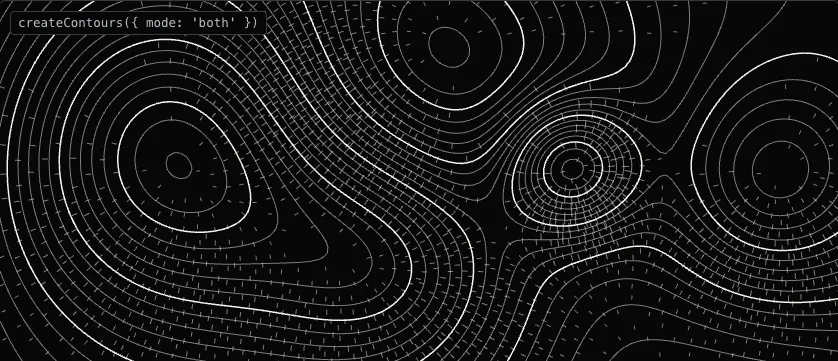
033
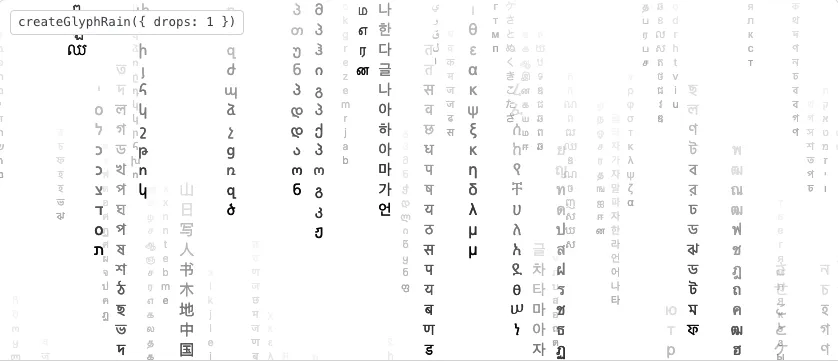
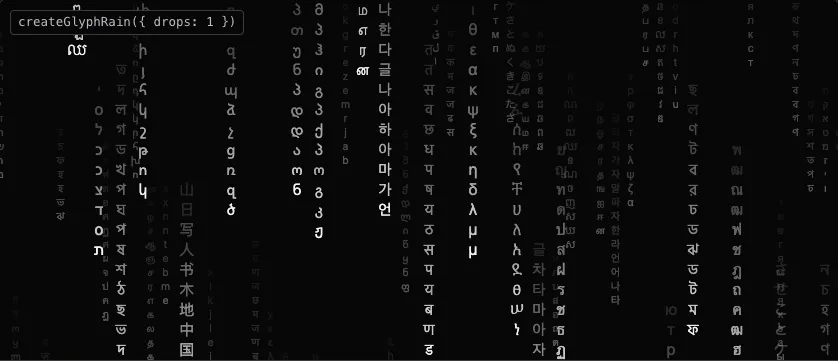
034
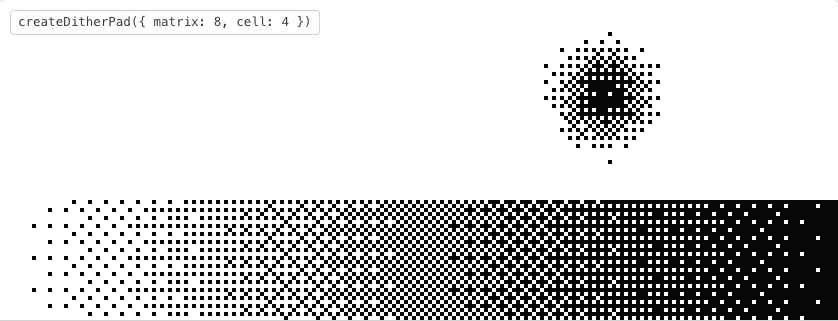
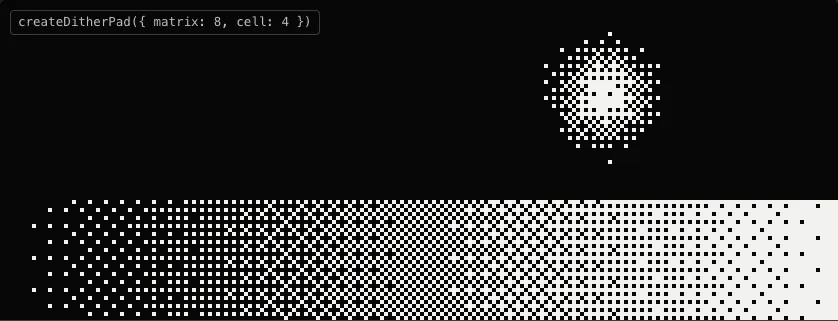
Section 512 components
Interactables
035
036
037
038
039
040
041
Language selector
LanguageSelector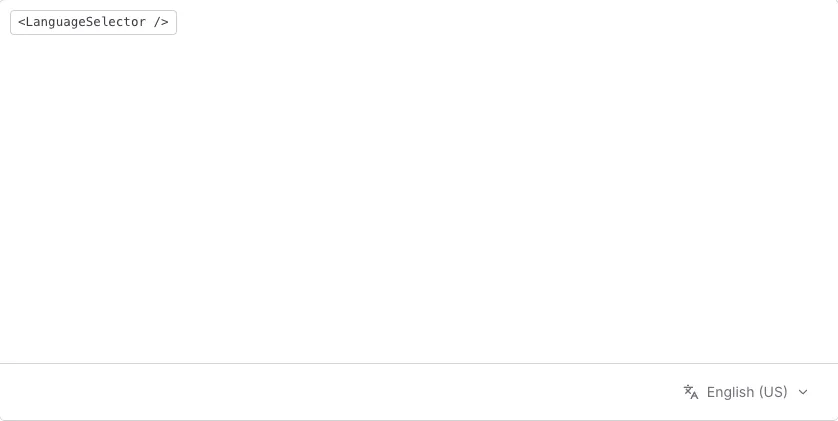
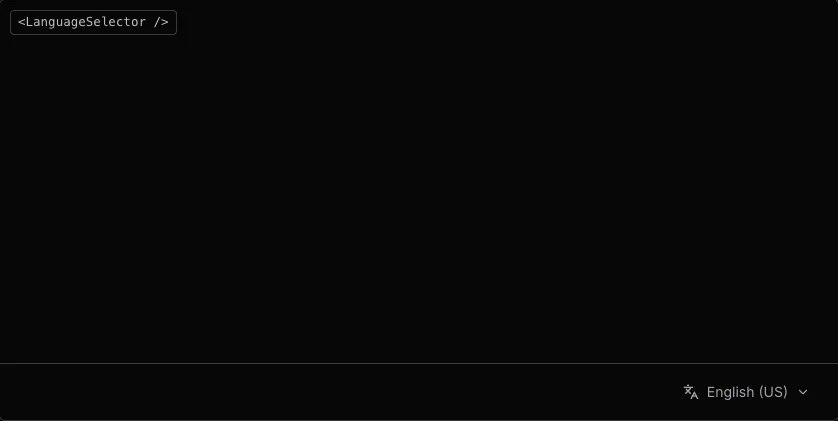
src/app/d/production/sections/LanguageSelector.tsxSearch, filters and menus
042
043
044
045


046
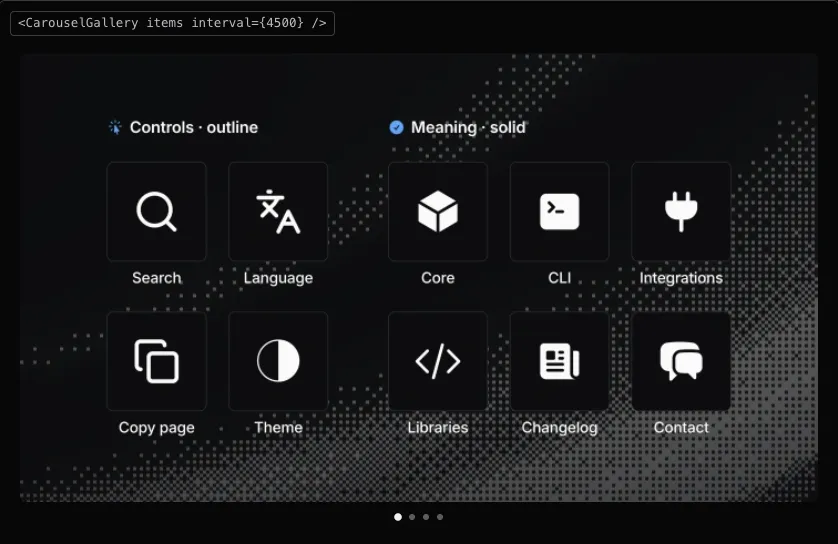
Section 64 components
Language and motion
047
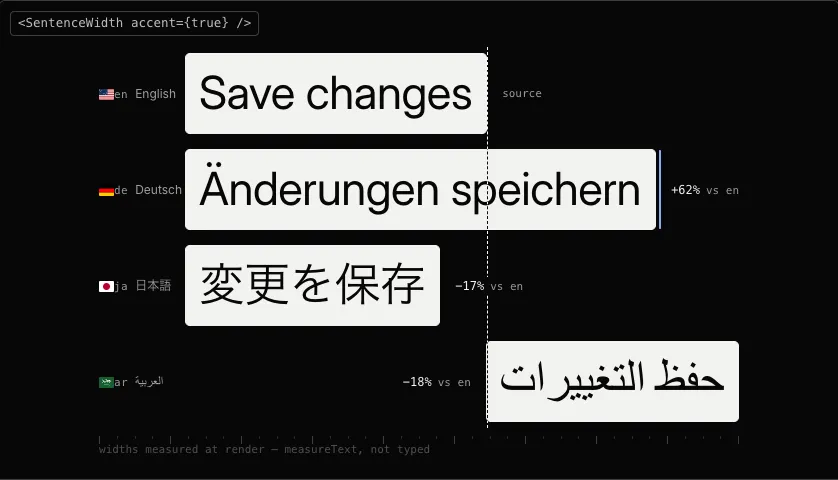
Locale tags and flags
LocaleTag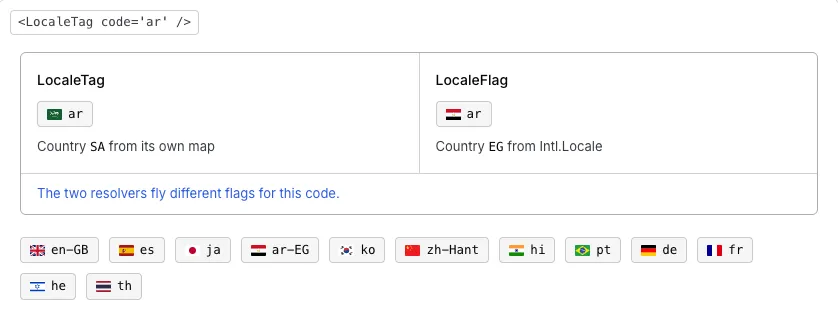
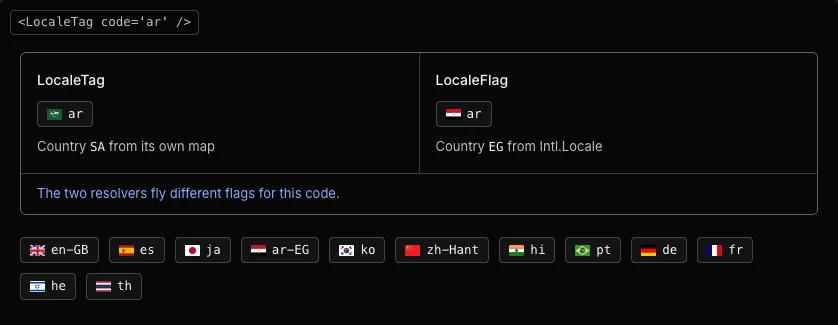
src/app/d/toolchain/components/LocaleTag.tsxLocale tags and language pieces
048
049
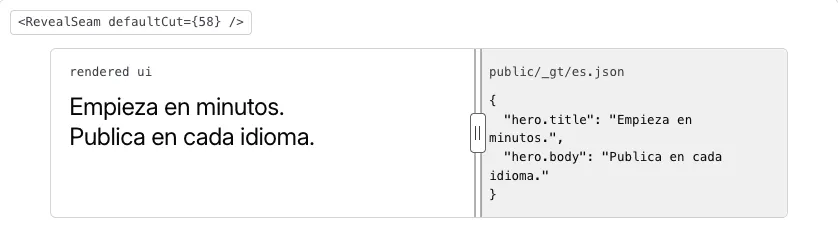
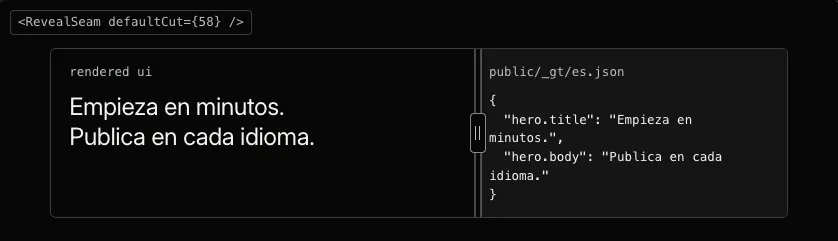
050
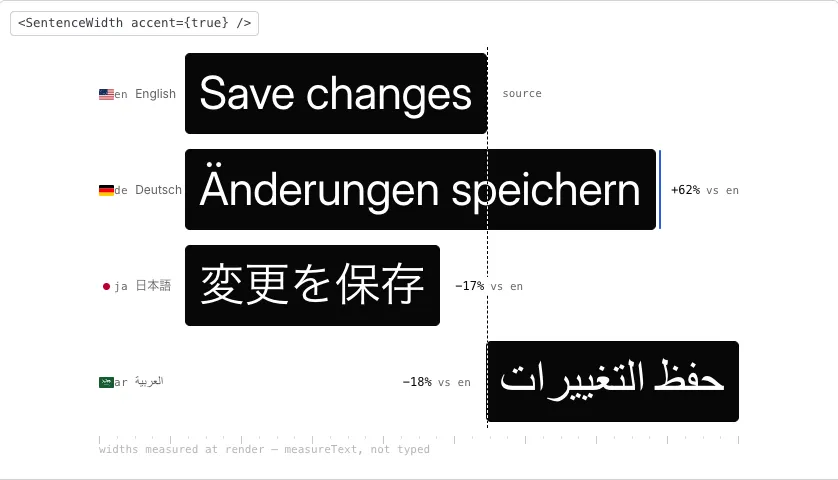
Sentence reassembler
EverySentence
src/components/shared/EverySentence.tsxReveal seam and sentence motion
Section 75 components
Marks and heads
051

052


053

054
055
Section 88 components
Artifacts
056
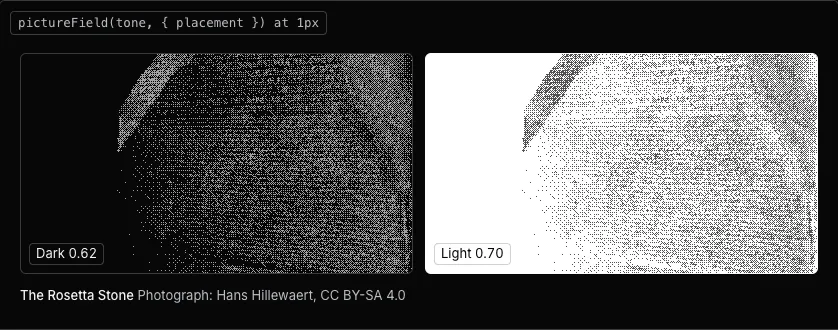
057
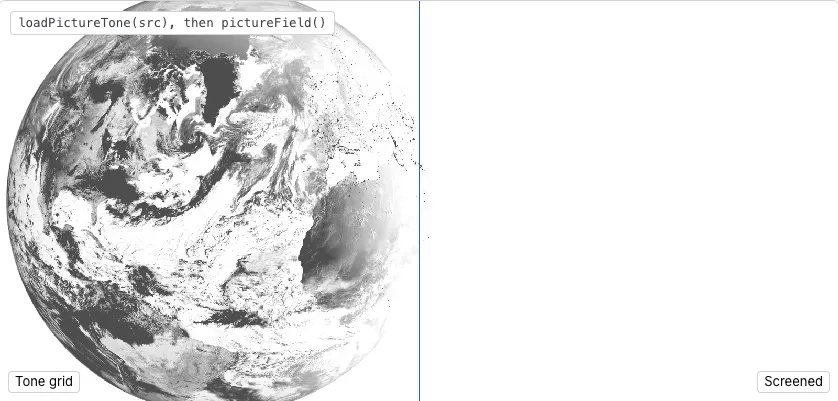
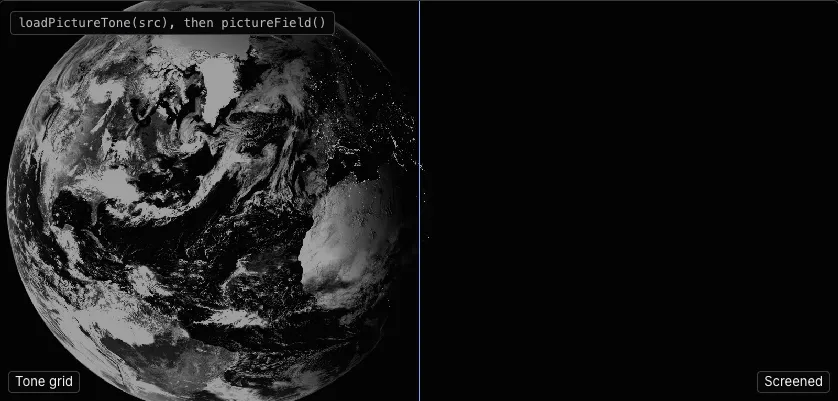
058
Cover generator
CoverGeneratorDemo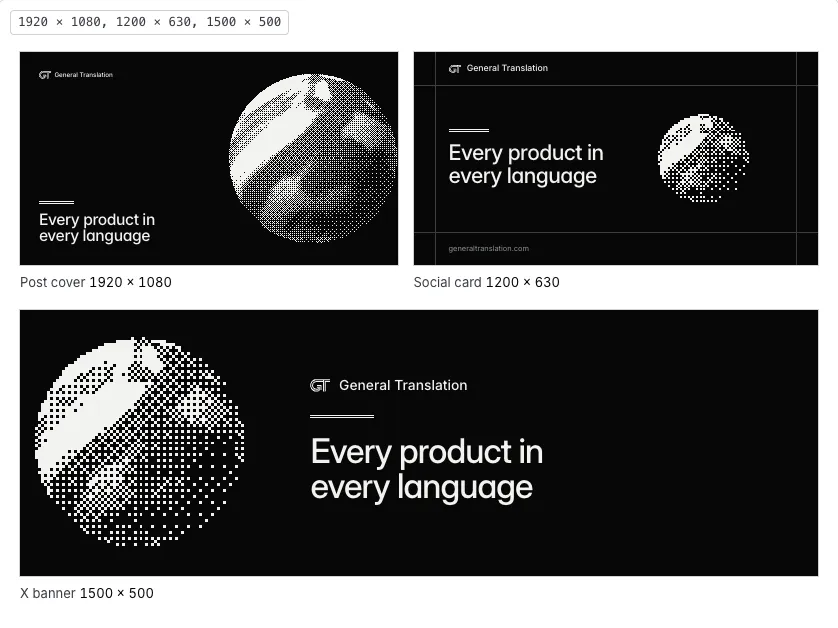
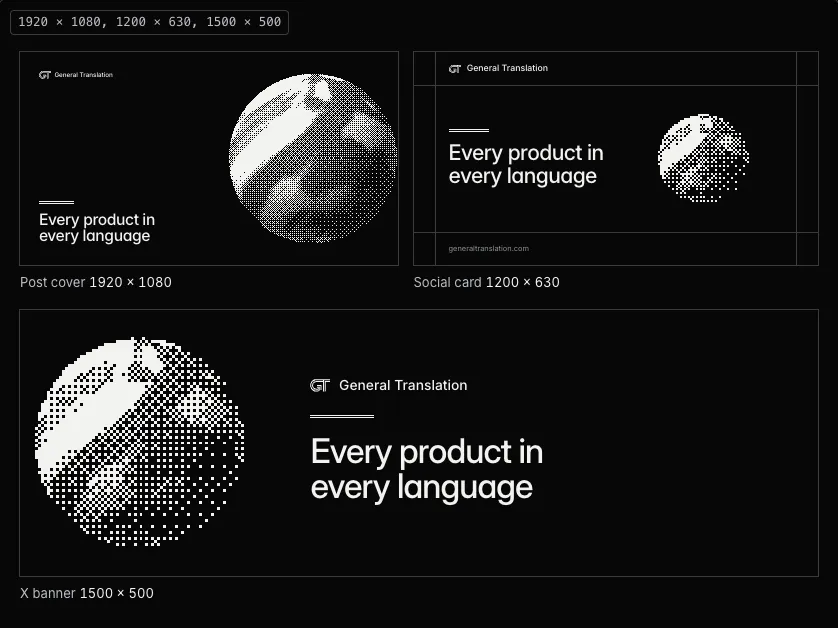
src/components/docs/demos/artifacts/CoverGeneratorDemo.tsxCovers and social cards
059
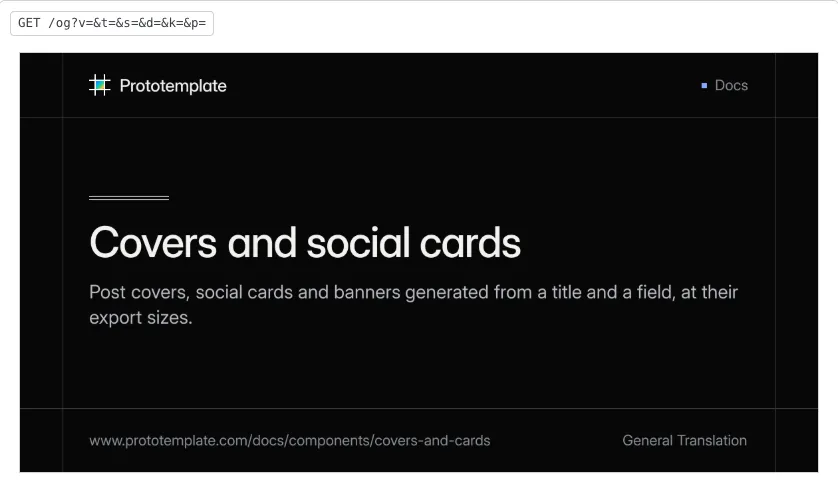
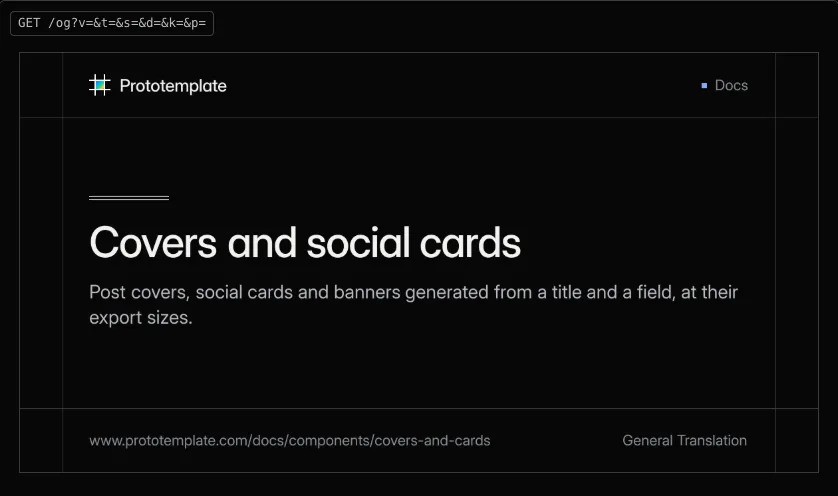
060
Fallback cover
BlogFeatureDither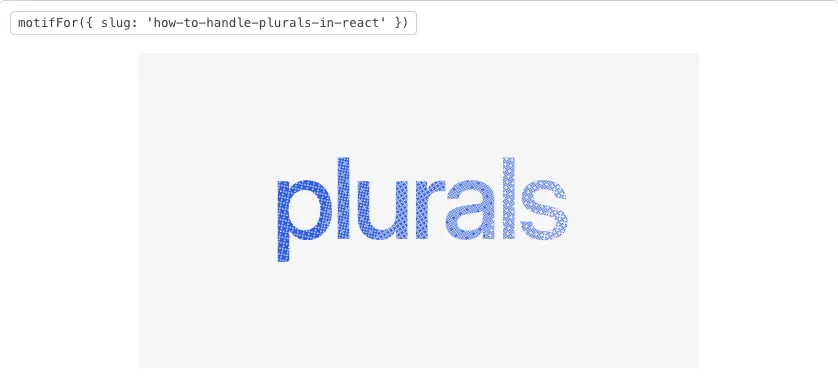
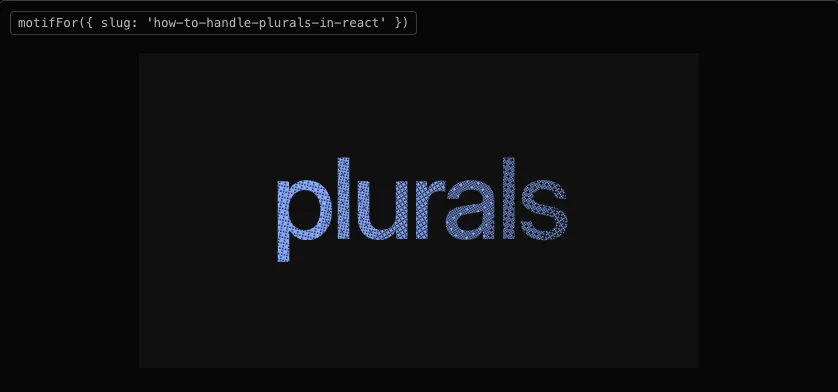
src/app/d/production/sections/BlogFeatureDither.tsxCovers and social cards
061
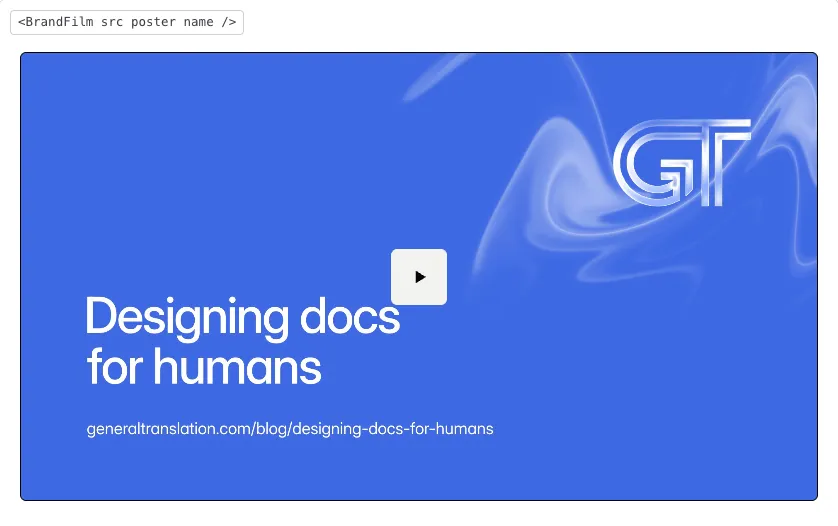
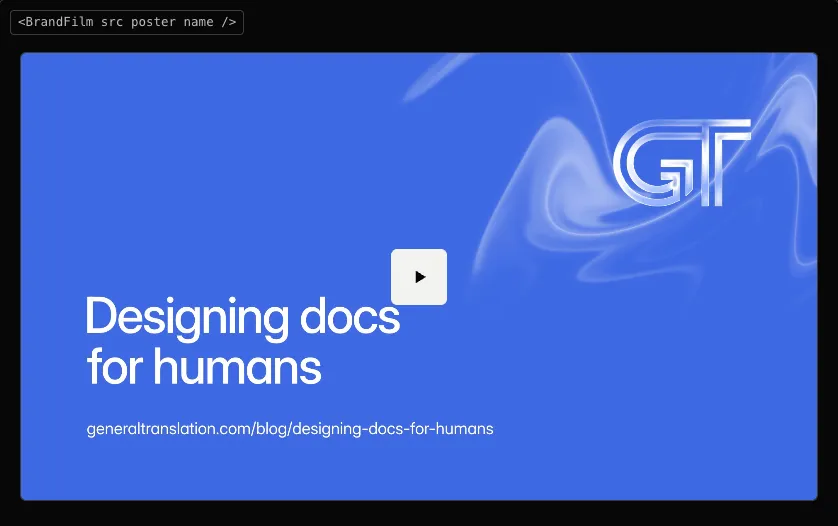
062
Contact sheet
ContactSheetDemo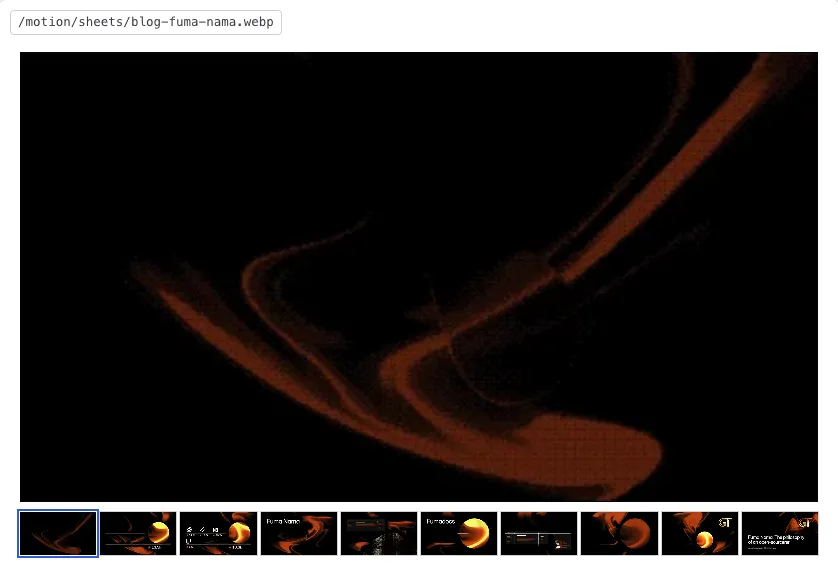
src/components/docs/demos/artifacts/ContactSheetDemo.tsxFilms and contact sheets
063
Section 98 components
Page layouts
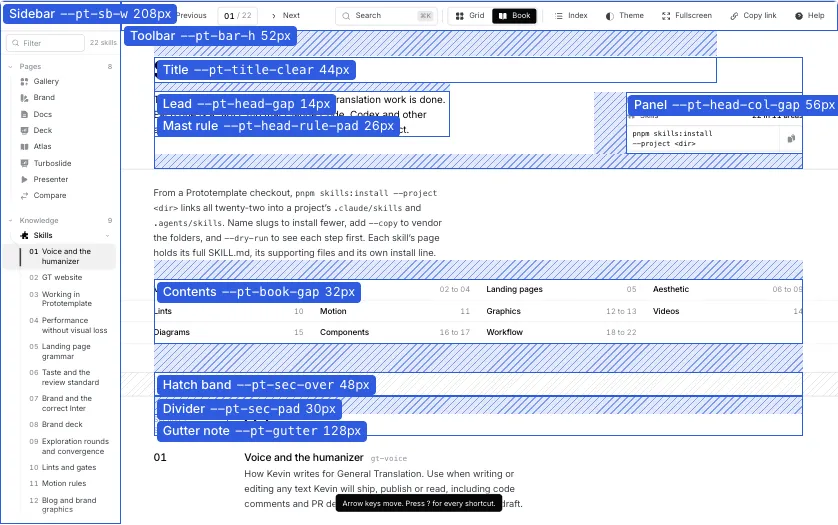
064
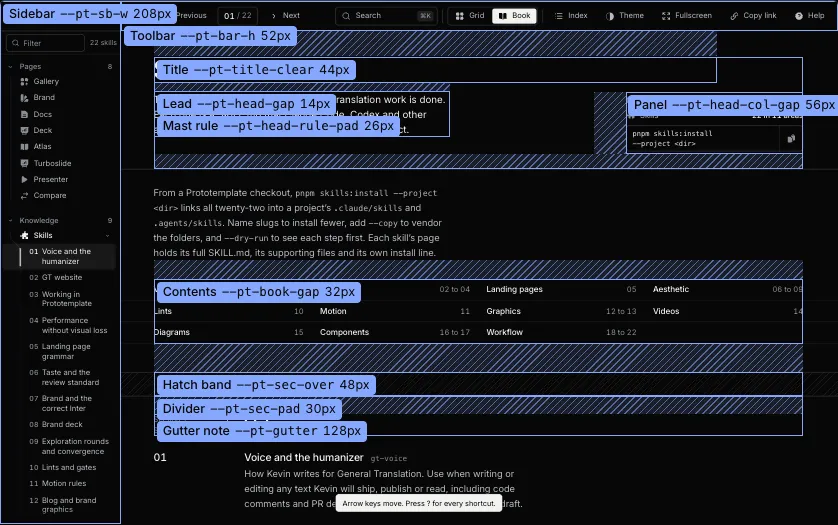
Page skeleton
PageSkeletonDemo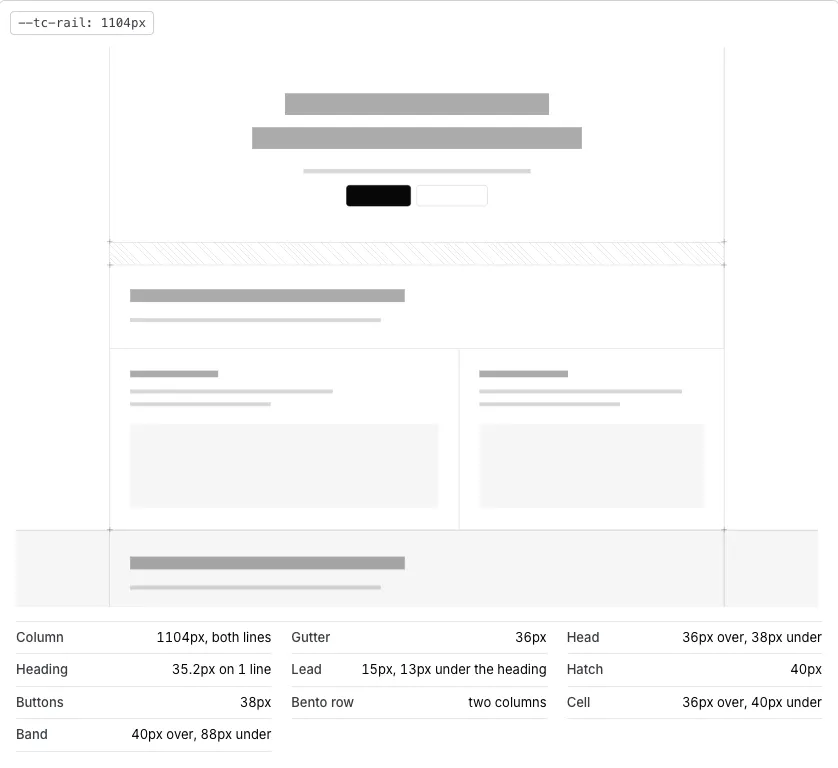
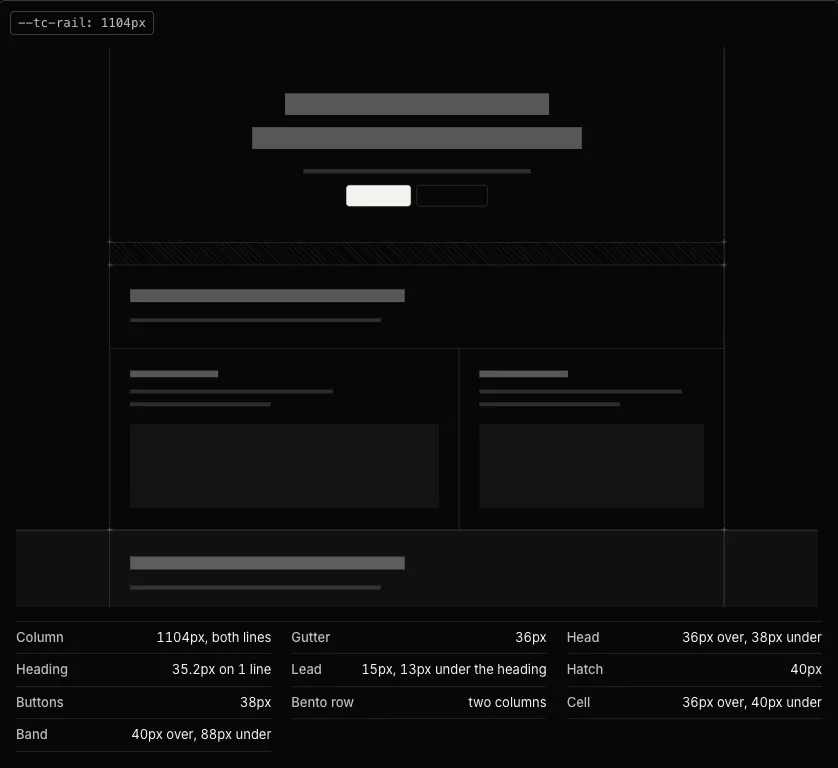
src/components/docs/demos/layouts/PageSkeletonDemo.tsxRails, bands and spacers
065
Head and Cta row
HeadCtaDemo

src/components/docs/demos/layouts/HeadCtaDemo.tsxRails, bands and spacers
066
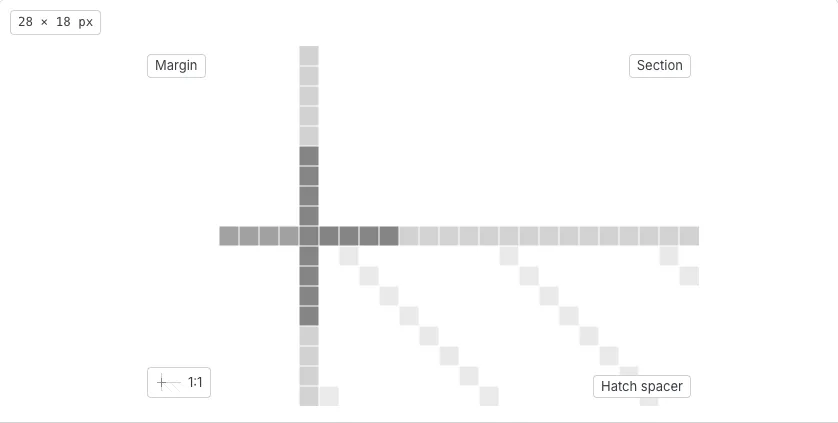
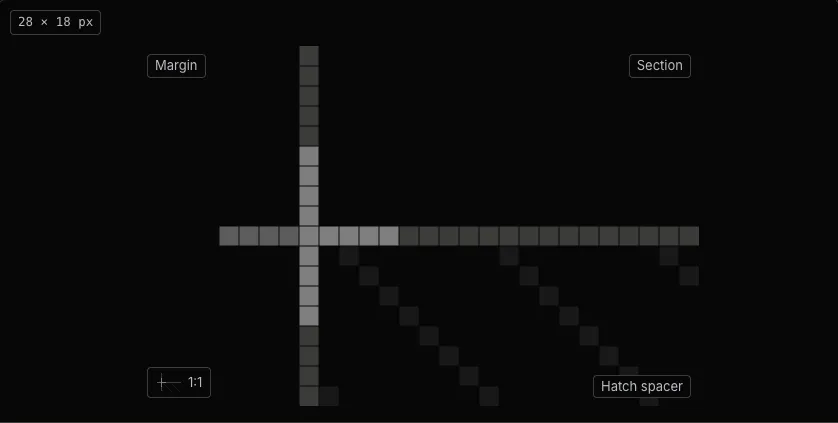
067
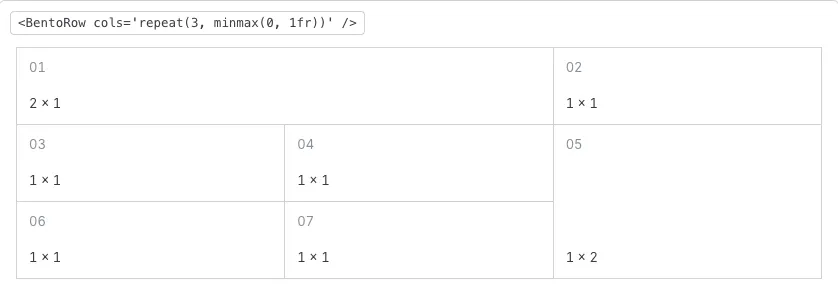
068
069
070
071
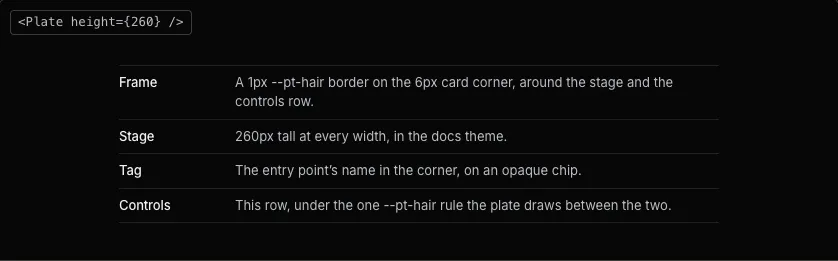
Section 105 components
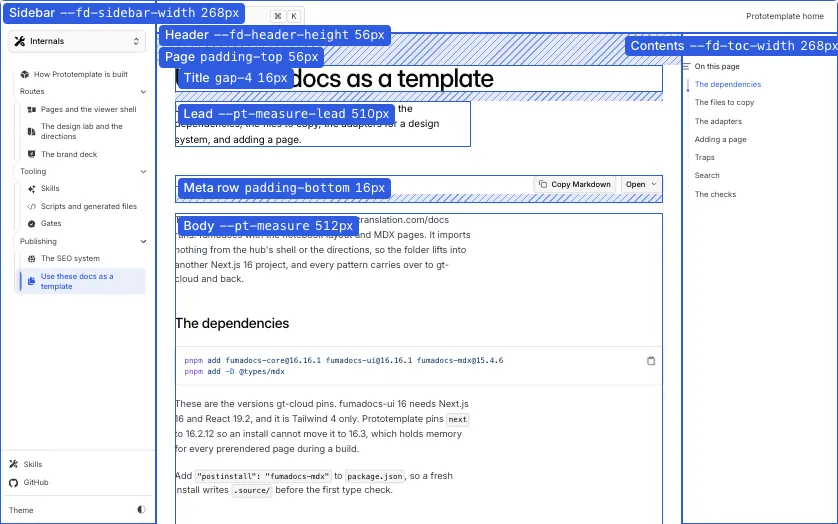
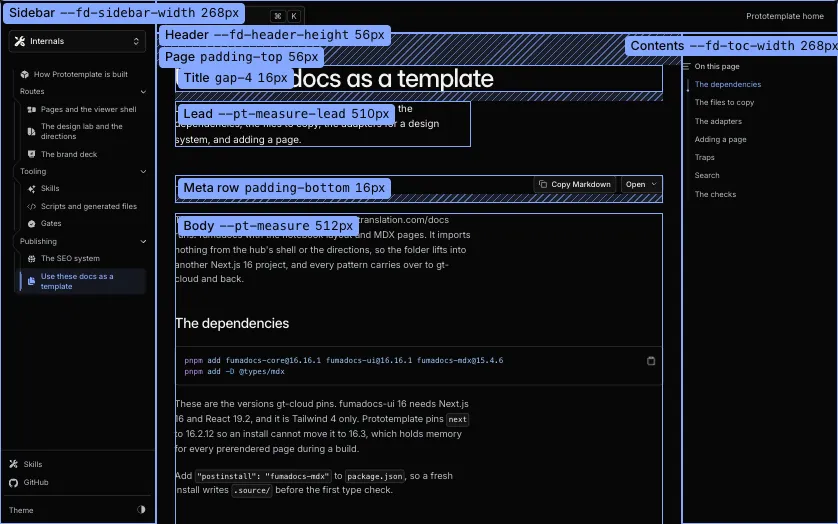
Pages
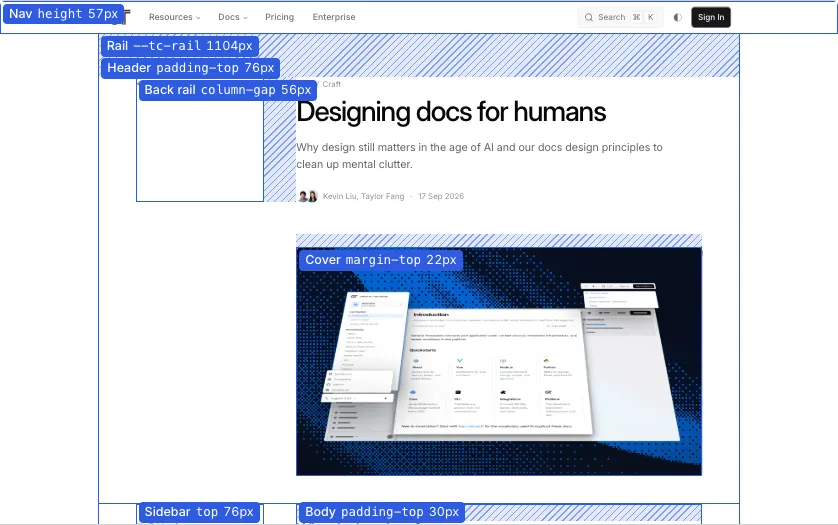
072
073
074
075
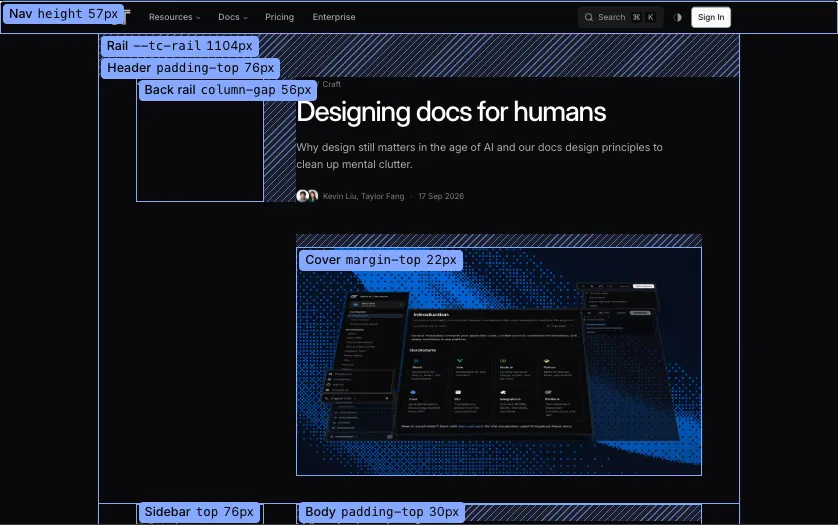
076
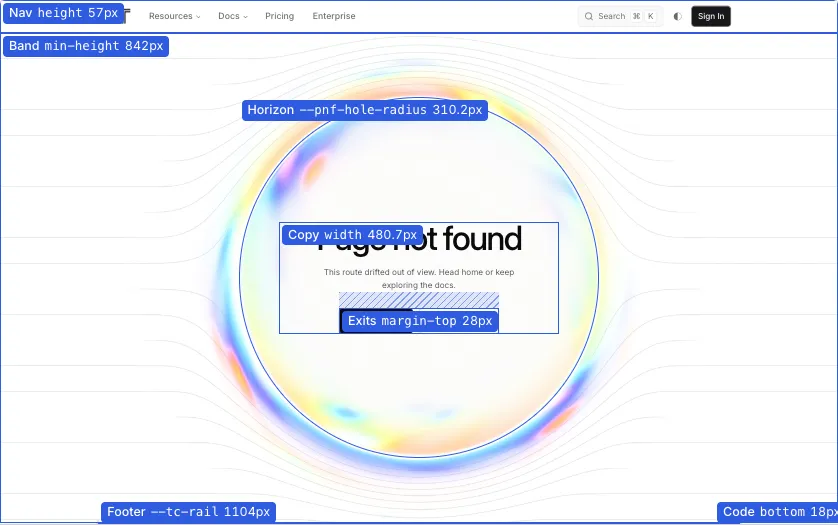
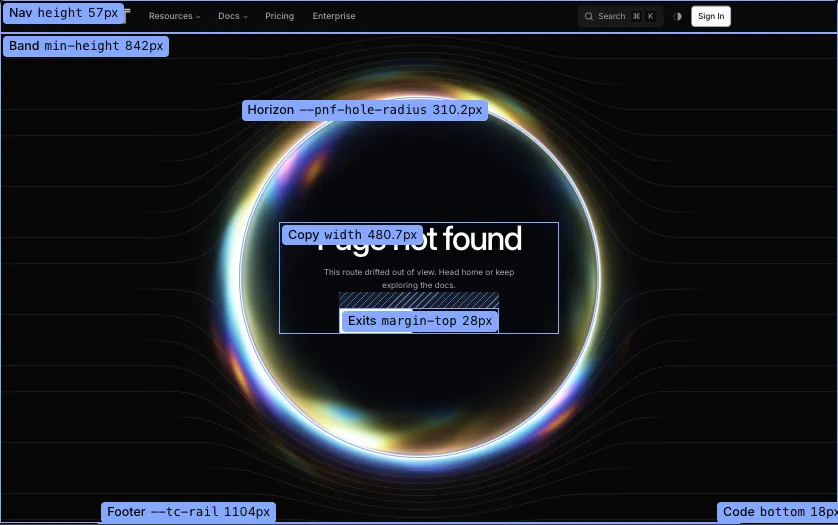
Section 1196 components
Not in the docs
077
Icon
The Heroicons 20 solid glyphs the shell draws, inlined at 16px in the current color.
078
PtMark
The Prototemplate mark: two rules cross into a square filled with the chroma gradient.
079
ThumbShot
A captured thumbnail with light and dark twins, switched by the theme in CSS.
080
ListRow
One sidebar row with keyboard activation and the active mark.
081
PreviewLayer
The shell’s one hover preview, which opens a row’s capture after a short rest.
082
DirectionCorner
The dock on a direction page that opens the list, the index panel and the search.
083
CornerLayers
The panels the direction corner opens, with their shared preview layer.
084
ProdSystemTheme
Follows the system color scheme on the shipped mirror until the visitor picks a theme.
085
086
HitList
The numbered anti-pattern list of the docs posts, written in MDX with HitItem.
087
AuthorSpotlight
The contributor card with the portrait, the name, the bio and the project.
088
089
090
091
FumadocsArchitecture
The architecture diagram of Fumadocs drawn for the Fuma Nama post.
092
renderBlocks
The Markdown renderer the handbook and the Markdown twins use, with heading ids.
093
DocsNameplate
The docs nameplate in the sidebar head and the phone header: the hub’s mark links home, and Docs links to /docs.
094
DocsThemeButton
The docs site’s light and dark switch, which keeps the hub’s stored theme.
095
DocsPageActions
Copy page and its menu: the page’s Markdown twin, its source on GitHub, or a prompt for an assistant.
096
DocsSidebarFooter
The docs sidebar’s foot: the skills, the repository and the theme button.
097
SidebarMotion
The docs sidebar’s rails and pills, which slide to the row the pointer is on and to the current page.
098
SidebarActiveScroll
Scrolls the docs sidebar so the current page’s row is in view after each navigation.
099
PlateFrame
The frame every sign-in and onboarding surface shares: the field behind a plate column.
100
101
PlateFoot
The frame’s foot with the language selector and the copyright or the account.
102
PlateScrollFade
The fade at the end of the frame’s scroll area.
103
PlateThemeToggle
The frame’s light and dark switch in the dashboard’s ghost icon button.
104
PlateSignOut
The dashboard’s sign-out text control as the gallery shows it.
105
FieldStack
The field behind every sign-in and onboarding surface.
106
FieldMoodPlate
The card that slides out with the picture behind the plate.
107
FieldPicture
Asks the frame’s field for a named picture when it mounts.
108
PlateGallery
The sign-in and onboarding system as one page: every state on its real frame.
109
DevStateConsole
The draggable console that pages the gallery’s states.
110
DevStateView
One gallery state: the real component with fixture props inside its frame.
111
112
113
114
115
116
InputOTP
The one-time code field of the sign-in and device pages.
117
118
119
LanguageSelector
A static copy of the site’s language selector for the plate frame’s foot.
120
ClaudeLogo
The model logos of the onboarding survey: Claude, DeepSeek, Gemini, Grok, Mistral and OpenAI.
121
GtMark
The GT mark in one ink, cropped to the glyph so it sits beside text on the plate pages.
122
AuthFrame
The heading, lede, content and footnote every secondary auth screen stacks in the plate column.
123
SignInForm
The dashboard’s sign-in form: the email link, SSO and the social buttons.
124
CliTerminal
What npx gt login prints before the browser opens, on a terminal panel.
125
CliWizard
The CLI wizard’s project picker and its authorized state.
126
CliCallbackSnapshot
One of the pages the gt CLI serves on its local callback, shown in a sandboxed frame in the site’s theme.
127
CloseWindowButton
Closes the tab after a CLI sign-in, and says so when the browser blocks it.
128
CompletedSessionState
The CLI wizard once its session already has credentials.
129
InvalidSessionState
The CLI wizard for an unknown or expired session.
130
OAuthConsent
The consent screen where a person narrows the requested scopes and approves the client.
131
AuthorizationShell
The authorization screen’s column: the request details, then the decision buttons.
132
OAuthClientDetails
The request details: the client, the account and where the browser goes next.
133
OAuthDetailRow
One ruled row of the request details, with the key on the left and the value on the right.
134
OAuthScopeList
The read-only list of scopes for a grant that cannot be narrowed.
135
OAuthScopeDescriptions
The disclosure under the scopes that opens to one description per scope.
src/components/plate/pages/consent/OAuthScopeDescriptions.tsx
136
DisclosureSummary
The summary line of an inline disclosure, with a plus that turns into a minus.
137
InvalidConsentState
The consent page for a request that cannot be shown.
138
DeviceApproval
The approve and deny screen for a device code, with its result states.
139
DeviceCodeForm
The field where a person types the code a device shows.
140
BlockedState
The device page when the session’s network is not allowed.
141
StepCounter
The onboarding counter and the progress rule under the mark row.
142
StepBack
The text control that returns to the previous onboarding step.
143
SurveyStep
Onboarding step 1: the website, the company size, the source and the frameworks, each row opening as the last is answered.
144
CreateOrgStep
Onboarding step 2: the organization and its first project.
145
PaymentStep
Onboarding step 3: the card form and the signup credits.
146
BillingFormPreview
A static copy of the dashboard’s card form, built from the plate’s own fields.
src/components/plate/pages/onboarding/BillingFormPreview.tsx
147
CreditsCard
The signup credits as a dark card with dithered rings and a tilt that follows the pointer.
148
ConnectGithubStep
Onboarding step 4: connect GitHub or skip to the dashboard.
149
DiagramFrame
The drafting frame every product diagram is drawn inside.
150
CodeWrapDiagram
The hero source wrapped by the libraries.
151
ConfigSlidersDiagram
The gt.config.json file that stays the same across every runtime.
152
EdgeDeliveryDiagram
Translations served from the edge, drawn for the feature bento.
153
GlossaryDiagram
A context group’s glossary and directives as the dashboard table.
154
PreviewPanesDiagram
A page and its translation in side-by-side preview panes.
155
RoutingTreeDiagram
One request forking into locale-prefixed paths beside the config that made them.
156
RuntimeSwapDiagram
A message translated on demand at runtime, with its latency.
157
SignalPathDiagram
The Locadex path from a push to an opened pull request.
158
TranslationFlowDiagram
The flow of a string from source to translated output.
159
StorySection
The pinned scroll story where a page is translated in place and Locadex opens the pull request.
160
StoryDemoSite
The small marketing page the scroll story translates in place.
161
StoryCodePanel
The code behind a zoomed component, as a wipe across it or a panel beside it.
162
StoryCodeScene
The editor the story’s window turns into when Locadex takes over.
163
FieldEffectsMenu
The chips that switch a field’s cursor effects.
164
165
166
SmoothScroll
Keeps native scrolling on the pages that once used a smoothing engine.
167
168
TryFigure
The figure the report card page draws while a site is checked.
169
TryEvidenceModal
The dialog with the evidence behind one report card finding.
170
171
172
TryPage
The report card page: the address field, the figure while the check runs, then the card.